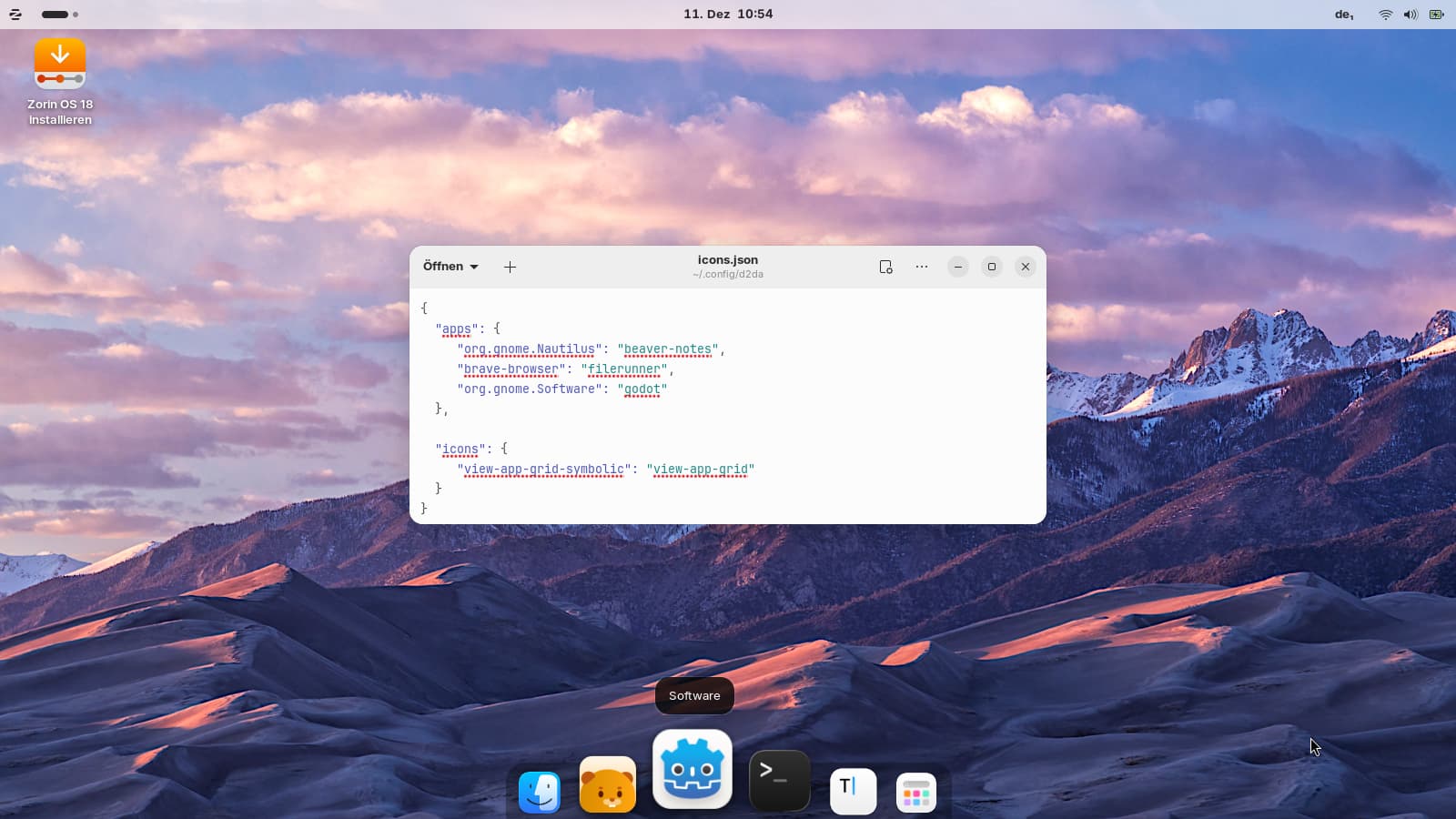
I have reverted back to the Cupertino icons and the show apps issue is unresolved. Thank you for all your help today, I do not want to take up any more of your time.
Best regards
That is not quite right. You have it in .local/share/icons/01-WhiteSur/
You have to take the 3 Folders WhiteSur, WhiteSur-dark and WhiteSur-light and put them directly in .local/share/icons and not in this 01-WhiteSur Folder and then in the Direction.
Hi @Ponce-De-Leon
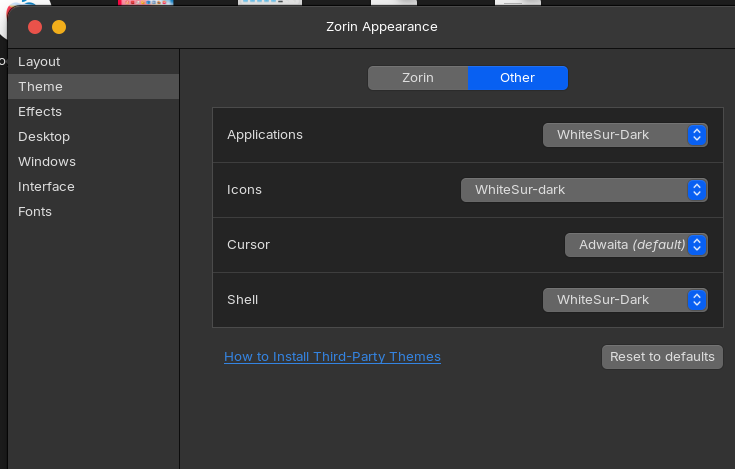
I realised that and deleted the white sur 01 folder, downloaded the white sur icon pack and installed. After selecting white sur in the theme section of Zorin appearance the icons were markedly different from Mac OS icons and the show apps icon was still a grid of nine dots. I am convinced the issue relates to dock2dash animated extension.
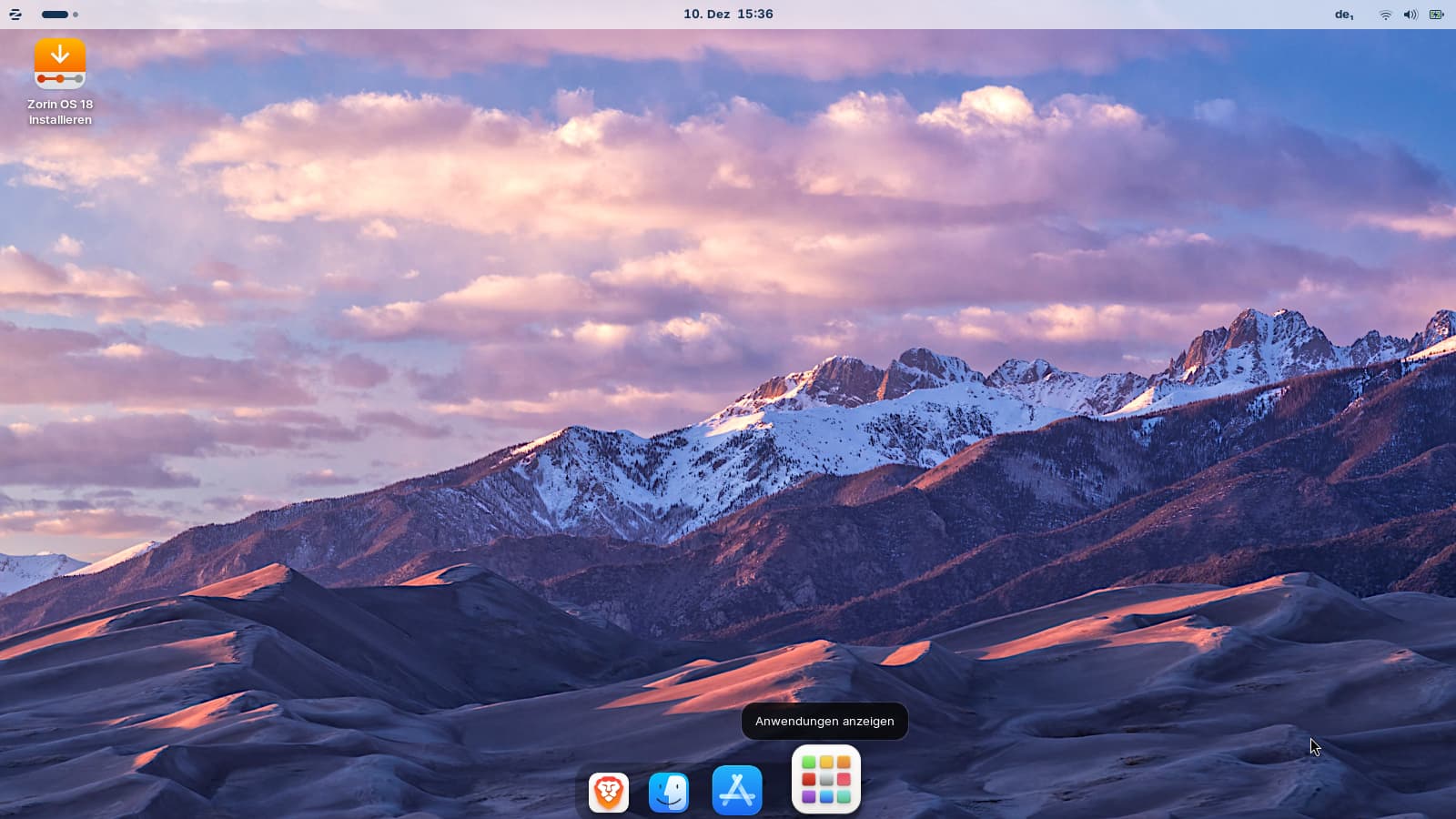
I have changed the icons pack to Mac Tahoe icons and when I disable dash2dock animated and select dash the icon issue is fixed:
Hi @Ponce-De-Leon,
I have checked all the settings in dash2dock animated and the only option is to show or hide the all apps icon. There is no option to change the icon.
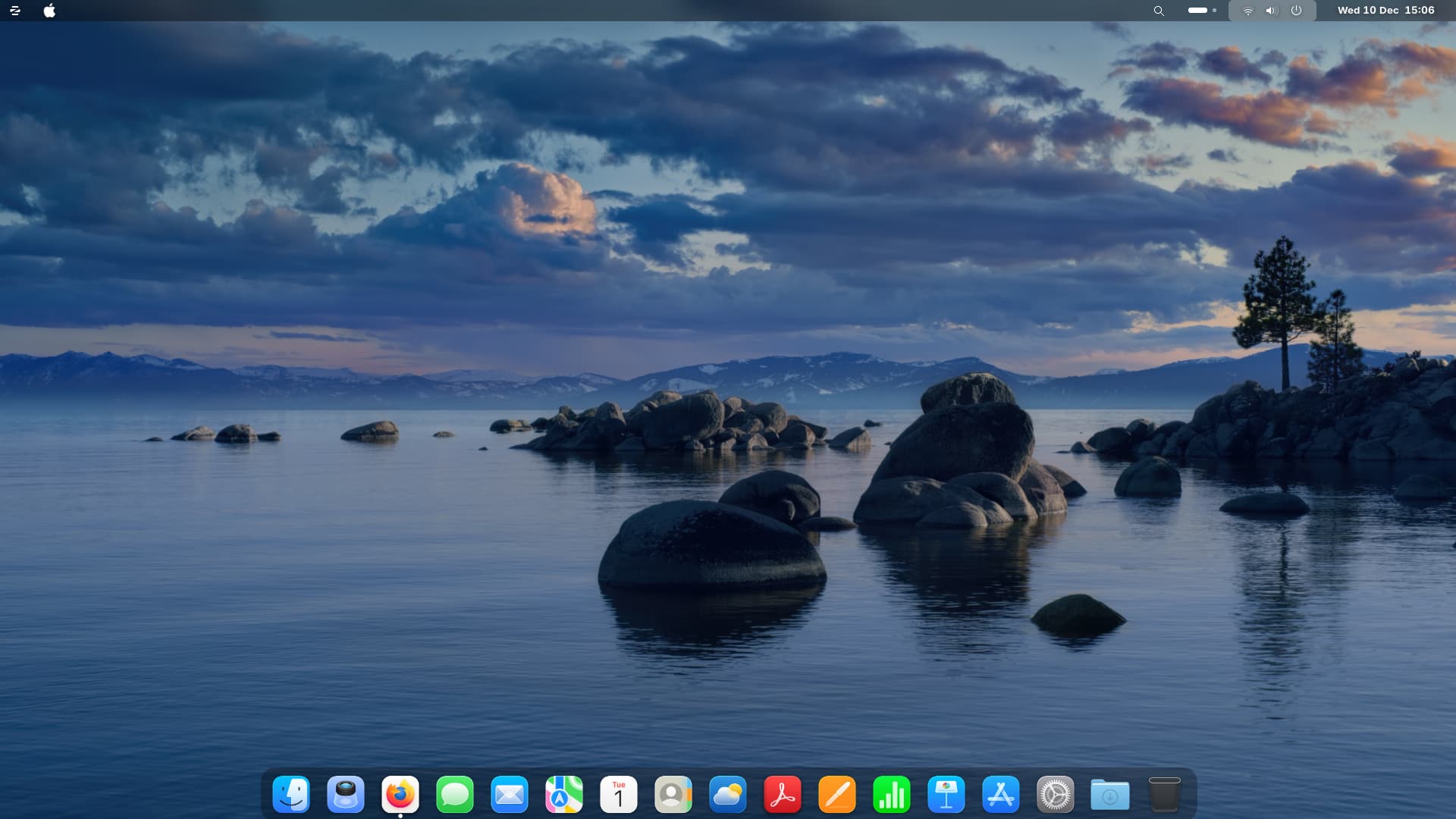
I have disabled the show all apps icon (this is accessible from the apple icon on the top panel) I have used a Mac OS tahoe background with the tahoe icons. I think this is the best I can do for now.
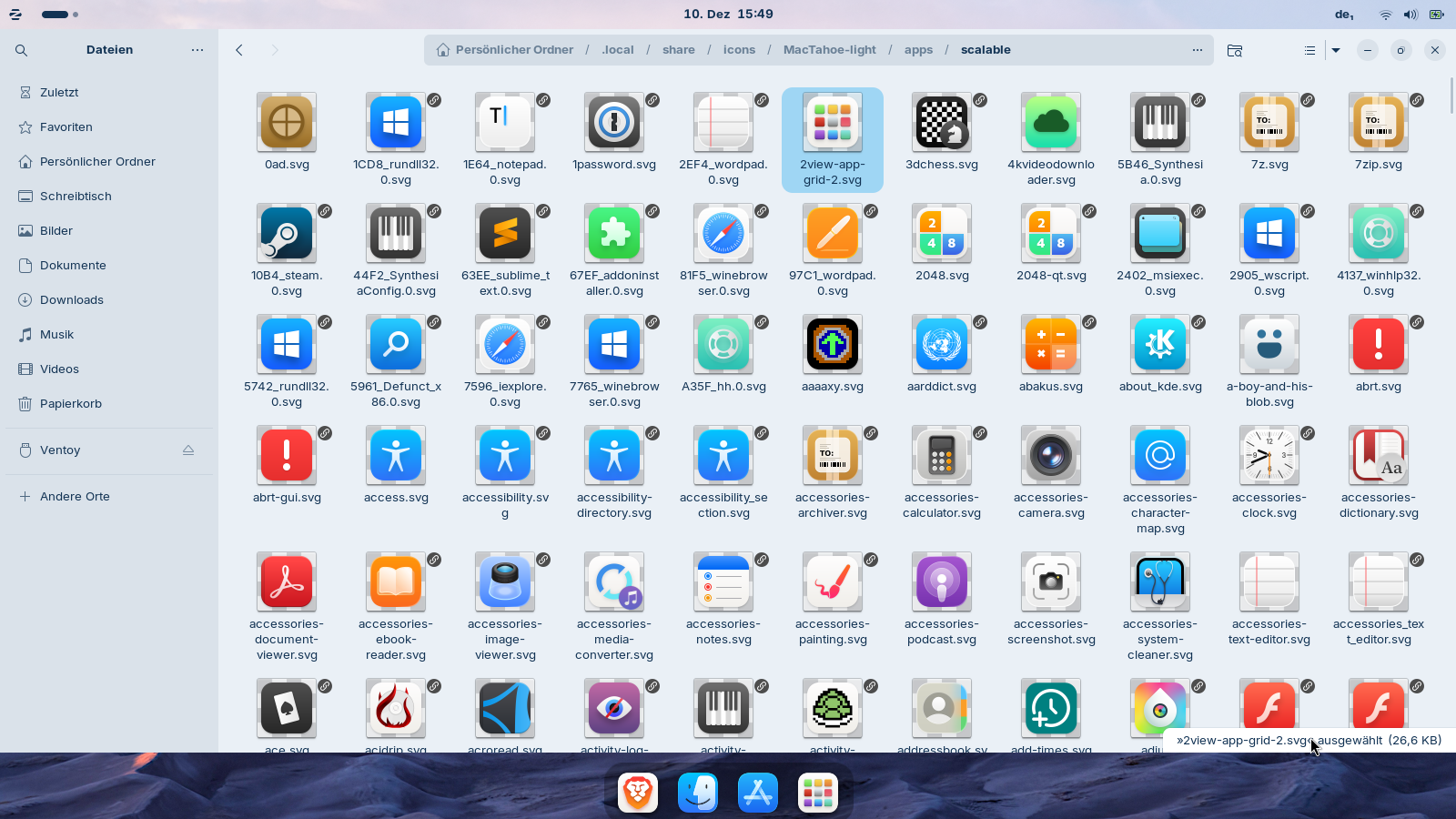
With MacTahoe it also works with the animated dash2dock extension. That are screenshots with the MacTahoe theme. If you want to set it up this way, we help you to do it. You can see my json file. I only have created this file, nothing else, and then logged out and logged in again. The icon is named "2view-app-grid-2" in the MacTahoe theme. This time it was easier to find it. I'm sure, you will manage it, too!!
Here is the place where it is saved (for the light theme), but you don´t need to copy or move the icon, you only need the name which is the same for light and dark icon:
Only if you feel like it—it shouldn't be a must. But it would be a shame if you gave up just before reaching your goal. Don't forget to log out—it only works after that!
Hi @Forpli
Success!
On my system the file was still called view-app-grid. I modified the text file and following log out and log in again, the correct icon is displayed.
Thank you for your assistance and patience. I have also applied the Mac OS Tahoe theme to complete the look.
Best regards
If I remember right, the icon "2view-app-grid-2" only exists in the light and dark version of MacTahoe, not in the general version. So after I switched to MacTahoe light or MacTahoe dark (in Zorin Appearance), it worked with this icon.
Edit: When I downloaded a MacTahoe icon theme today, this icon was nowhere to be found. I don't know what I did differently yesterday.
Yes, but you'll probably have to try a bit until you find out the commands if you want to change other apps.
For the app grid you know now how it works.
Maybe someone can tell you how to find out the IDs for apps. In the description is mentioned to use the logs, but I don´t know how to do.
I tried to replace the icons of the file manager nautilus, brave browser and gnome software, and it worked. It helped me to take a look a the desktop files of the apps to find out the names.
Thank you @Forpli
I am probably not going to make any more changes for now. It was for future use. The only icon I am likely to change is the music icon. I am unsure which is the best music player for Linux and once I have determined that I am likely to change the icon to the Apple Music icon.
Best regards
Hi @GolfBallFromBeefyDie, I would be very interested to read your guide when available. I have customised my system
to be Mac OS Tahoe like, although the theme is not consistent throughout. I appreciate that Zorin’s default font is preventing all windows having the Mac OS appearance and the solution is not perfect and risks breaking the OS. Hopefully your guide may offer further assistance with enhancing the Mac OS appearance. Would you mind letting me know when your guide is available? Best regards.