Over the last week I have been unable to load Microsoft Edge or Brave browsers; both were working fine. I installed Firefox and this is working fine, but not my preferred browser. I just installed Opera and that too will not load.
Anyone else getting this problem?
Storm
October 22, 2025, 8:10am
2
Hello,
Try start the browser that are malfunction up via the terminal. It might give a clue what's wrong.
Forpli
October 22, 2025, 11:42am
3
Recently, several issues with Chromium-based browsers (e.g., Brave, Chrome, etc.) have been reported here in the forum. The only browser that worked without issues for the users affected by this error was Firefox.
You can also try to launch the browser via terminal and disabled hardware acceleration:
brave-browser --disable-gpu
3 Likes
Thanks Storm and Forpli.
Firstly I am still new to Linux, so avoid using teminal where I can
Secondly, given what I just said, I have no idea if I'm on Wayland or XOrg so I need leading by the hand here please.
1 Like
Forpli
October 22, 2025, 12:21pm
5
Go to settings>about, there you can see at "Windowing system" if it shows X11 (=XOrg) or Wayland.
To run Microsoft Edge from terminal we need to know in which package format it is installed.
flatpak run com.microsoft.Edge
If it is installed as a .deb packagemicrosoft-edge-stable
1 Like
I ran it from flatpak. Deleted it then went back to the sotware store and chose the flatpak version to install. guess I will have to fight another day to find a solution.
The terminal is your friend.
The suggestion Forpli made is a good first step. Launch termnial with ctl+alt+t and then paste (using right click > paste) the code forpli gave:
brave-browser --disable-gpu
What this does - it launches Brave Browser with the flag to disable GPU acceleration.
If the browser works, then - it tells us what the problem is and how to fix it.
Thanks Aravisian. Typed the command in but terminal did nothing with it, terminal just sits there with a flashing cursor.
Not sure that is what should have happened.
Forpli
October 24, 2025, 4:51am
9
Do the icons of the browsers appear at taskbar when you launch them?
I'm wondering if they are opened outside the screen on a "phantom display" like in this thread here:
Hi folks,
My first posting, having just installed Z 17.3 on an oldish Gigabyte laptop. So far things are about as I expected them to be. But Brave won't open its window. I can see it in the icon, but no accessible window. I've installed Firefox which works exactly as it should. I've uninstalled Brave, reinstalled it, but still no usable window. Any suggestions?
best wishes,
Peter
The icon for Brave, Microsoft Edge and Opera do not appear in taskbar, but there is a short spinning circle as if it is trying to open.
I have looked to see it they opened in another window, but nothing found.
And if you launch any from terminal, the cursor just sits flashing, too?
DGrooV
October 25, 2025, 3:56am
12
I noticed too after updating last week, Brave did not load anymore.
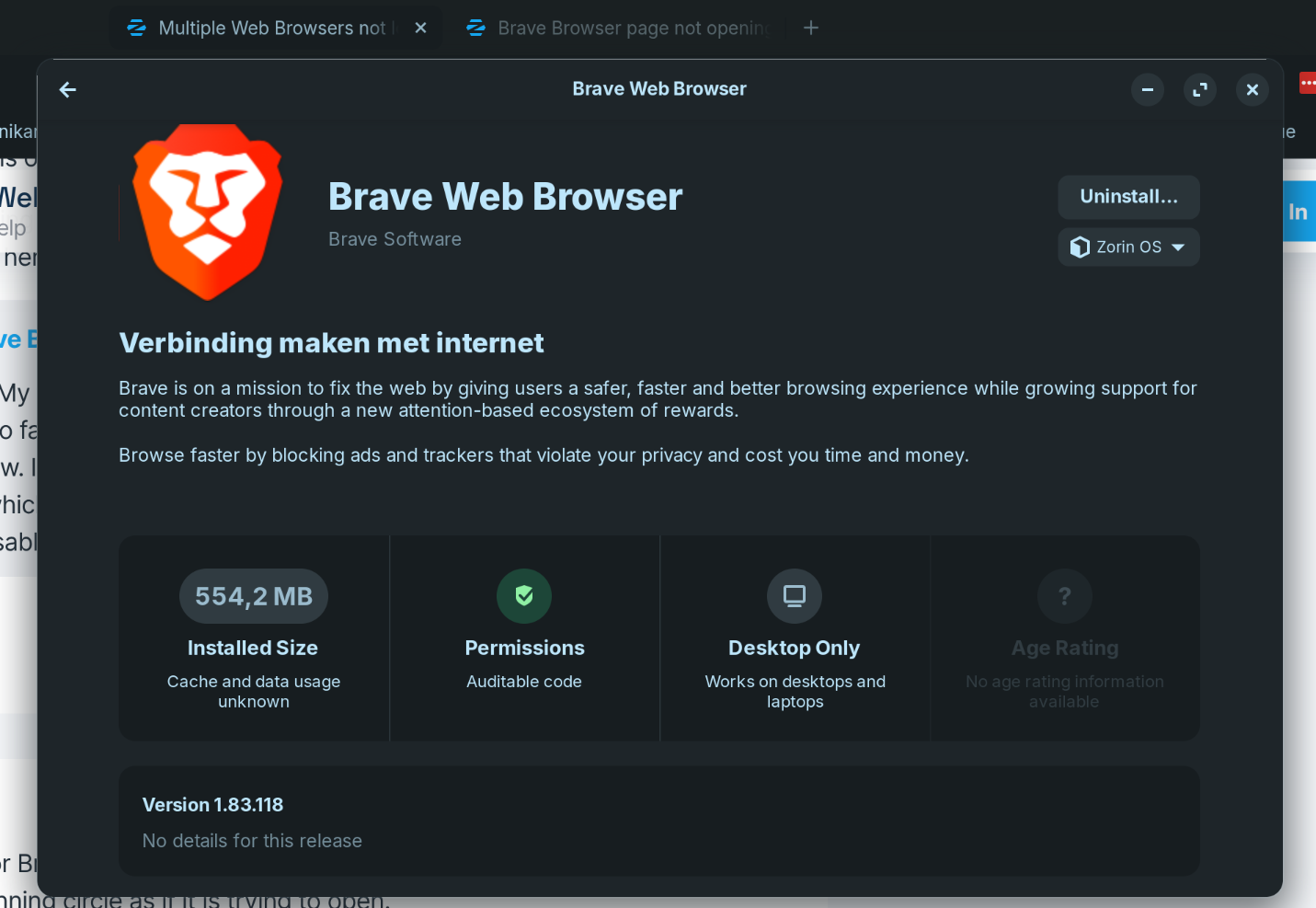
I found out as long as I use version 1.83.118 and exclude Brave from updating Brave to the newer version it works fine.
2 Likes
Browser issues now resolved.
1 Like
system
January 31, 2026, 8:17am
14
This topic was automatically closed 90 days after the last reply. New replies are no longer allowed.