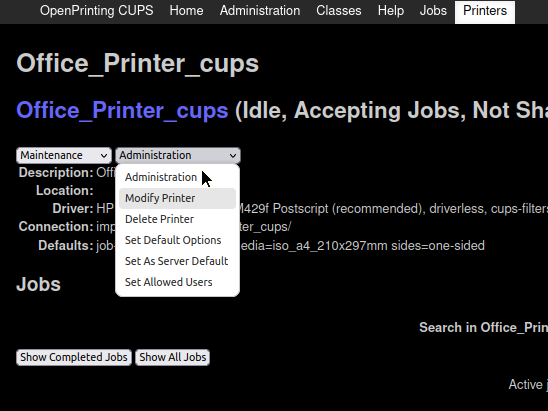
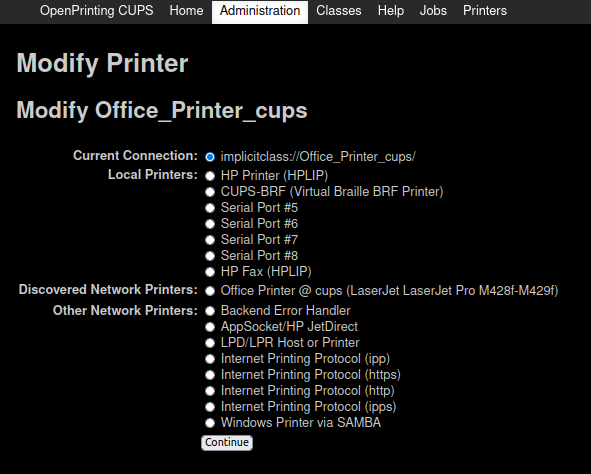
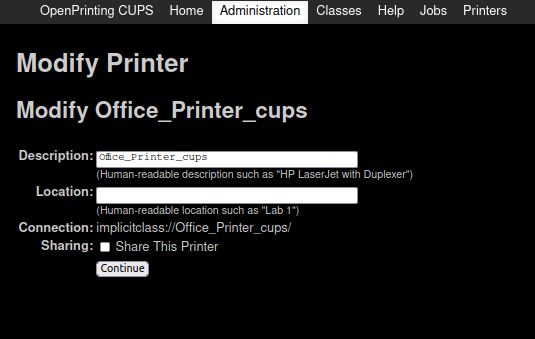
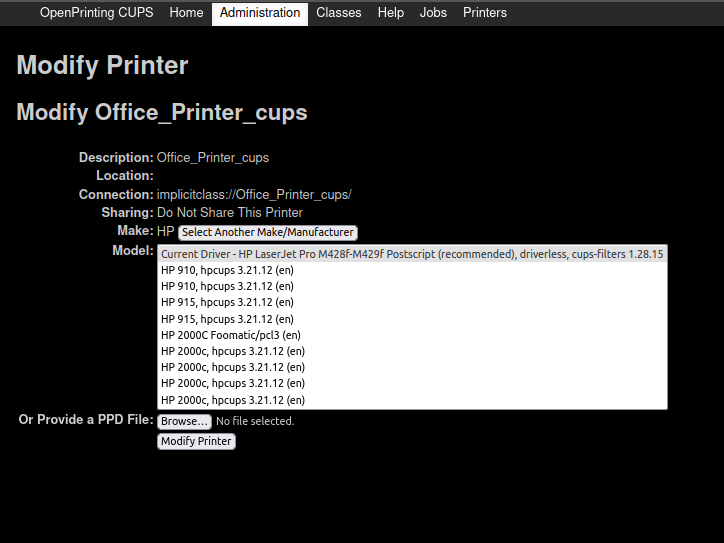
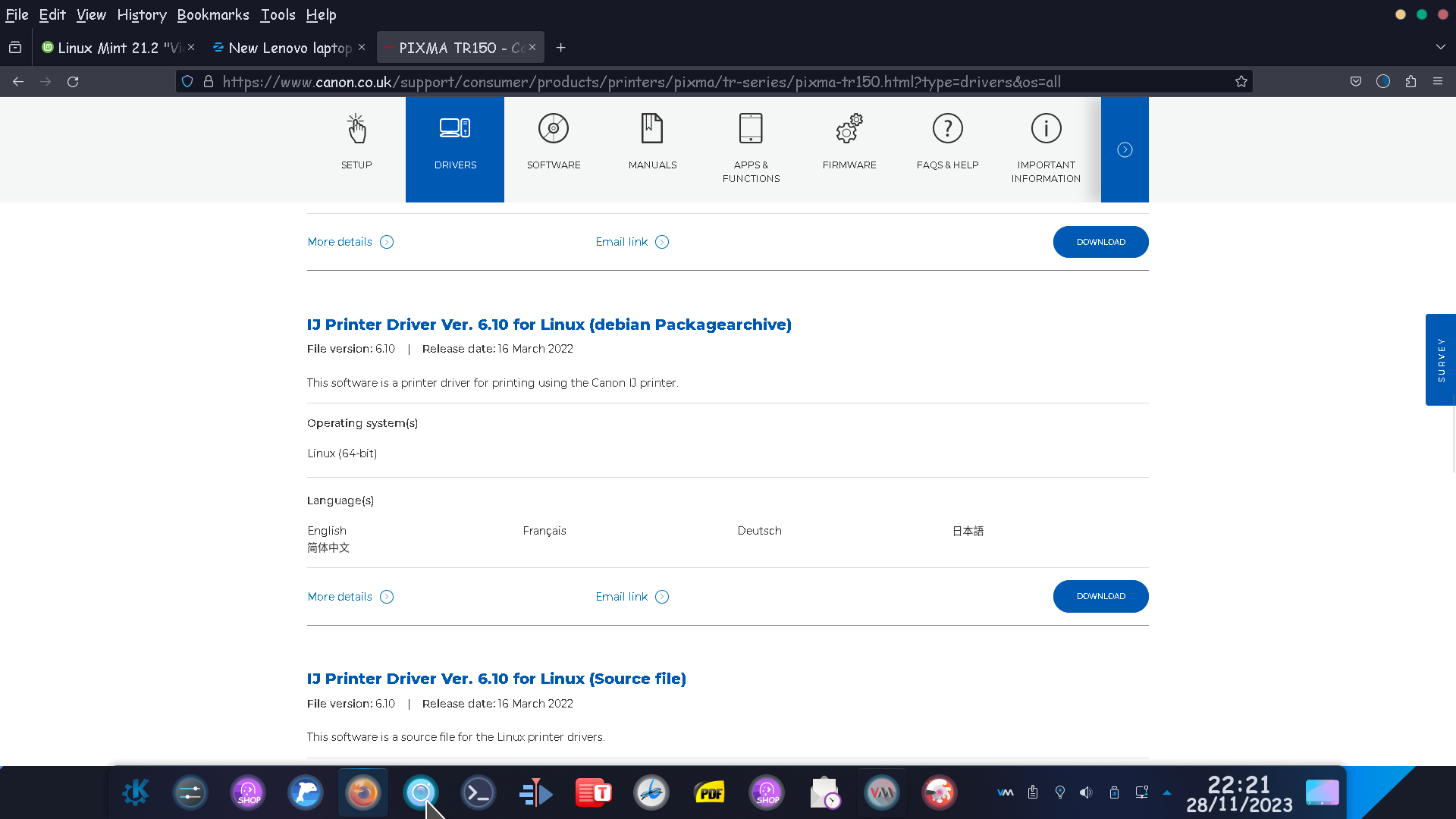
Hi jesselashcraft, I have always had Canon Printers and no other, be it Windows or GNU/Linux. What the modern kernel does is identify the printer/s correctly (not just Canon) but does not include a driver. You need to go to the Canon Website, specifically:
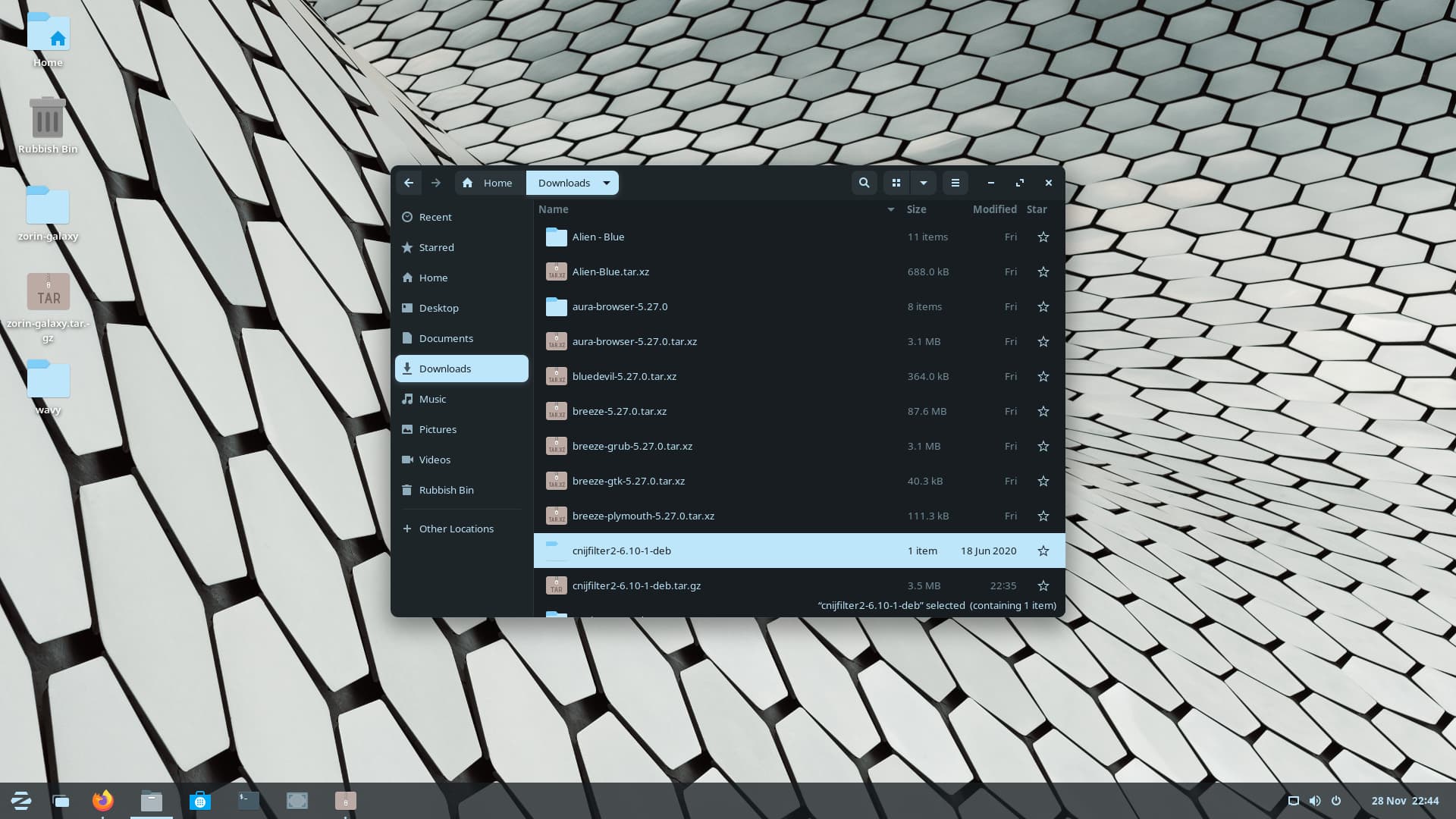
The download is a .tar.gz file - you need to extract the .deb by using Ark and will be the first option open to you upon right-clicking it. Extract it within the Downloads folder:
After you have downloaded the .deb package, open a terminal and enter:
sudo apt install gdebi
This installs the Gnome deb installer and will need a reboot of the system. Launch Gdebi and then select File and browse to the downloaded .deb file in your downloads. Open the root .deb folder and you will see 3 more folders - the one you need to open is the Packages folder and select the amd64.deb package. Once selected Gdebi will state whether all dependencies are in your system. Once this has been confirmed, select the install button - you will be prompted for your login password to continue as all package installations need 'root' privileges.
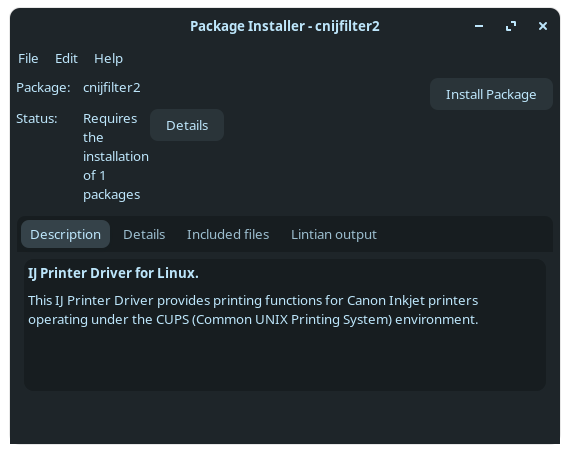
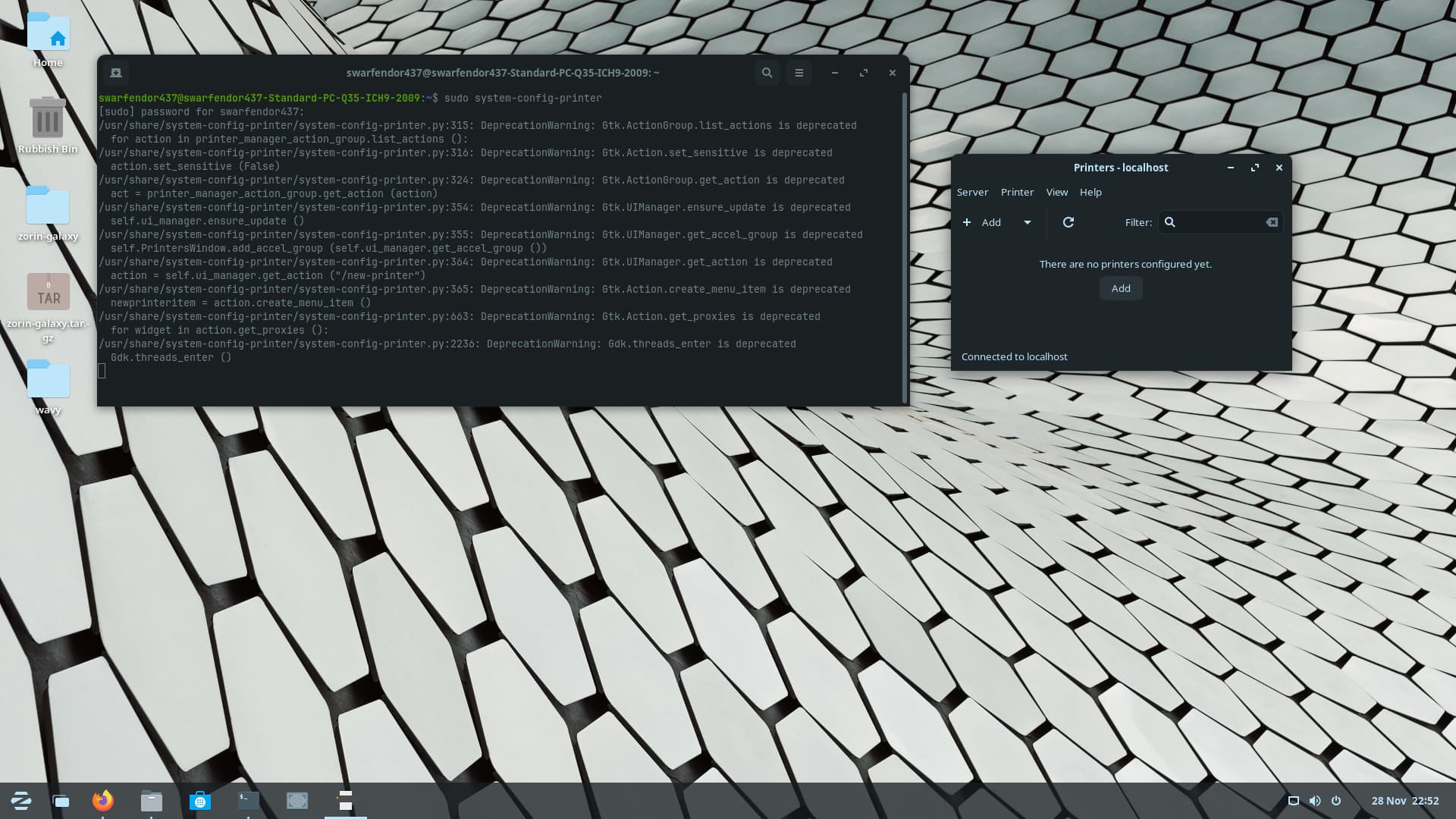
Then from a terminal (Ctrl+ Alt+ T t launch terminal):
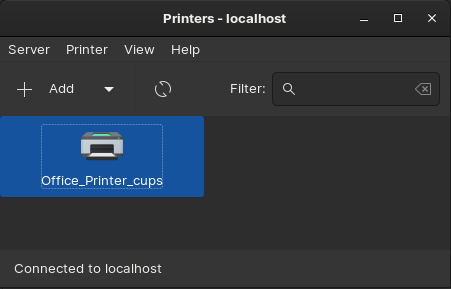
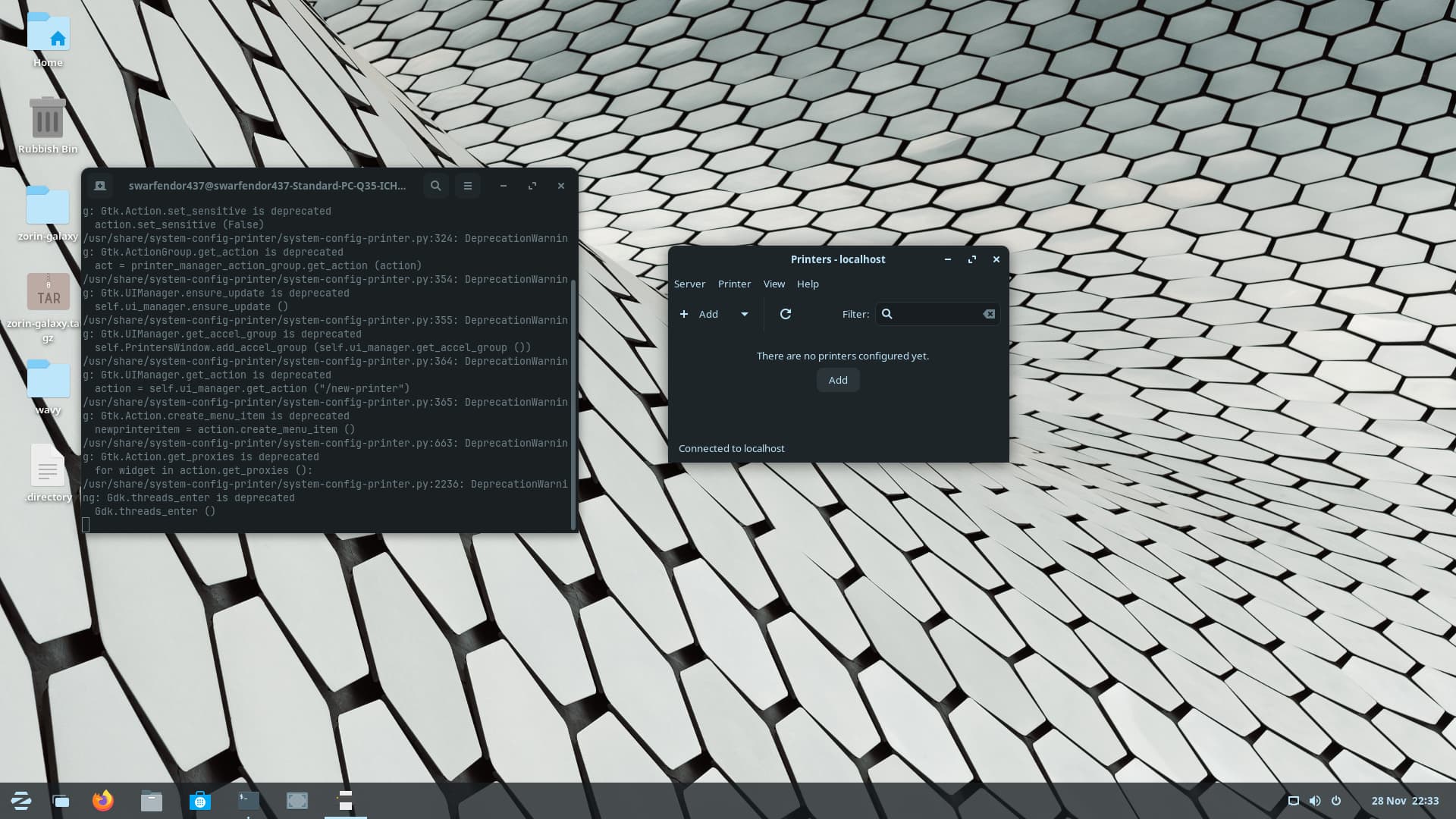
sudo system-config-printer
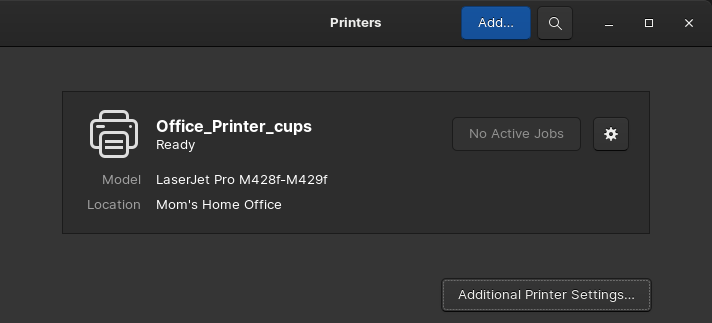
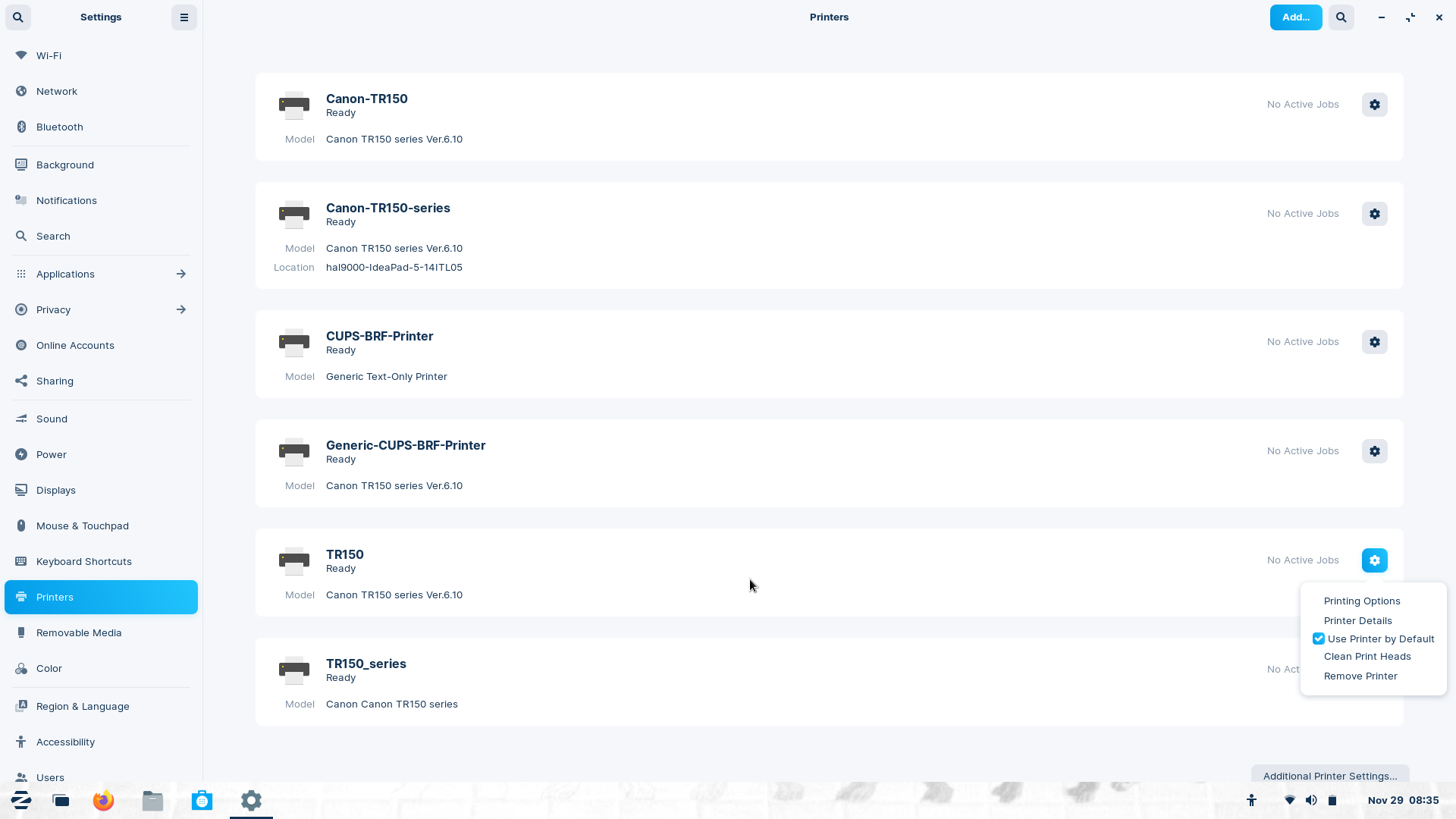
It will bring up the same interface as 'Printers' from Settings, but will ensure a better installation of your printer (I speak from experience!)
Click on 'Add Printer':
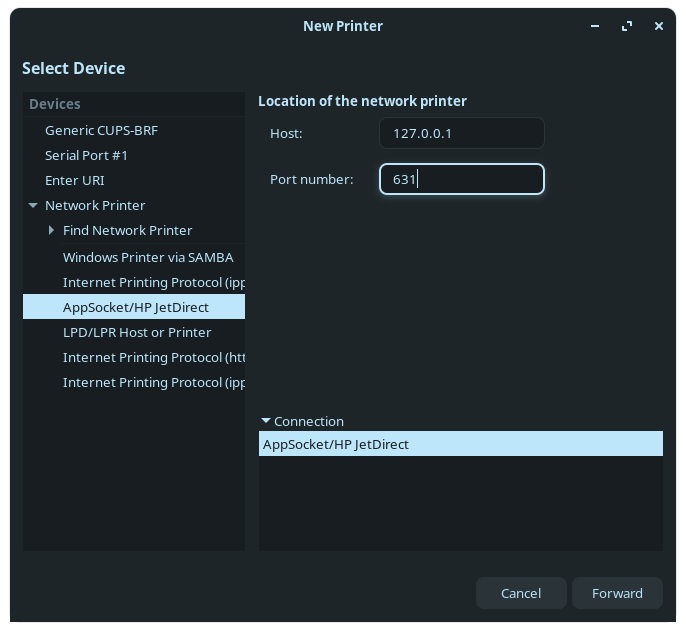
Choose 'AppSocket/HP JetDirect and enter the following information in the fields:
Then select 'Forward' button, bottom right which brings up:
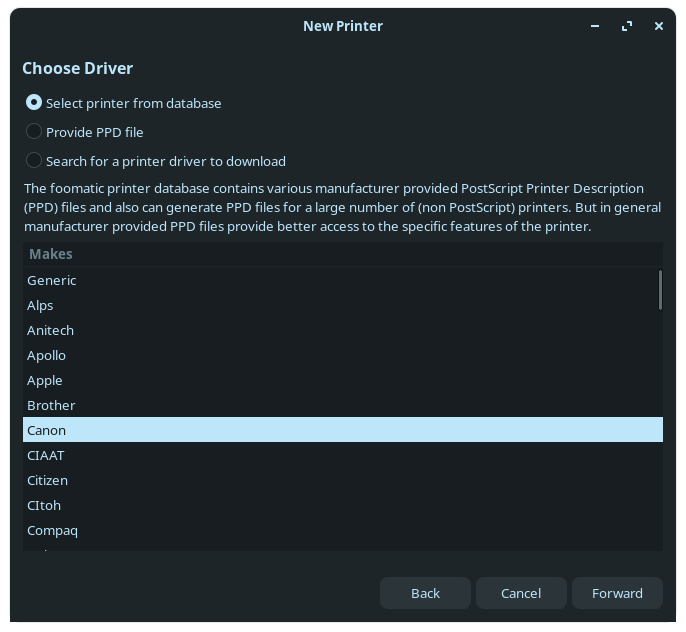
Select Canon and Forward again, this comes up:
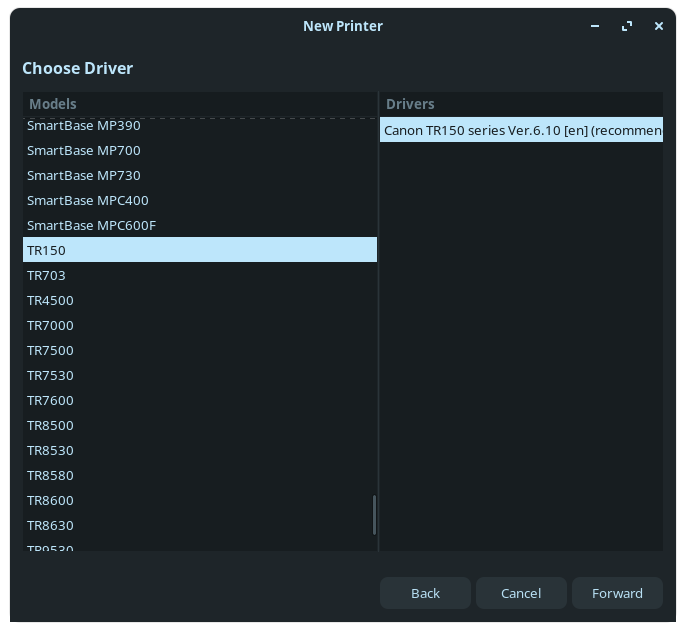
Now scroll down until you reach TR 150:
Thought I had missed a step, but I had failed to do was install the .deb package! D'OH!
Even though it is a Pixma the newly installed driver comes at the bottom of the list - note it lists all the other TR Printers supported by the IJ Package - and why is it at the end and not under the Pixma Section? Remember, Canon does not work for Canonical, or GNU/Linux!

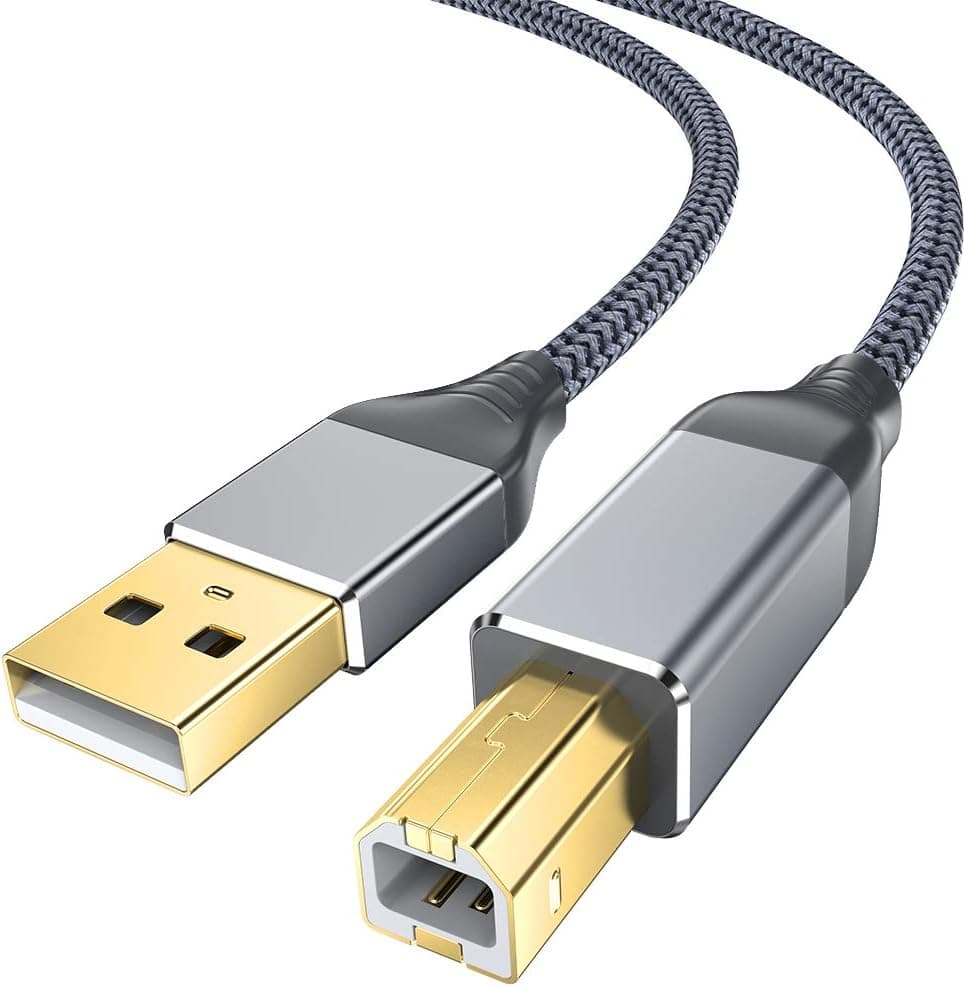

 ..
..