I have just installed Zorin 18 Core from scratch (can't wait some weeks for the upgrade!) on a Phantom Canyon Intel NUC (NUC11PHBi7) with GeForce RTX 2060 Mobile and nVidia 580.95.05 driver installed.
Everything seems ok but I have got 4 times the White Screen of Death displaying the "Oh No! Something has gone wrong - A problem has occured and the system can't recover" message with the "End Session" button as the only option (check attached file).
When I walk away from the PC for a while, the screen goes blank, and when I come back touching the keyboard, the screen turn on and I find the system password prompt. When I enter the password to resume my session, the WSOD appears.
I have no sleep/suspend/lowpower option enabled on the system, it's just the screen entering sleep mode.
With the WSOD I have only the "End Session" option to continue.
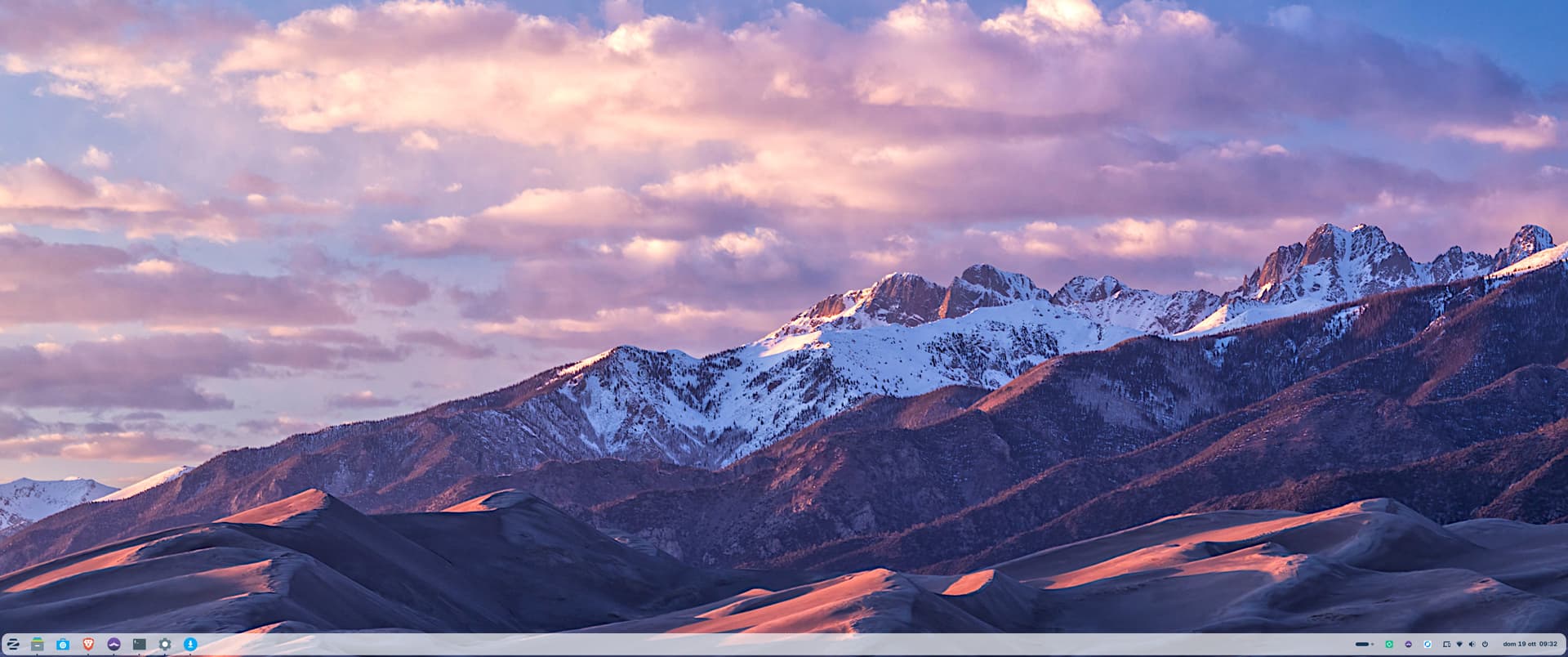
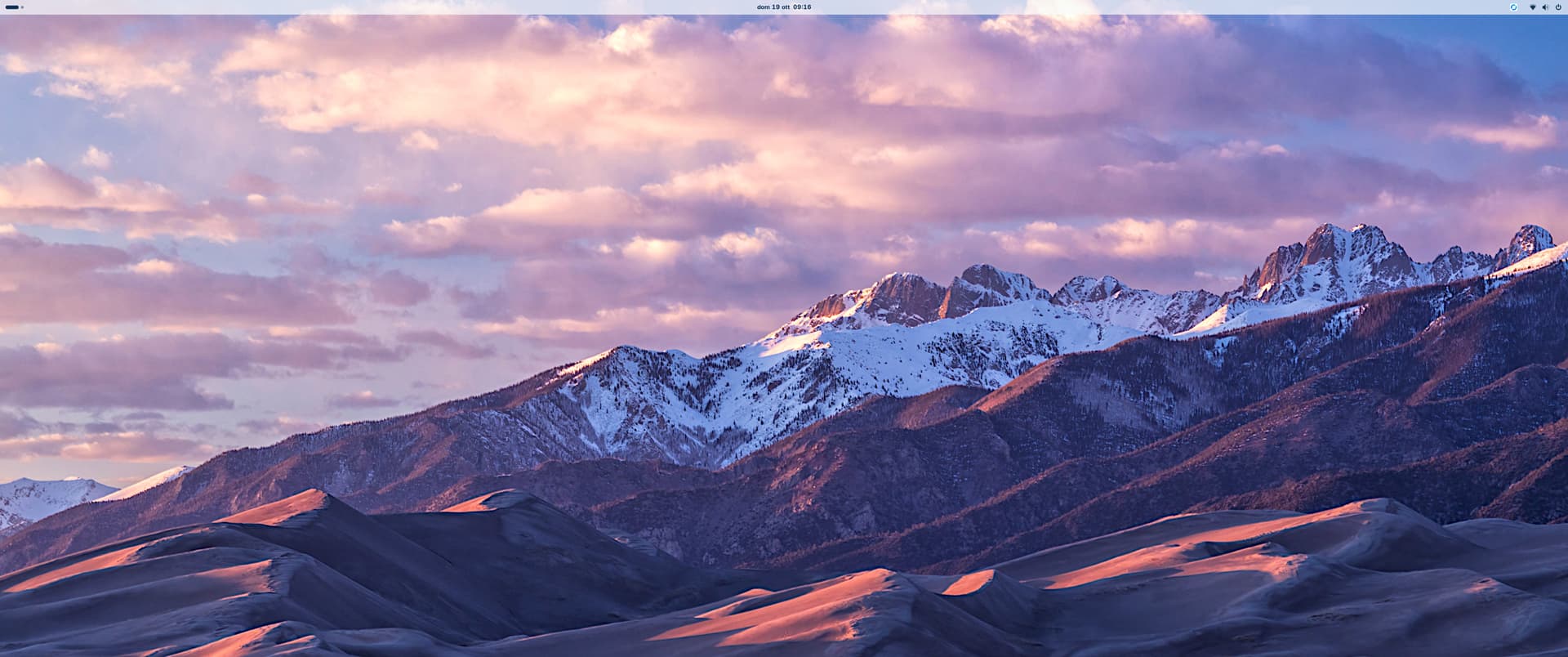
After terminating the session, after logging in again the bottom taskbar is gone and there is only an empty upper taskbar (you can check the "After WSOD.png" attached file) instead of mine (check "Before WSOD.png").
What is weird is that if I use Alt-Tab during WSOD, my apps are still running behind the WSOD window, apparently with no problem/error/misbehaviour!
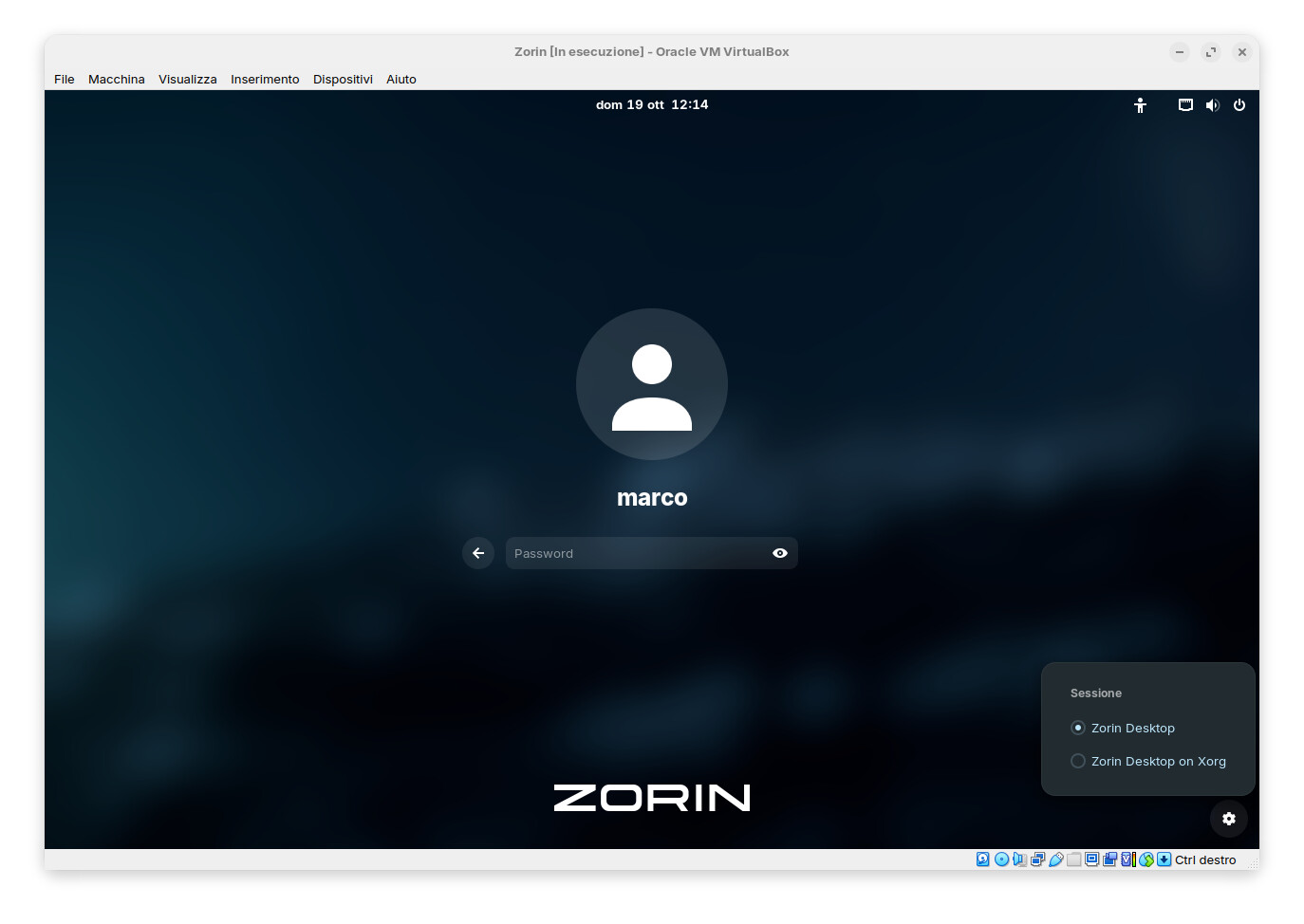
I noticed you have an nVidia card. Have you tried changing to 'Zorin Desktop on xorg' at login? If you don't know how to do this then select your username at login but don't enter password, a cog appears lower right. Left-click on the cog an select Zorin Desktop on xorg. Now login and see if things improve. If they don't then I suspect it could be an nvidia driver issue.
Reboot and test. If that is not it, you can restore the .bak created files.
Check if it is a GDM issue:
journalctl -xe | grep gdm
Or disable all extensions except Zorin MEnu (Or other critical ones) and test - if the problem does not occur, re-enable extensions one by one until narrowed down to which is causing the issue.
That can changed depending if You install Zorin with Nvidia Graphics Drivers or not. At least this is what I have seen here a couple times in the Form. Then ''Zorin Desktop'' is the Xorg.
Because of this, I would find it better when both Options are clearly labeled.
Probably @Ponce-De-Leon is right, it depends wheter you install using the "modern NVIDIA drivers" option in GRUB at boot time, which is what I've done while installing bare metal.
Are there any tests I can do, any information I can supply to help diagnose and fix the problem? It's getting tiresome to have to end session and reconfigure the taskbar every day.
In an effort to try something instead of waiting around, I changed drivers.
In the "Software and Updates" app, I opened the "Additional Drivers" tab, selected the 570 version, not the one for server I made sure of that, clicked Apply, entered my password, waited patiently then restarted the computer.
I don't think any of you will believe what happened next.
I lost my wifi. It's gone. The adapter I was using for a month, a couple seconds ago. Gone. The other adapter I was using before buying this new one, the one that works perfectly everywhere? Not detected.
Apparently, changing video drivers will destroy wifi on Zorin. I just can't explain it. I had to reboot in Windows right now to write this post. Using my wifi adapter that runs 100% fine.
Dealing with this same deal. Only happens if I leave a single (or more) application(s) open, then the screen locks after 15 minutes or I put it into suspend. When I come back, type in my password, this error happens. This NEVER happens if I close ALL applications first.
And yes, as the OP stated, when I log back in finally, the "Zorin Appearance" sets itself to the "MacOS" style Layout. WTF?
Edit: Just discover that it also closes out every tab in Firefox and Chrome and also resets my dark theme in Firefox to white (my eyes are burning!). Super lame. Losing all open tabs make this a deal breaker.
Clear as day that ZorinOS is not ready for Win10/11 users to jump ship.
This is still an issue...
Has anyone heard anything from Zorin? It's a bit of a joke that this was supposed to "replace windows" but it is the MOST unstable version on linux on the market after version 18. 17.3 was great, but this? trash...
Have you noticed any improvements with the new ISOs? Unfortunately, I haven't - at least not in the live session. There are often crashes with r2 .iso, sessions don't resume, Nautilus hangs...especially with Wayland
I can't really say something to this. I never had Issues in Live Mode. But to be fair: I never used it much long over a longer Time. I only use it to get an Overview or when I need Boot Repair or GParted. Something like this.