Online Accounts Error

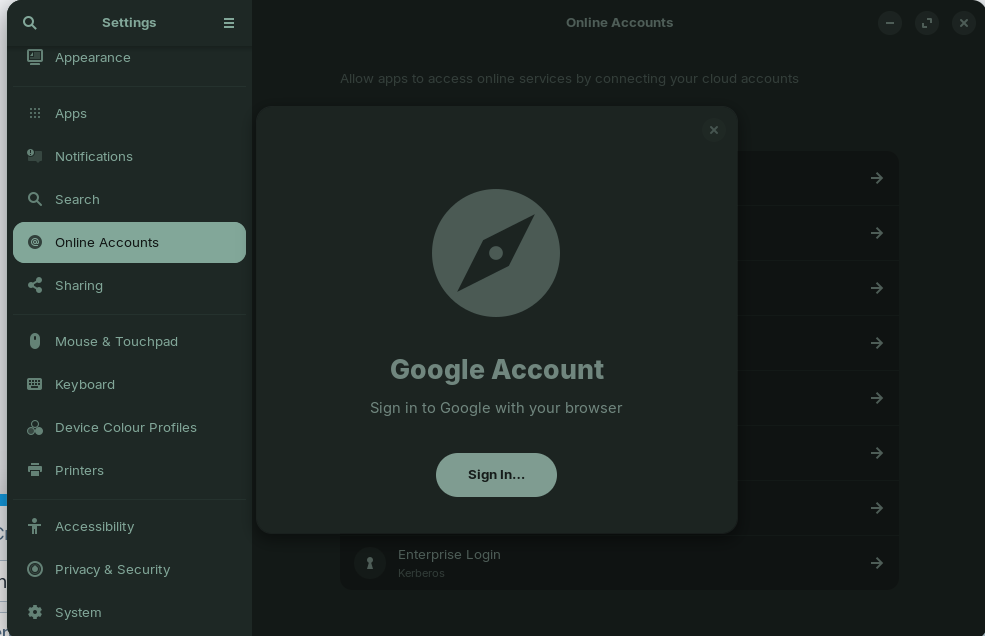
Just did a full install of Zorin 18 Core a few hours ago, did the updates and a reboot. I'm trying to sync up my Google Calendar with the native calendar application - leads me to the Online Accounts in settings. I click Google, get the pop up saying to log in on my browser, click the sign-in button... and then the pop up just closes and I get nowhere?

Using Waterfox as default browser, still have Brave installed. I've checked my third party settings on Google and that all looks good. What's a guy to do?

hello,
welcome to the forum.
Did you try to make Brave as default browser to register your account ?

Gave that a shot and still same issue. Doesn't even open Brave.

are you on Wayland or X11 ?

You could take a look at this thread. Maybe something can help you:

X11 it looks like

Thanks, but I had already combed through that one, as well as a few other threads.

Do you have installed waterfox as flatpak or tarball? If it is installed as flatpak you could try it with the tarball.
If you want to try that please first remove the installed version.

If you want to keep the flatpak it may help to install flatseal and to set the permissions for waterfox there.

I just grabbed Waterfox from the Software application, but that looks like it's a Flatpak. Installed flatseal, but none of these permissions are seeming intuitive to me that would be connected to the Online Accounts page. Do you have recommendations about what I should be looking for?

you can try this but no warranty

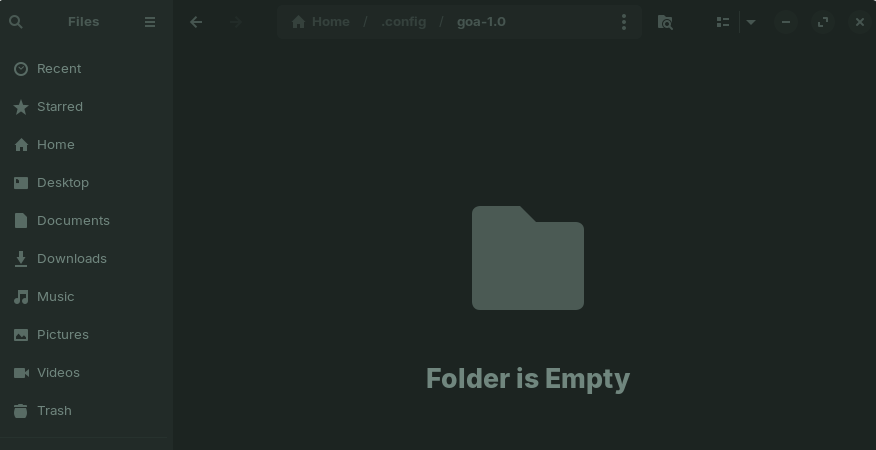
  1. In your actuall Gnome personnal home folder go to .config/goa-1.0

goa = Gnome Online Account

1.0 at this time maybe it will be another version for you.

  1. In goa-1.0 you should find a conf file « accounts.conf » If you have added an online account in Gnome parameters. accounts.conf example :
 [Account account_1875320154_0]
 Provider=google
 Identity=username@gmail.com
 PresentationIdentity=username@gmail.com
 MailEnabled=true
 CalendarEnabled=true
 ContactsEnabled=true
 FilesEnabled=true
  1. save and past « accounts.conf » in your new Gnome installation. Same folder /home/user/.config/goa-1.0.
  2. A network link appears automatically in Nautilus
  3. Go to Gnome paramaters --> @ Online accouts a warning message prompts you to enter your online account password. Enter your password...

I'm not sure which file/directory is needed. You can check if it works when you set the permissions at tab filesystem (in the app flatseal) to all users files, or, if that doesn't help, to all system files.
Flatpaks are sandboxed from the system and often don't have access to files which are required to work correctly.
With .deb packages or tarballs you often have less problems.
whatever it's not abot Waterfox because this doesn't work wiht Brave as default browser for him

another question, do you have firewall enabled ?

Just to make sure I understand, I would find the home folder via the terminal, right? Not the File GUI program?

Nope. I'm actually a bit clueless on what to do with a firewall anyway (adds to list of things to look up later)

Maybe it helps to reinstall the app

sudo apt install --reinstall gnome-online-accounts

You can find the ~/.config folder with your file manager. Press ctrl+h to show the hidden files.

Welcome to the Forum!

You can open the File Manager (called ''Files''). Then press ctrl+h to show Hidden Files. And then You should see the .config Folder.

Oh fun, my goa-1.0 folder is empty. I feel like that's not supposed to be the case lol.

try to create the file accounts.confwith the content I gave you

Okay, that got me to somewhere. I got a pop-up saying "No such secret item at path: /org/freedesktop/secrets/collection/Default-5fkeyring/5"