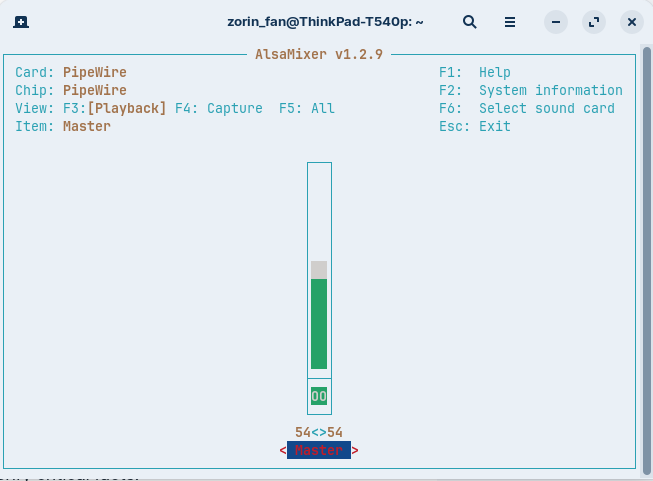
After a complete wipe of Windows 10 & install of Core 18, only the left hand laptop speaker is working on my Lenovo T540p. Both were working before wipe. According to AI, this is a fairly frequent issue involving audio setup. Ran the following in terminal with no change:
Is the speaker "balance" setting centred? (bit obvious, but have to ask).
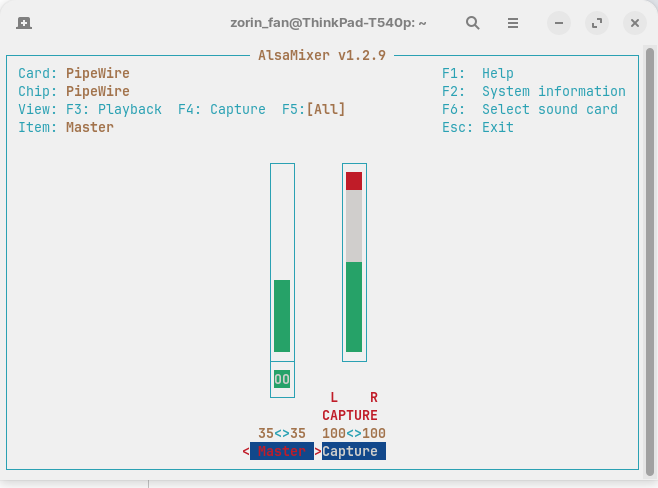
Run alsamixer in terminal.
Hit F5 to show "All" channels.
Check if both L&R speaker channel volume are set to same volume level.
Note: I had same issue on my ancient laptop. Fixed by dragging balance slider left, right, left, right frantically a few times. Then re-do speaker test. I have also been known to thump the Right speaker to reveal itself, but cannot seriously recommend that.
They are built-in speakers, but are on the bottom of the laptop. No external. But as an aside, when I plug in an external sound bar, both sides of it seem to be working correctly ...
Your screenshot shows the word 'Capture' which suggests microphone not speakers. What happens when you press F3?
Searching with Brave A.I. I copied this snippet:
" If the issue persists, check PulseAudio Volume Control (pavucontrol ). Install it with sudo apt install pavucontrol , then run it. Go to the Playback tab and verify the volume levels for each channel are balanced and not locked. Adjust the balance if necessary.
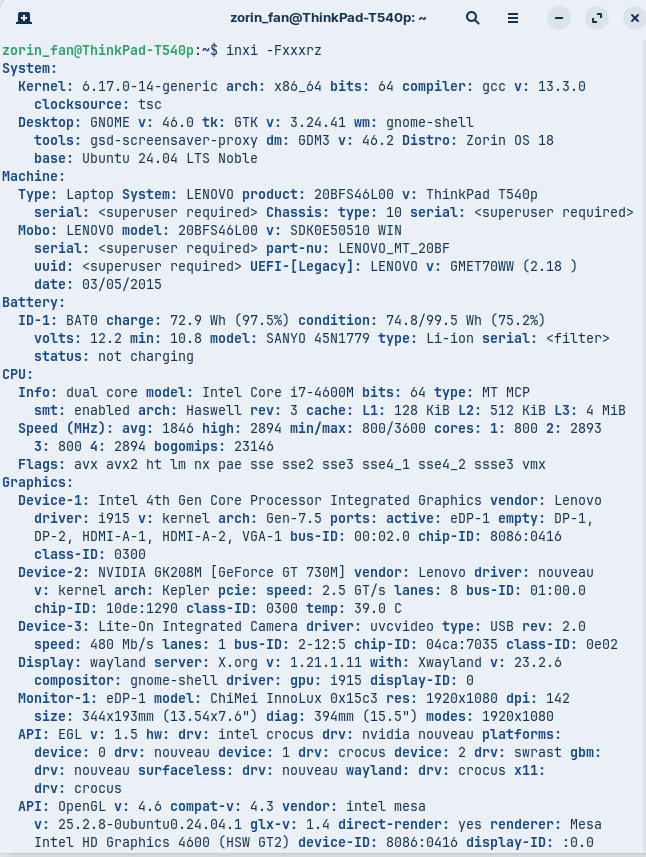
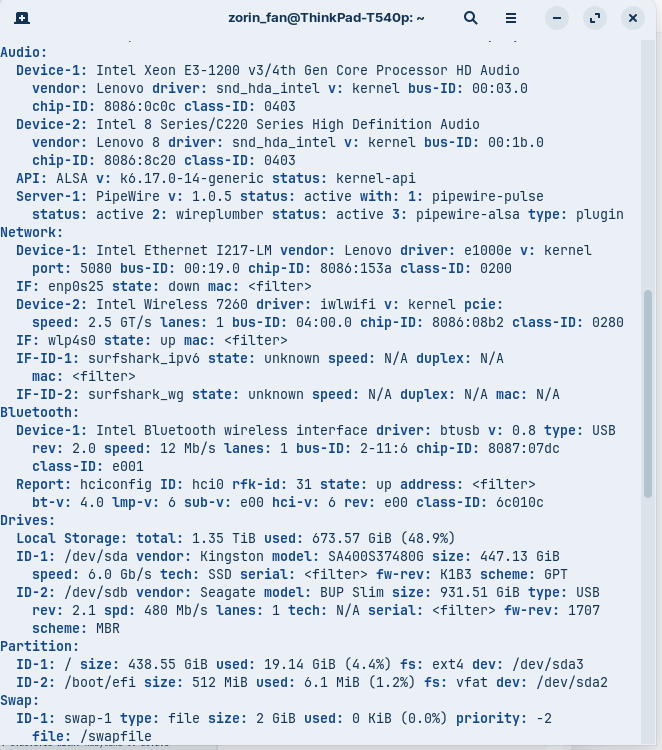
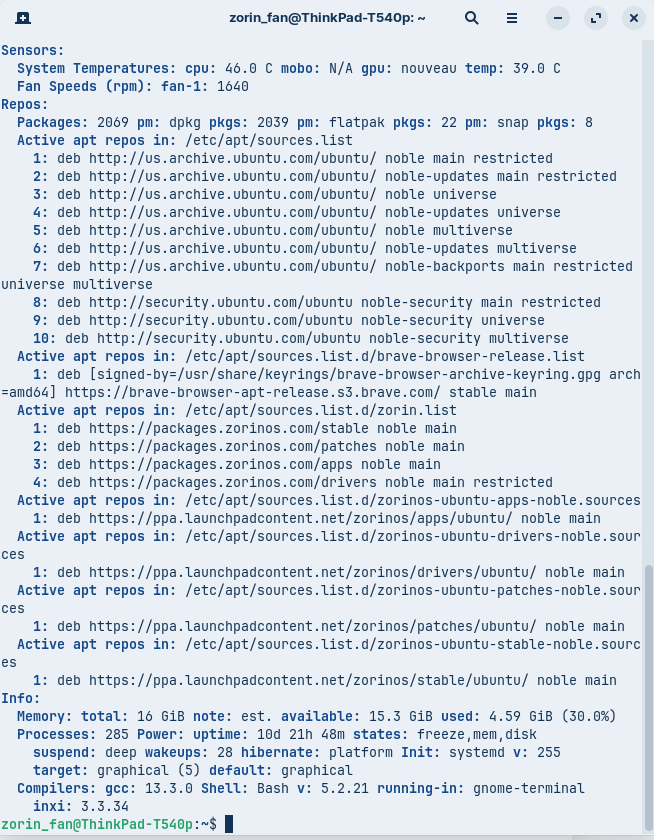
For the Lenovo T540p specifically, the problem may be related to the Intel Smart Sound Technology (SST) driver. Check your audio configuration using inxi -Fxxxrz and look for sof-hda-dsp in the output. If the right channel is muted or unbalanced in pavucontrol , manually adjust it. A known fix involves ensuring the correct audio profile is selected in pavucontrol or using alsamixer to restore balance after boot.
alsamixer F5 shows All channels, both Playback and Capture. So don't worry about that.
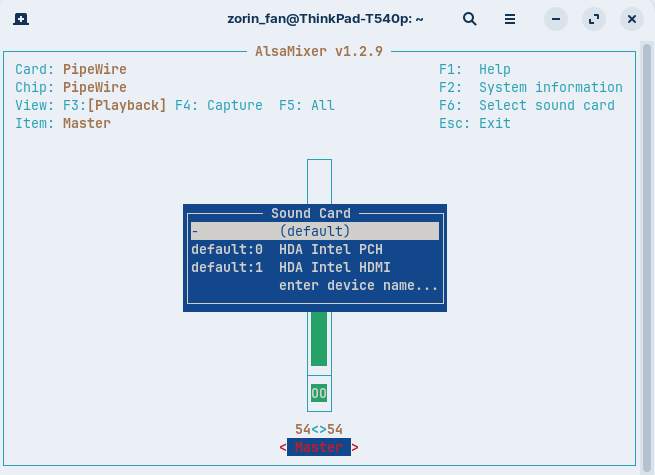
What does F6 show for soundcard/s?
We are seeing a lot of sound issues with Intel Sound Cards, so determining exactly what soundcard you have and investigating from that may help.
I assume all the basic pre-installation checks (e.g. BIOS Secure Boot, Fast Boot disabled etc) have been carried out as described here: Before you install
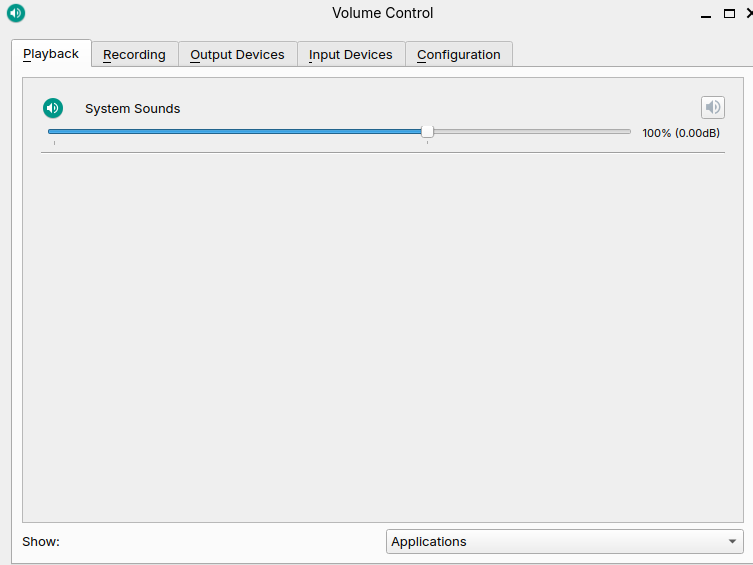
" If the issue persists, check PulseAudio Volume Control (pavucontrol ). Install it with sudo apt install pavucontrol , then run it. Go to the Playback tab and verify the volume levels for each channel are balanced and not locked. Adjust the balance if necessary."
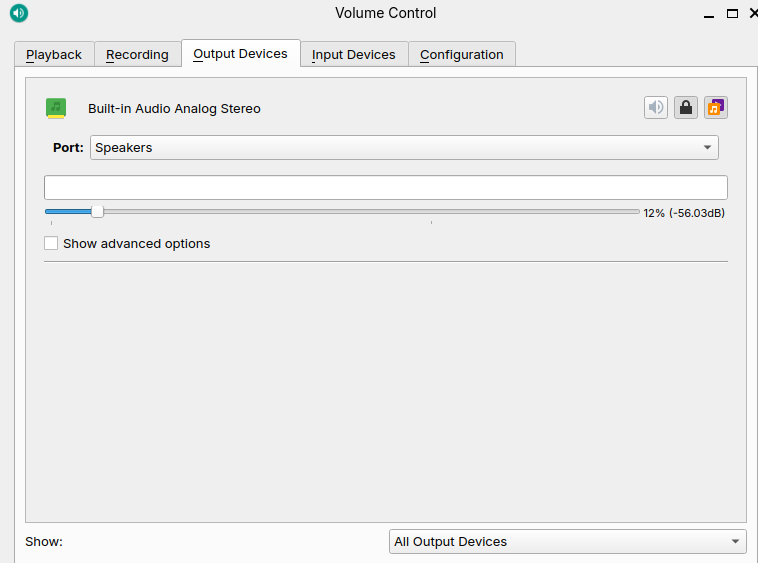
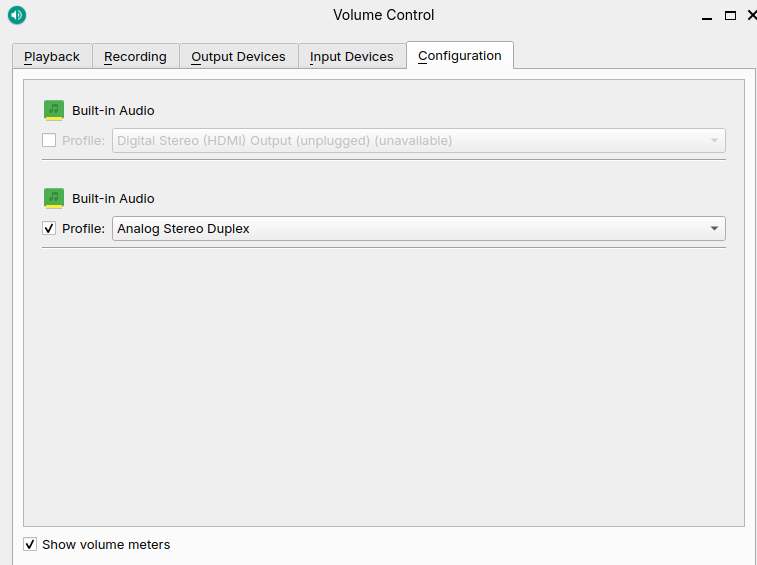
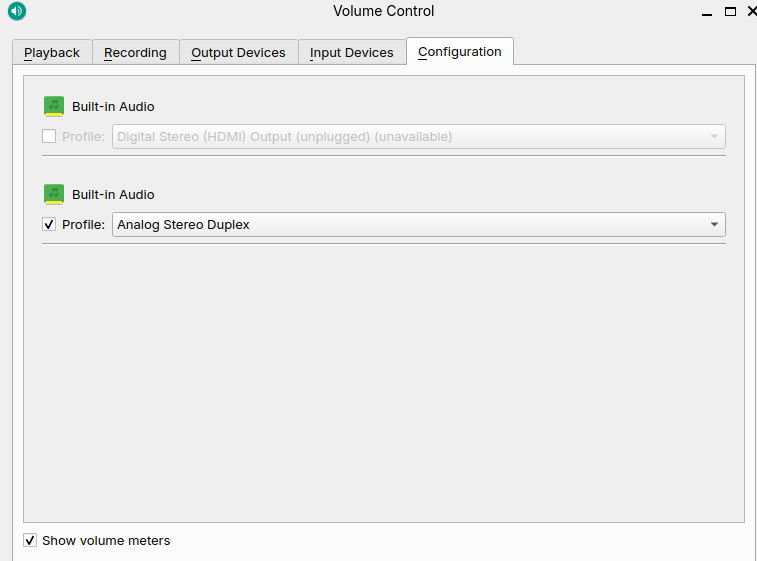
I was given the option to install this without terminal, hope that was ok. Here are snips of seemingly relevant tabs (?). Separate channels weren't shown in the Playback tab. Anything to do here?
This is the current setting... wasn't able to screenshot the dropdown menu, but the other options are: Analog Stereo Output, Analog Surround 4.0 Output + Analog Stereo Input, Analog Surround 4.0 Output, Analog Stereo Input, and Pro Audio. No idea which mine should be...
 )
) ...
...