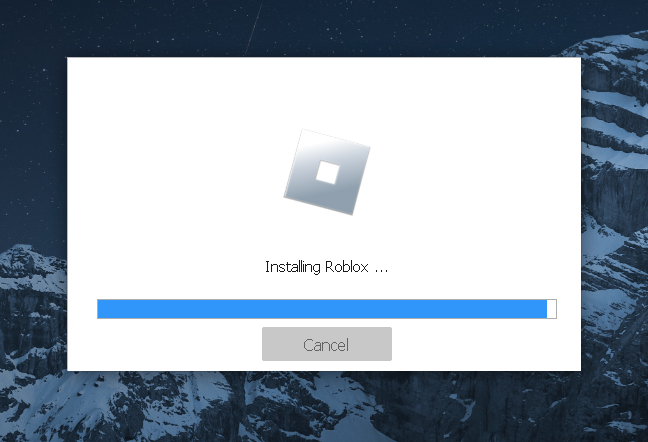
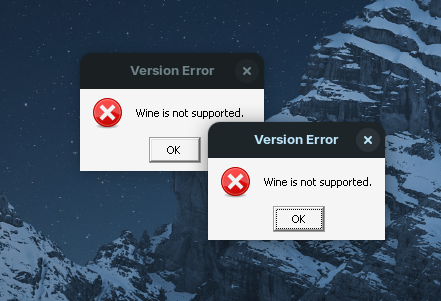
I am using linux based distro zorin os and i am trying to run roblox on it and i tried grapejuice, bottles, lutris and heroic game launcher. in every case roblox installation started but when the loading bar almost reached end an error came like “wine not supported” also i used wine 9.0 6.1 and many different versions but it still dont works. Please someone help mee!
If you are using Zorin OS 16 like me, I also tried to run Roblox on Zorin. I tried using GrapeJuice and other ways but none of them worked. I cant install waydroid because I don't use Wayland. So I downloaded an older version of Roblox but the installer updates to the version that its not compatible. I also tried Steam's proton but it returned the same error. But I have not tried Proton 9, 8 or Hotfix so you can try those to see if they work.
My laptop right now needs to reinstall os on it but u can use virtual machine on it or dual boot it with android os like bliss or use a windows 10 version on it
I was facing a similar problem when trying to run Roblox on Wine 9.0. Just like you, I tried different methods like Grapejuice, Bottles, Lutris, and even different Wine versions, but none of them worked. The installation would almost finish, but then I kept getting the same “wine not supported” error.
After some time, I figured out that the issue was caused by an executor called Bloxstrap, which I had installed from an unknown source. Once I uninstalled that version and downloaded Bloxstrap from the official website, the problem was solved, and Roblox started working fine.You can download Bloxstrap from here:
Try using the latest version of Wine (or Proton via Steam) with the Roblox launcher. If the issue persists, consider using a native Linux alternative like "PlayOnLinux" or checking for updates specific to Zorin OS compatibility.