This problem has persisted for about a week at this point, the screen blinks and it halts or outright makes videos, images, gifs, unviewable, both on the local pc, on applications, web browsers, causes games to lag for a bit after it blinks, and occasionally I see the funny glitchy Windows XP effect for when a laptop has had enough (this has been going on for a bit longer, I opted to ignore it).
Now my AMD GPU is on low usage, my cpu is on low usage, so I am really left wondering what to check software wise before going to the hardware as this didnt happen until god knows how many updates ago and so I am asking here for help.
Did You received a Kernel Update? If yes, You could choose over the GRUB Menu the older Kernel and then check if it behaves normal again.
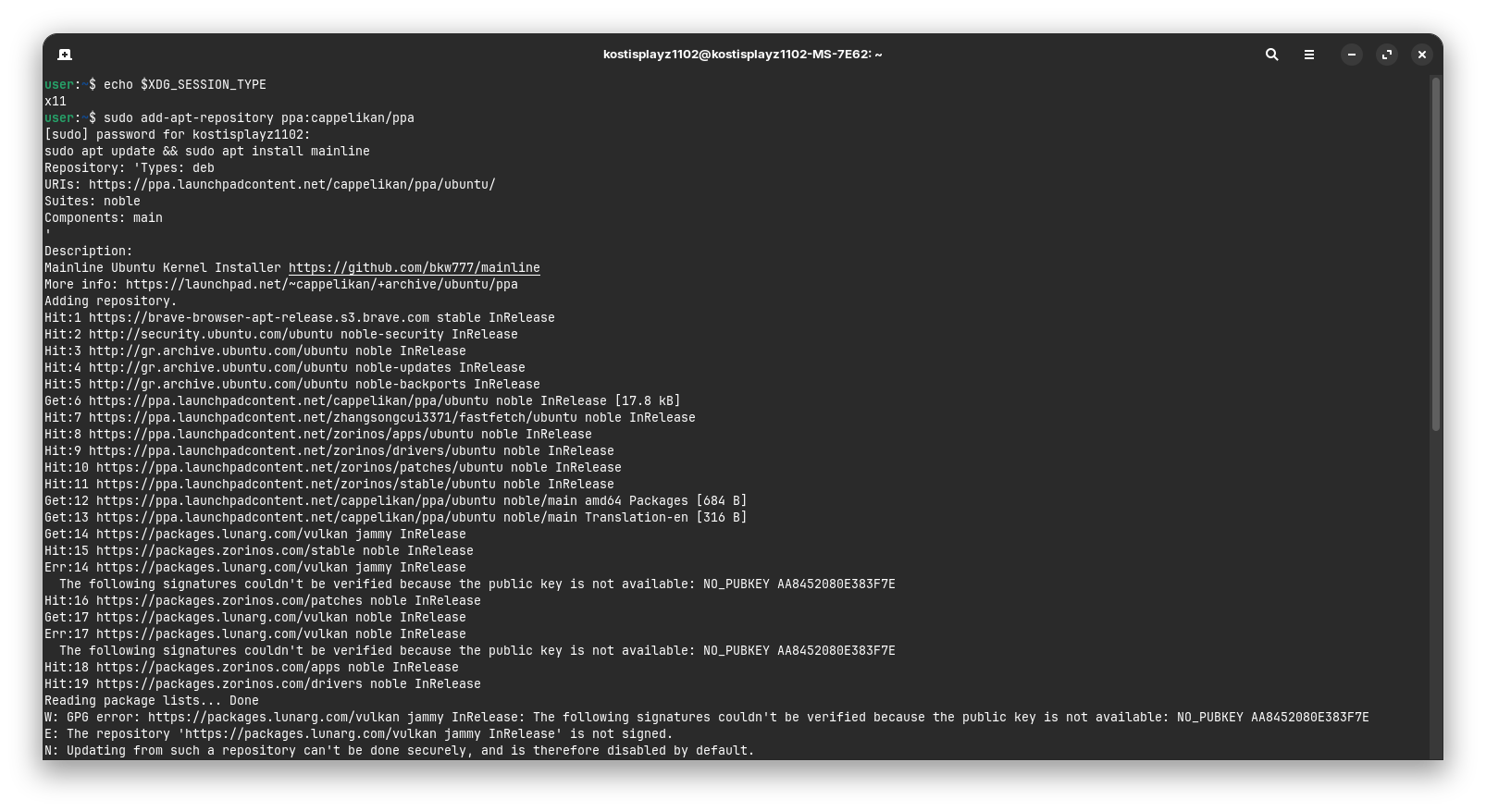
What for an AMD GPU do You have? And what for a CPU? Does Your System run in Wayland or X11? You can check that with the Command echo $XDG_SESSION_TYPE via Terminal. Are Secure Boot and Fast Boot in BIOS disabled?
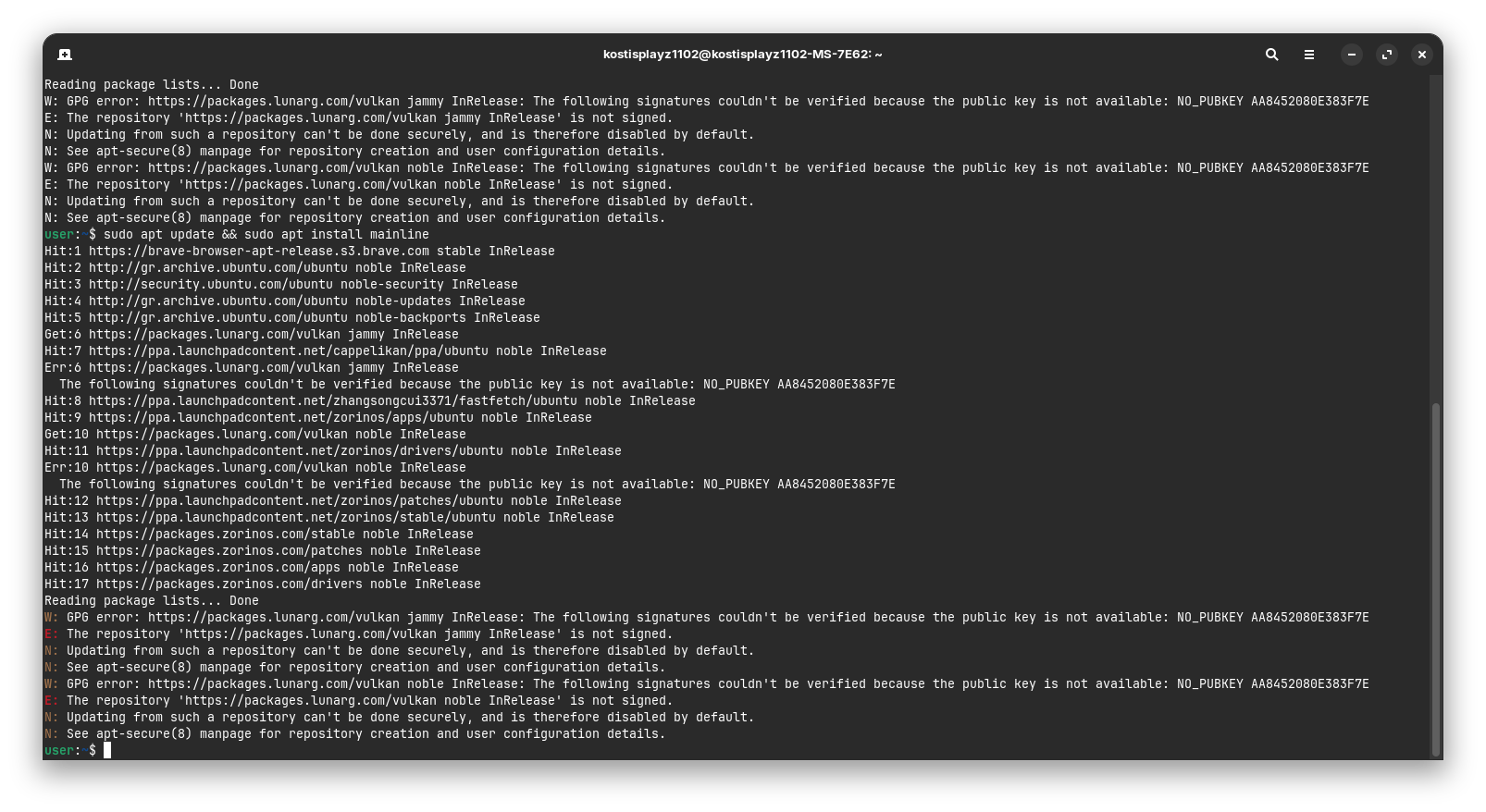
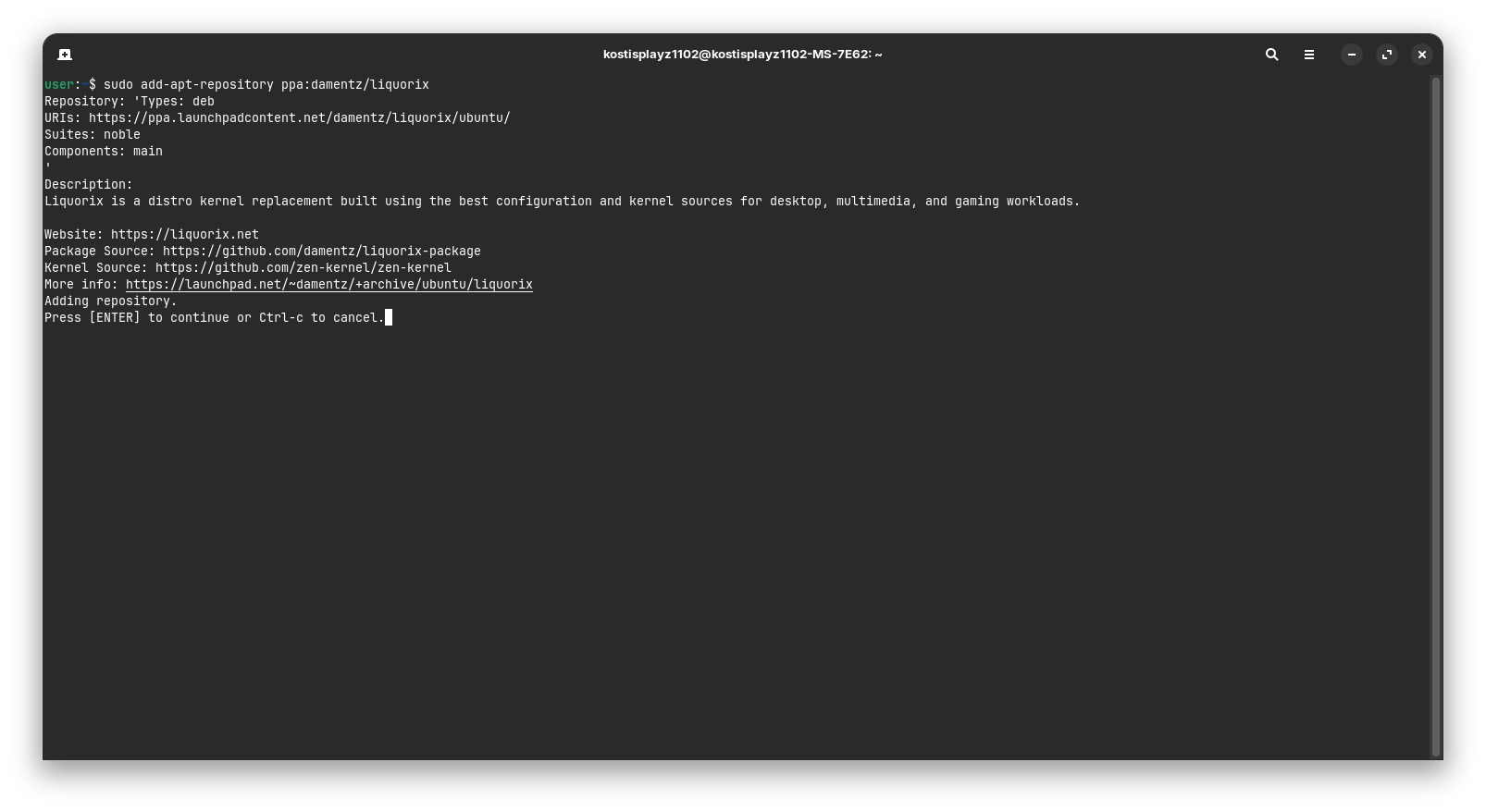
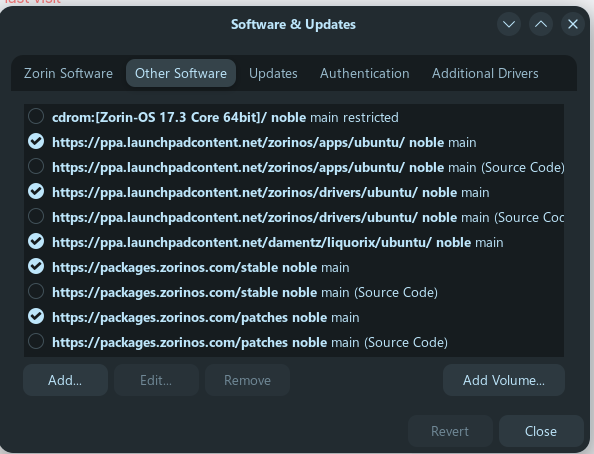
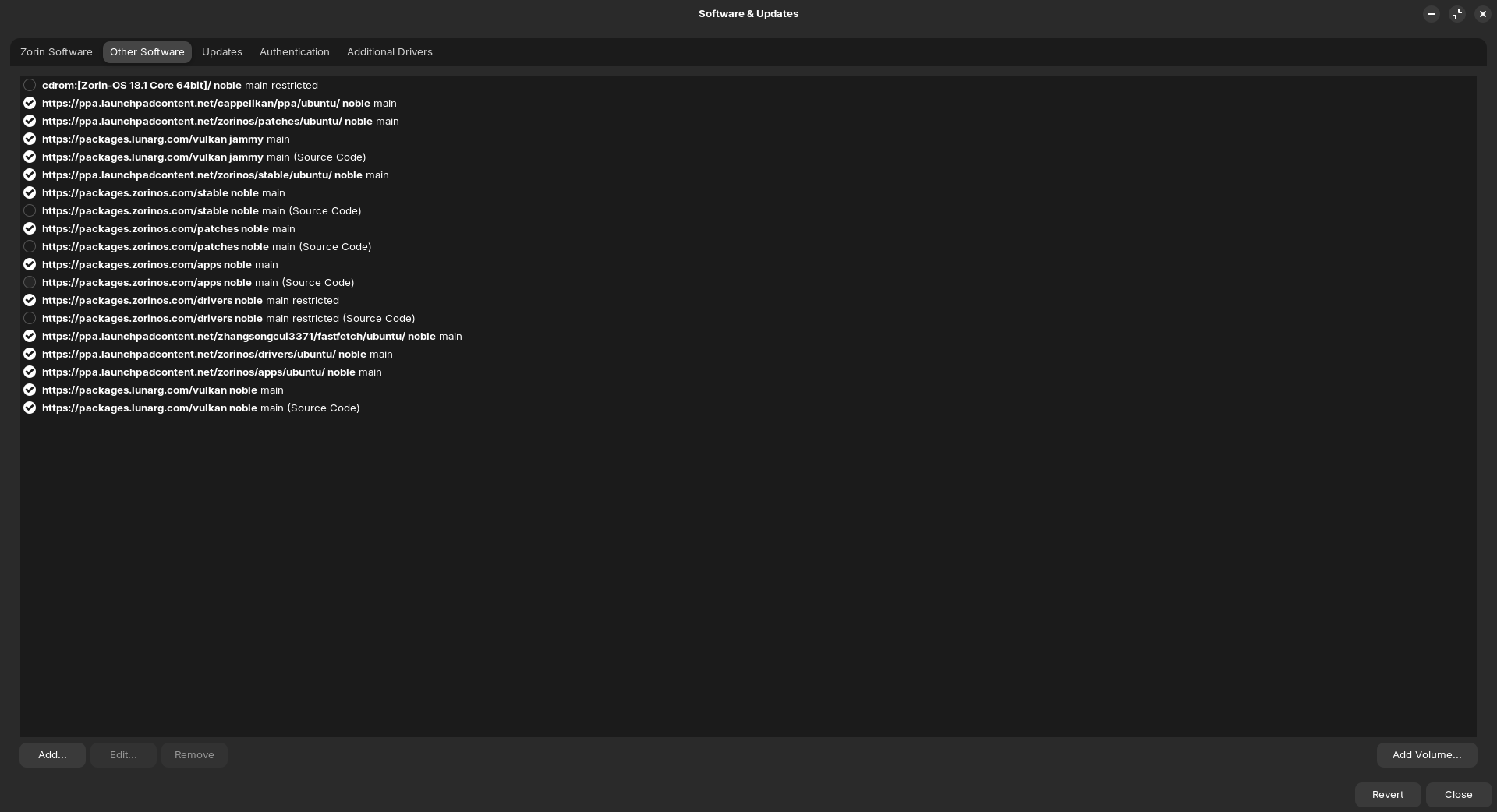
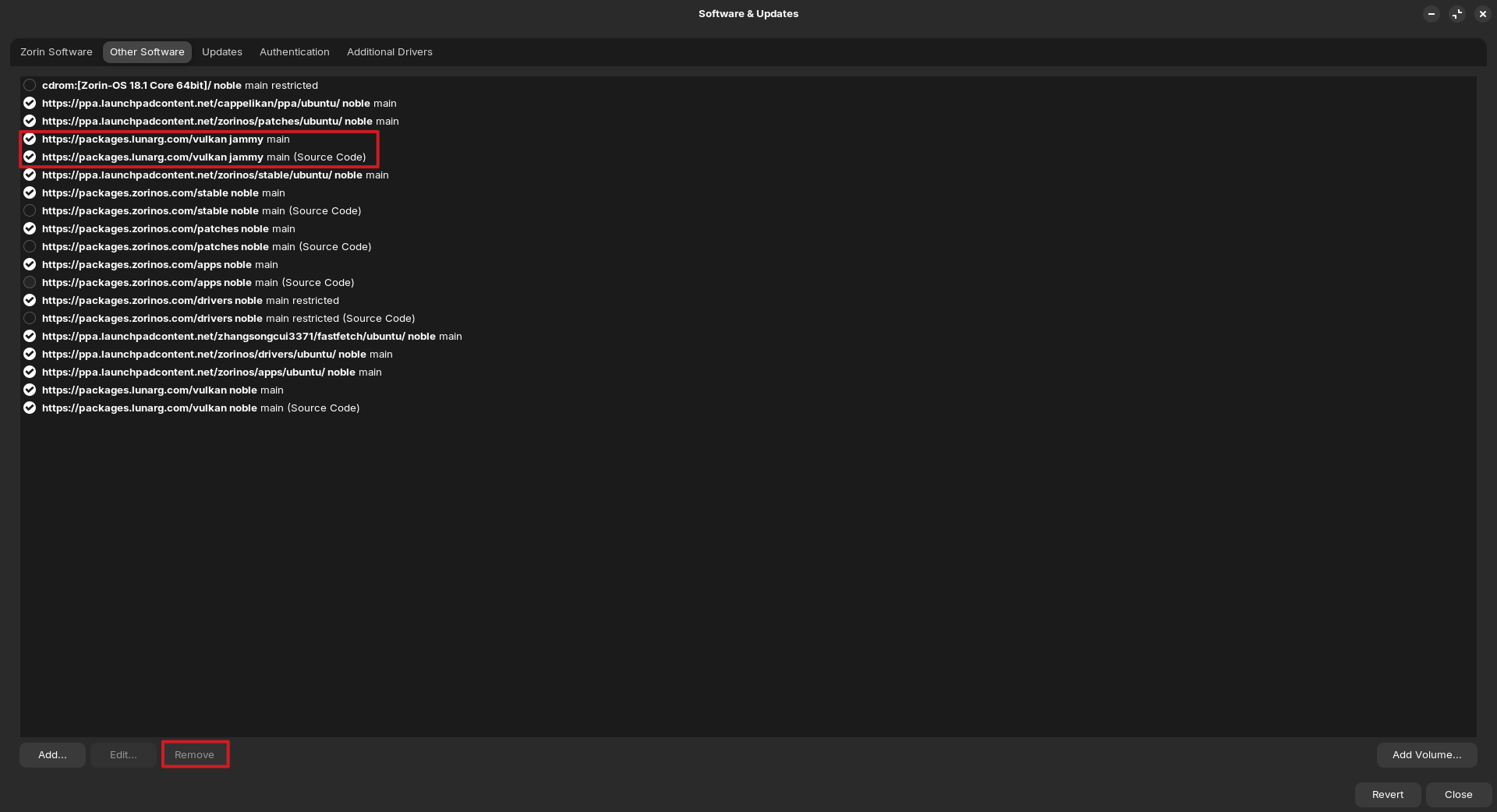
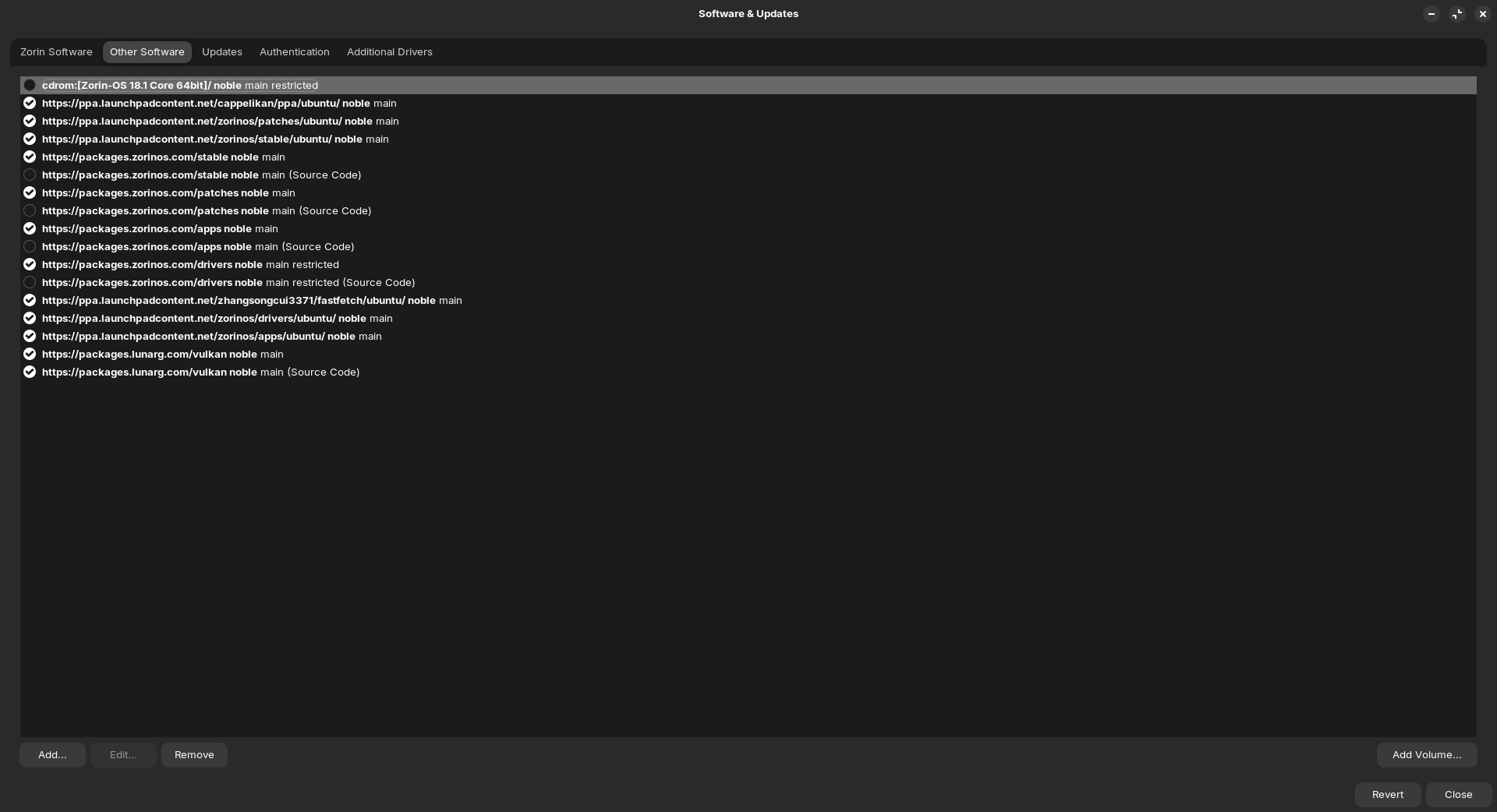
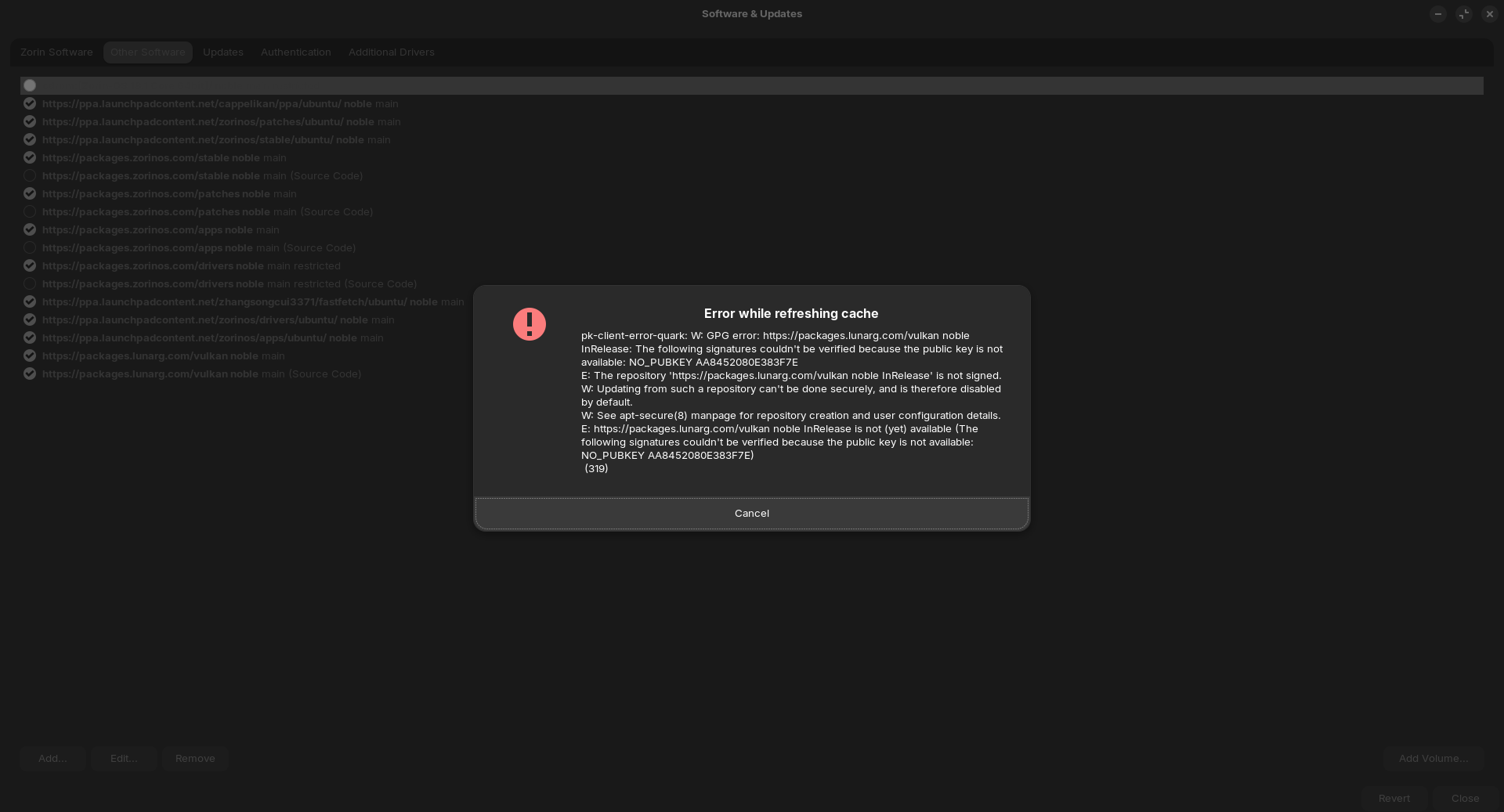
last one shows hit enter to continue. Hmm I also see some things thats are not needed like the jammy stuff. Need to correct those errors open the updater then the settings on left then the other software tab and remove any in there that say Jammy as zorin 18 uses noble
then at top other software......uncheckmark all the ones in the list that says jammy inrealease at the end>>you may have to enter your password several times when removing them
hit close then reload and close that
Once done run sudo apt update && sudo apt upgrade and see if there is any more errors if so post results here.... and only if it is error free then you can install the liquorix kernel using
sudo add-apt-repository ppa:damentz/liquorix
then
sudo apt install linux-image-liquorix-amd64
dont run these till you have no more errors. post errors here so we can help you correct them
You could switch to Wayland to check if it behaves the same, worse or better. to switch, go to the Login Screen. Click there on Your Profile so that the Password Field appears. When it is appeared, You should see in the bottom right Corner a Gear Icon click on it. Choose there the Option ''Zorin Desktop'' and then log in.
You have added cappelikan and the Liquorix PPA which wasn't neccessary. From the Link that @Nourpon has posted, You only had to follow the 2 Steps on:
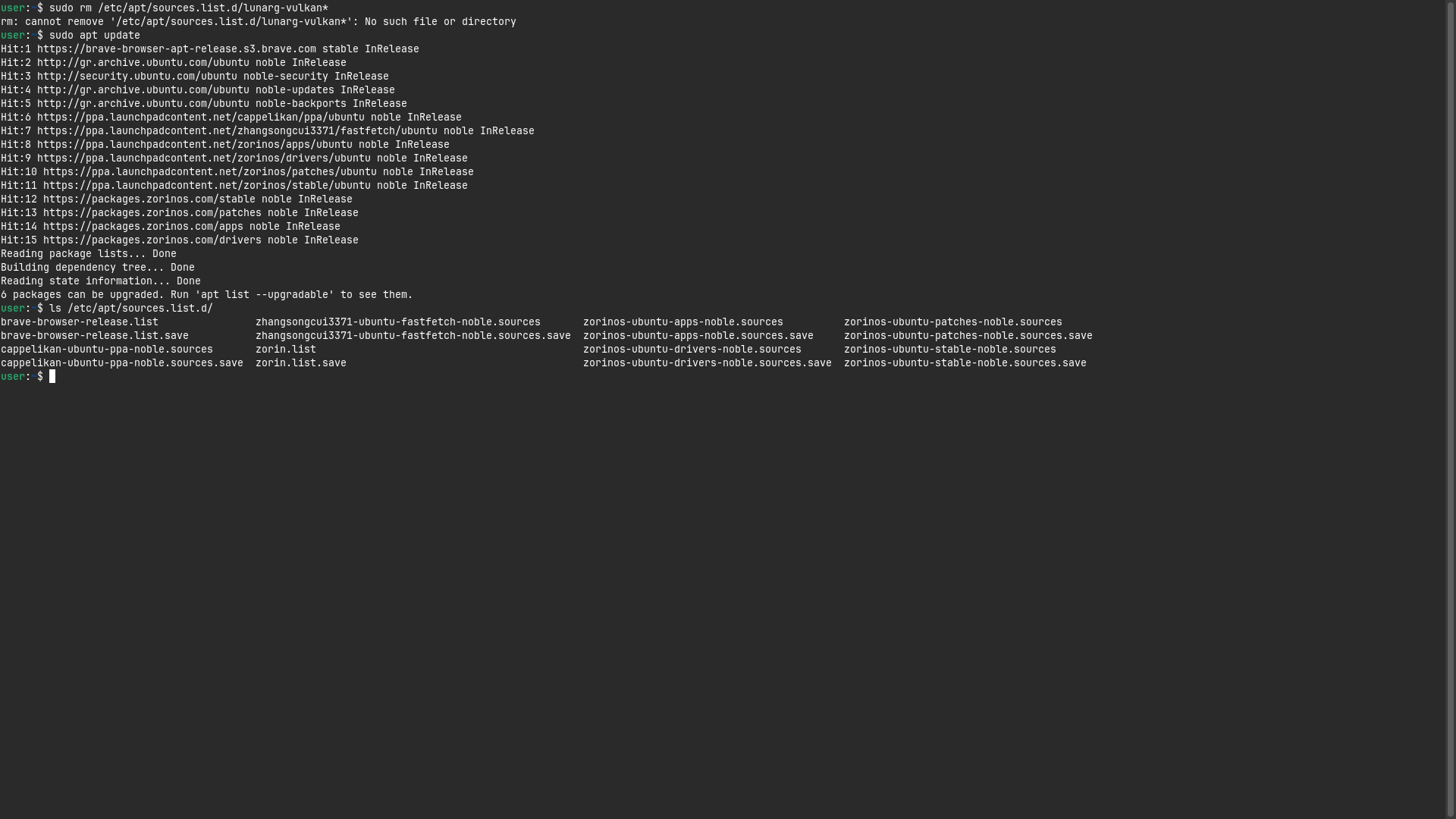
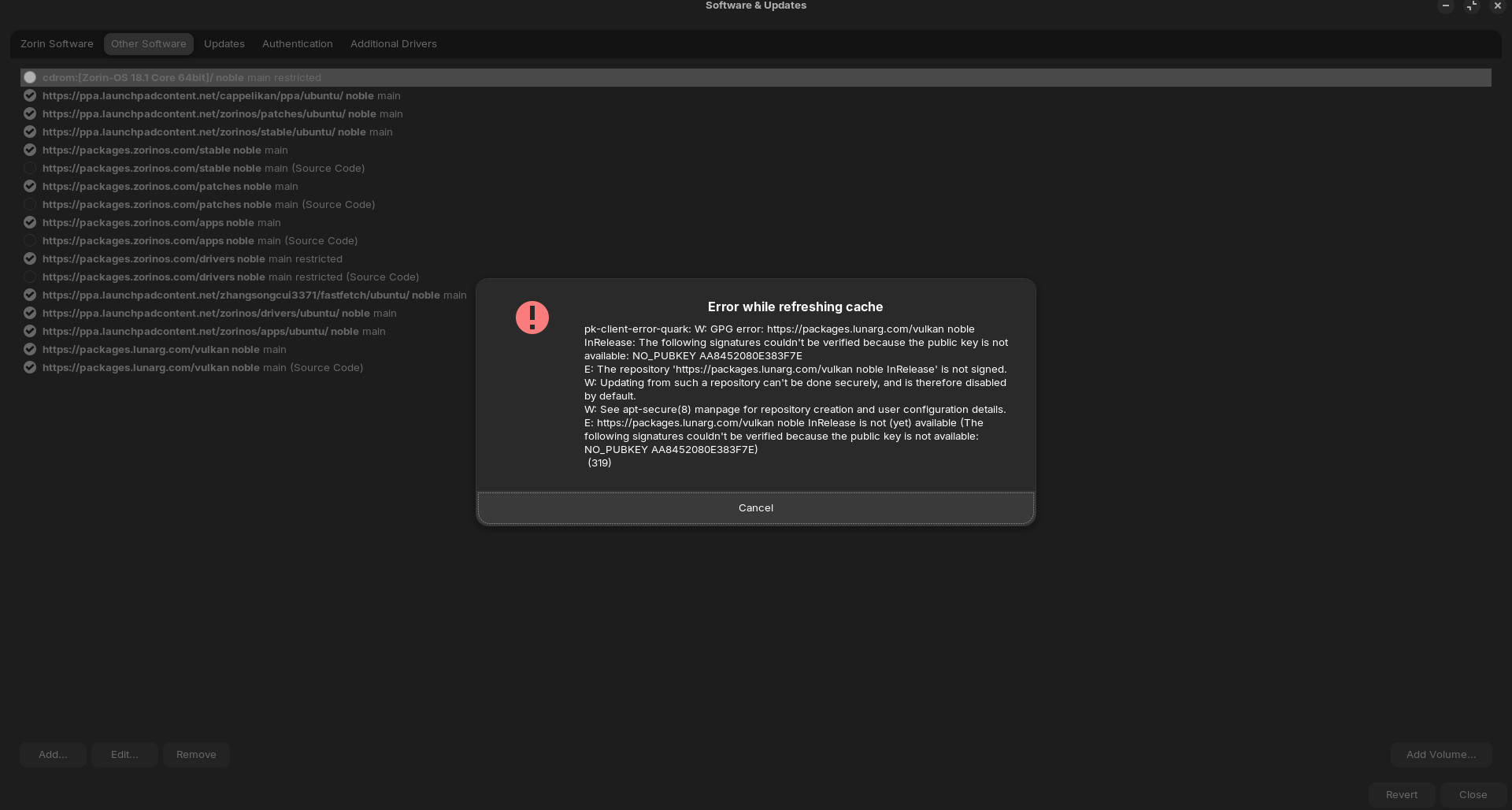
For the Error with this lunarg vulkan Repo Error:
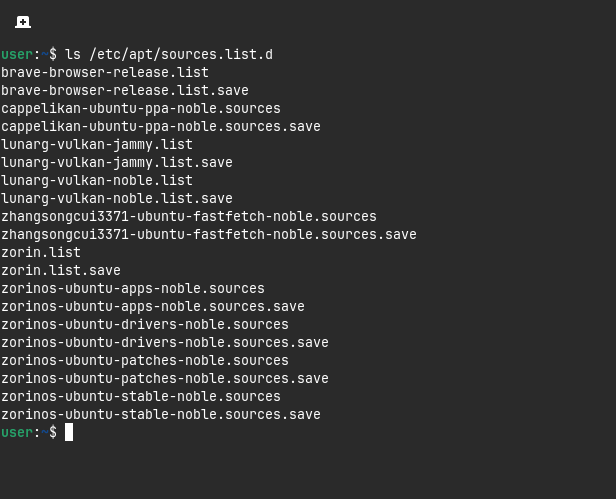
Open the Terminal and type ls /etc/apt/sources.list.d and post the Output here.
That could help. Also it would be worth to think about combining it with a more current Mesa Driver (Graphics Driver).
But first, we should bring a bit Order in and take care about the other Stuff one by one.