ok take out the 2 packages at bottom the lunarg.com ones
1 Like
Ya what @wesoliv429 posted 
1 Like
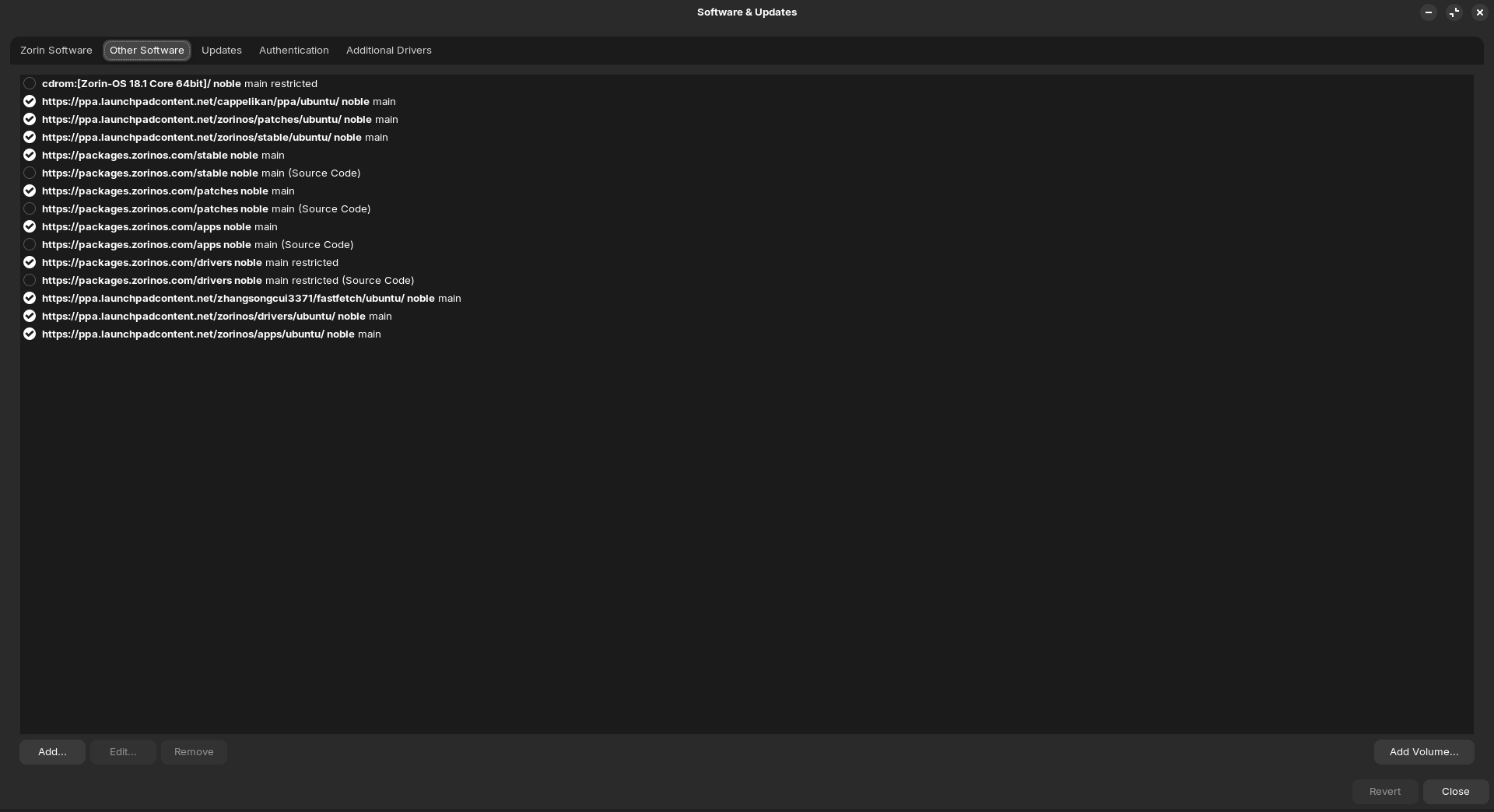
Okay, type in Terminal:
sudo rm /etc/apt/sources.list.d/lunarg-vulkan-jammy.list
and then:
sudo rm /etc/apt/sources.list.d/lunarg-vulkan-jammy.list.save
When that is done, type sudo apt update to refresh the Sources.
ok run another sudo apt update && sudo apt upgrade
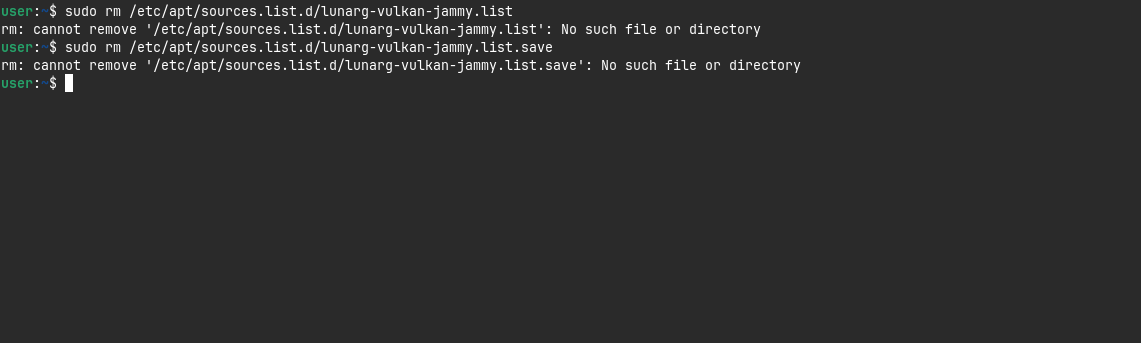
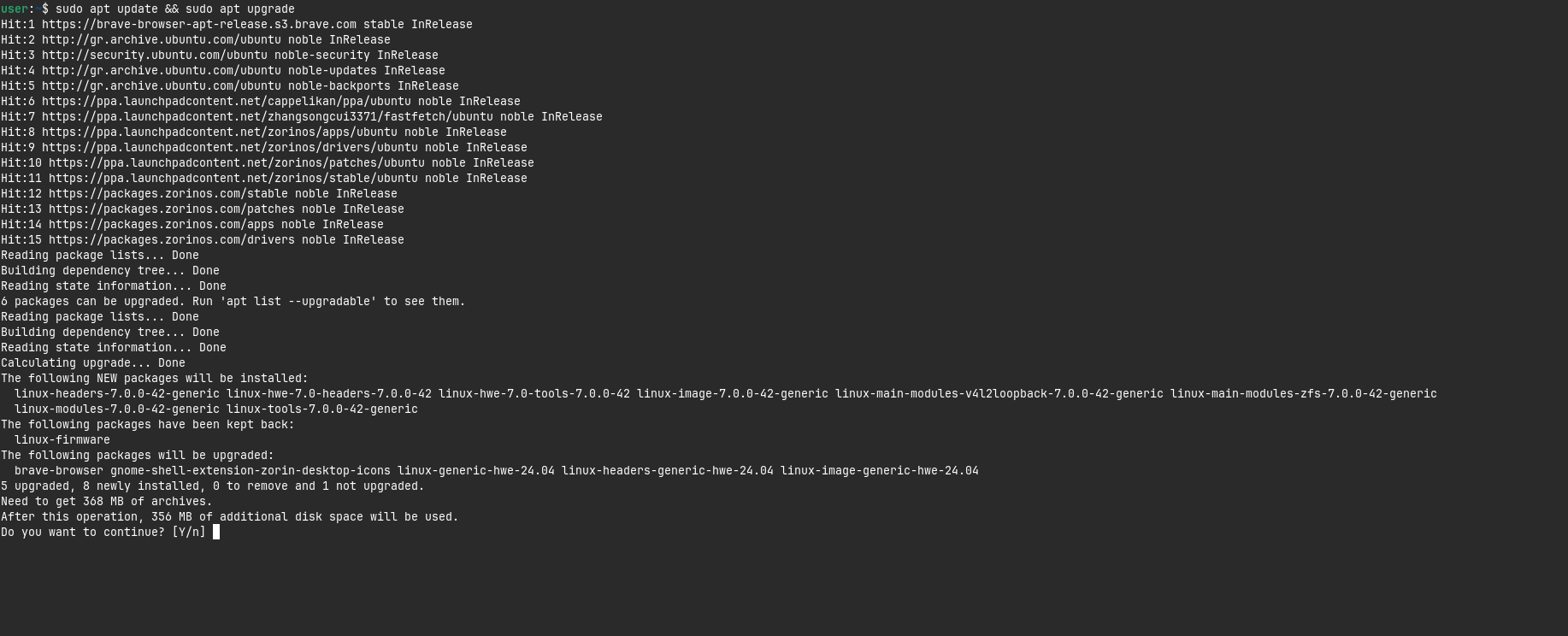
yes do it
that should make it upto date and all errors corrected
When the Update is installed, check if You still have Issues.
1 Like
Anything else that we can check to see if we can fix?
if sudo apt update is showing no errors it should be fixed
all thats left is updateing kernel to liquorix if you wish. unless the kernel you just installed is working fine?
Ok question..... what will change visually wise if I do the change?
OK yeah no problem is not fixed. I just clicked on a video and it brought the same issue again.
If anything will change is open. The Liquorix Kernel is a Try to bring better Hardware Support and so better and more stable Performance.
Maybe the Kernel alone isn't enough. Then, it could help to update the Mesa Drivers, too. Also, I wrote above this:
waiting to see what @Ponce-De-Leon posts hold on
Yeah about Wayland.....
It's problems arent gone
What ya think @Ponce-De-Leon @Nourpon ?
Okay, then stay on Xorg for now. Then let's first check if a more current Kernel alone will help. So, You can add the Liquorix Kernel with adding the PPA first wit the Command:
sudo add-apt-repository ppa:damentz/liquorix
When done, type:
sudo apt update && sudo apt install linux-image-liquorix-amd64 linux-headers-liquorix-amd64
When installed, reboot. Then check if the Kernel is running with uname -r via Terminal. When the Kernel is running, test if Your Issue is still there.
Shouldn't the Kernel running, You have to choose it on Startup from the GRUB Menu on the Option ''Advanced Options''.
P.S.: It's late now here. So, I will go to Bed now. I will see Your Results tomorrow then.
2 Likes