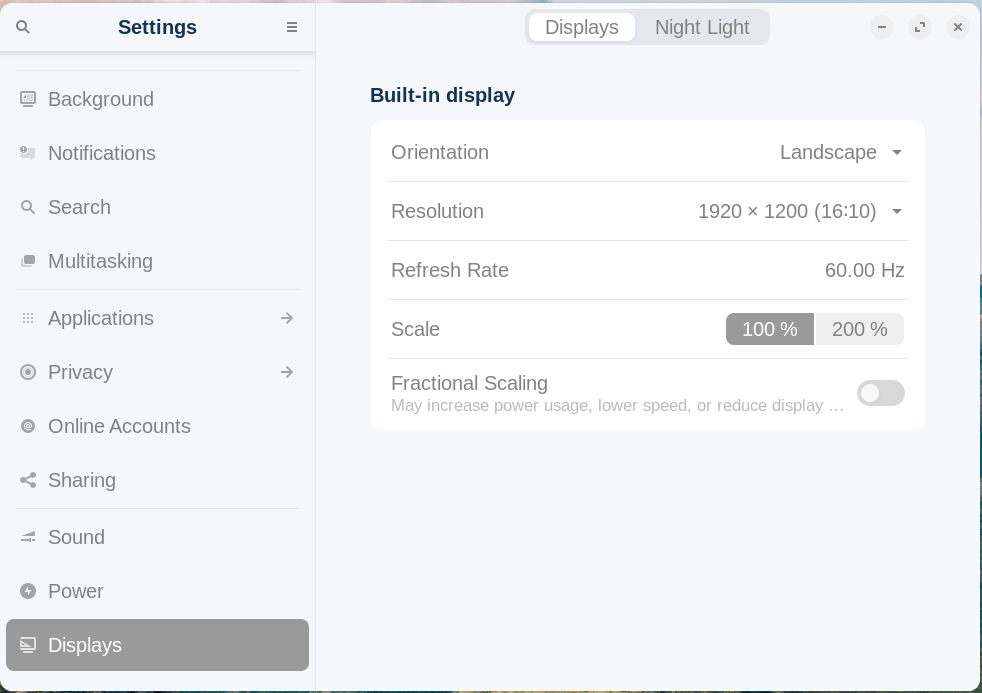
Hi there, you beautiful people! Thank you for the support in my fleeing from the Windows tyranny to the land of the free OS's! I have a little problem that is a bit annoying:
whenever I wake-up my computer (ASUS ProArt StudioBook 17") after shutting the screen down, the is a flicker around the border. To remove the flicker, it sometimes helps to play a video in full screen, but not always. And every time it happens, the flicker "expands inward", the flickering edge seems to grow inward with every wake-up, until I need to restart or shut down. And even restarting doesn't help always, the only way to be sure the flickering is out, is to shut down, wait a few minutes and start-up again.
Is there any setting or app that can help to alleviate this condition?
Hi Konsenator,
Did some quick digging on your laptop, if its running a Nvidia GPU, try the following
Log out
Click on where it says enter your password
Click on the gear in the bottom right
Change it to Zorin OS on Xorg
Log in like normal and it will save.
Zorin OS uses Wayland by default which has some beef with Nvidia GPU's here and there, See if Xorg fixes the issue (that will be your easiest fix if it is the case)
You could also check whether the problem also occurs if you switch to suspend manually, i.e. with a button in the start menu or a shortcut.
If you find no easier solution that works you could try to add a kernel parameter (only when you have an integrated intel gpu). Enter in terminal
"sudo nano /etc/default/grub"
Go via arrow keys to line
GRUB_CMDLINE_LINUX_DEFAULT
and add
'intel_iommu=igfx_off` at the end of this line so that it looks like this (if you have further kernel parameters in this line, please keep them)
GRUB_CMDLINE_LINUX_DEFAULT="quiet splash intel_iommu=igfx_off"
Then press ctrl+o to save the change, Enter to confirm and ctrl+x to exit.
"sudo update-grub"
Then reboot.
An alternative could be this parameter added to the same line instead of intel_iommu=igfx_off:
"i915.enable_psr=0"
I know this one very well. @DotWayton, the gear thing is on the right track, but doesn't stop Wayland on the login screen and the flickering would continue unless you totally disable Wayland:
I now repmoved and reinstalled the Quadro drivers, will see how that works.
The permanent disabling of Wayland and the advice to edit
GRUB_CMDLINE_LINUX_DEFAULT="quiet splash intel_iommu=igfx_off" Seemed to have helped - the flickering seems to have stayed at the edges this time, not move in with every wake-up - now I will see if reinstalling the Nvidia drivers ([How to] Reinstall NVIDIA Graphics Driver) will help also.
Update: Seems this is as good as it's going to get, for now (this doesn't happen in Windoze, could it be something to do with DirectX?), but it's much better than it used to be. Thank you for the support.