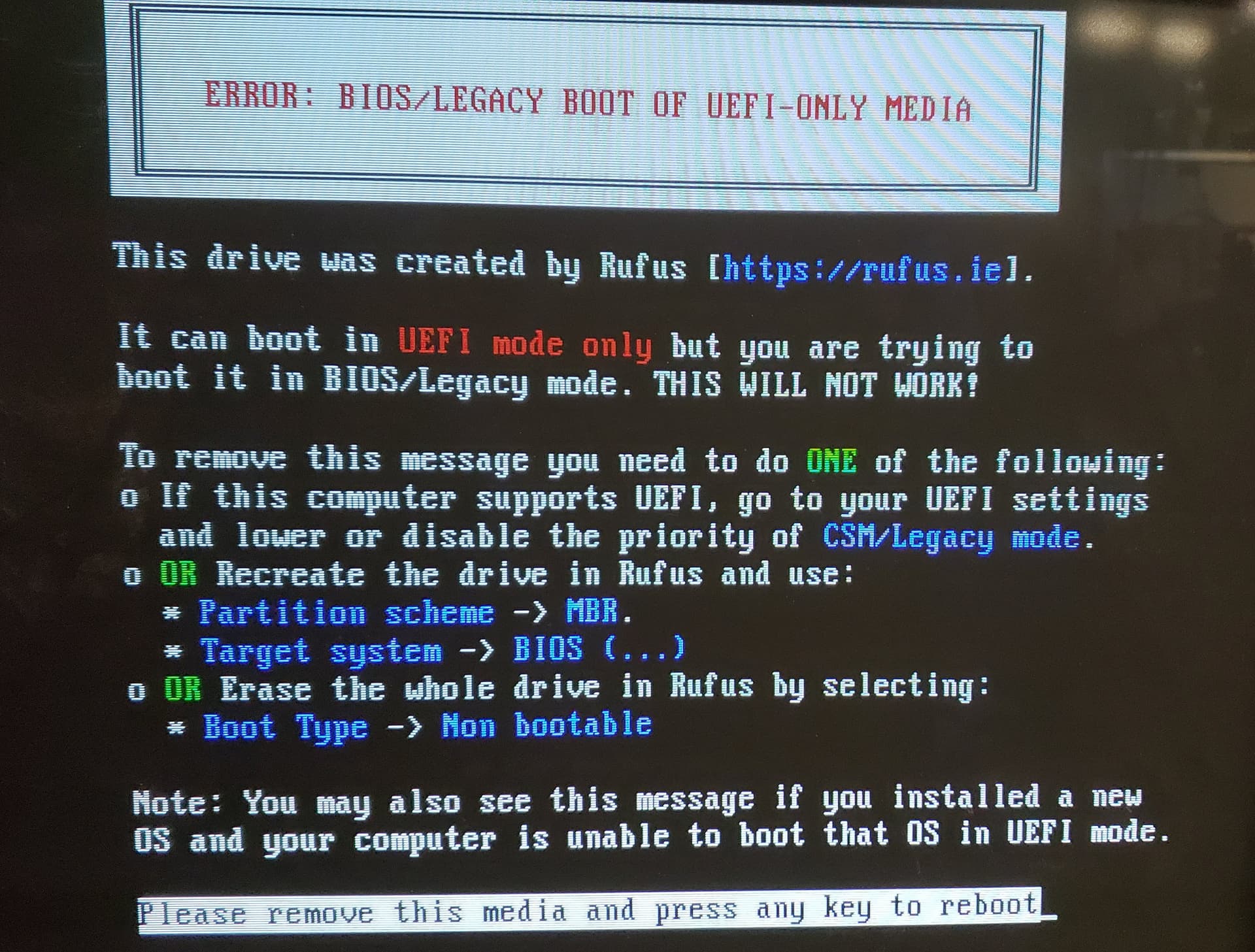
That was the problem! Thank you!
It's booted the demo / installer. Tomorrow, I install Zorin
That was the problem! Thank you!
It's booted the demo / installer. Tomorrow, I install Zorin
Ran the install. Got to the end without problems. However, the computer won't restart - it just stops with a blank screen with a cursor in the upper right corner. Bios shows the HD as the first boot device.
What Graphics card(s) does your computer use?
That's the card
I scrolled up and looked and still did not see it...
Yeah... that card was launched Twenty Years ago. 2006... That is almost as old as my son.
Ah... I think that might be part of the issue...
Do You have an ''ubuntu'' Entry in BIOS? If yes, set this at first Position.
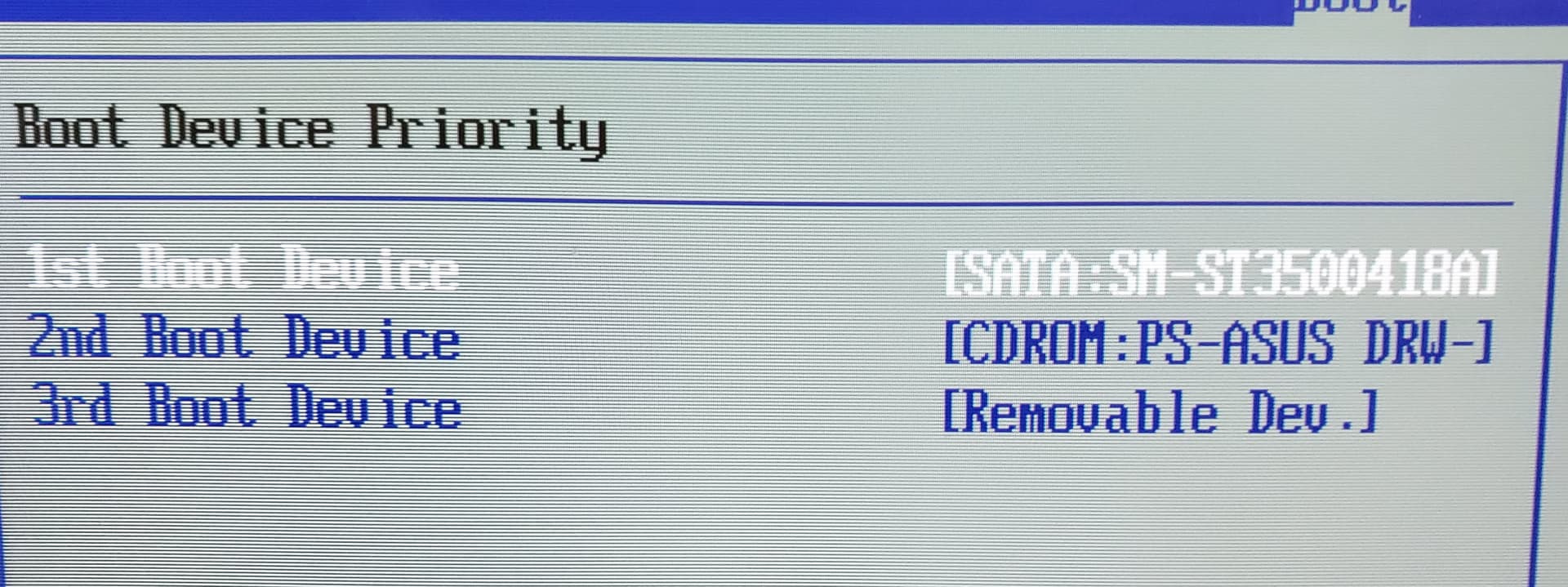
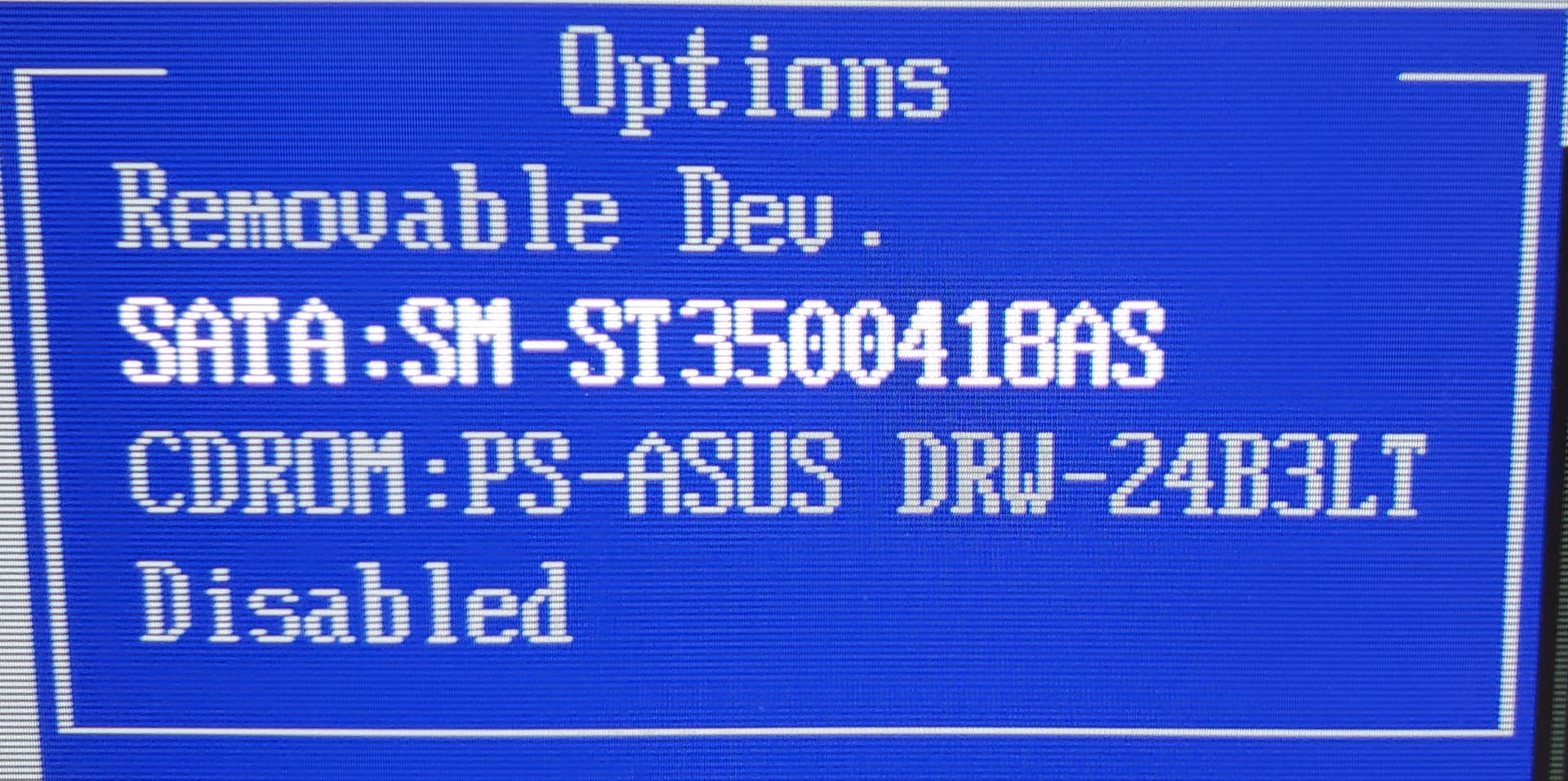
BIOS only shows the HDs, CD rom, removable device. Boot priority only shows same 3.
I pulled the FX graphics card, let it use the onboard video. Does the same thing... Or do I have to run the install again?
It might work....
Be sure you are creating your .iso as Legacy (MBR).
Do Not log in on Wayland.
And yes, pull the Nvidia card so it cannot try taking over and send you to a blank screen.
Yes, I made the ISO with MBR.
I just tried running the demo / try Zorin from the USB stick. It works - with the onboard video, as well as the Nvidia FX card.
Are there things I can check with the utilities to see why the main HD doesn't boot?
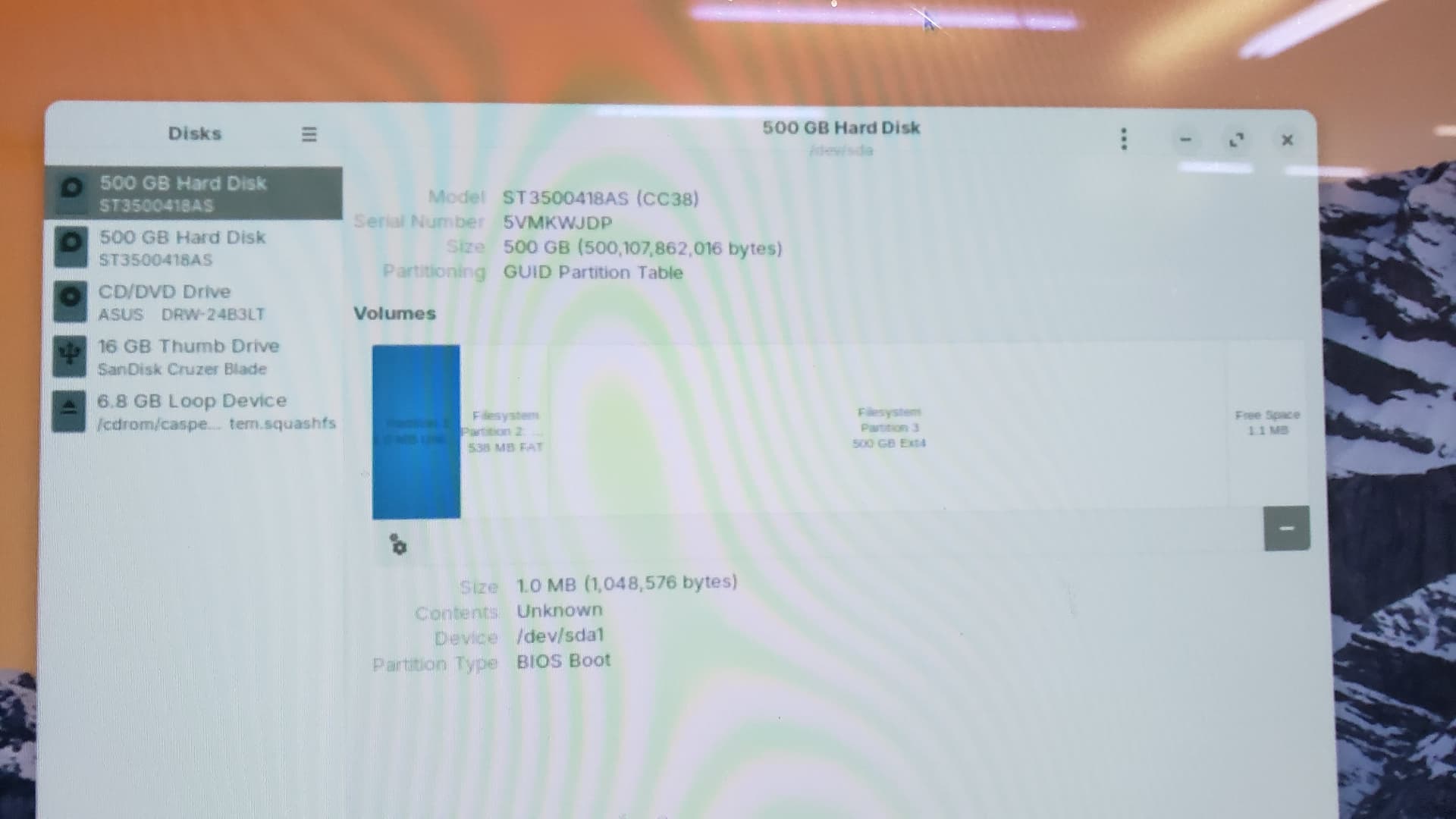
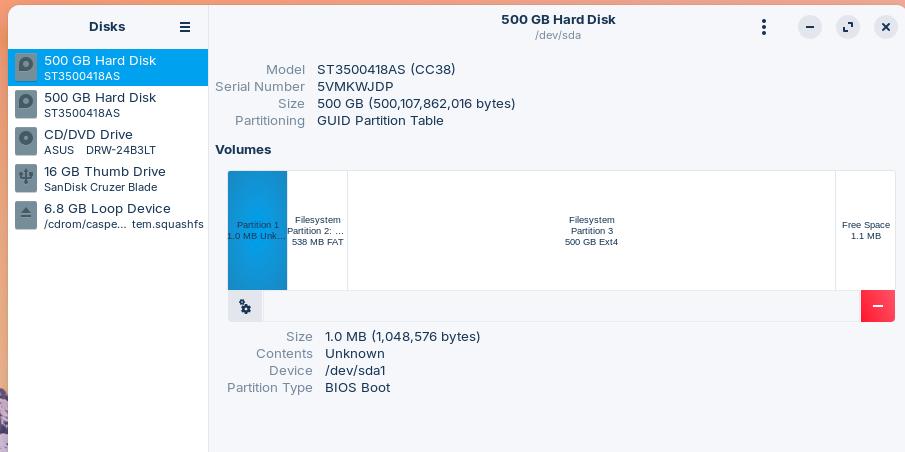
When Zorin runs from the USB Stick, You could open the ''Disks'' Program, choose the Drive and then make a Screenshot and post it here.
It's a little hard to read the pic, IDK how to do a screen shot in linux. I use screen capture in paint shop pro in windows.
Simply press the Prnt Button on Your Keyboard. Then the Screenshot Tool opens and You can make a Screenshot. The Screenshots are safed in /home/[Your-Username/Pictures/Screenshots
I find it interesting that the Drive has the GPT Partition Sheme. Could You check the BIOS again if it is really in Legacy or UEFI Mode please?
My post from 16days ago, above shows the settings in Rufus.
I have not found any settings in the BIOS screens that mention UEFI, or anything related to these different things.
You can also make screenshots with the button in the taskbar:
I think your computer is so old that only legacy BIOS existed. You should use the partition scheme MBR for your drive, but in your Rufus screenshot it seems to be set right.
Yes, that MBR is what I have used.
Do You have in Your BIOS soemthing called ''Boot Order''? If yes, look if there is ''UEFI'' mentioned.
Because of Your Drive ... Maybe we should try it. Create the Bootstick with Rufus again, but this Time choose GPT and then try it again.
Hmm ... You could try to set ''Removable Dev.'' to ''1st Boot Device''.