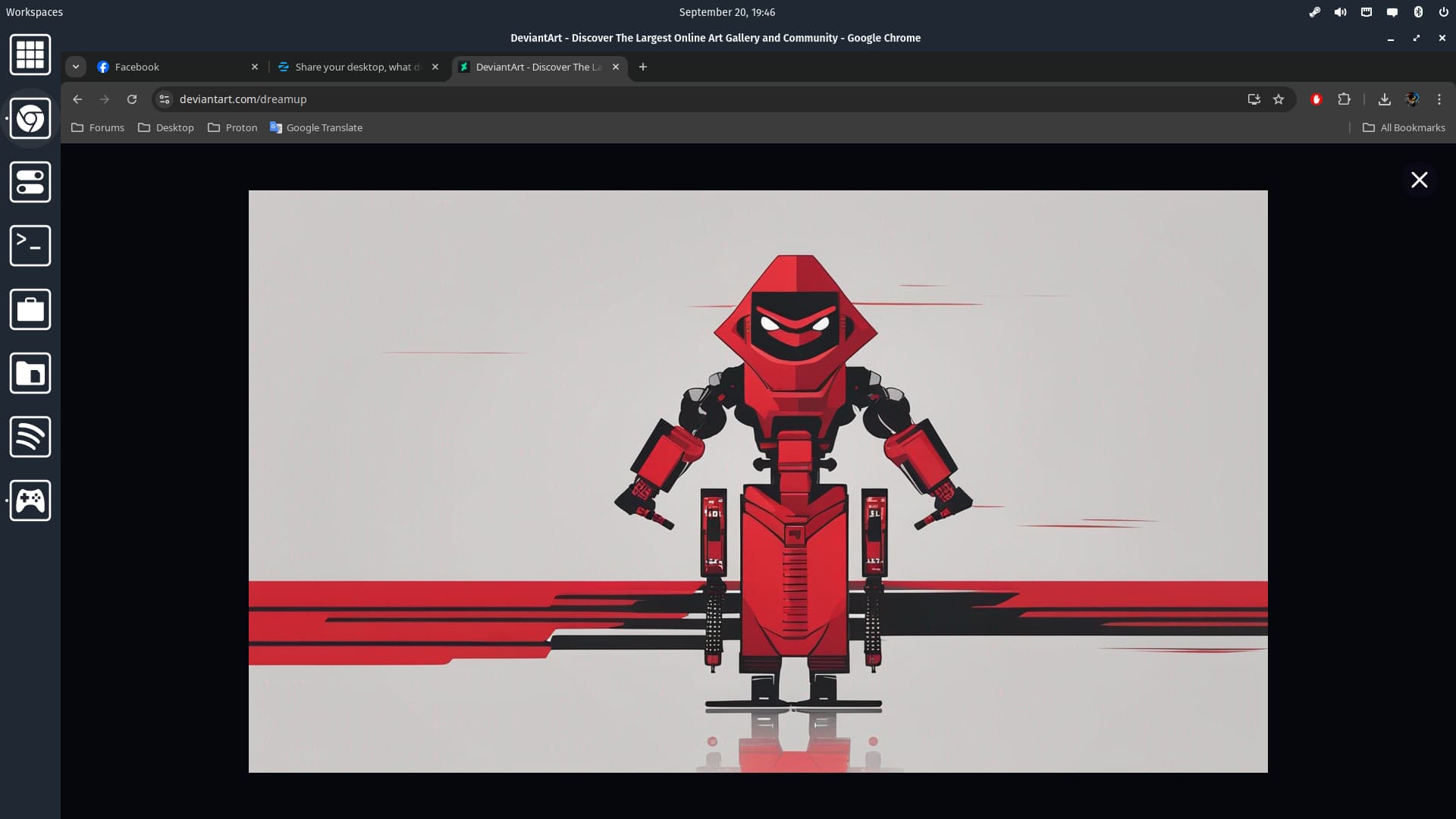
I got a red robot ready if you're interested.
5 Likes
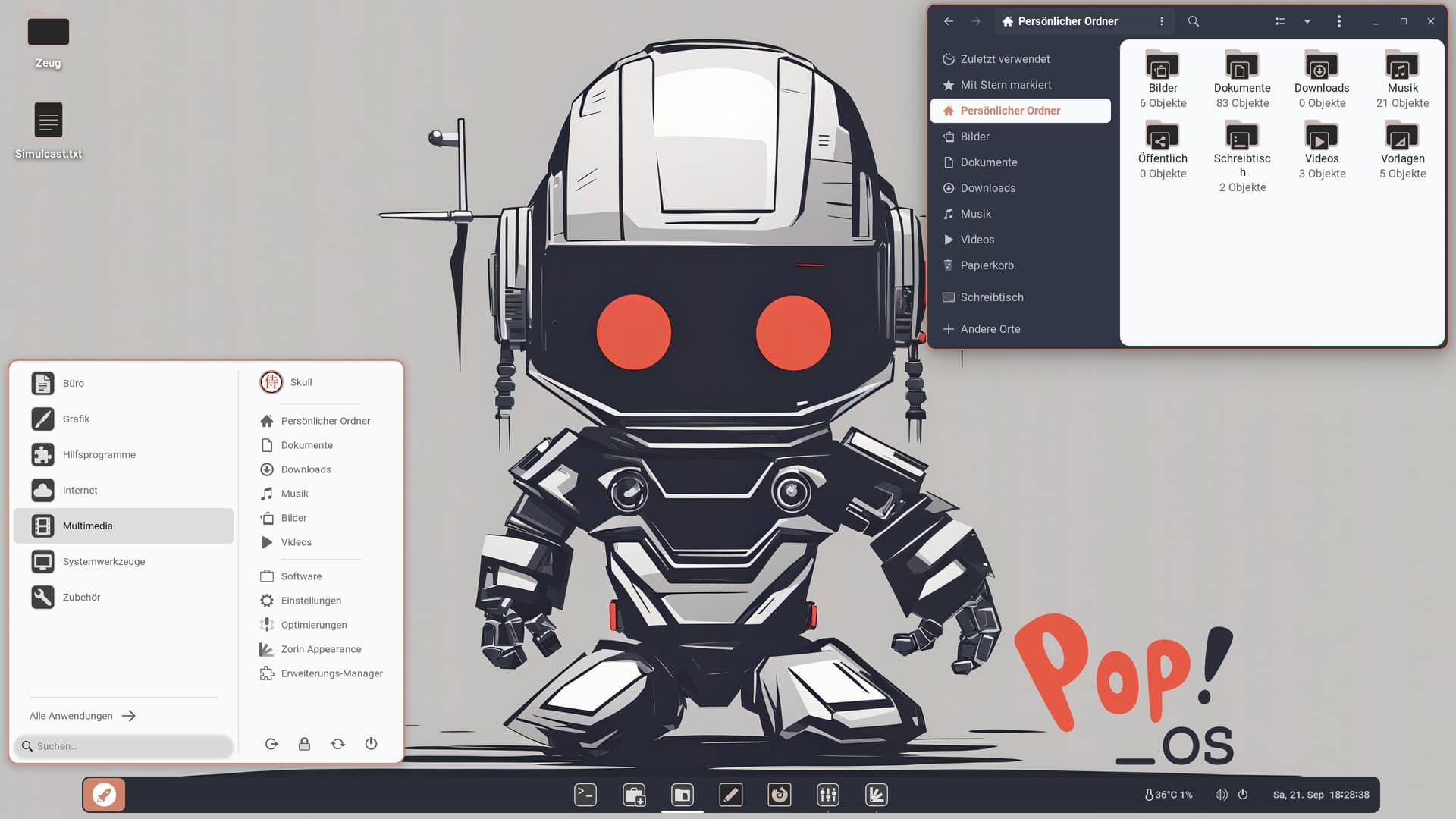
That is nice but I have already taken another Robot from Your Pop OS Wallpaper Github Page. Robot 2. I combined that with Your Robot white Icon Set. For the Theme I had an Idea but that didn' look like I wanted. So, I try there a bit.
1 Like
@Storm's friendly Pop OS Roboter meets Zorin:
Graphite Nord Orange
@Storm's Robot Dark & White Icon Set
@Storm's Pop OS Roboter 2
6 Likes
I have just added an another robot to the collection.
2 Likes
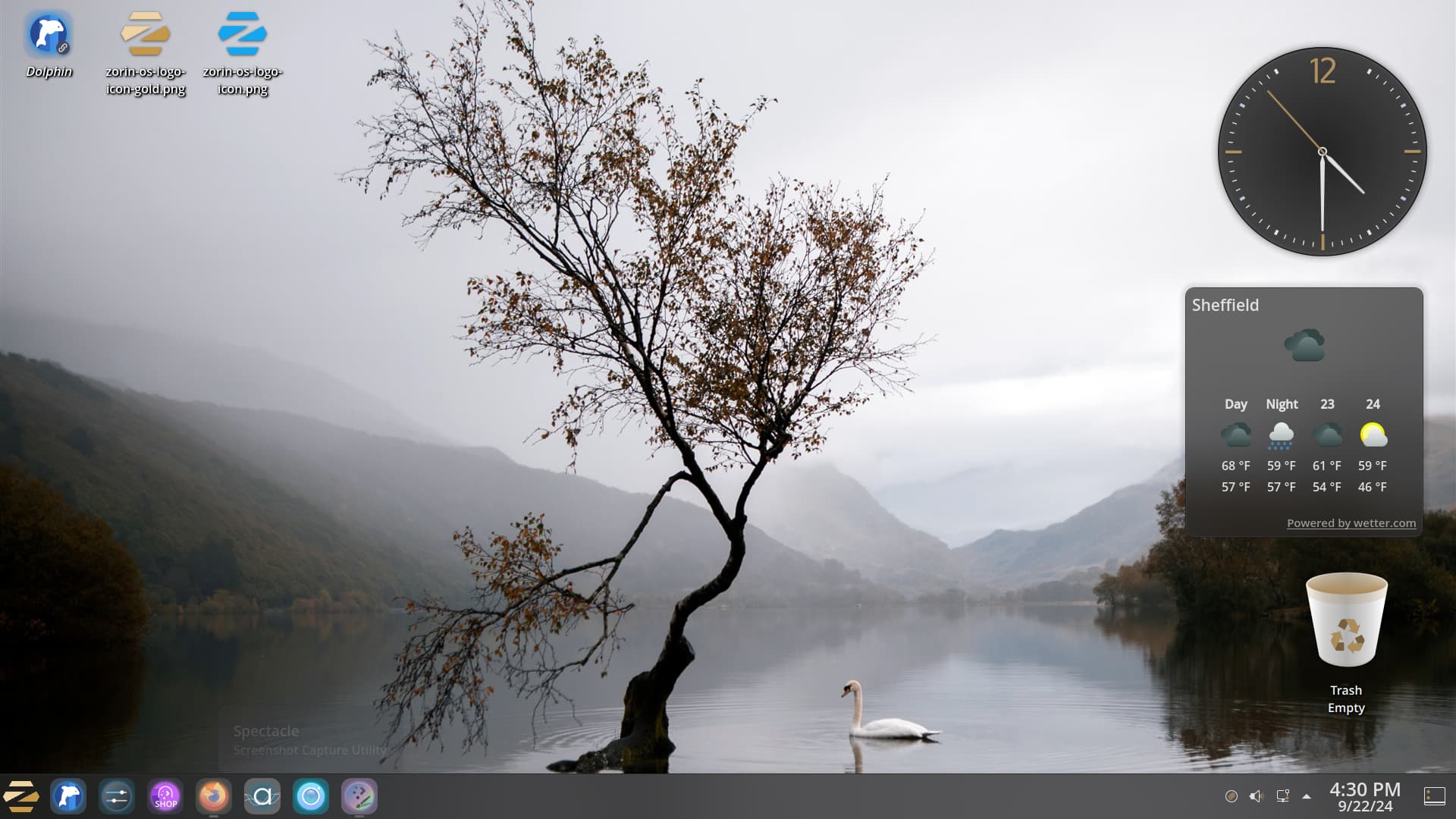
PCLinuxOS. Decided now it is Autumn/Fall I would change my desktop to reflect this:
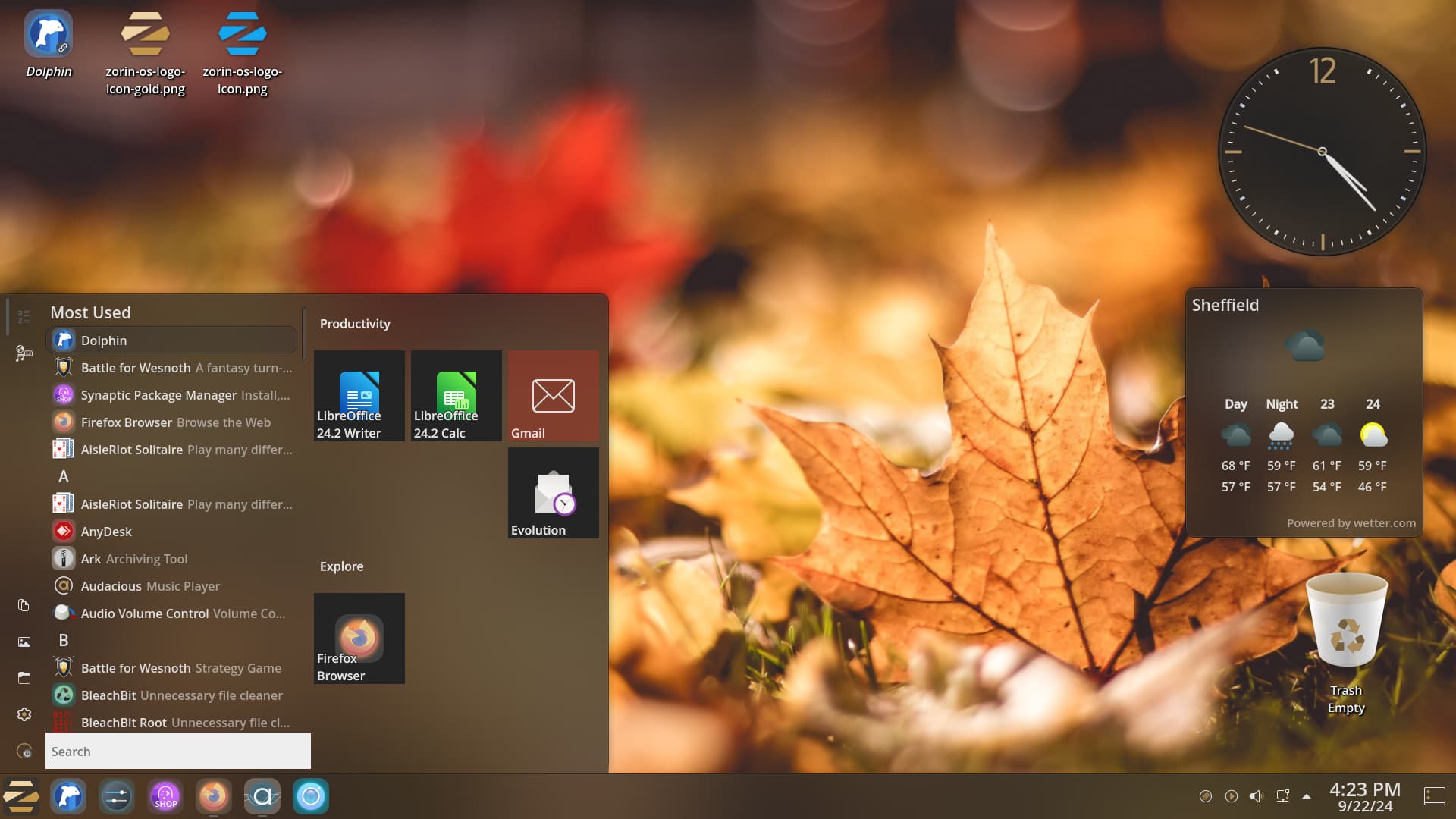
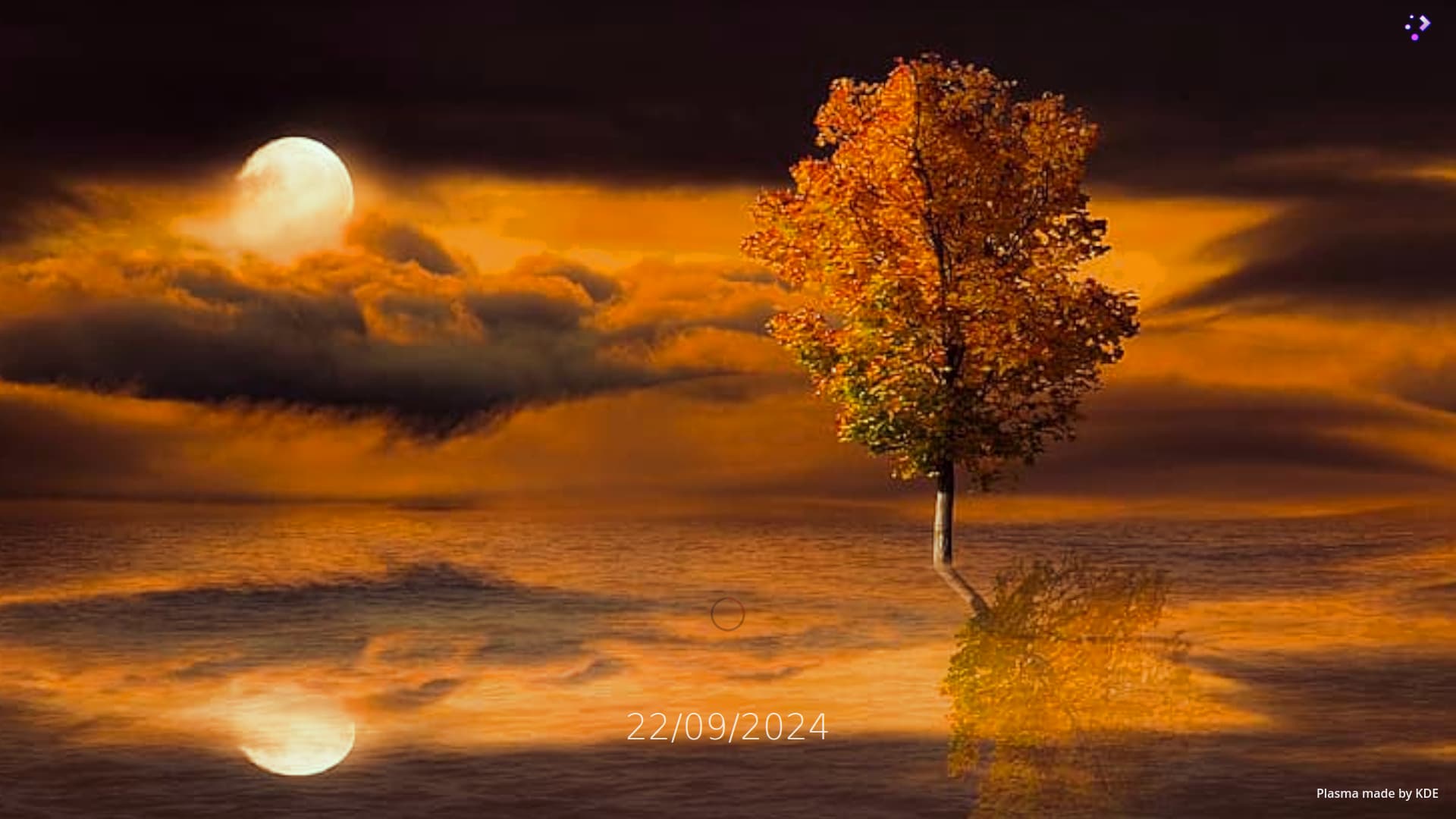
and also the splash screen to this:
Decided to search for some more Plasma wallpapers tagged 'Autumn' and love this:
6 Likes
The Splash Screen Picture doesn't look bad, too.
2 Likes
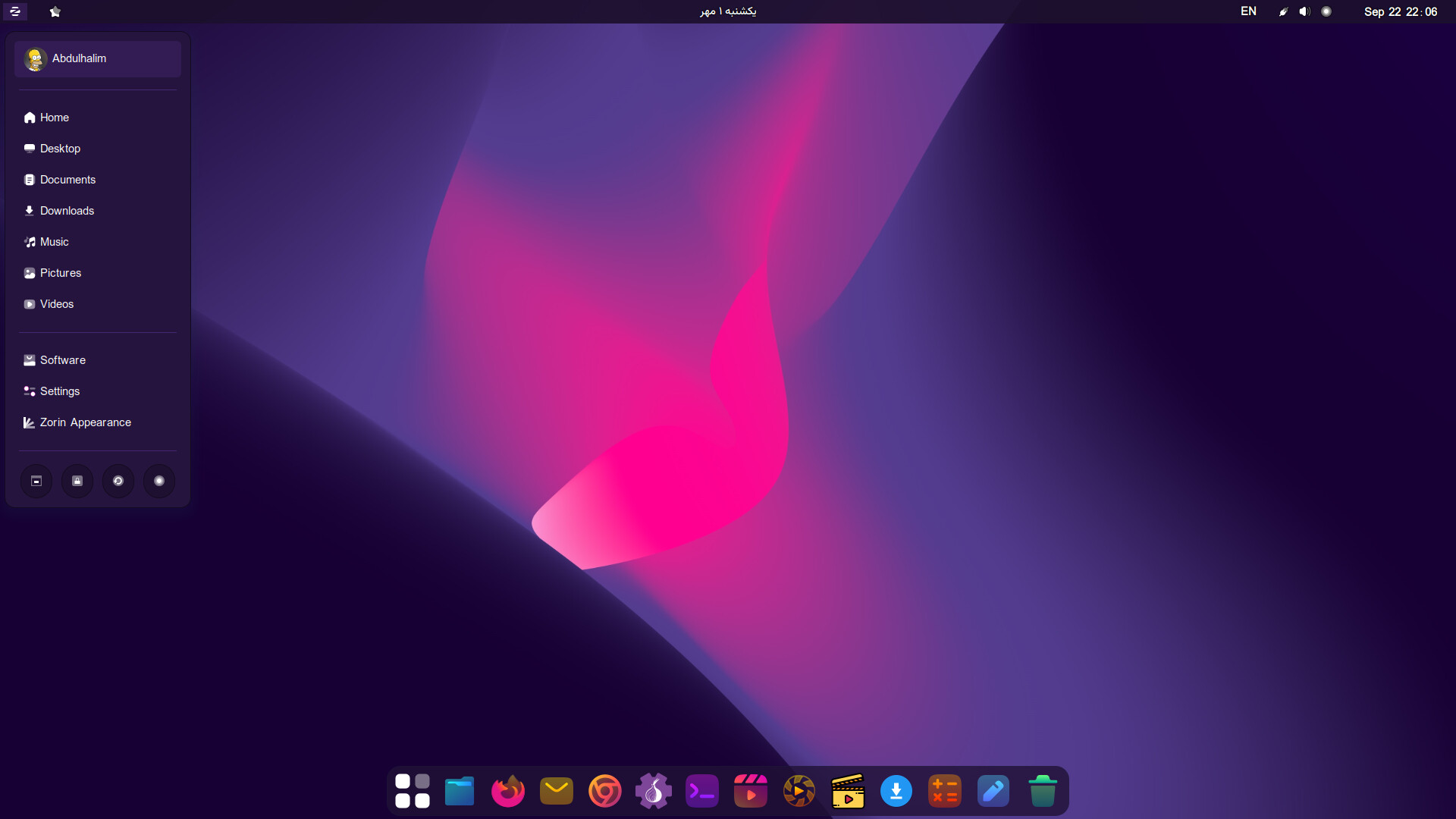
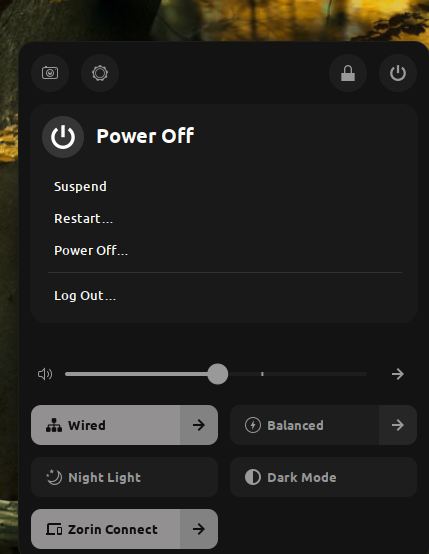
How you hide the gnome panel? I'm using open bar extension but I can't hide the panel.
2 Likes
Using a extension called Just Perfection.
2 Likes
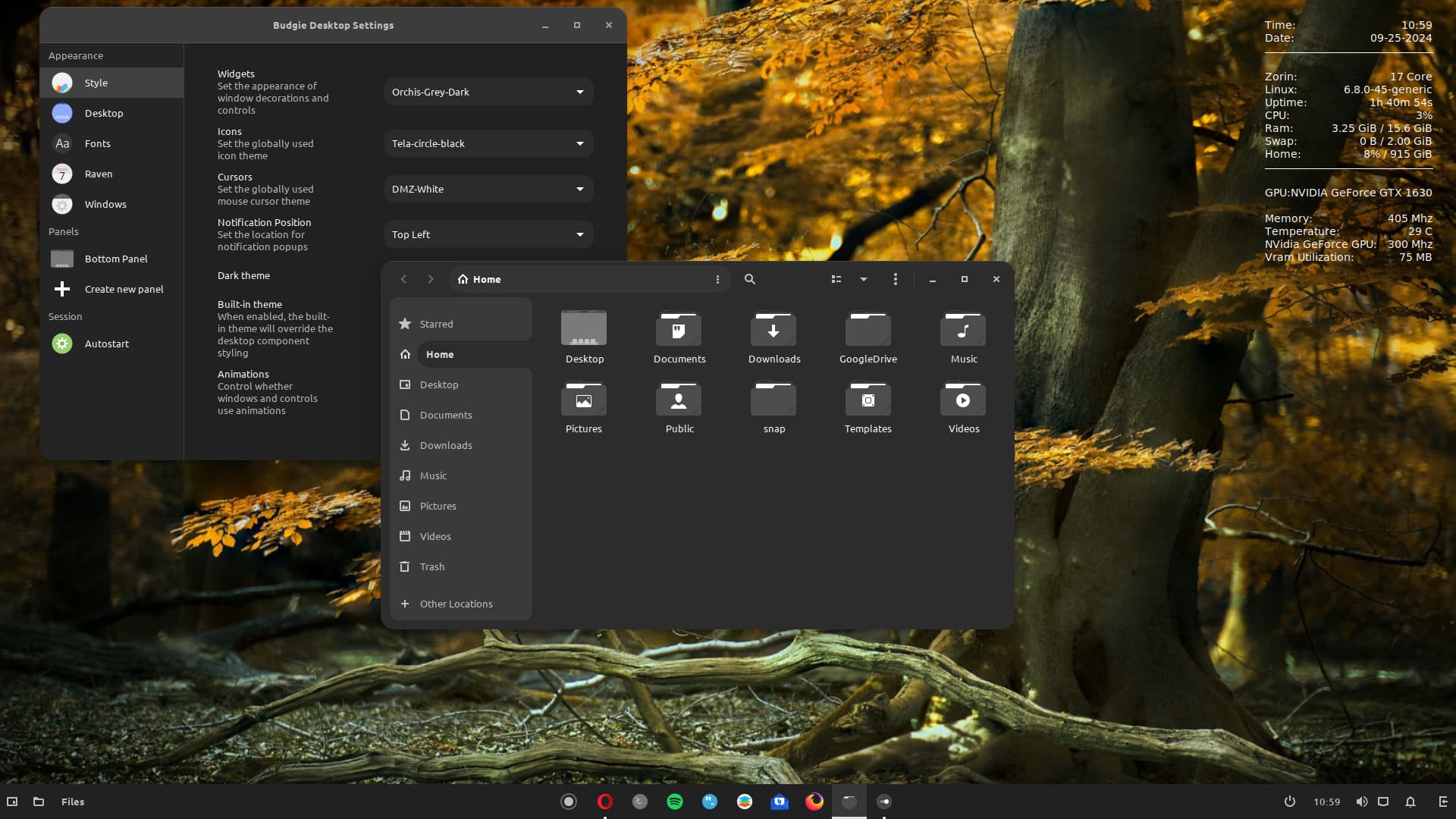
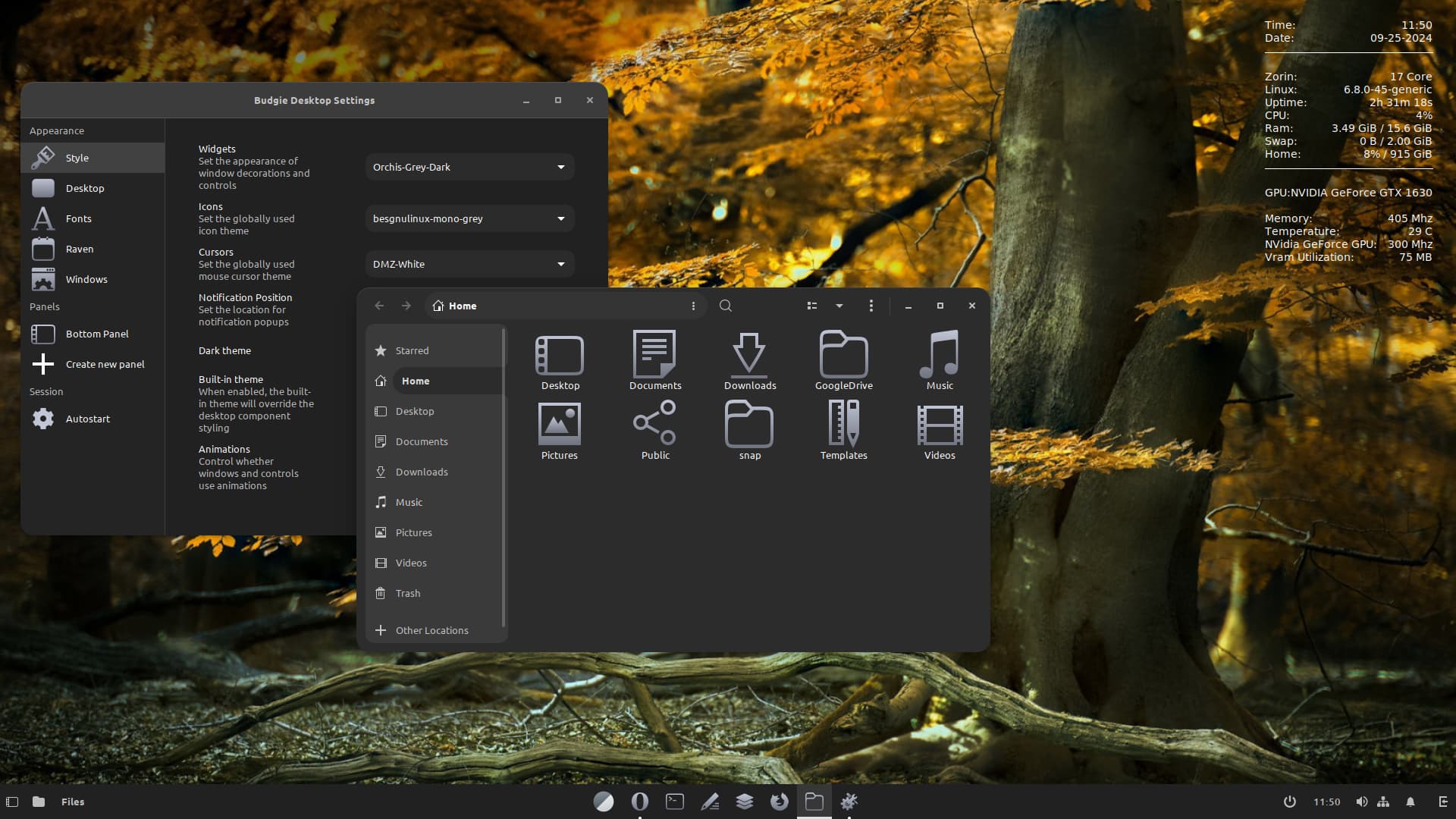
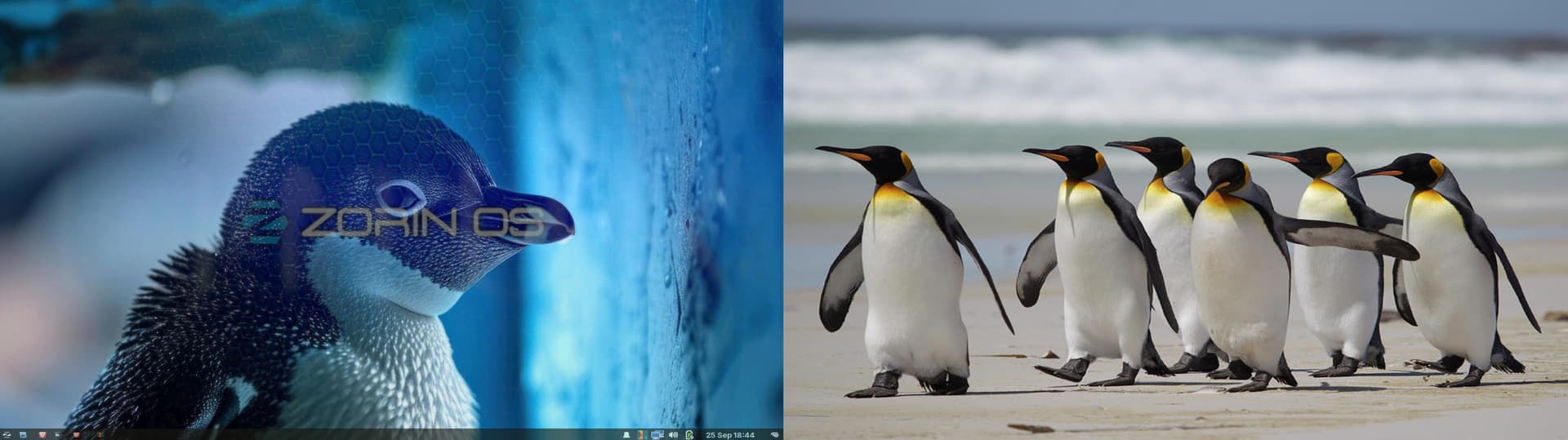
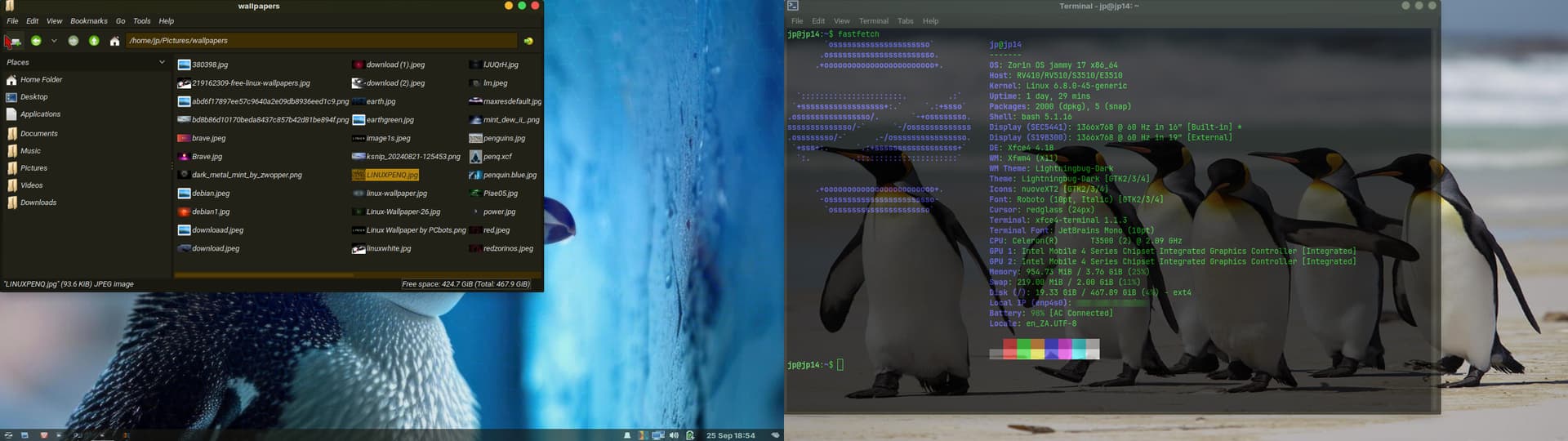
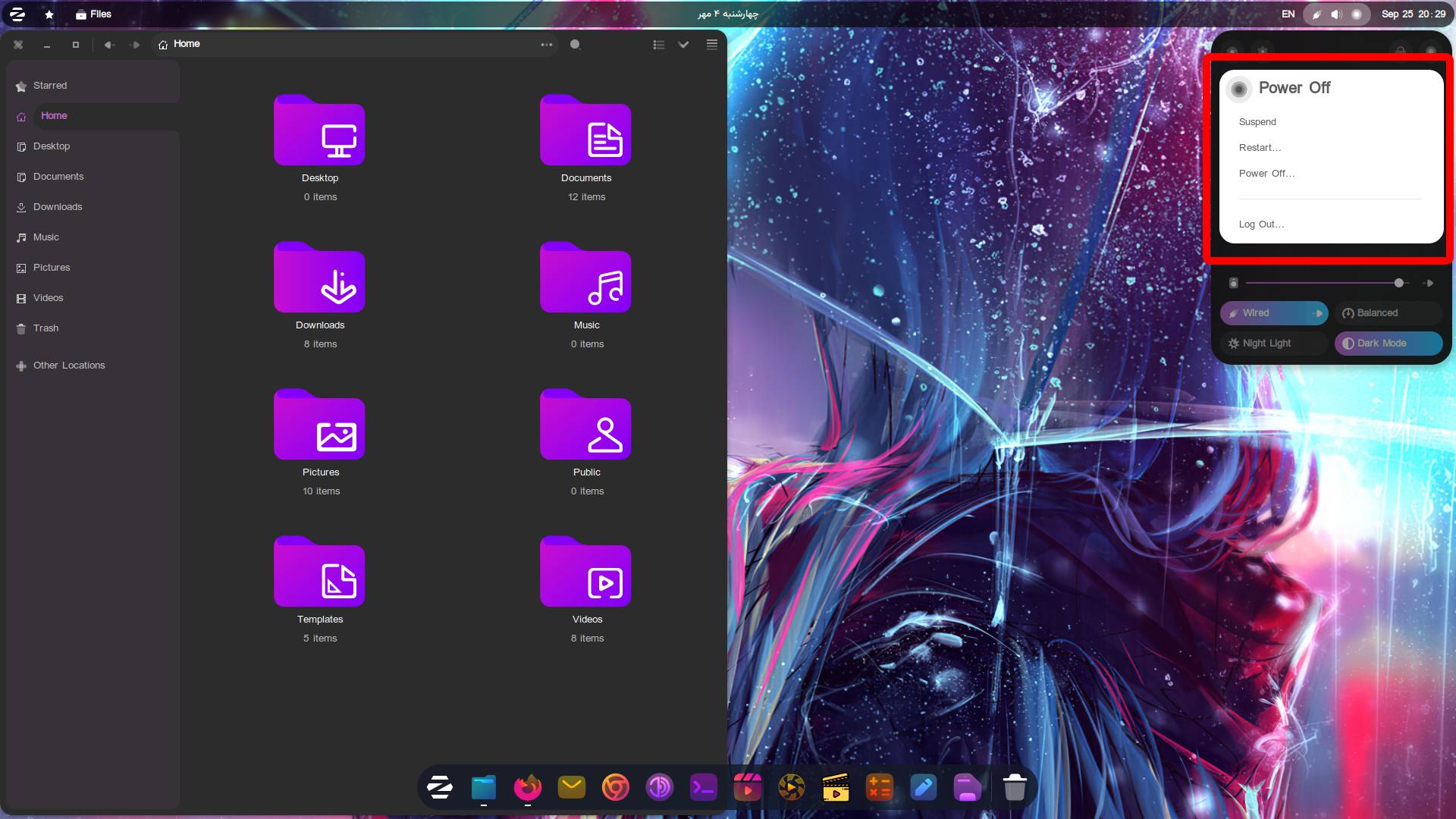
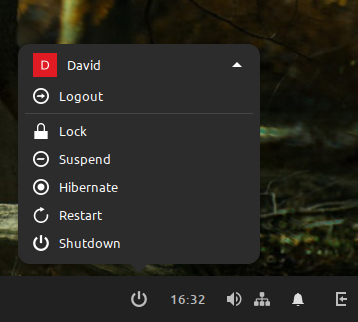
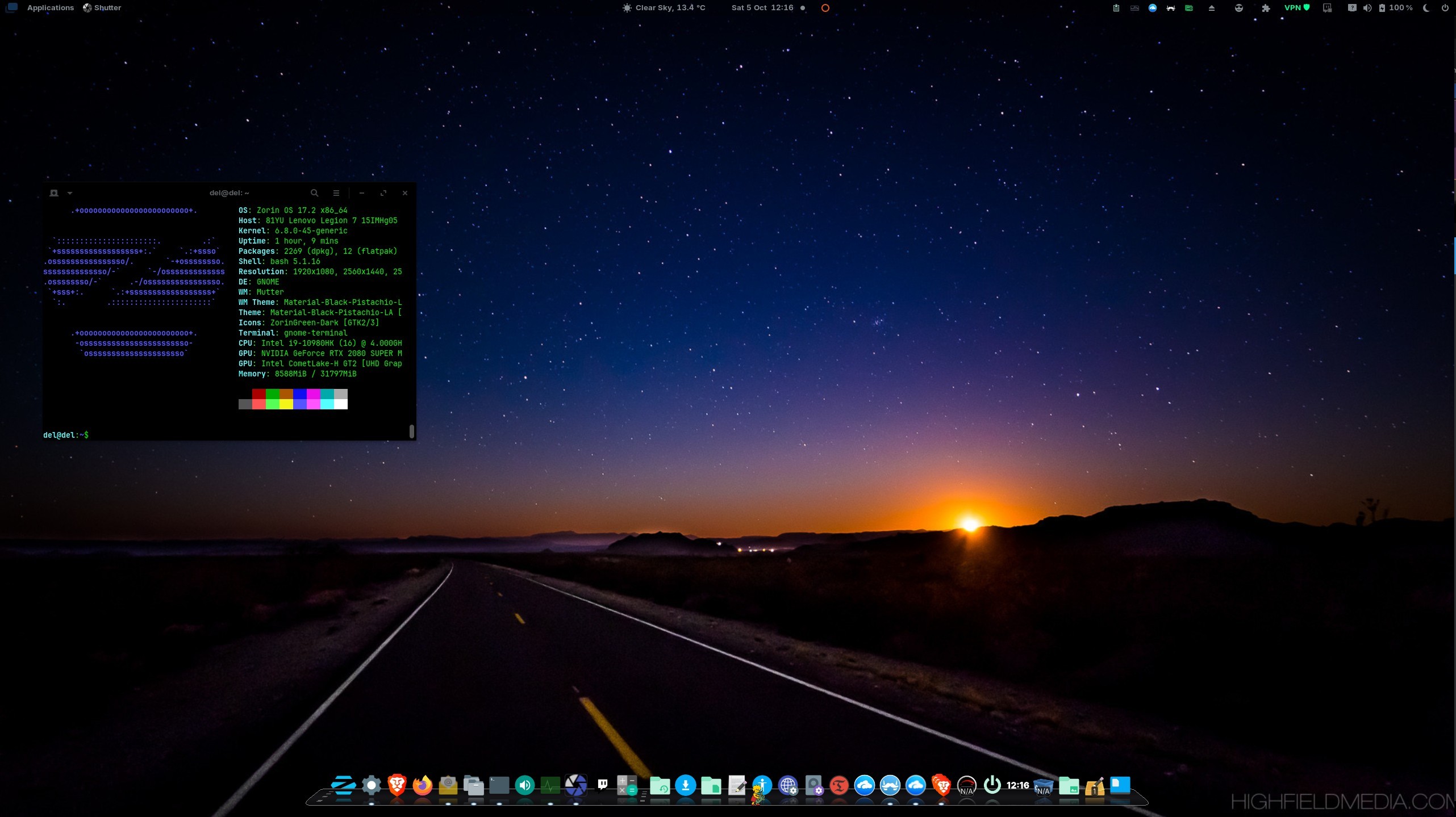
zorin 17.2 core
gnome 43.9 with the conky theme i made
the clock changes color with the dynamic zorin16 mountain wallpaper
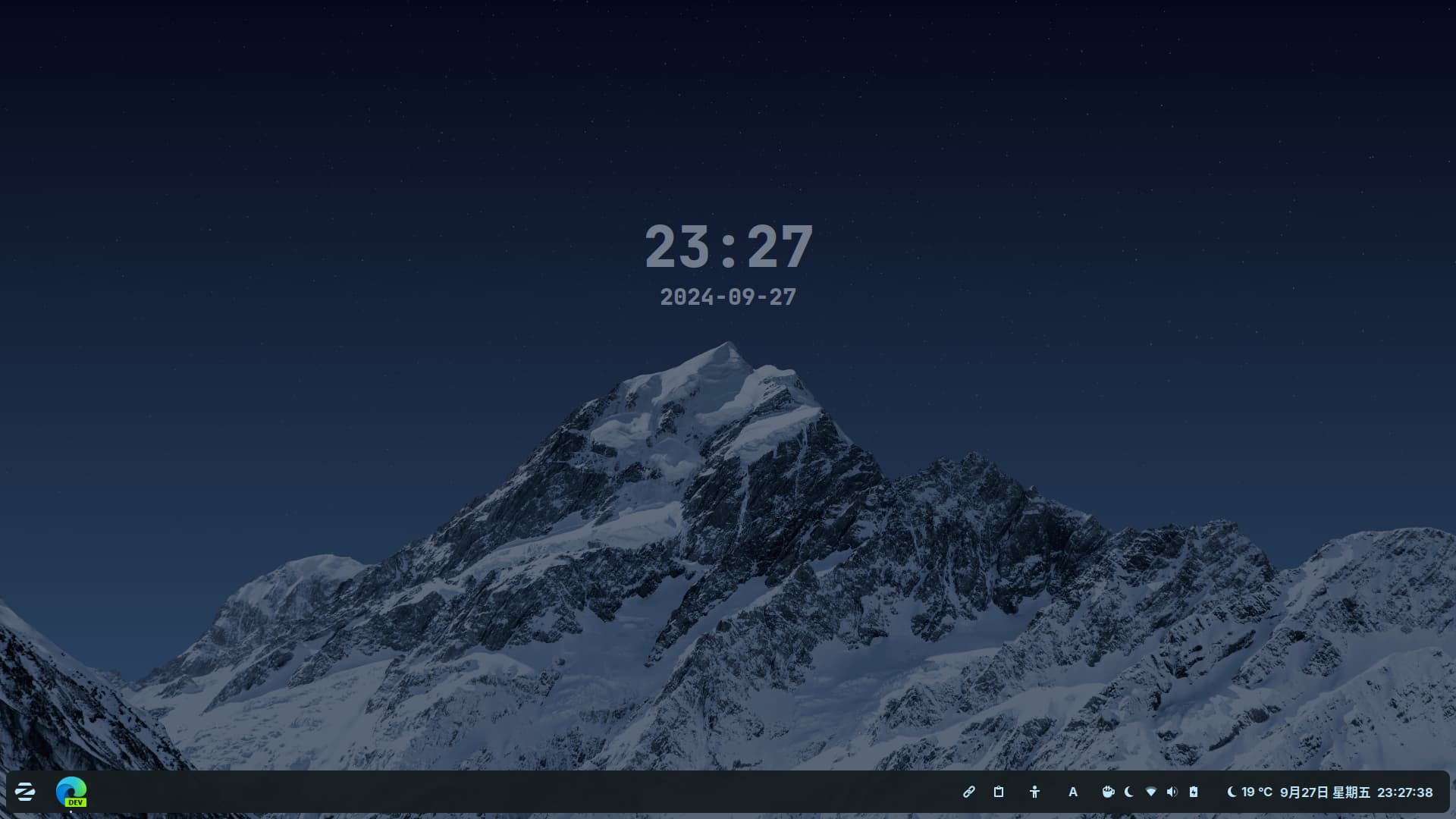
9 Likes
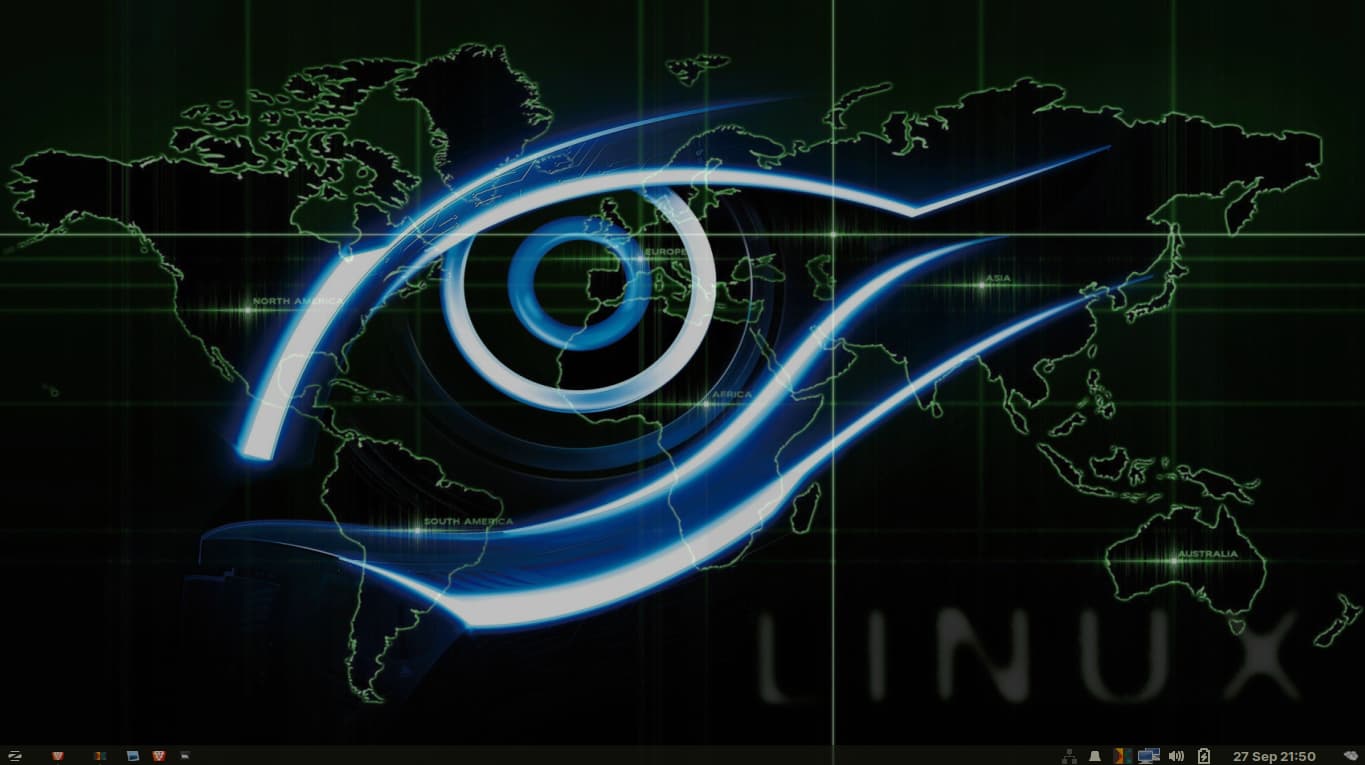
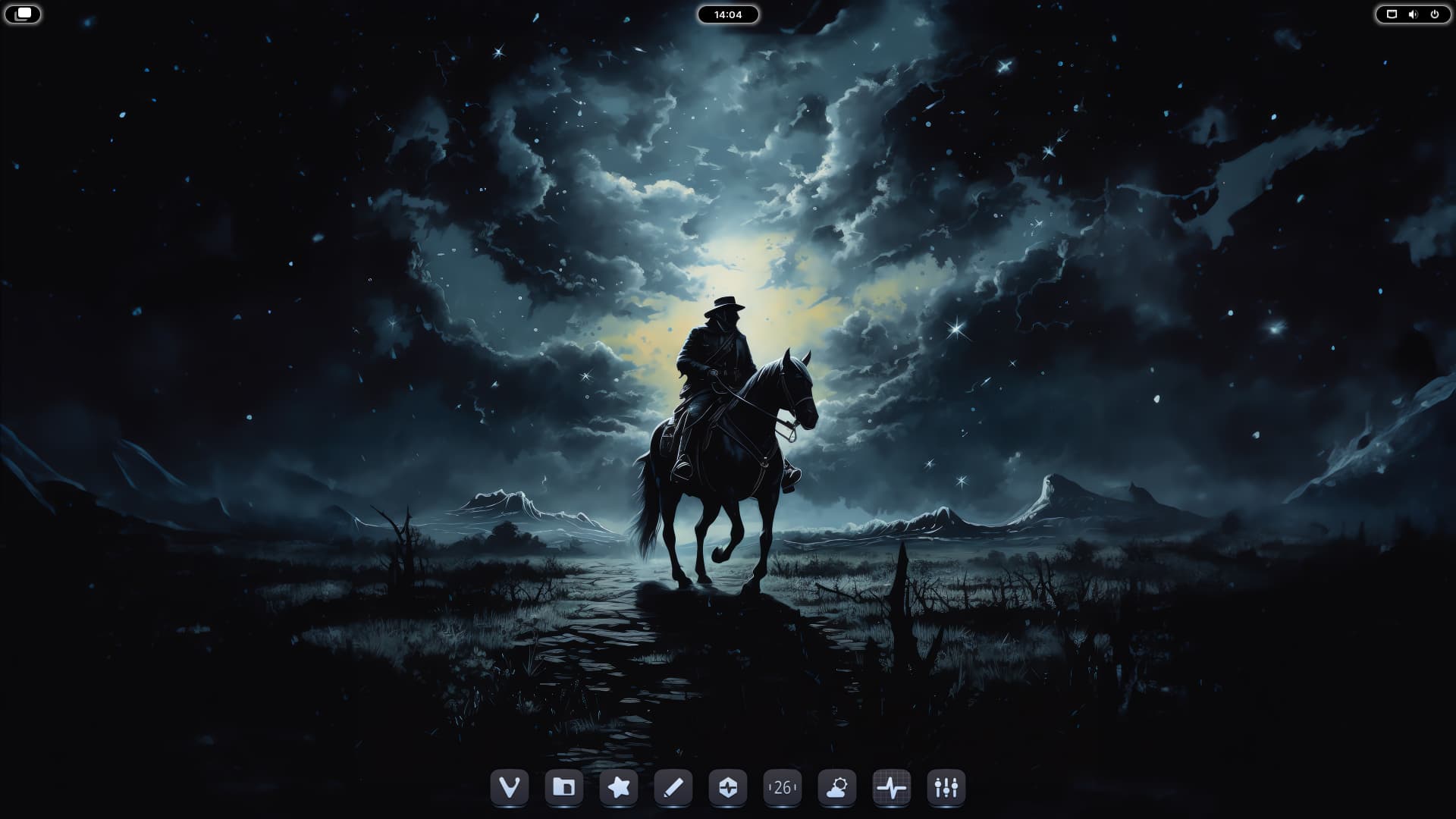
6 Likes
Love this! Keeping it simple is the way to go! 
1 Like
agreed
i keep it even simpler lol
like , i don't wanna get a headache just by looking at my home screen lol
the less , the better
3 Likes
My very simple layout. After playing a little with conky I realised I really don't like distraction on my desktop. I've even removed the rubbish bin and Home icons which I used to have.
I agree with what Aravisian was saying much earlier in this thread. On Windows my screen easily became cluttered with icons. Here, I actively like keeping it uncluttered and everything is organised.
Icons: Tela.
Shell: White Sur Light
Wallpaper: One of my photos from a long time ago - high up in the Canadian Rockies after a long climb. Mt Aissiniboine in the distance. Its naturally a very shades of blues photo, i've created several versions either enhancing its blueness or here into a sepia range. Next step, I'd like to create a wallpaper changing with then time of day.
Icon set Tela because - although I love what you guys do creatively with icons and graphics and integrated themes, with a visual impairment I need icons that I can easily differentiate. I love the folder icons in Tela as they are really easy to differentiate, much more so for me than most icons sets I have tried.
One inconsistency here that i have found: I've taken the taskbar transparency right down, and used a light shell theme, but the taskbar 'Activities Button' icon resolutely stays black. I remove it from taskbar normally, just switched it back in to demonstrate here.

4 Likes