
Yep, I'm back again with more making the Morrowind UI as my desktop, I think I have gotten it really close! (The WhiskerMenu is now the health/magika/stamina button, just in case you were wondering)
4 Likes
I remembered when Morrowind hit the market. Heck I remember when Daggerfall hit the market 
Nice work!
1 Like
Thanks! Morrowind is my favorite game of all time, and I don't get to play it much anymore, so this is my way of being able to enjoy the game when I have to be IRL. XFCE has been really flexible and fun to form into this UI!
1 Like
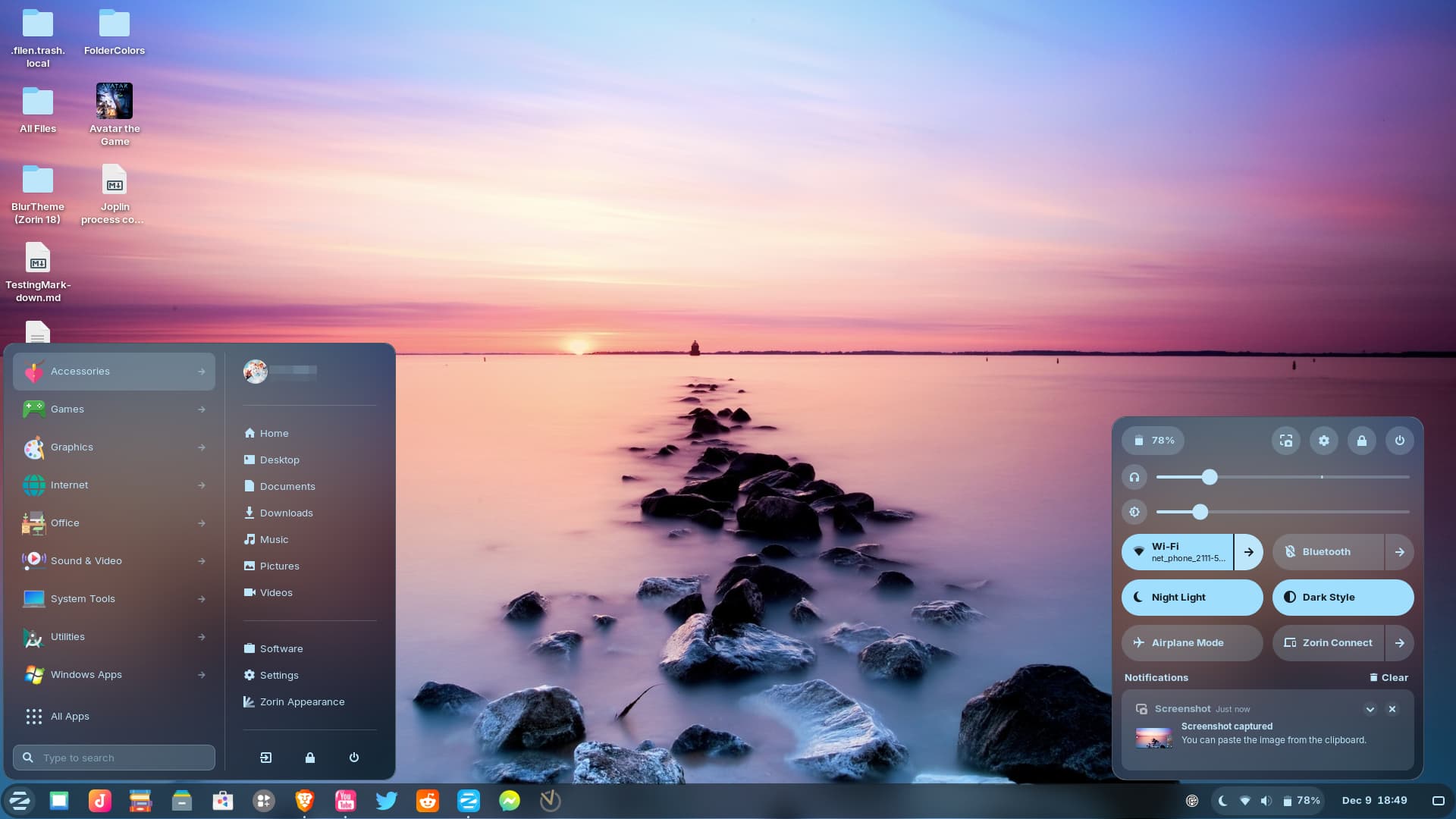
Back with Zorin 18 "blur" shell!
Dark mode
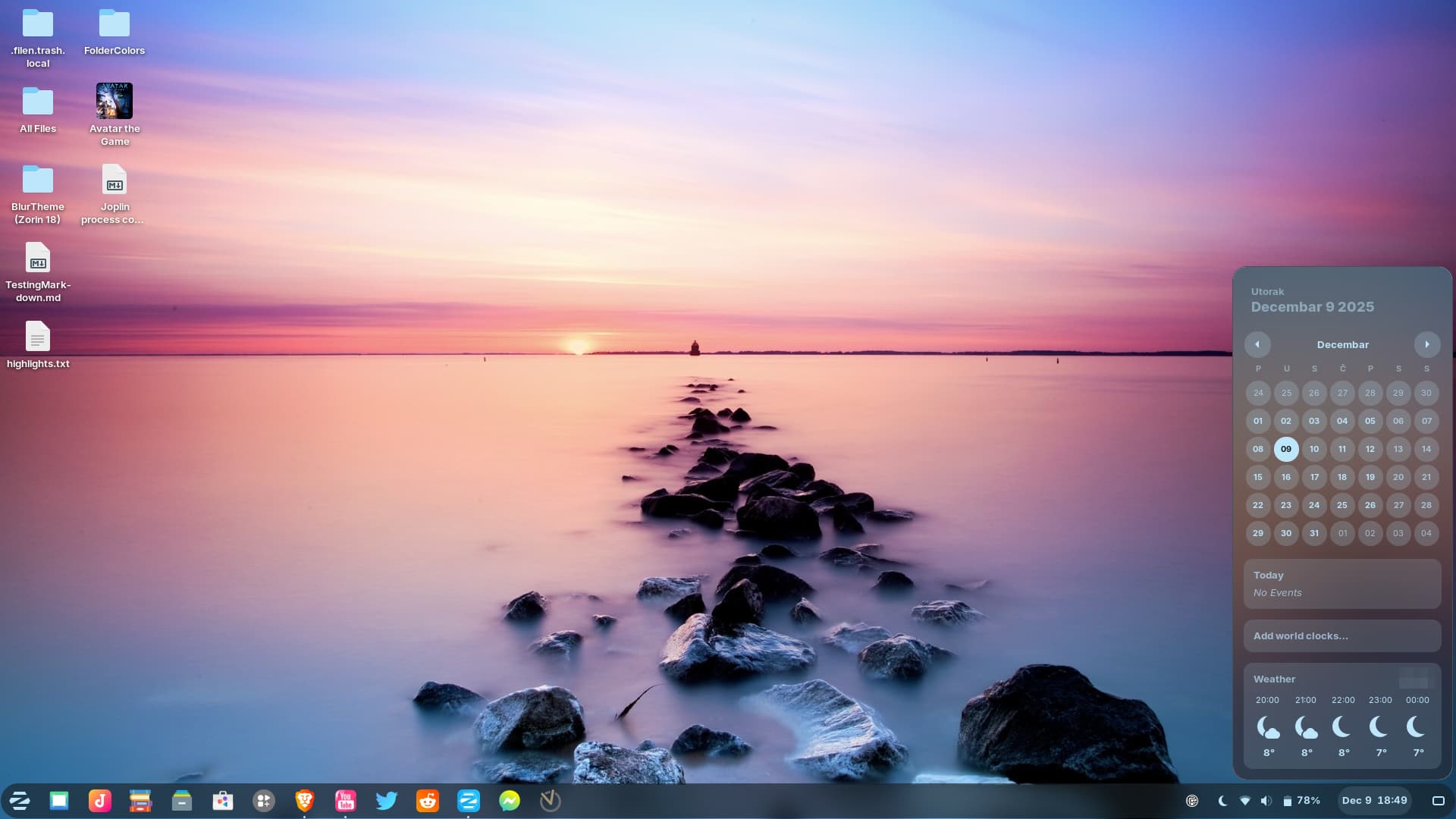
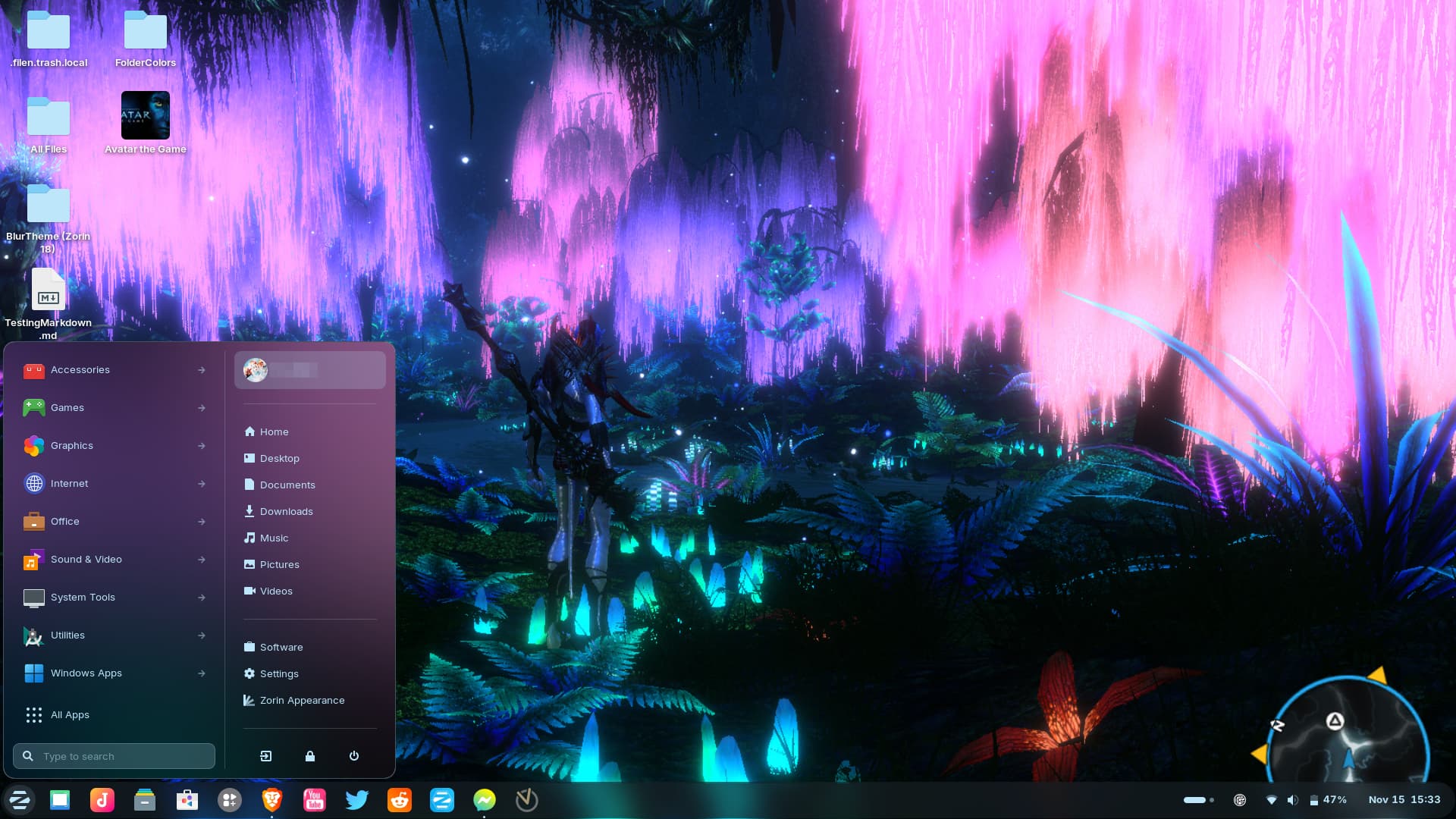
Also worked on light mode, but didn't finish it yet, so what you see here is very much incomplete:
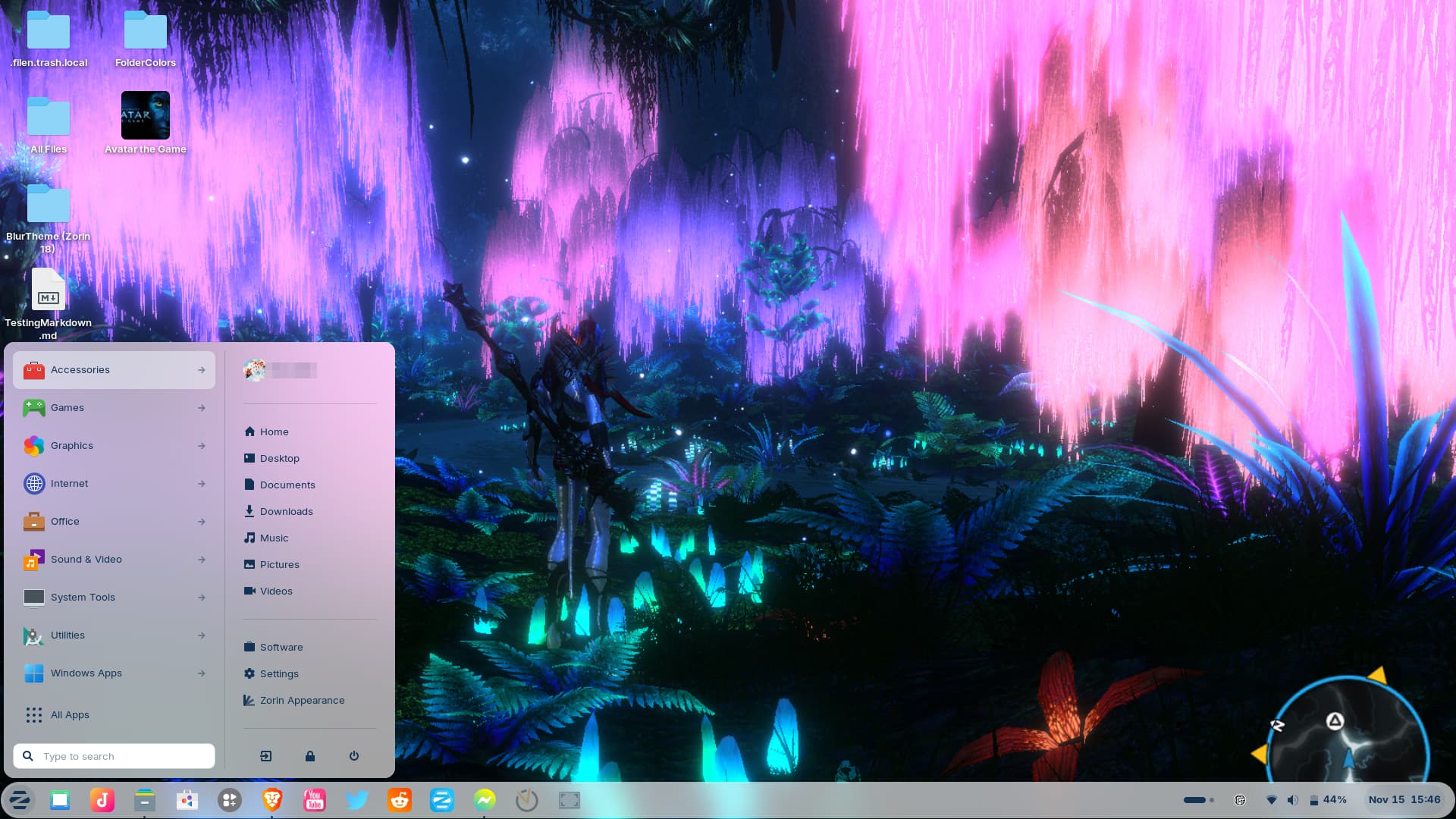
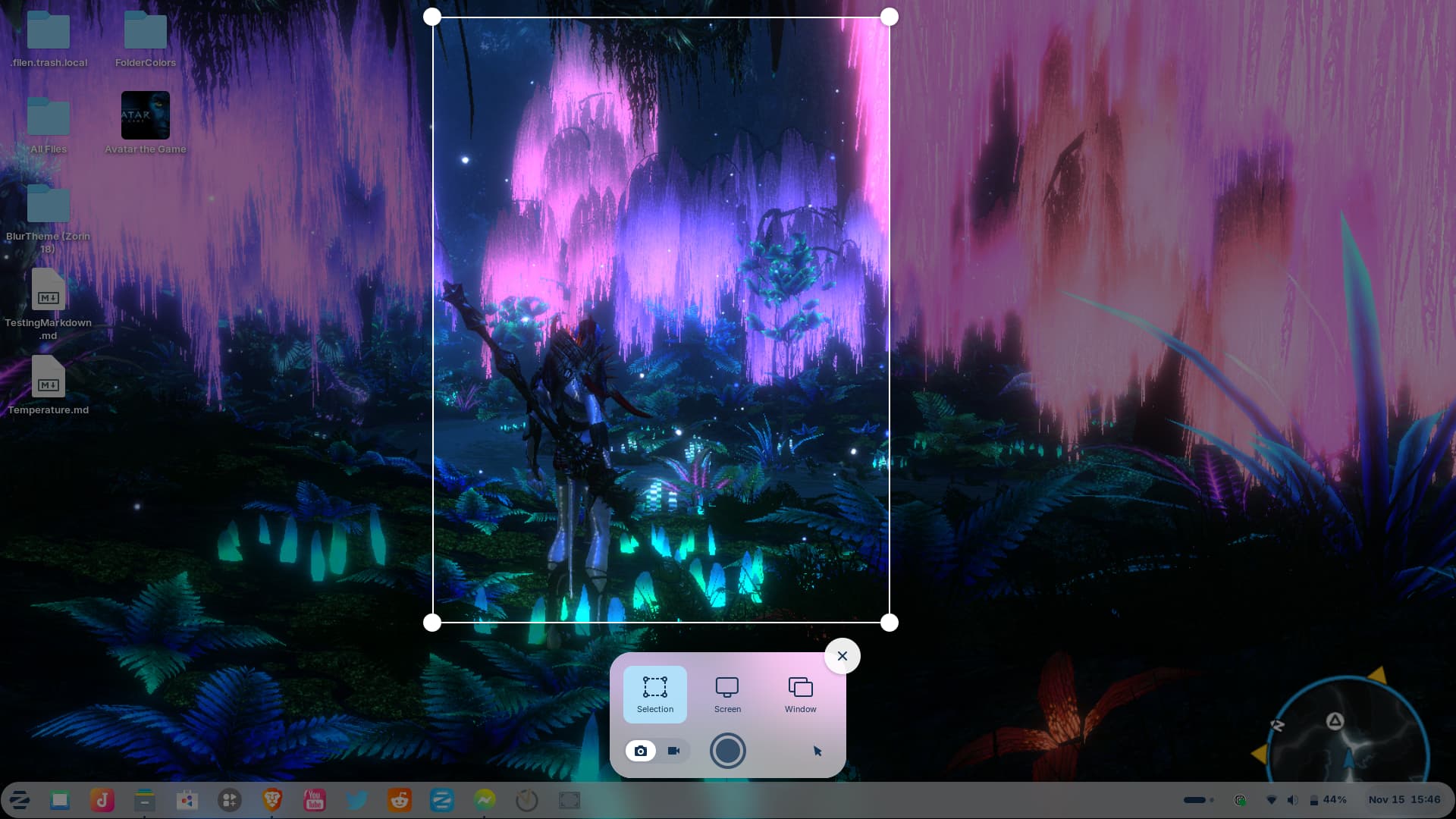

7 Likes
Looks amazing
3 Likes
I really love the 3rd screenshot.
2 Likes
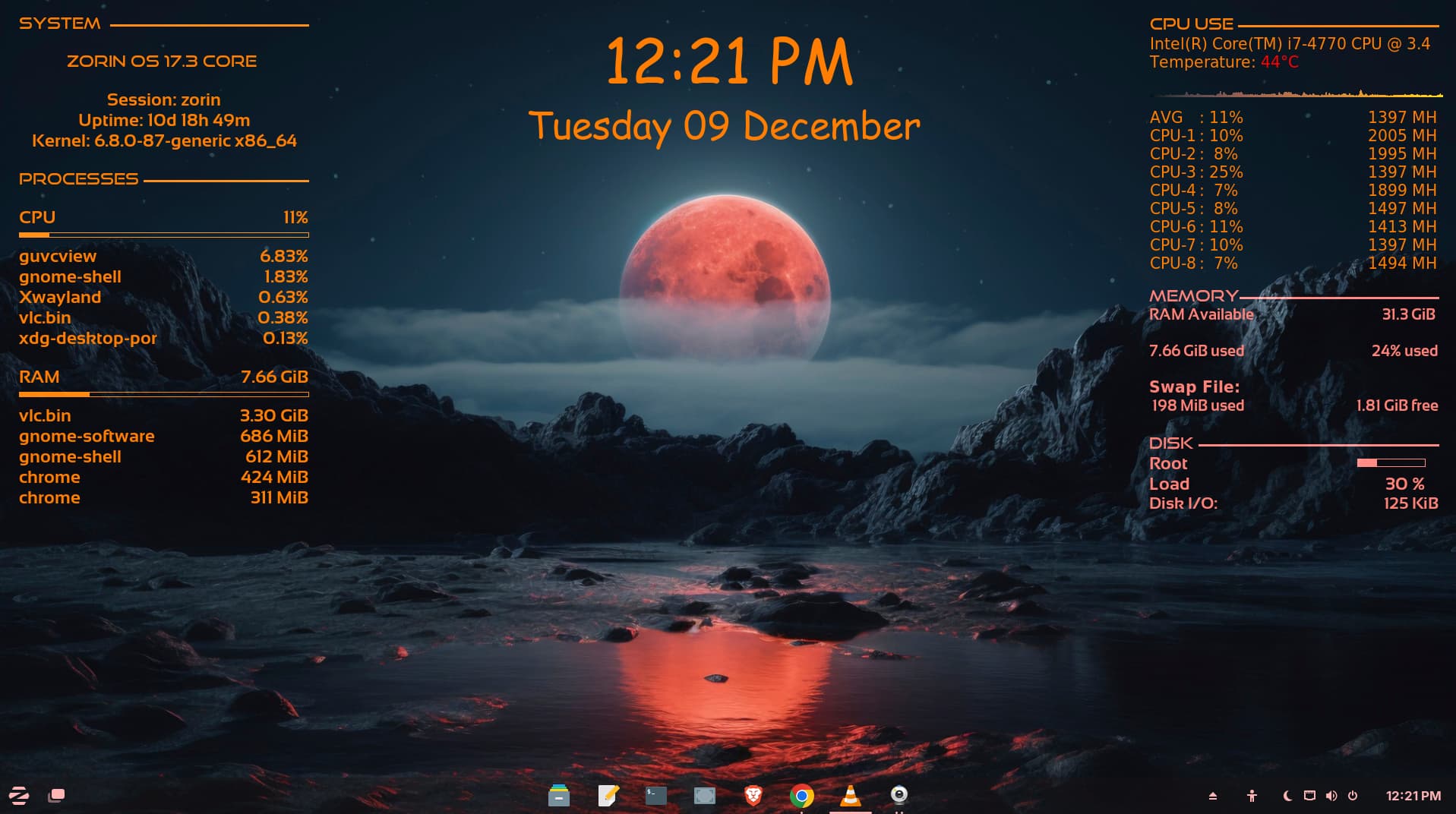
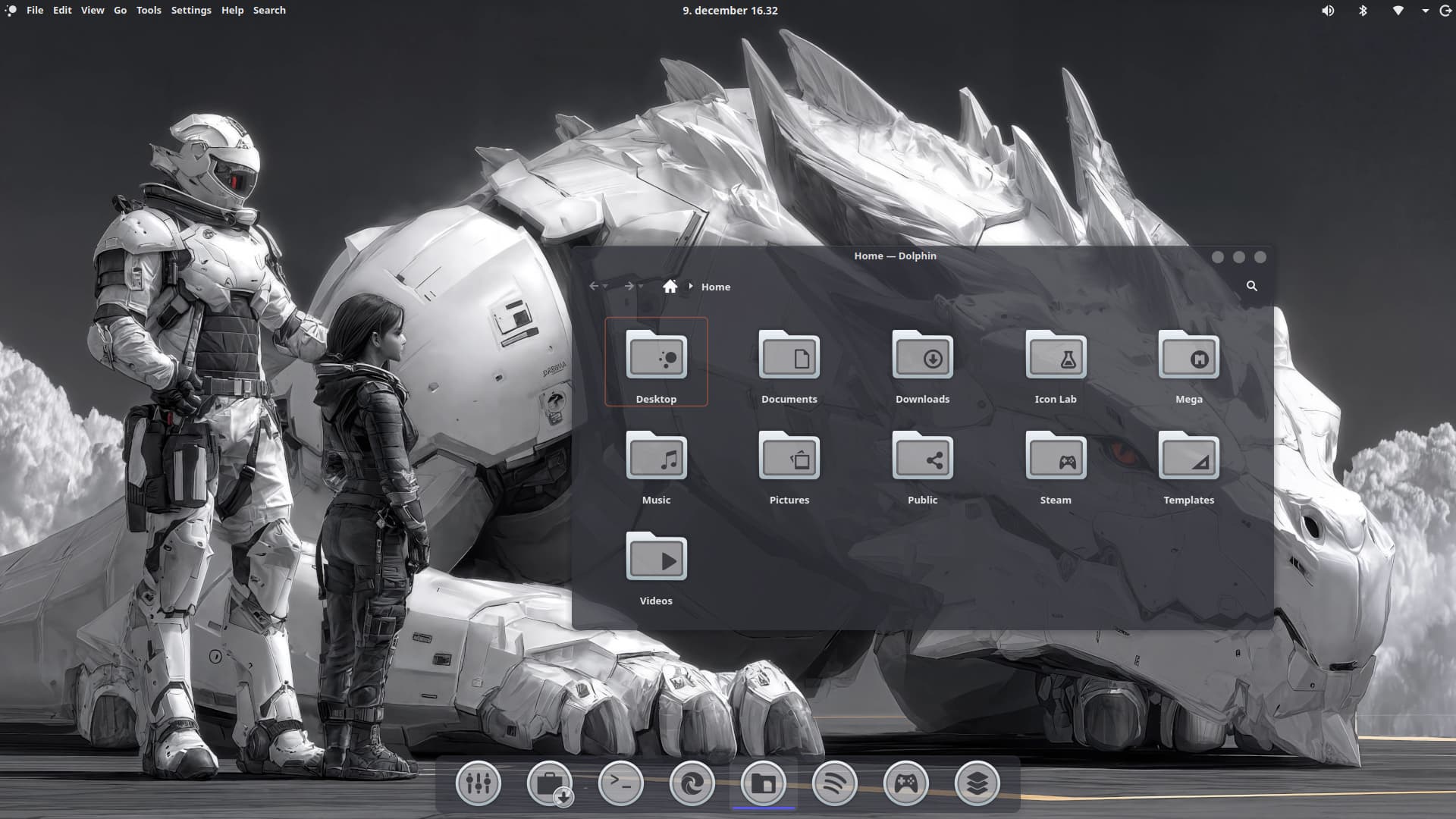
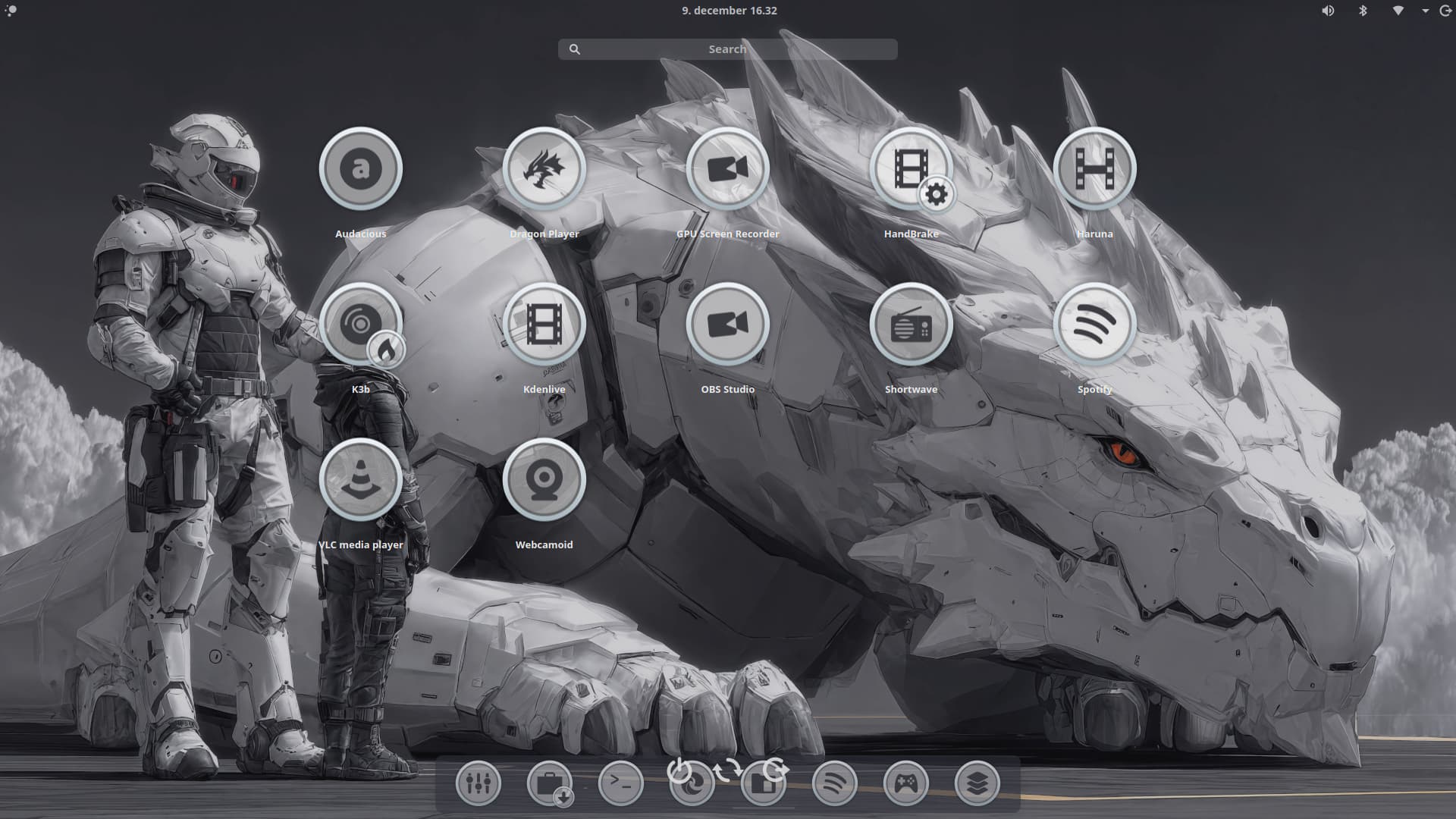
I am not sure what or how it happend ... but it is now KDE ... I installed another Dock - Plank - and wanted to see if I run on Wayland, which seems not to work with Plank, so reboot, changed to X11 and here I am with KDE

4 Likes
Looks amazing.
May I ask which theme is this?
1 Like
It's not an existing theme. I found Zorin's gnome shell css files and modified them to set a blurred image as a background to most shell elements, then adapted others with suitable colors and changed border radius here and there. I made a post how I did it back on Zorin 17 too!
3 Likes
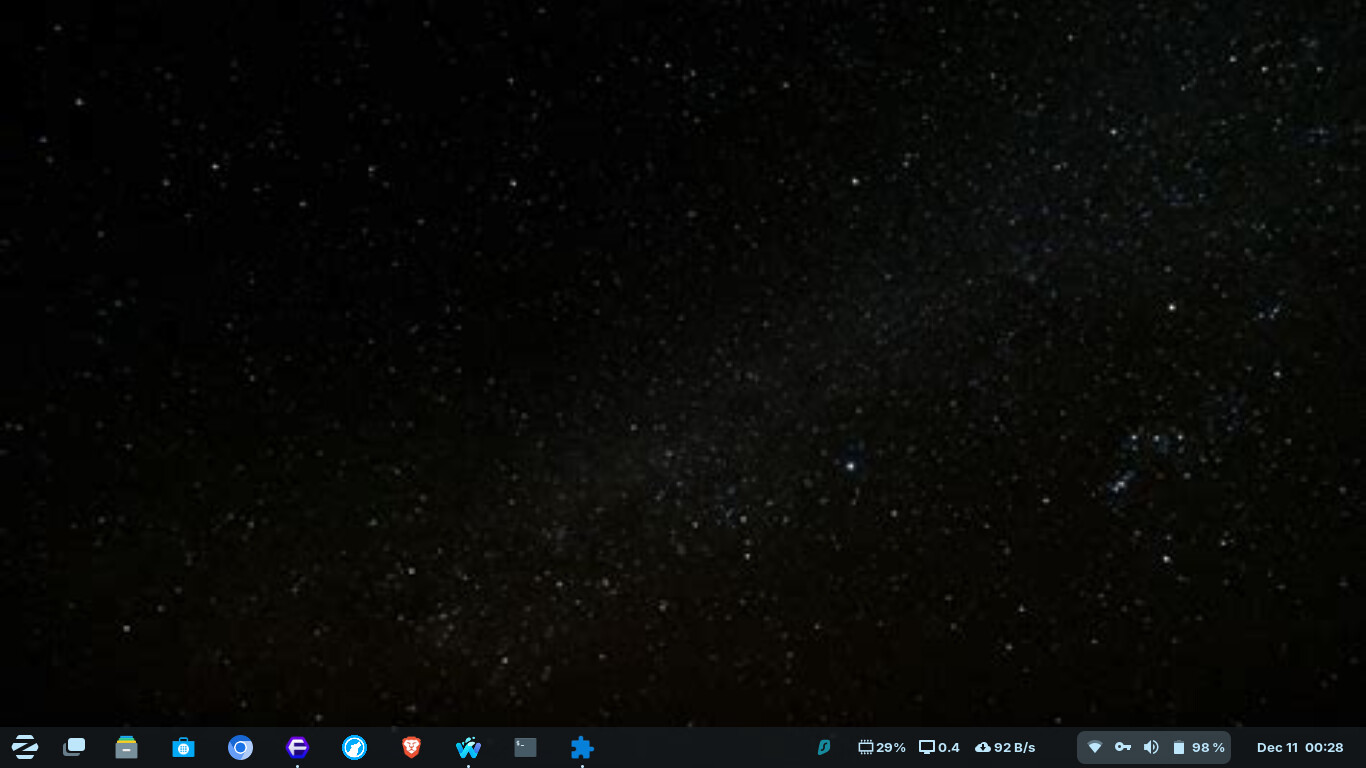
You mean the colors of lights (and the planet?) will change according to daytime.
Any link to it? @wesoliv429
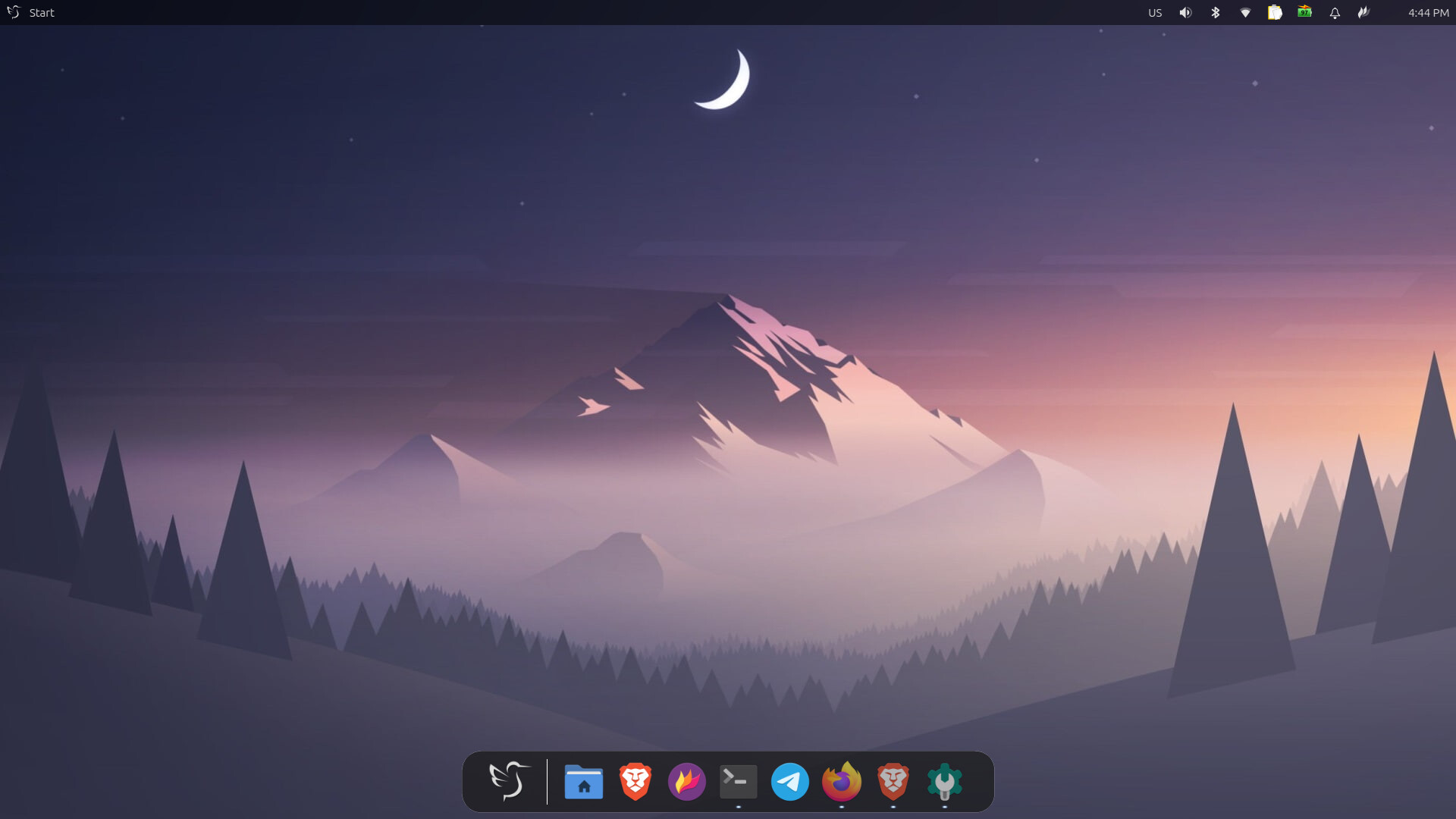
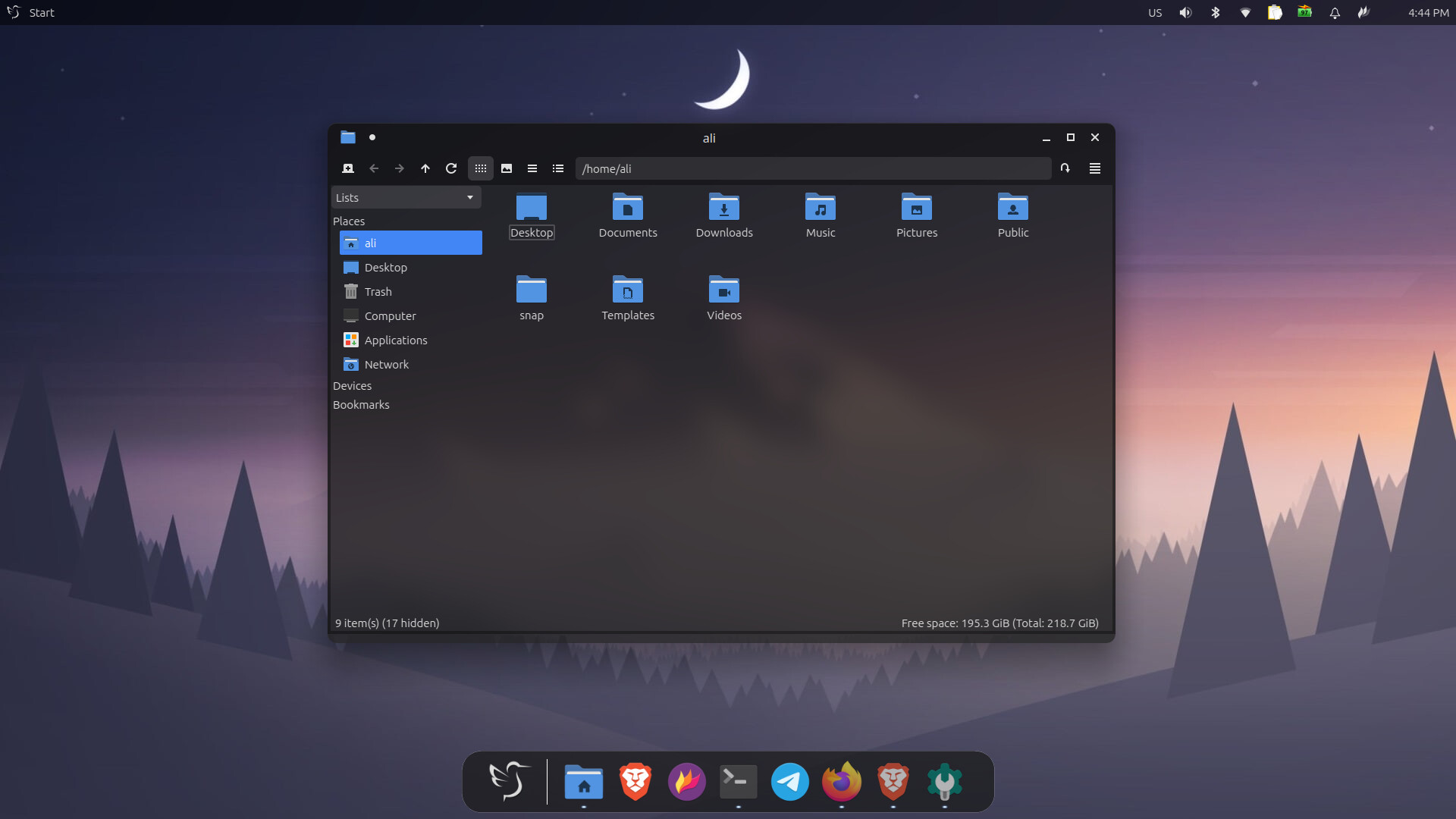
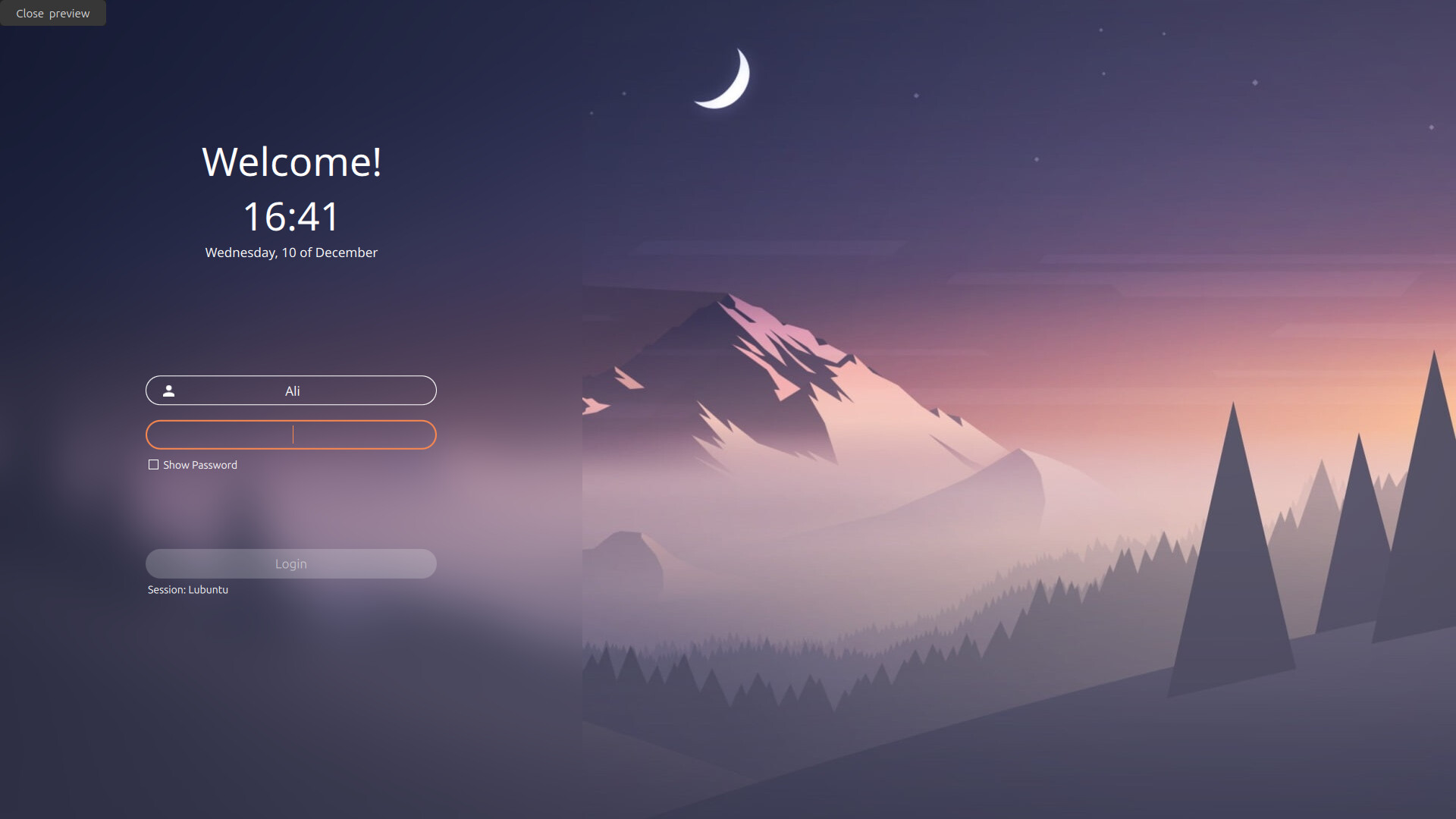
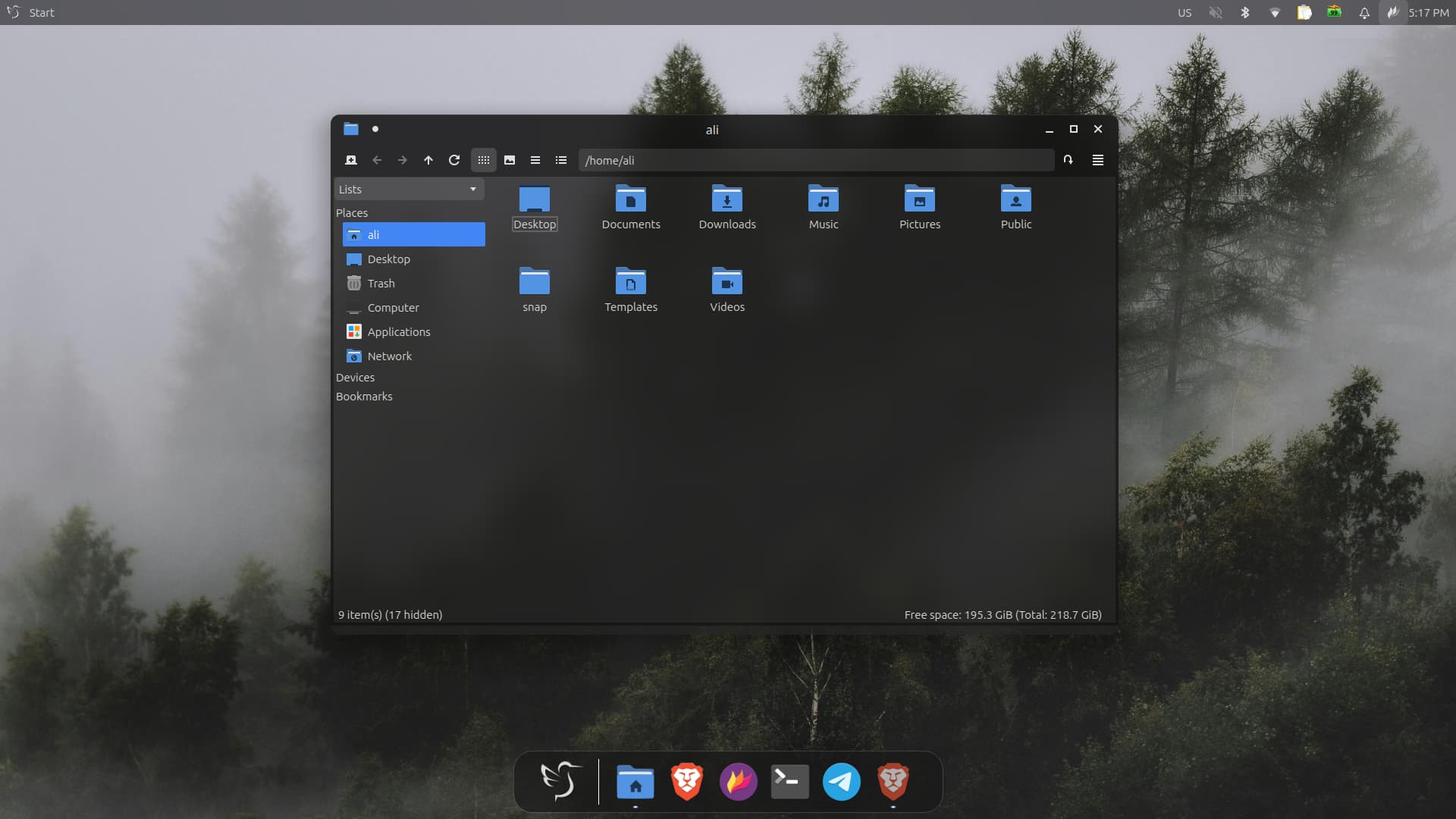
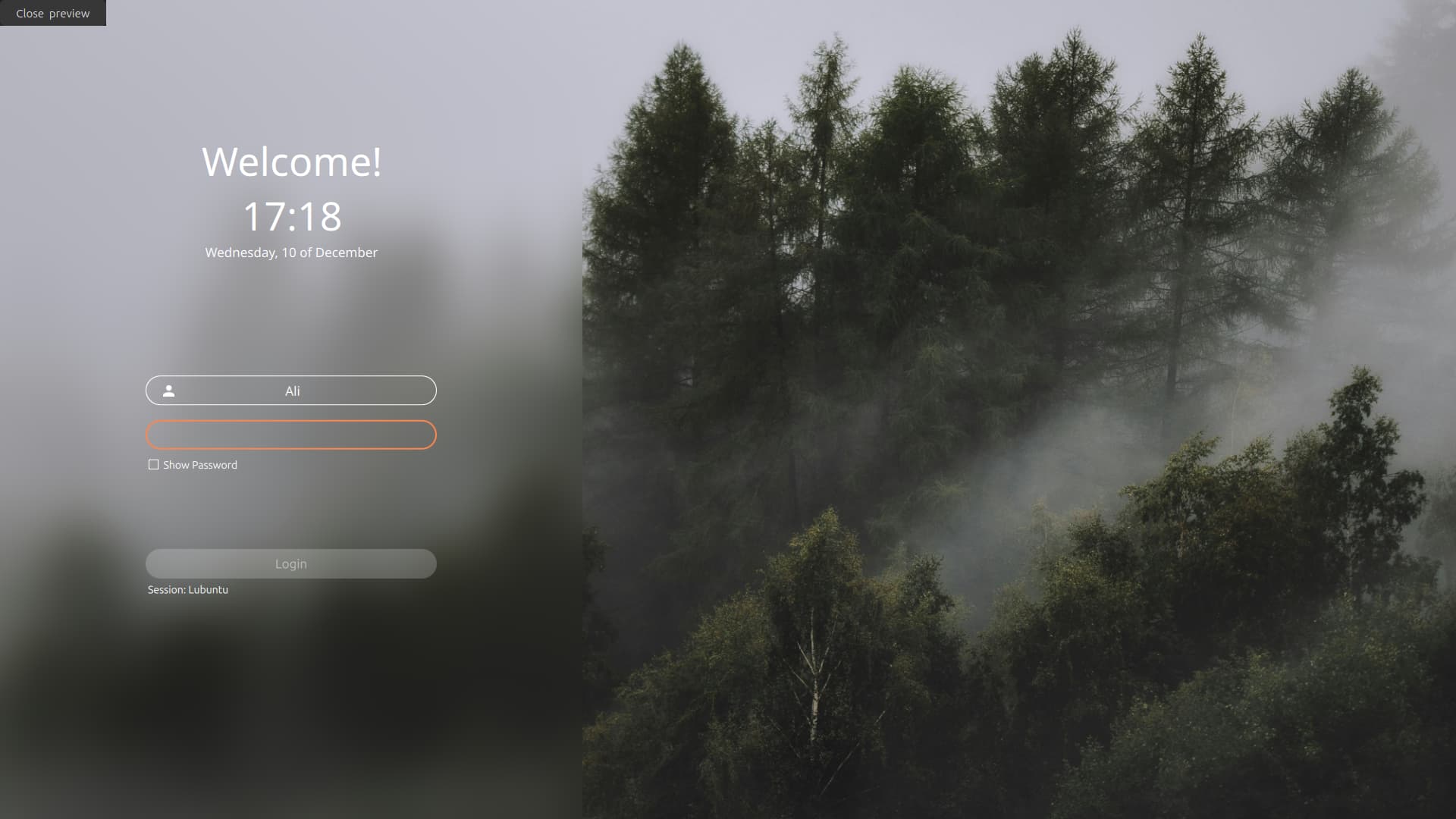
Which distro? Might want to give it a try.
It's Lubuntu.
Did they get a new logo?
I'm not sure about the exact date of the logo change, as I'm still relatively new to Lubuntu.
1 Like
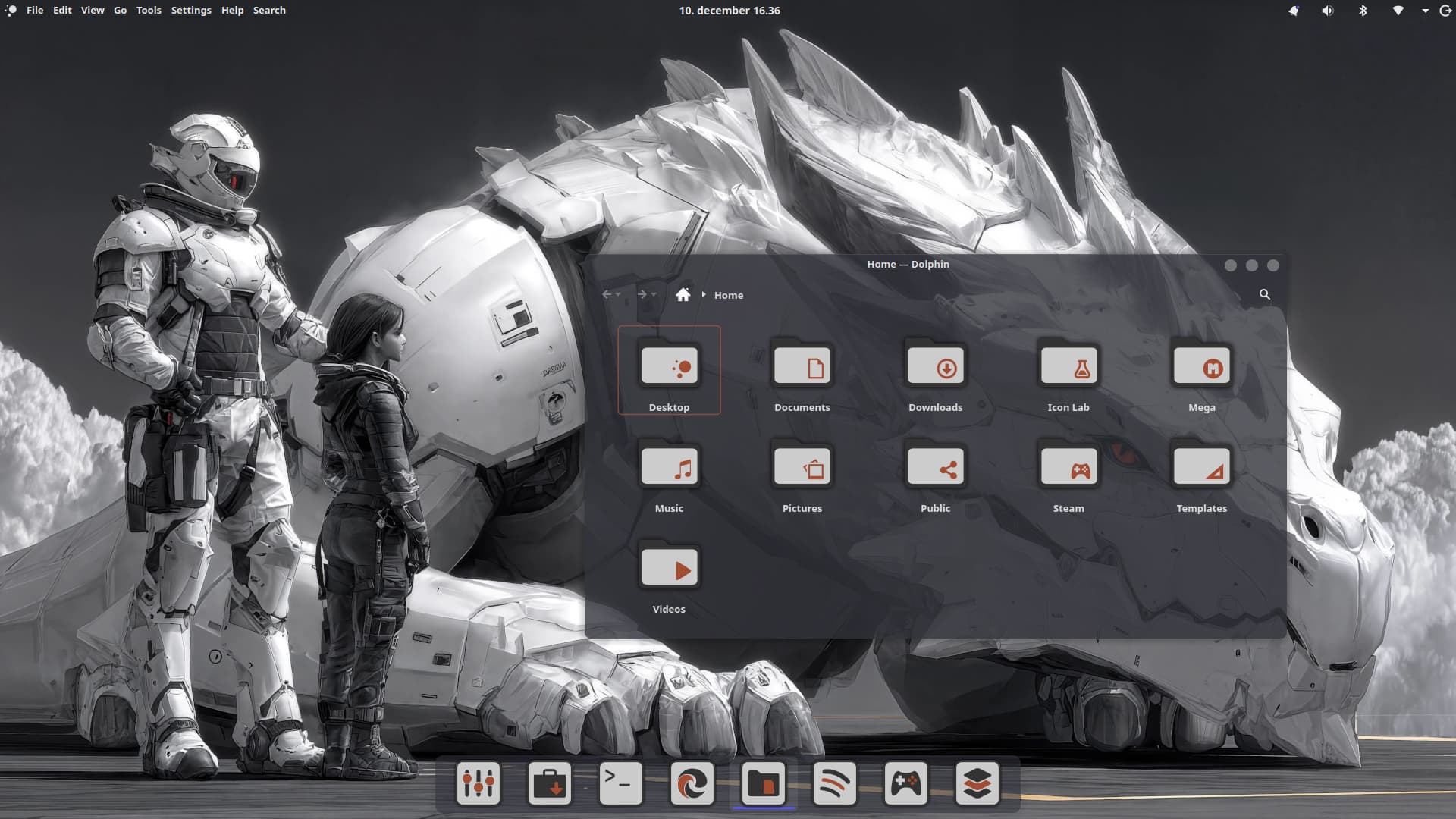
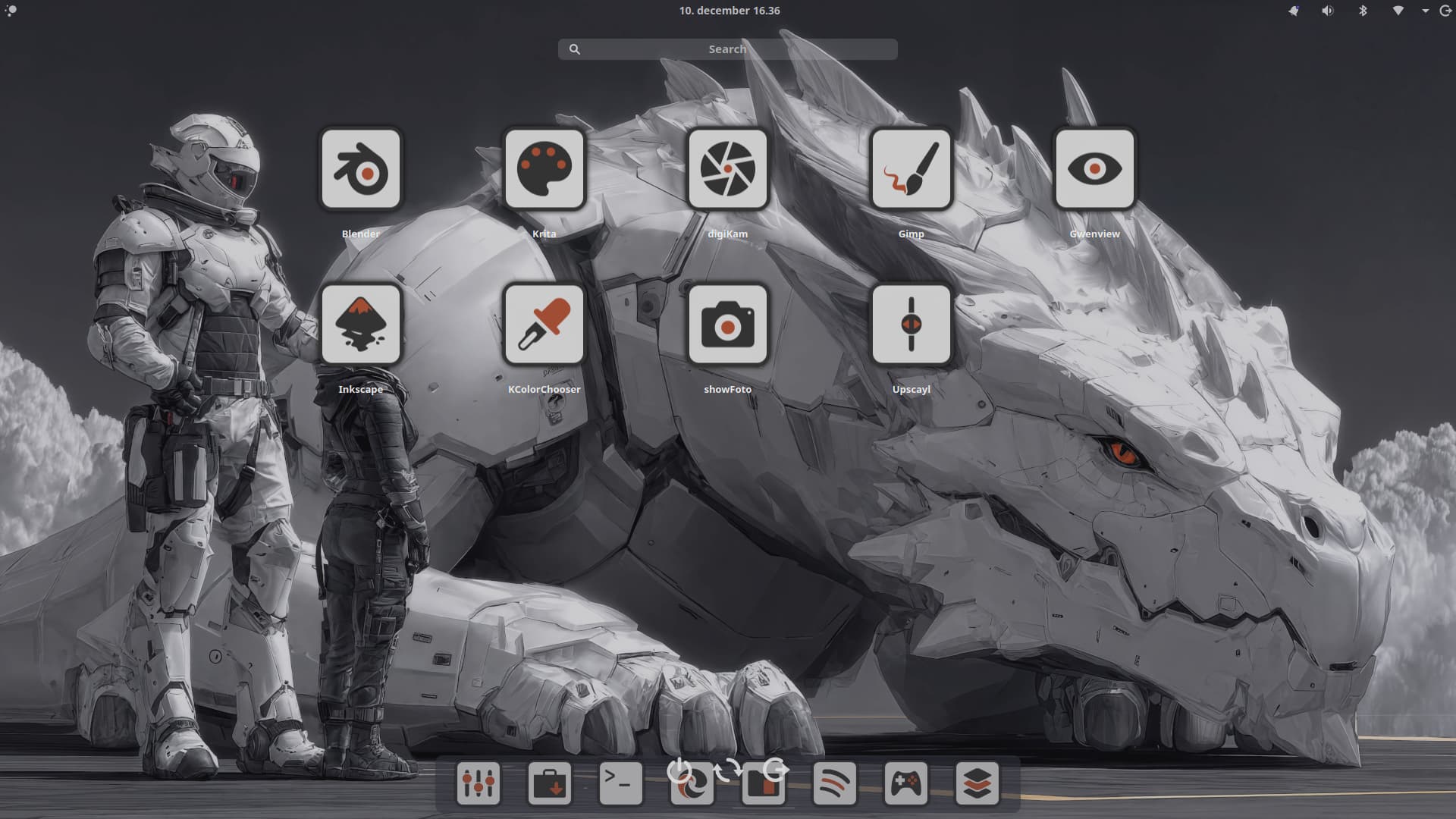
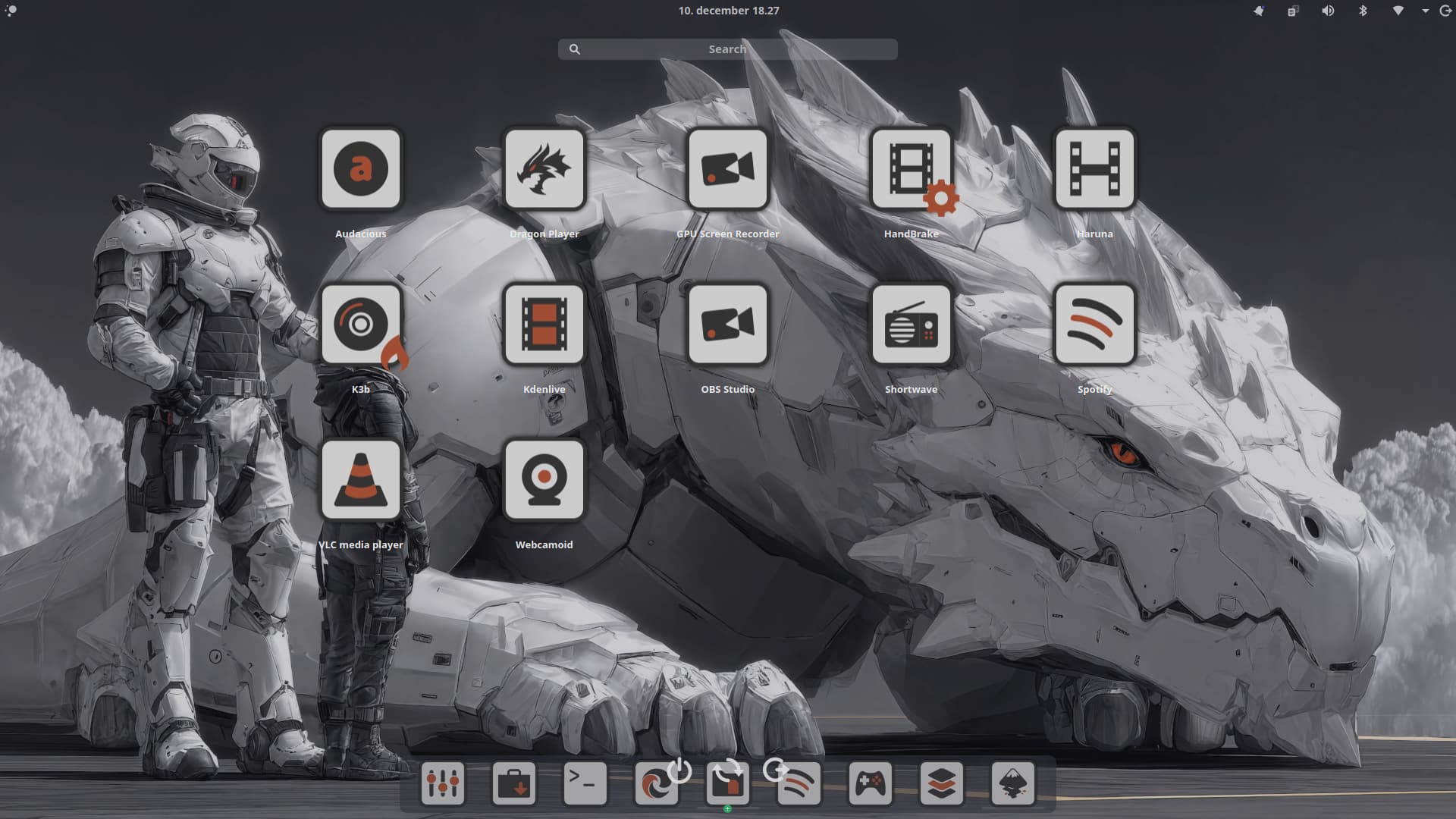
Moi. On Devuan.
1 Like