Thanks @zabadabadoo
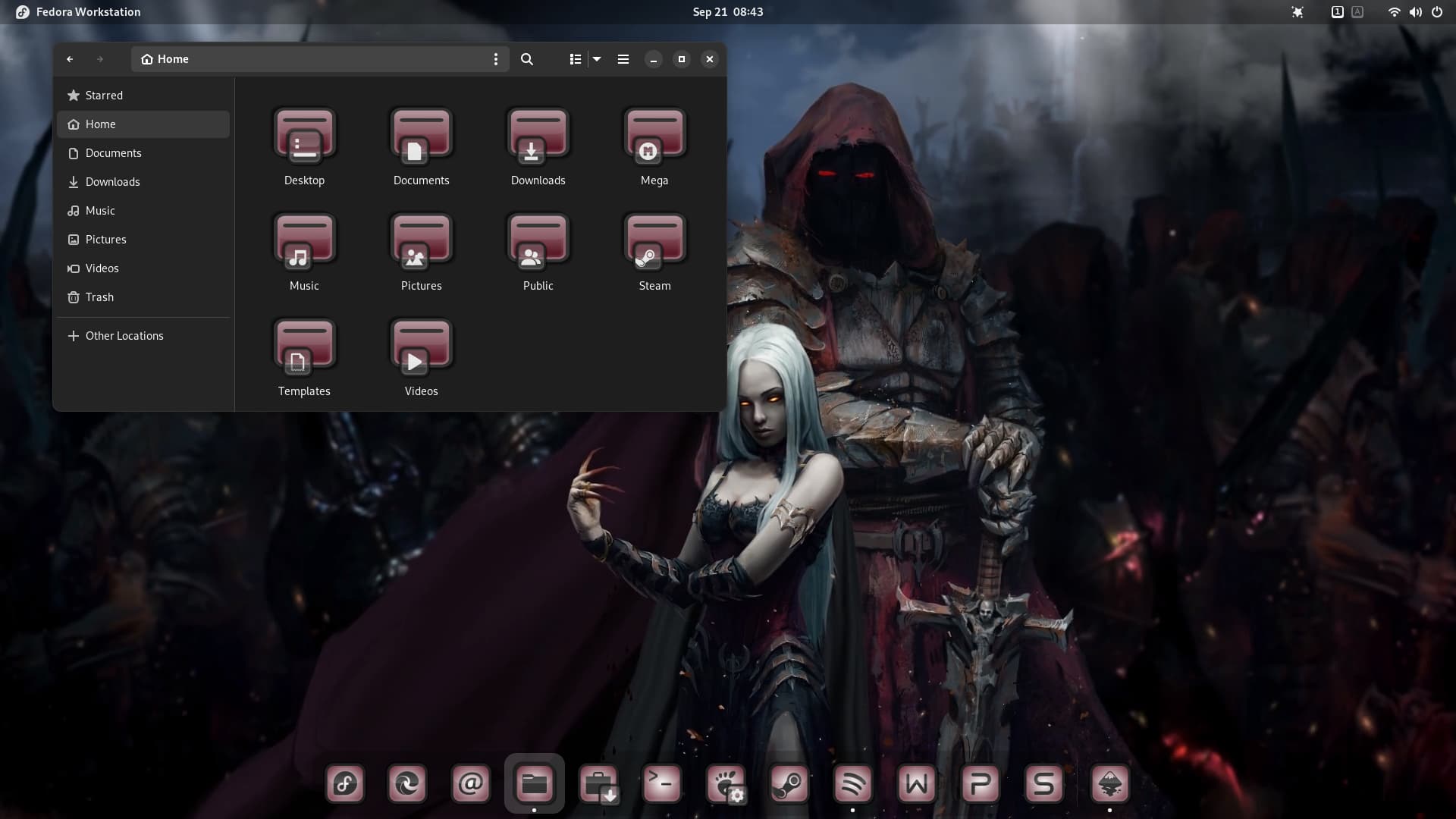
Epic desktop @Storm
1 Like
Ah. so we see where Storm got his new Avatar from. I wonder how long he will keep it before returning to his familiar bearded Viking persona we are all so familiar with. This Avatar to me looks like a fake Storm 
3 Likes
It's from my younger days 
2 Likes
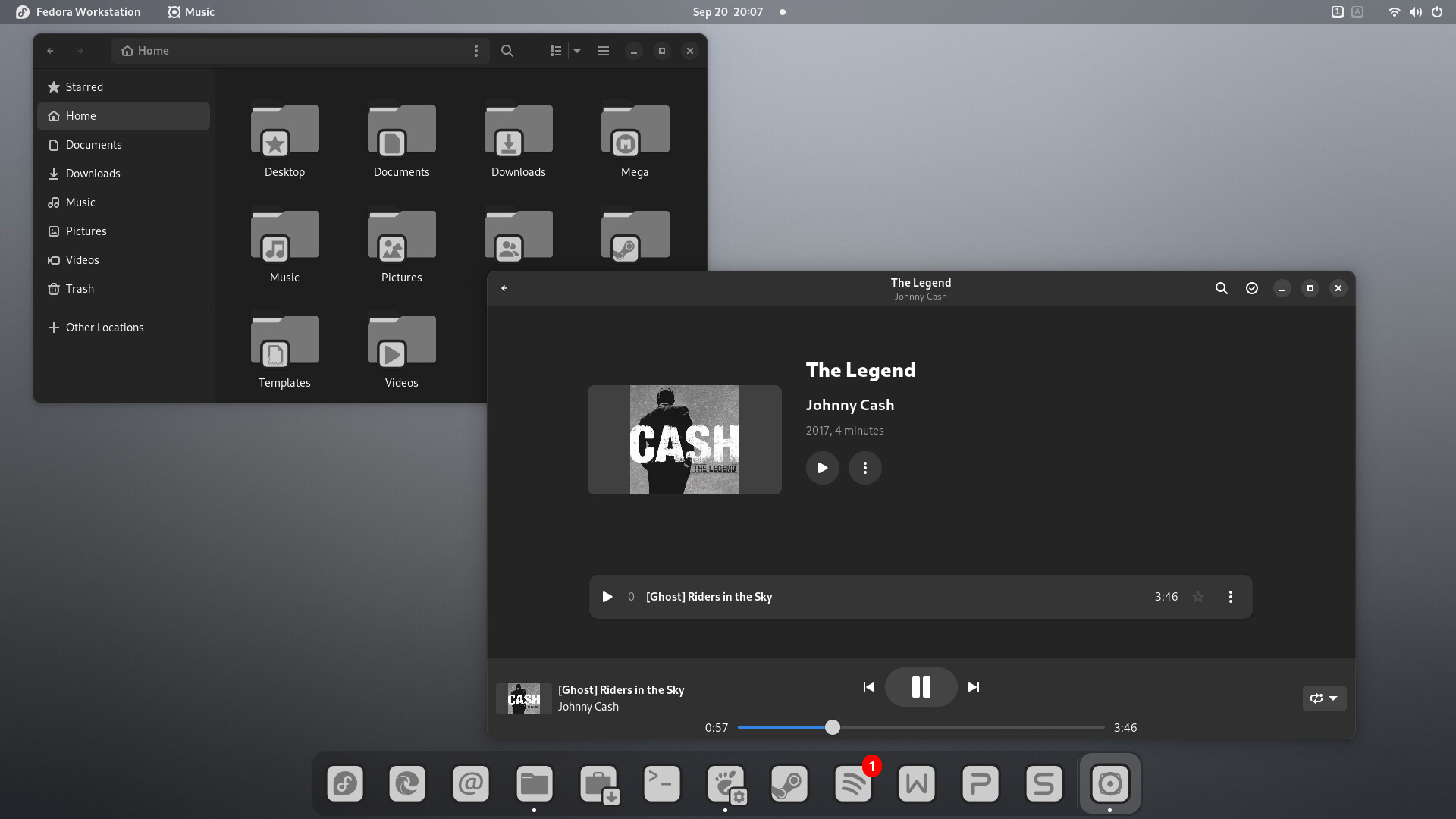
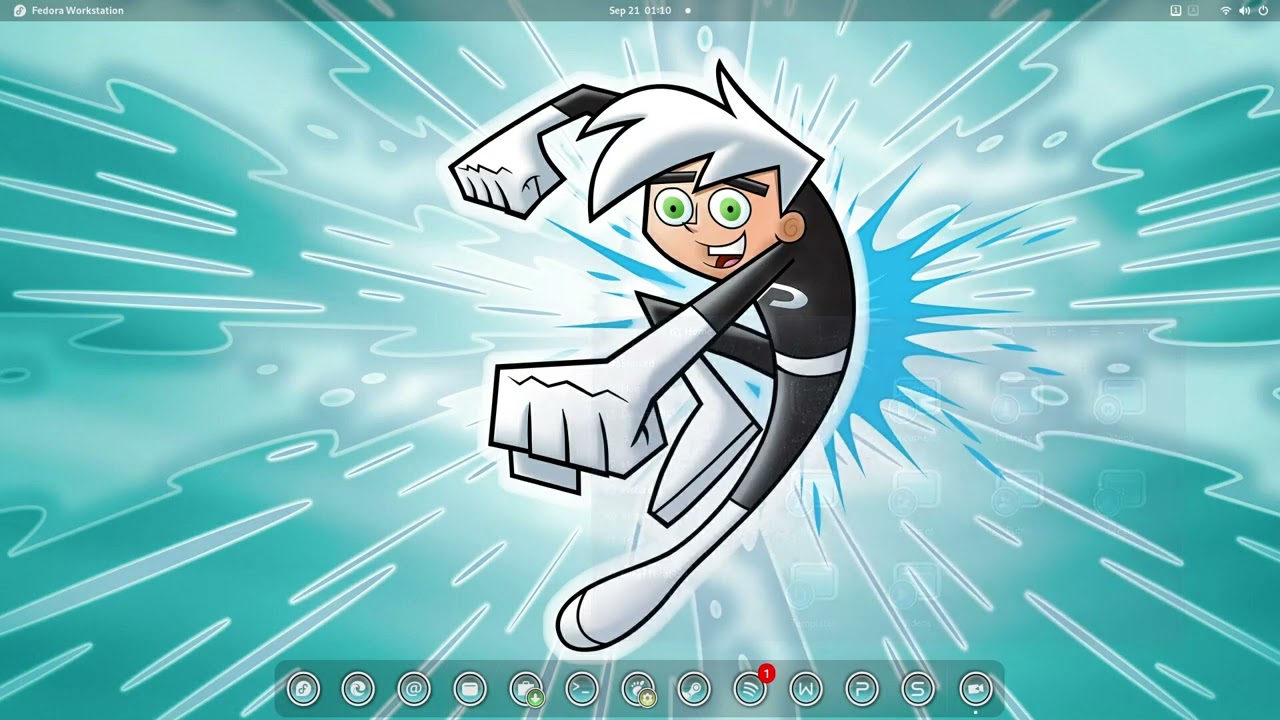
Danny Phantom Desktop setup video with danish music (which may be blocked in some countries).
1 Like
Love the music but for some reason the lyrics aren't failure to me ...  .... oh wait you said it is Danish ... sorry my bad .....
The beat is very catchy ..... you can envision the Vikings riding the rough seas in their Long Boats ...... a great heritage that one can be proud of ...... it brings back memories to me of the movie "The 7th Son" or something close to that ..... love that movie ......
When will the round Danny Phantom be ready to download ????? ....
A week or so. But that means I can't do gaming 
1 Like
OH NO MR STORM ..... never give up your gaming ..... gaming is life .....  ..... I found a new game on Steam called 'theHunter Call Of The Wild' ...... its a game about hunting all kinds of animals .... if your into that sort of thing .....
Just finished downloading and installing it last night cost was $19.95 and the reviews on the Tube are great and it works with Proton 6.3.8 ...... so I'll be busy today copying down all the keyboard controls and other stuff to use to play the game plus viewing more videos on the Tube ....
OMG .... it's hard to be retired ..... and I just recently had a birthday so I'm now 78 .... yikes ..... 

3 Likes
Congrats is in order then 
1 Like
Happy birthday if your 78 your two years older than me? thought I was the oldest on here? 
Actually, neither of you are.
In fact, neither of you are even close to the oldest...
1 Like

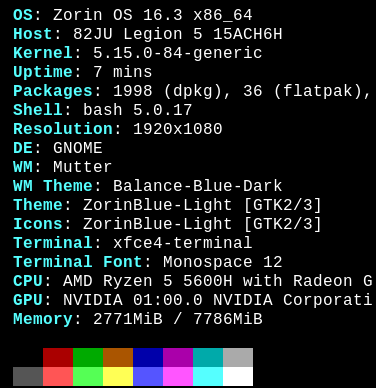
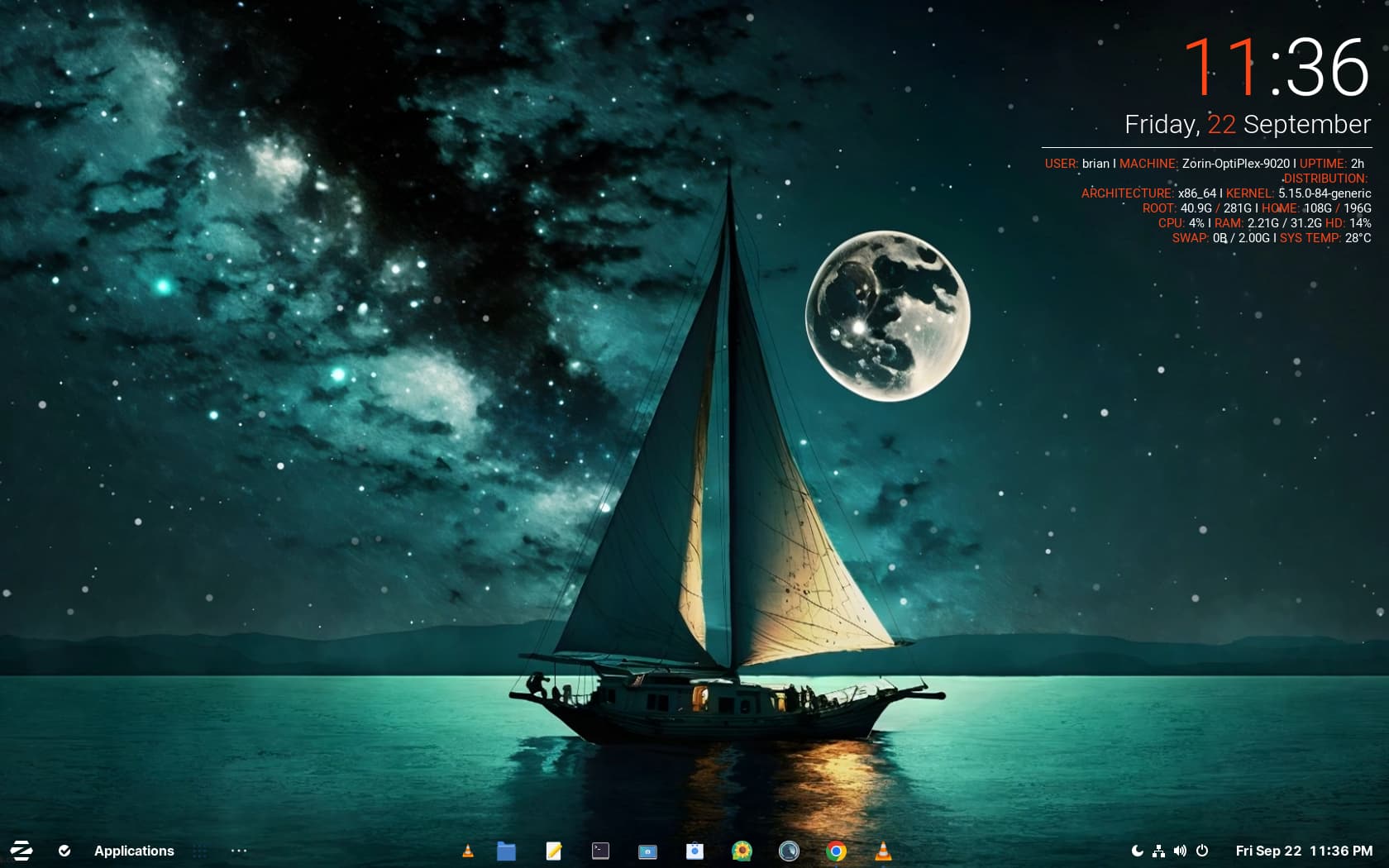


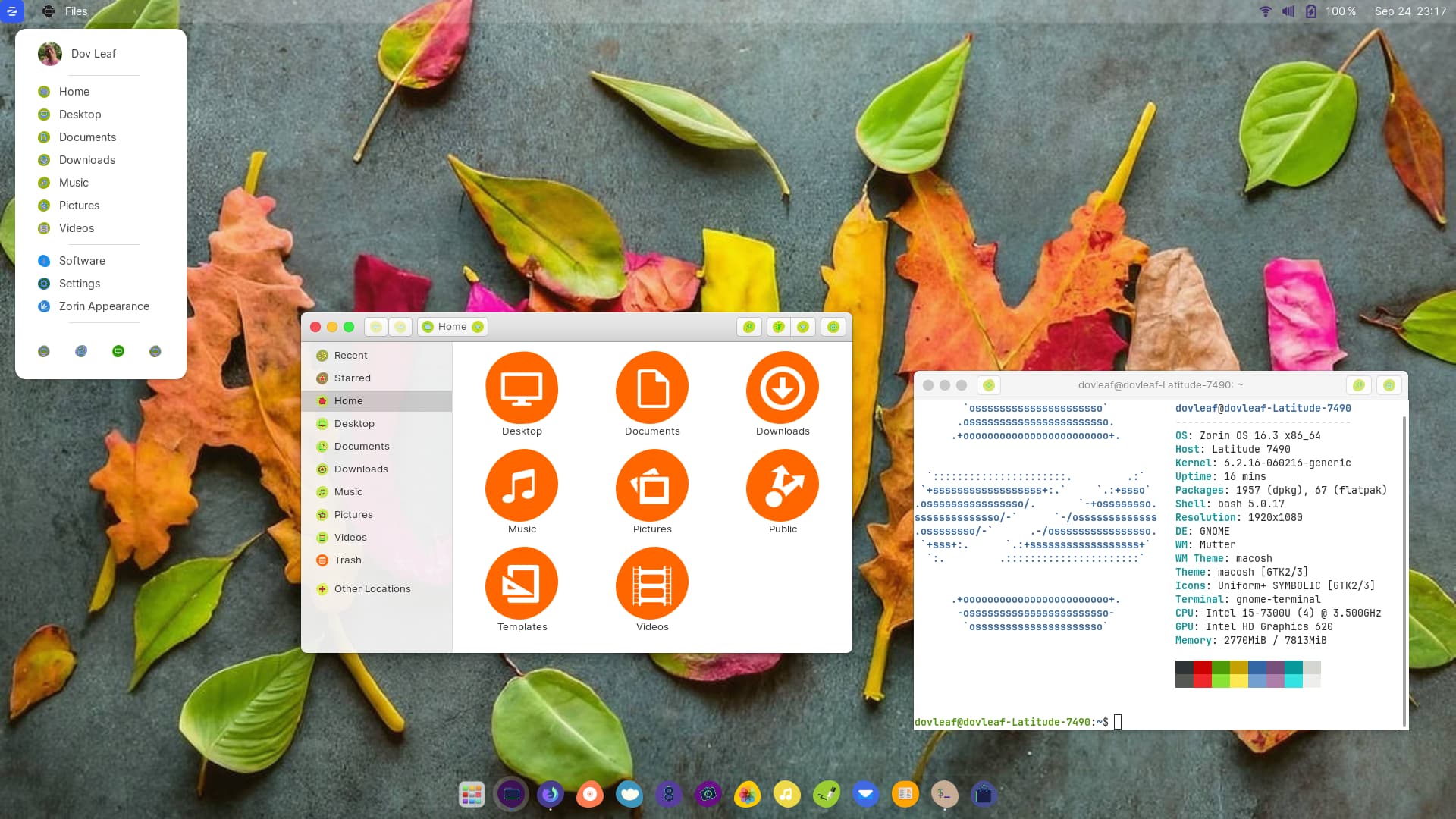
5 Likes
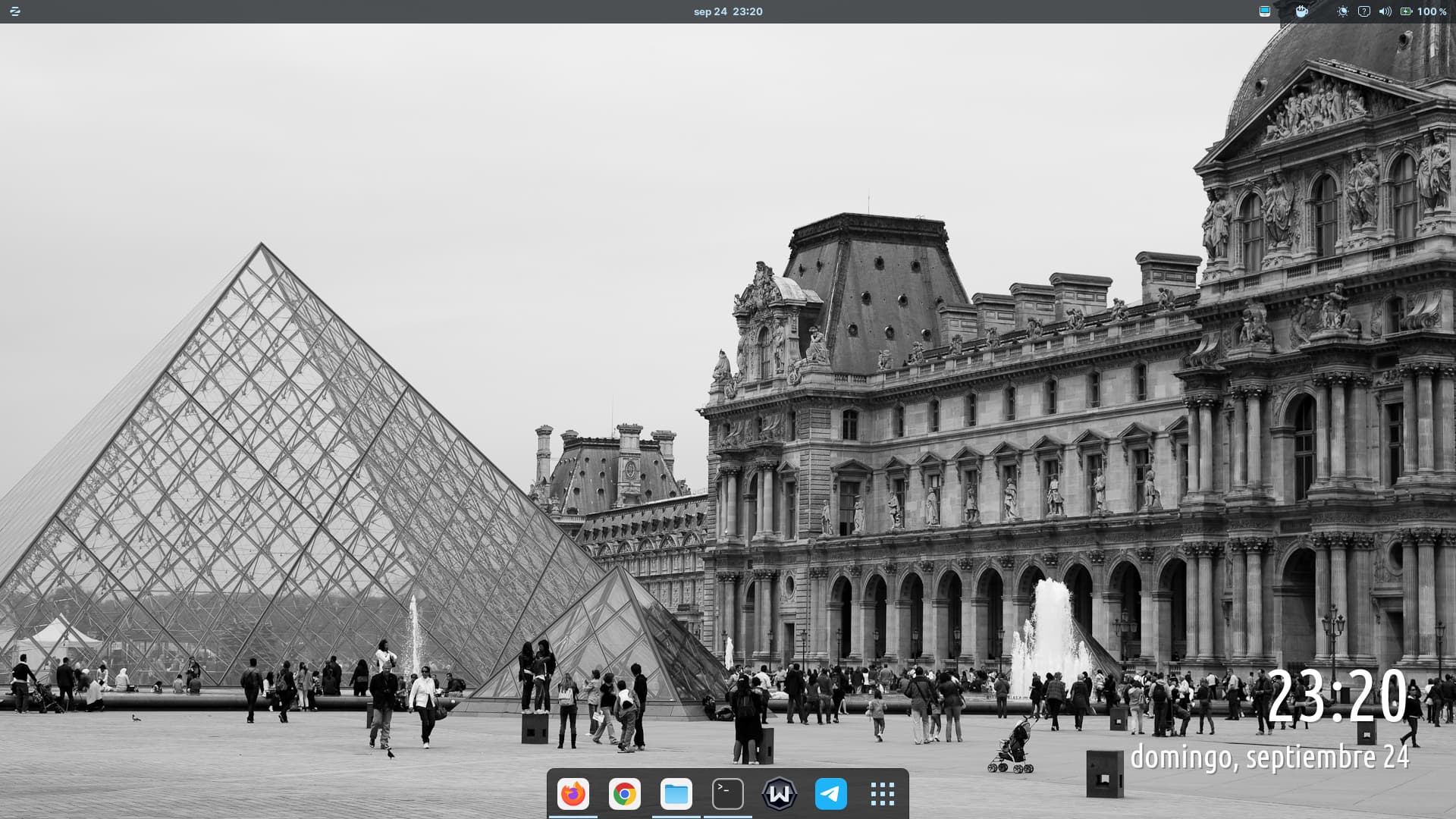
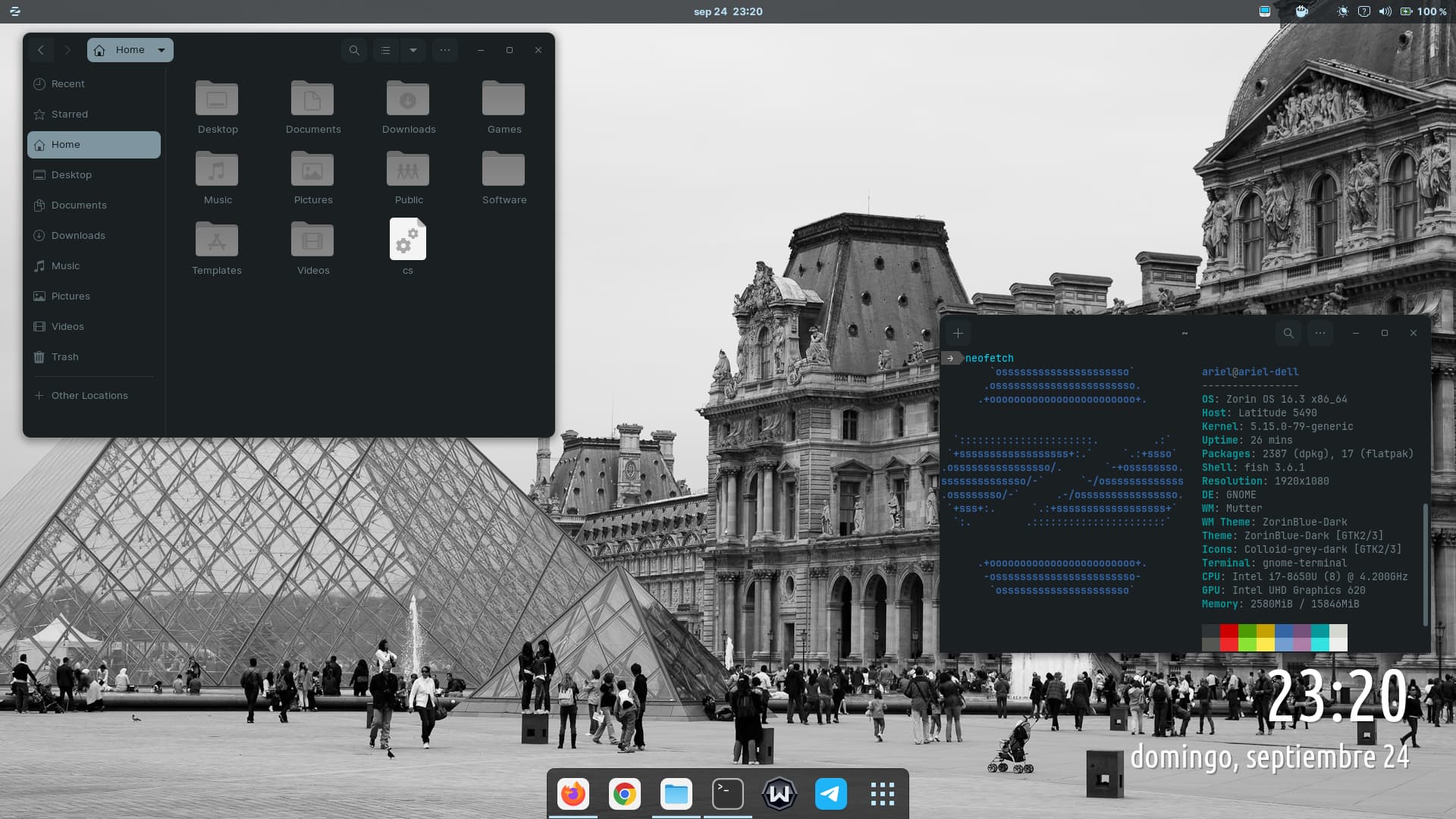
Anyone ever tried this to generate background images?
sudo apt search evolvotron
evolvotron/focal 0.7.1-3build1 amd64
  Generator of textures through interactive evolution


3 Likes
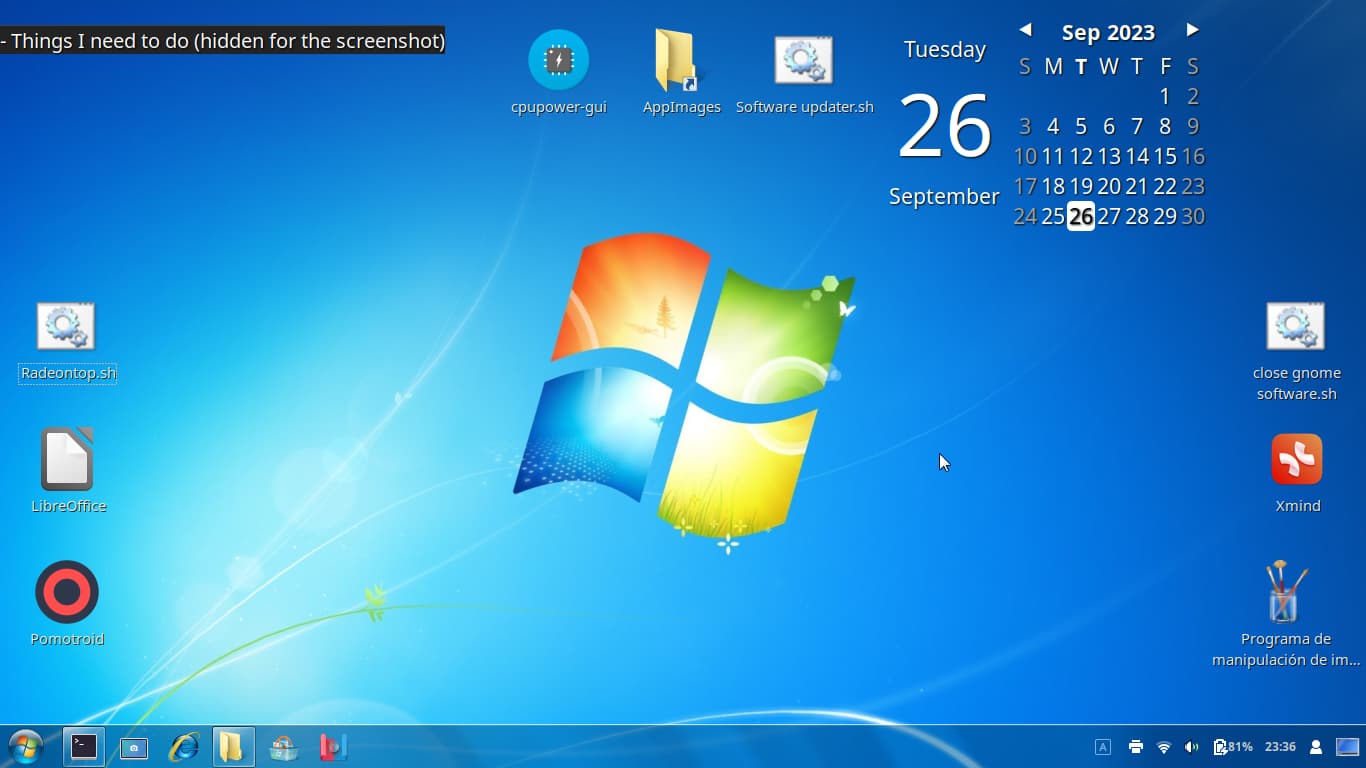
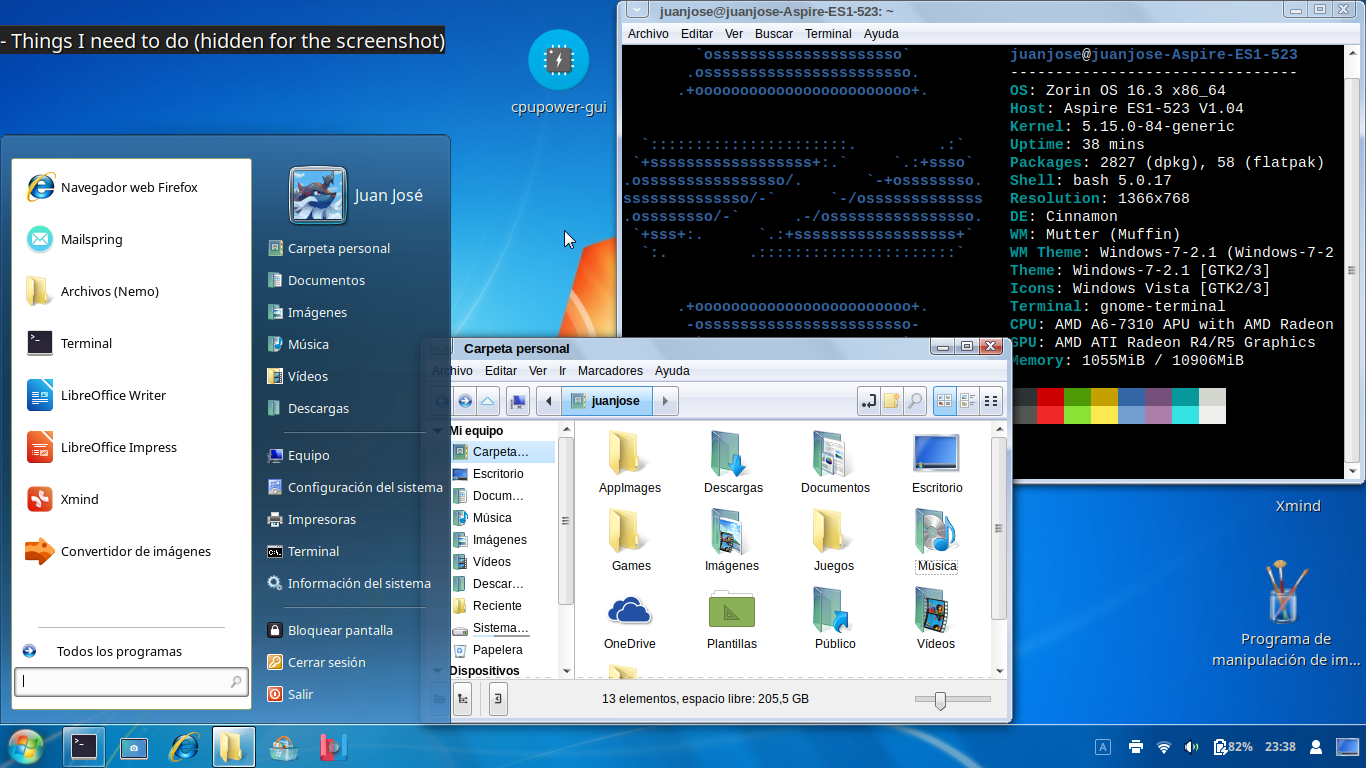
I may like linux more than windows, but as someone who lived through the era of what was considered the last good windows version but hasn't used it, I was curious to know how it felt using it, so with the help of a few icon themes and shell themes, i made zorin look like windows 7
8 Likes
That was easier than I thought it would be... I've never 'themed' my Zorin OS before, but it was super easy using the themes from the B00merang-Project. I used the Windows XP Royale Dark theme.
-
Download the theme you want to use to your desktop and extract the .zip file.
-
Open
sudo nautilus. -
Drag the theme you want to
/usr/share/themes. For my setup, I dragged the Windows XP Royale Dark and the Windows XP Luna folders over, so I could try out both. -
Right-click the folder and select Properties . Go to the Permissions tab.
-
Set the permissions as:
Owner: root
Access: Create and delete files
Group: root
Access: Access files
Others: {blank}
Access: Access files -
Click the Change Permissions for Enclosed Files... button and set the permissions to the same as above.
-
Reboot.
-
Open gnome-tweaks and go to the Appearance tab. For Applications , select the new theme. For Shell , select the new theme.
-
Done!
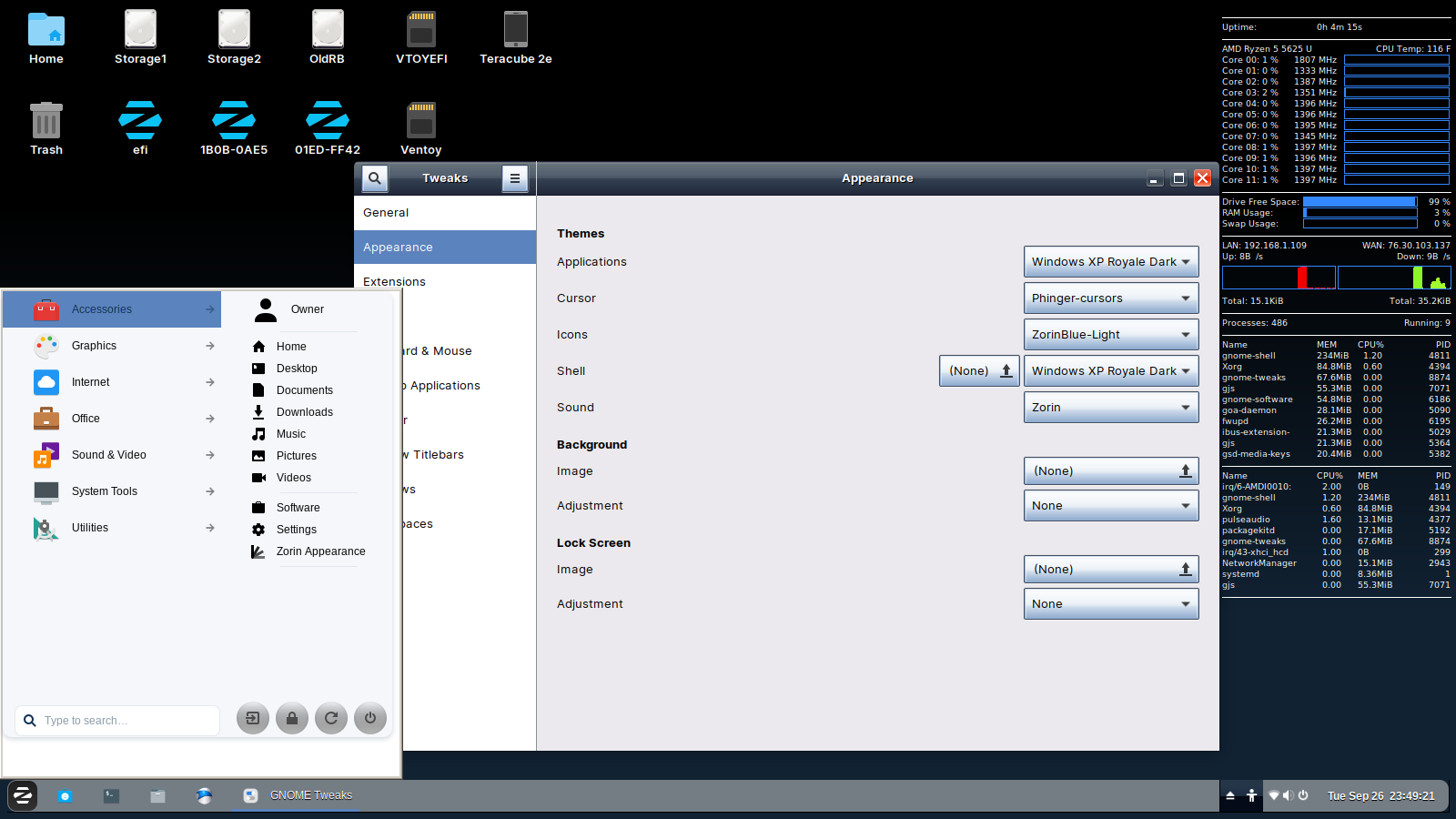
Oomox graphical theme editor installation:
Download the latest .deb version of TheMix GUI.
Install it by right-clicking the file and selecting Open With Other Application , then selecting Software Install .
You'll see a window like this:
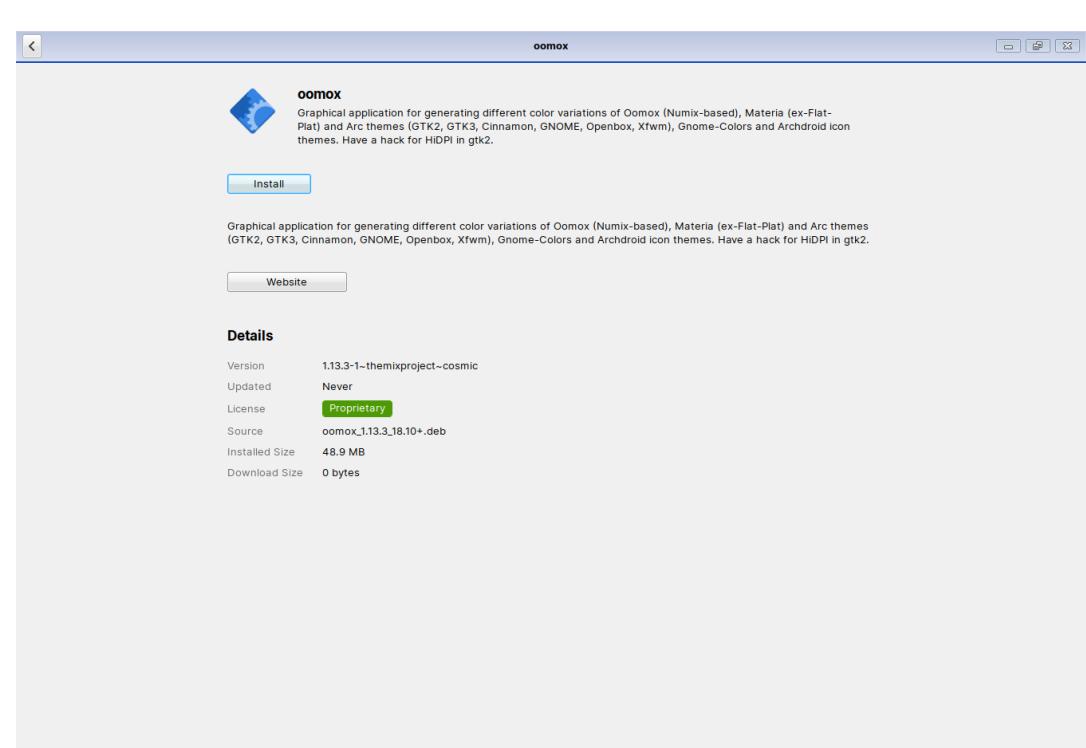
It took a really long time to install on my system, not sure why.
When it's done, you'll see a new icon under Zorin menu > System Tools, named Themix/Oomix Theme Designer.
Once the program opens, you can create whatever color scheme you like, and save it as a theme, which you would put into /usr/share/themes.
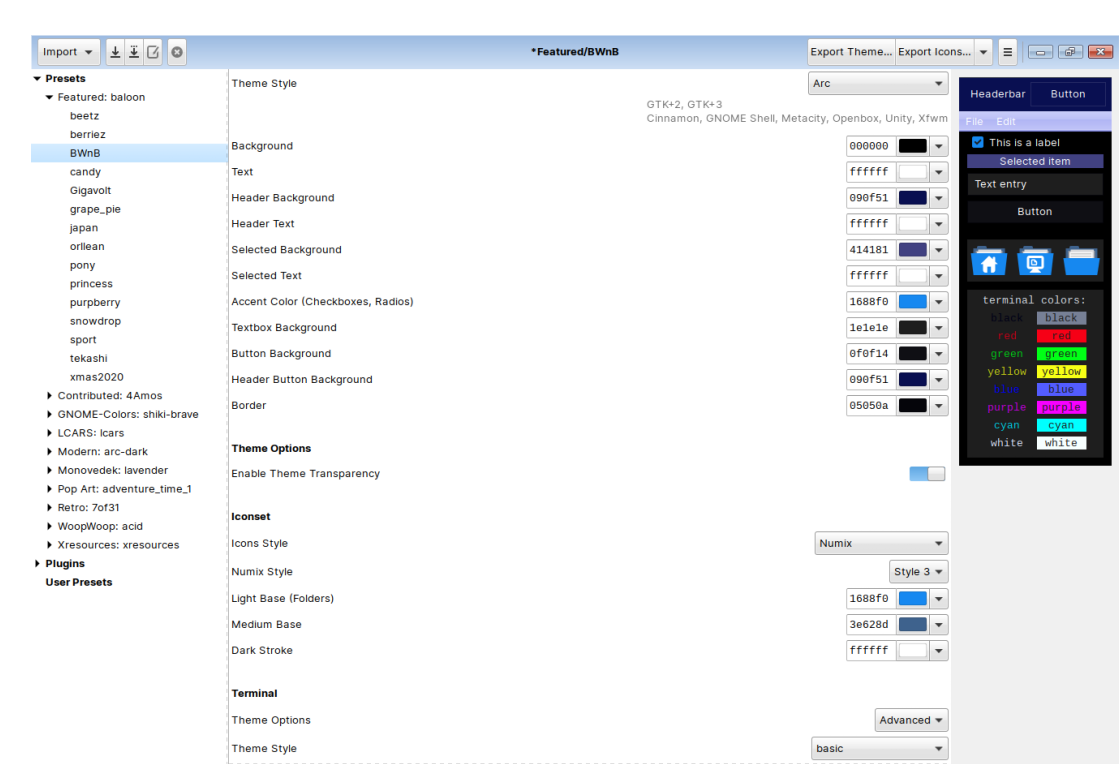
It'll also install Inkscape, which can create scalable vector graphic images.
5 Likes