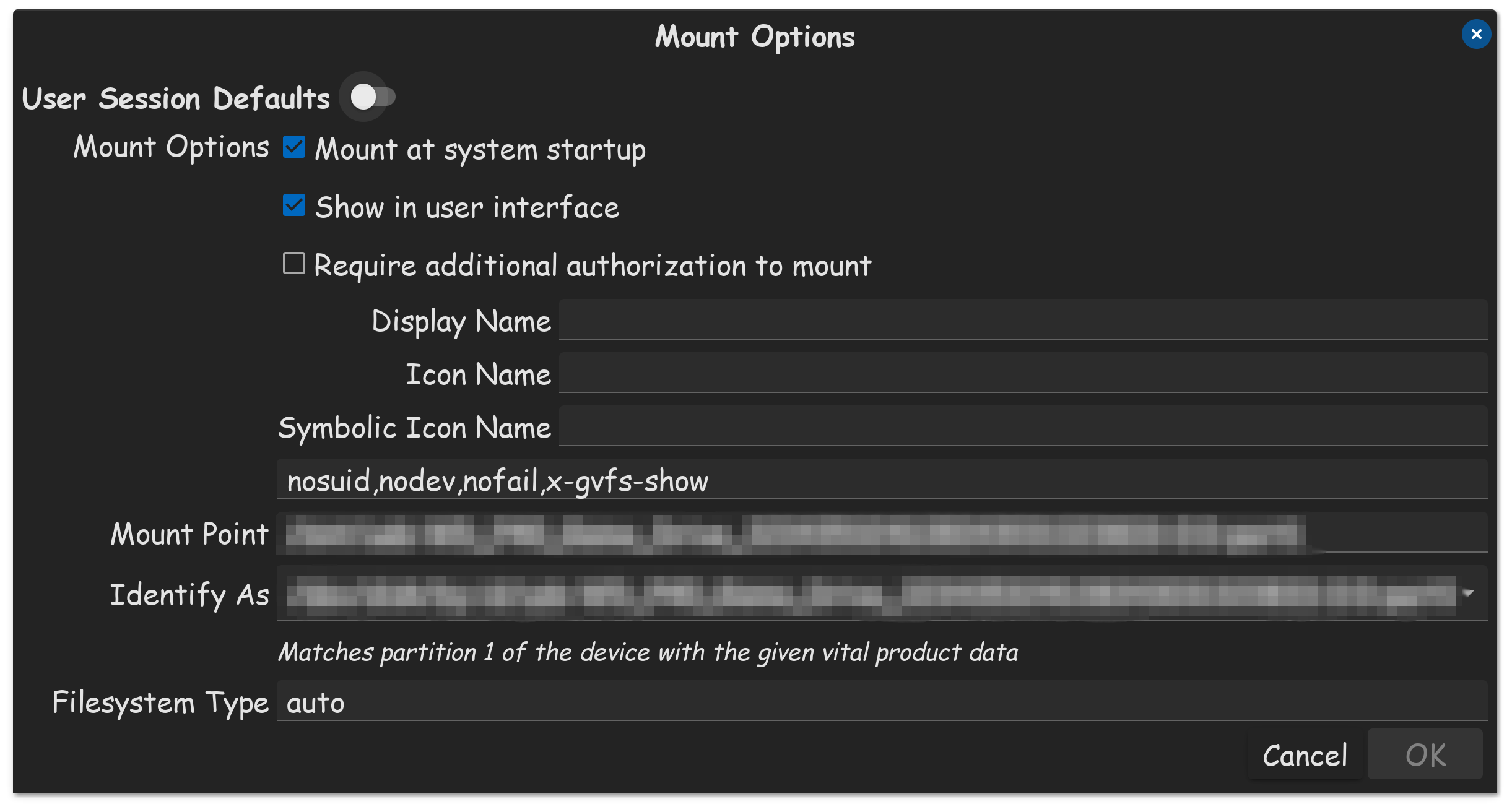
Am I missing something here? If Tombar needs ownership of directories, under his group name, why can't he just open nautilus in terminal as root, then from Nautilus, right click the drive, and change his group name to create and delete files for everything, including those of enclosed files, under the permissions tab?
This is exactly what I have to do, in order to setup my mounted drives, in order for my OS to utilize the drives properly. And I just most recently bought a new WD external drive, and had to do this exact very thing.
In terminal, run this command bellow...
sudo nautilus
Now enter your password.
This just opened up nautilus with root permissions, which are required, in order to change the permissions of a drive.
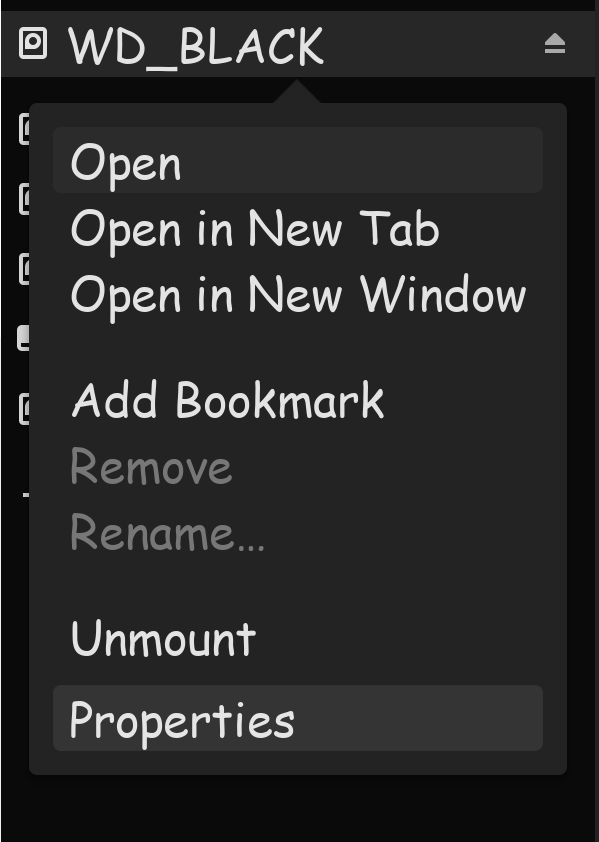
Right click the drive on the left side list, that you need to adjust permissions to, then click properties.

Now were going to set the permissions both our owner access, as well as group access, to "Create and delete files"
Now, once that is complete, click the button on the bottom, "change permissions for enclosed files."
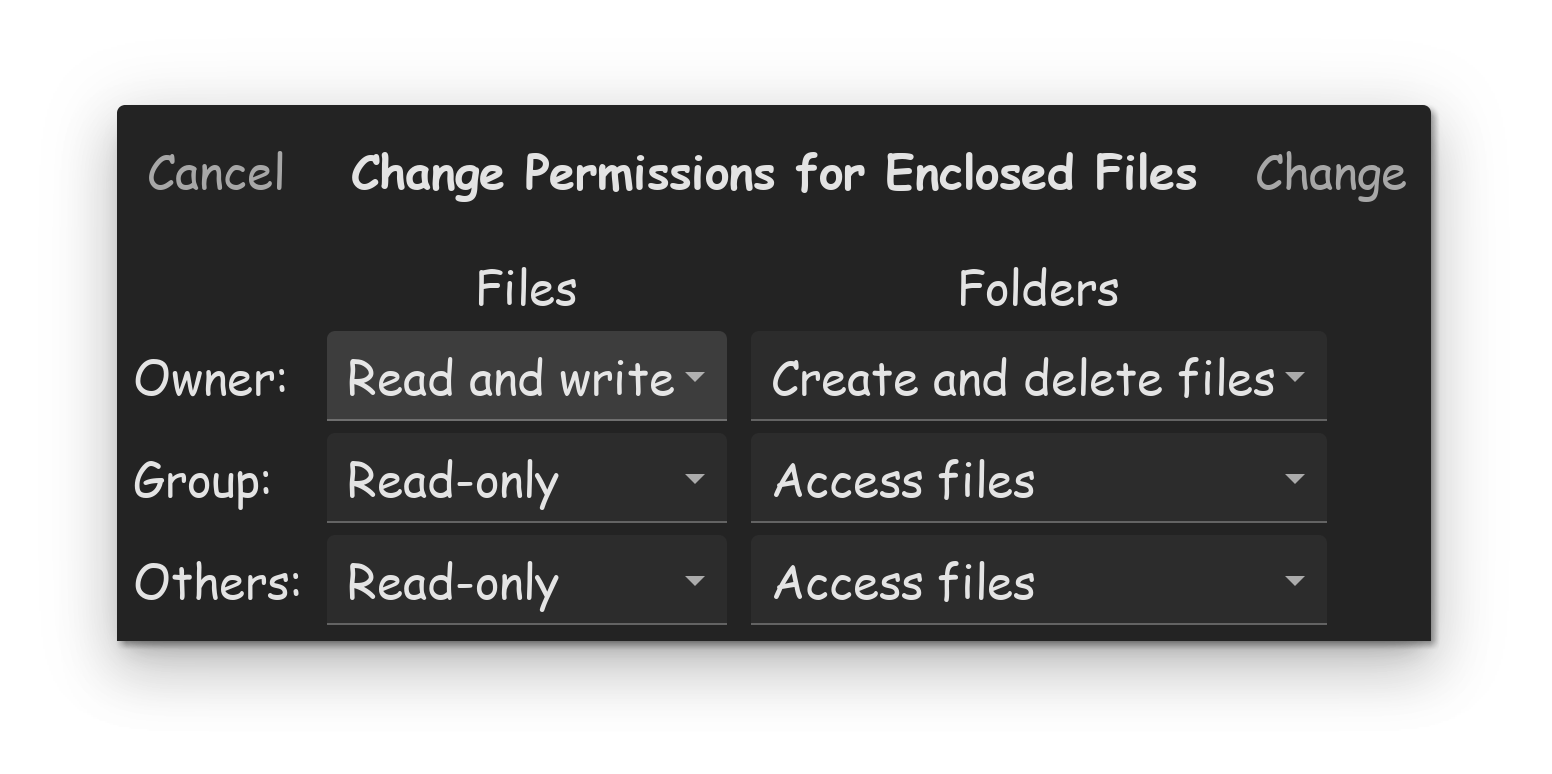
Now, make sure that at least the owner account, is set to "Read and write," as well as "Create and delete files."
Then click on the "change" button to save the changes! Then you can simply close the properties box, then close the nautilus window, and then make sure you close the terminal as well.
These steps should now have your drive properly setup, to be used.