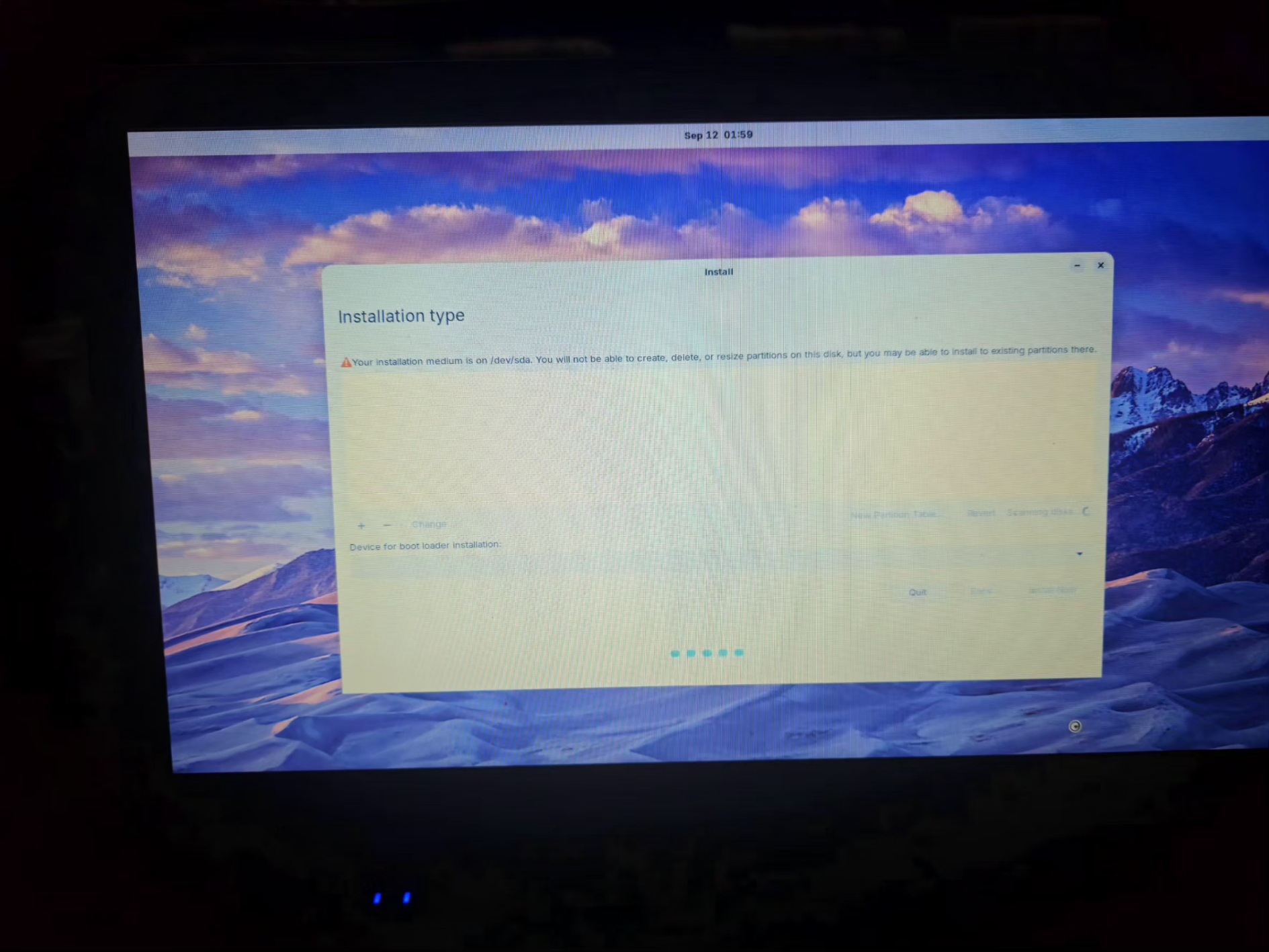
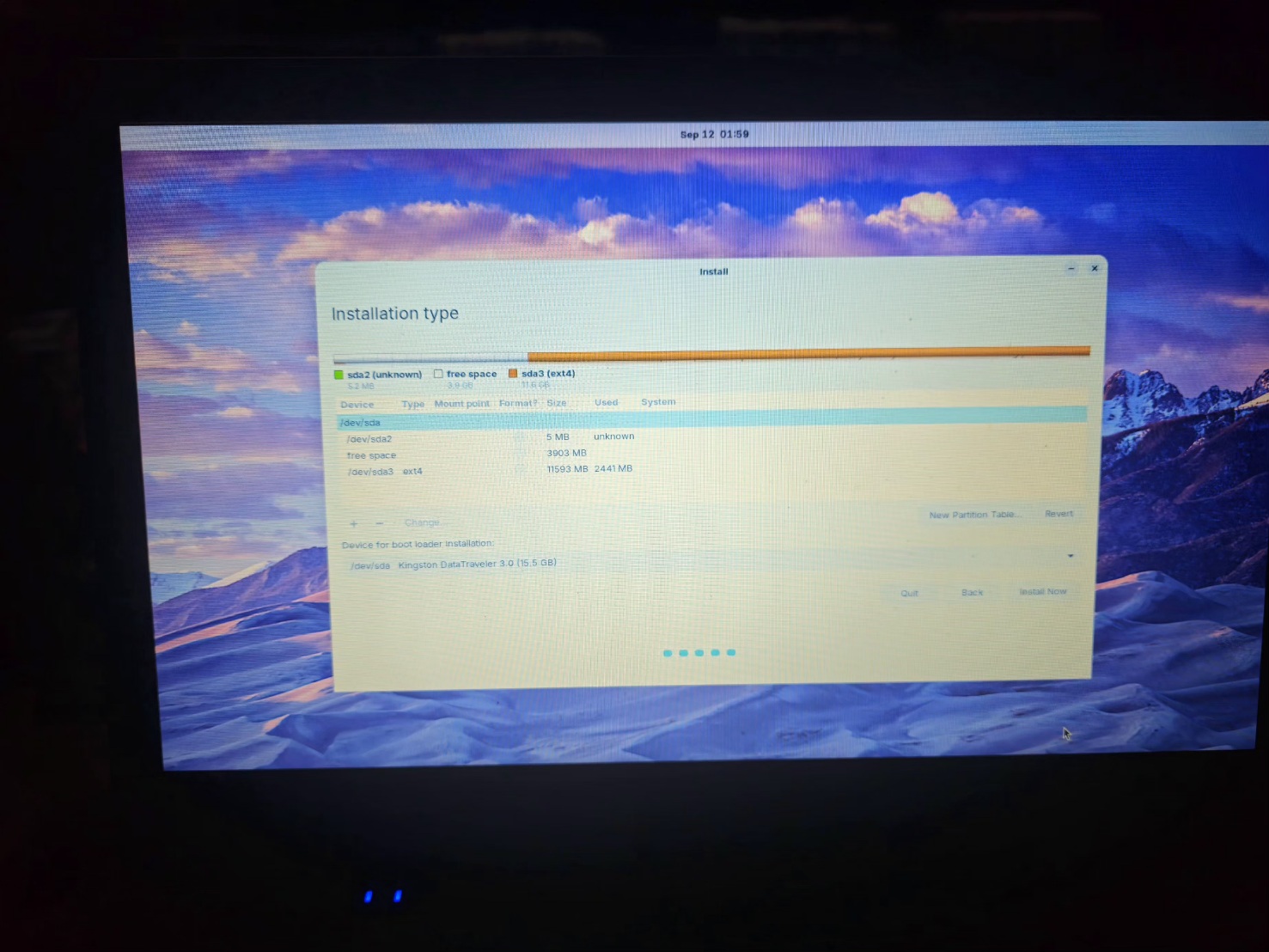
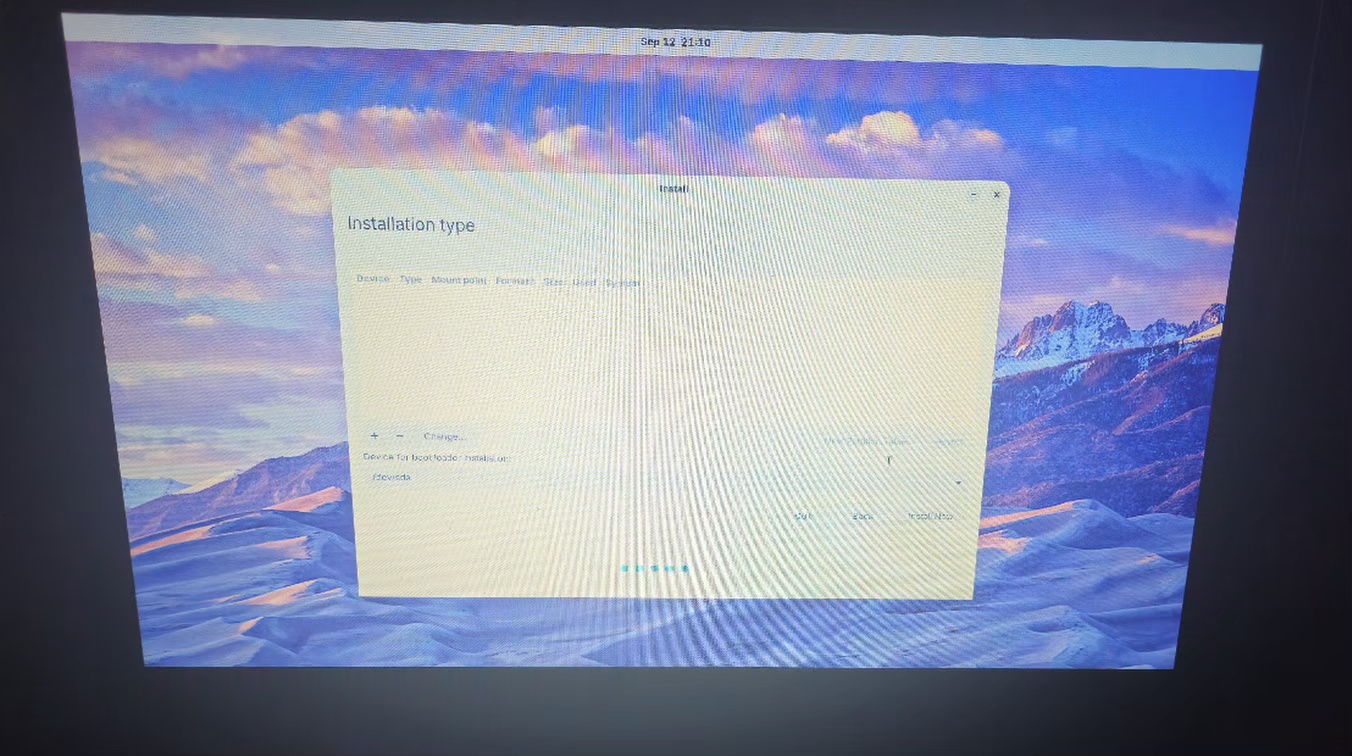
I'm trying to install core zorin os on my wi dows 11 machine. I get to the pint where i choose the installation type and get the message, "your installation media is on /dev/sda. You will not be able to create, delete or resize partitions on this disk, but you may be able to install to existing partions there".
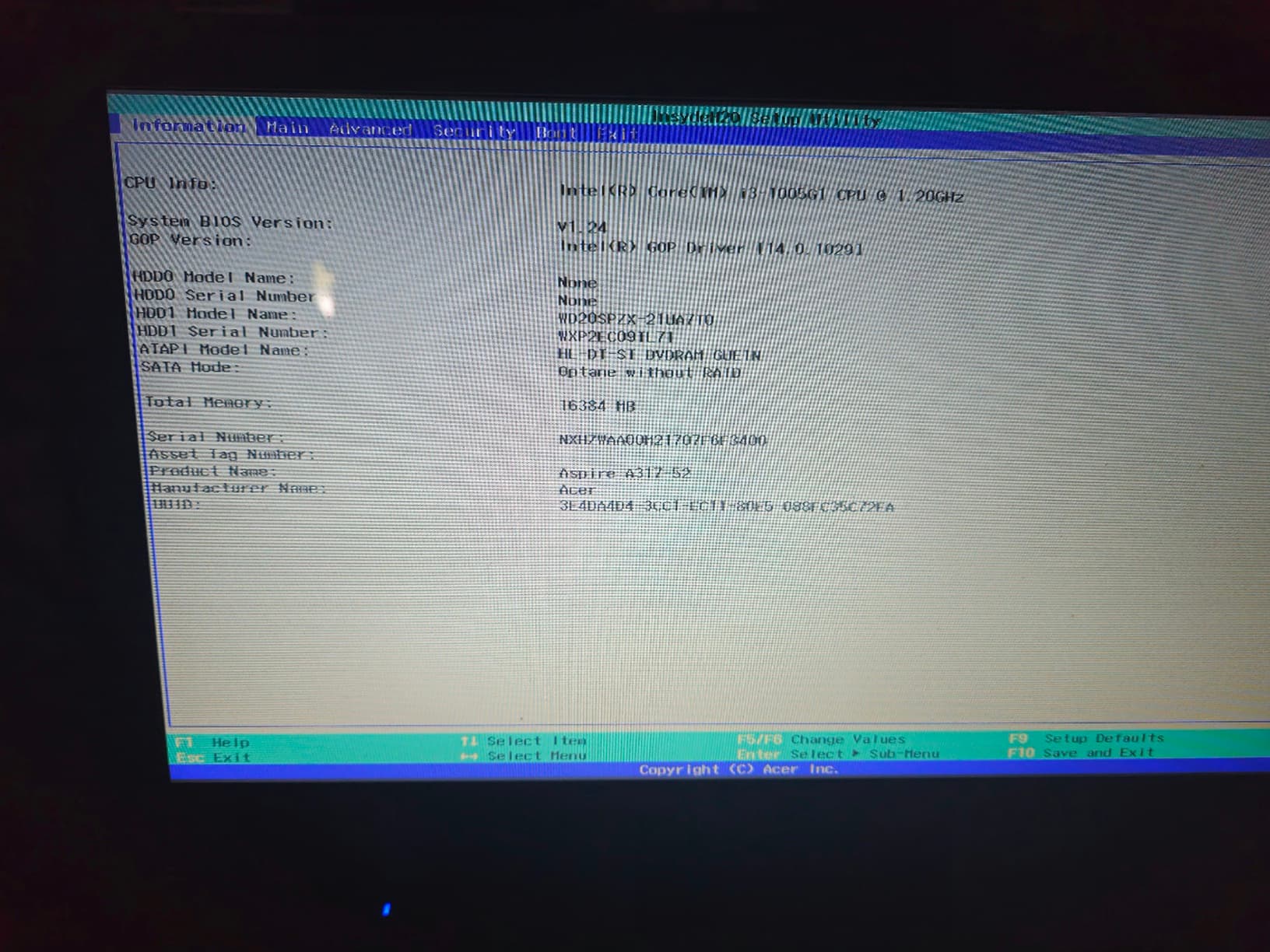
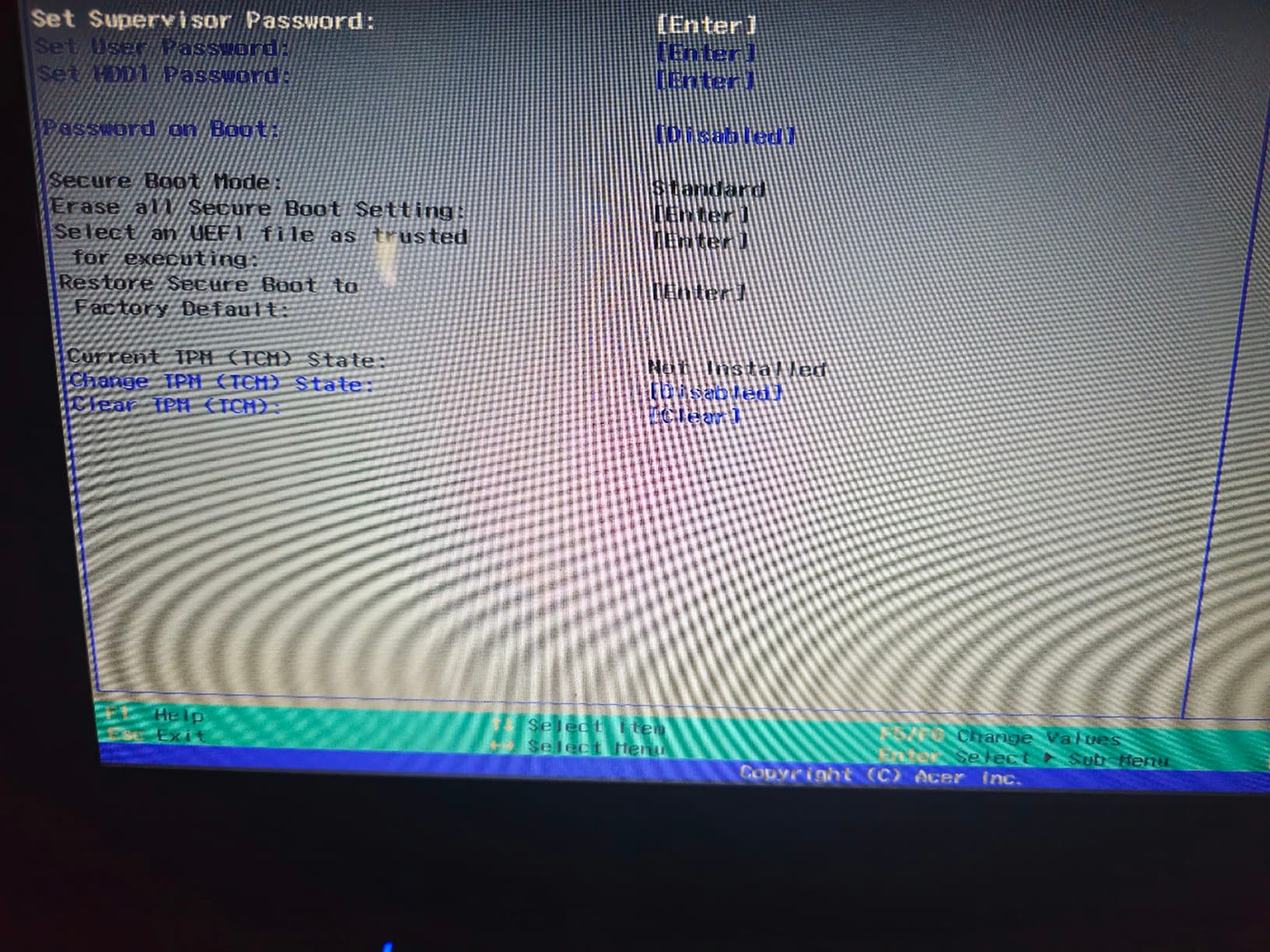
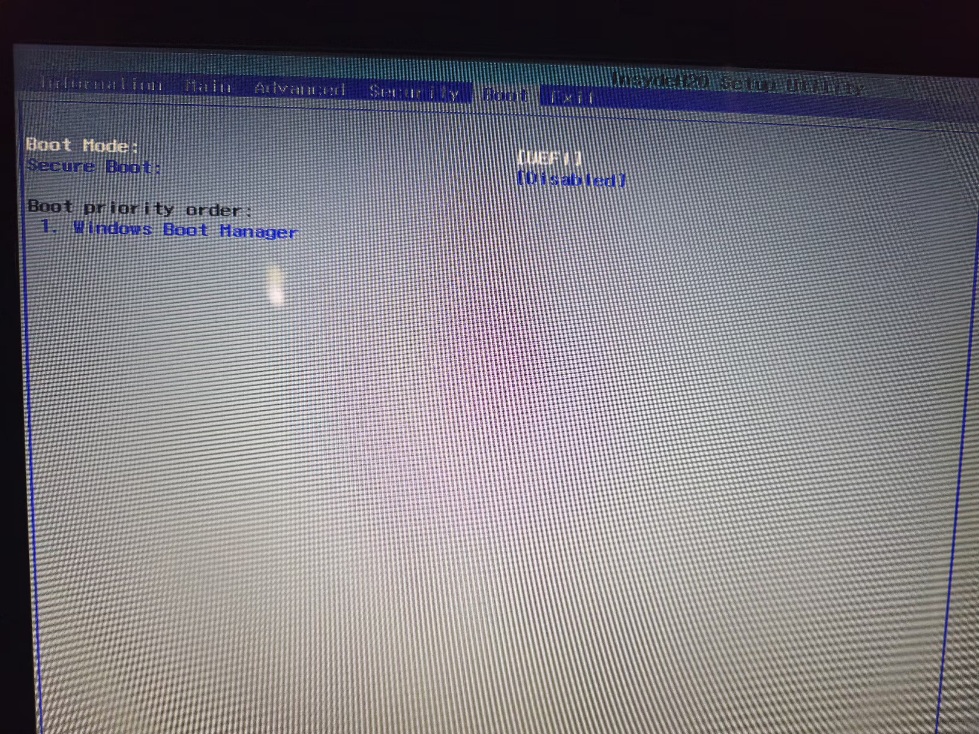
Fast boot, secure boot are off. It's set to uefi. I don't have raid or anything set up.
This is the second time I've tried installing linux and the second type of linux. I cannot get it to work. I can run it off the usb and use it that way no problem. Any help is greatly appreciated.
I am not an expert and there will be plenty of help here from community members more apt at helping.
In the meantime, are you attempting to dual boot alongside windows 11 or are you blowing win away?
If dual booting are you allowing the installation drive to complete under it's own options?
Cheers Tony
Usually, the installation media is the USB boot stick. Can you select other drives?
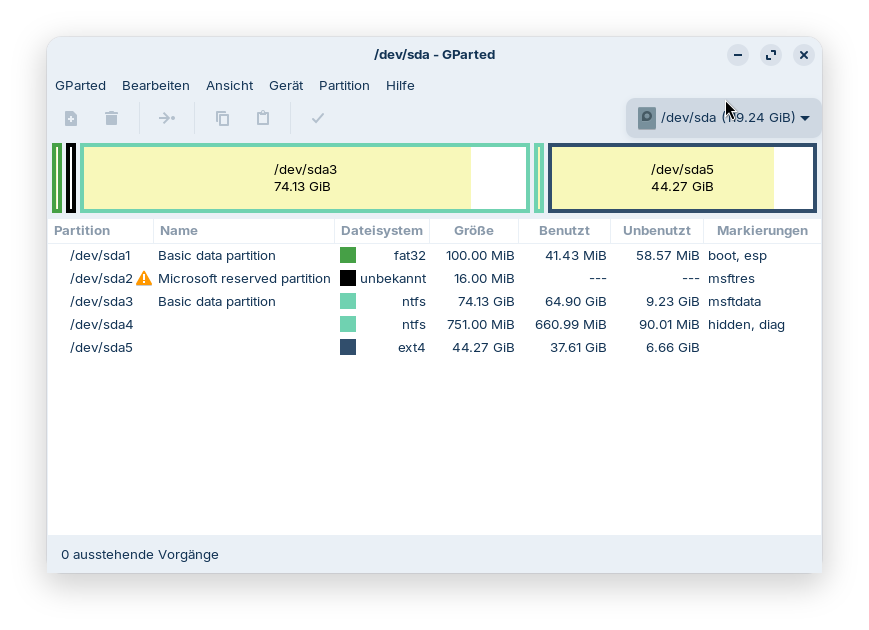
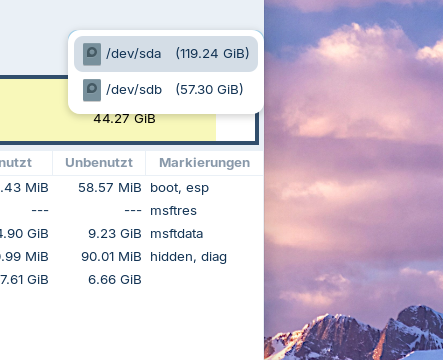
With gparted (it is preinstalled on the boot stick) you can check the names of your drives and the partitions. At the top right is an arrow where you can select the different drives. Look there, what the name (dev/sda, dev/sdb, dev/nvme0n1...) of your internal drive is where you want to install Zorin.
Do you mean the arrow that shows the usb drive that I'm installing from? I assumed that was the source and up above i had to choose where to install it? Like I said the walk-through i watched never got this screen.
This is a screenshot of gparted with my internal drive and the ventoy boot stick. You see, where my cursor arrow is. I mean this field. There you can select the drives (I already have Zorin installed as Dualboot with Windows, it is the partition with ext4). Just to show you where you can check if your internal drive is detected. In my case, the 119.24 GiB /dev/sda drive is the internal drive and the 57.30 GiB /dev/sdb drive the USB boot drive. It can be different for you.
First off is Windows 11 still available? First thing to check is BitLocker enabled? Make sure this is disabled before proceeding. Additionally ensure that FastBoot is disabled under hidden power settings in Control Panel and also in the BIOS, and whilst there ensure Secure Boot is also disabled.
What software did you use to create the USB installation media with? My preference is for Ventoy as it includes a MOK util to allow the USB to be enrolled to the EFI keys in the BIOS.
If you are attempting to use the 'something else' method to install, (that is the only time GParted will show), then use the down arrow to next to the highlighted drive selected to choose the correct hardware. What concerns me is that your usb is labelled sda when it should be sdc or sdd. Because it is labelled sda it is not 'seeing' any other drives.
Lastly I would advise you use GPT partition scheme which you can choose when creating a Ventoy installation media.
When you launch Zorin with Ventoy and choose 'something else' method be sure you are in Try Zorin mode first don't try a direct install. This enables you to check everything is working as it should. For a smoother install experience don't choose any hardware or driver/codecs during install.
If you do manage to see the Windows partitions in GParted they will be clearly identified with NTFS. Unmount the drive, then delete all of the drive contents. Create a new partition table and then create the following partitions:
An EFI partition of 300 Mb in size but use Mb (Megabytes) to MiB (Mebibytes, which is what GNU/Linux uses) by using MB to MiB Conversion Megabyte to Mebibyte Calculator
and format to FAT32 or EXFAT and label it /boot/efi
Create a 'root' partition to hold the OS. From experience, my preference has been to create an 80 Gb (convert to MiB here: GB to MiB Conversion Gigabyte to Mebibyte Calculator)
format to Ext4 and label it / .
If you have an SSD drive holding Windows, you should not need a swap area if you have at least 8 Gb of physical RAM. So all you have to do next is format the remaining space to Ext4 and label it /home.
We all trust you have backed up your critical data before attempting to wipe Windows 11?
In terms of your Windows drive not showing up if your device uses IntelRST:
Secure boot and fast boot are disabled. I used balenaEtcher from the zorin website to set up the usb. I can't find anything related to bitlocker on my laptop either.
I should try re-doing the usb with ventoy instead of balenaetcher?
I feel like I'm getting more confused now.
I've installed other OS's before and never had trouble like this
You get that Screen because Your actual Drive isn't detected. You wrote:
Could You double-check that in BIOS? When Windows is still installed: Is Fast Start-Up in Windows disabled?
You mean, Your BIOS is in UEFI Mode, right? What Tool did You use to create the Bootstick with Zorin on it? Did You checked the Checksum of the downloaded ISO?
Well, If you are trying to totaly dump win 11 at the install screen choose the option to erase entire disk which will remove windows entirely and use the entire disk for zorin and setup the disk for use with linux also if you have a nvidia vid card do not select to install vid drivers those can be installed after the OS is installed
Because You have still a Windows Installation, download Rufus and try it with that. When using it, choose on the Option ''Partition Sheme'' GPT for Your UEFI BIOS and format the USB Stick to FAT32.
It's an older acer aspire 3 model no N19C2, intel corei3-1005G1 CPU @ 1.20ghz, 16 gb ram. 64 bit operating system. Windows 11 home.
I've disabled fast startup and secure boot. There's no bitlocker encryption.
I originally tried setting up the USB using balena, NTFS. The original screenshots of the installation type were from using balena. Then I tried creating it with rufus, Fat32.