A few years ago, Frenchpress, I believe, had recommended Mintstick due to so many people having issues with Balena Etcher, including myself. I downloaded it and have used it about maybe 10 times to write ISO's without ever having an issue. It also includes a USB formatter as well. I can't speak on the other image writers. Because mintstick has worked so well I haven't the need to try others.
3 Likes
Besides some people having trouble with Balena Etcher, the fact that the data they collect could be used as a digital fingerprint which identifies you, and they admit to sharing that: " According to Balena’s Privacy statement, the company provides to third parties the identifiers and internet information collected from its users.":
https://cybernews.com/privacy/tails-raises-privacy-concerns-over-balenaetcher-recommends-rufus/
If you're cool with that, keep on using it, but I'm sure I won't use, or recommend its use to anyone. I've tried several and for me, Universal USB Installer (FOS) works a treat:
2 Likes
Good afternoon, I always use Ventoy and have never had any problems. Balena, on the other hand, ruined my flash drive the last time I used it.
1 Like
I've used Balena in the past without issue, although I did encounter an issue with my USB drive not being recognized and had to use diskpart to fix it, so its possible Balena was the cause. I've made a note to use Ventoy next time I need to do a Linux install.
More recently I decided to dual boot with tiny11 so I could play Battlefield, I first tried using Balena and when I would attempt to install Windows 11 (has to be installed first before creating the tiny11 ISO), I encountered an issue where Windows was looking for a storage driver to proceed and even though I provided the drivers from a separate USB it would not recognize them.
I then tried Ventoy, and still encountered the same issue (even tried to install Windows 10 instead, no dice).
I finally found success with WoeUSB, Windows installed fine and no longer prompted for a driver. Once I had Windows 11 installed, I then used Rufus to create my bootable tiny11 USB.
Here are the detailed steps I documented in case anyone is attempting the same thing and doesn't have a Windows computer handy to use Rufus (you will need to shrink your Linux partition prior to starting in order to create the space needed for the Windows partition, I was able to leave Secure Boot and TPM enabled during the process):
Create bootable USB with WoeUSB:
sudo add-apt-repository ppa:tomtomtom/woeusb
sudo apt update
sudo apt install woeusb
sudo woeusb --device (file name of ISO) /dev/sda
Bypass Microsoft account (at appropriate point during Windows 11 install):
Shift+F10
start ms-cxh:localonly
After install (so grub bootloader will see Windows as a boot option):
/etc/default/grub
sudo open grub
Add:
GRUB_DISABLE_OS_PROBER=false
Save
sudo update-grub
Tiny11:
Download Windows 11
Mount ISO in Windows Explorer
Launch PowerShell as admin
Set-ExecutionPolicy Bypass -Scope Process
Download tiny11maker.ps1 script
Change directory to location of script and run:
.\tiny11maker.ps1
Select drive letter for mounted ISO (D)
Select image index (6 - Windows version)
Use Rufus to create USB
Does Rufus support Linux?
Rufus is a Windows OS only application.
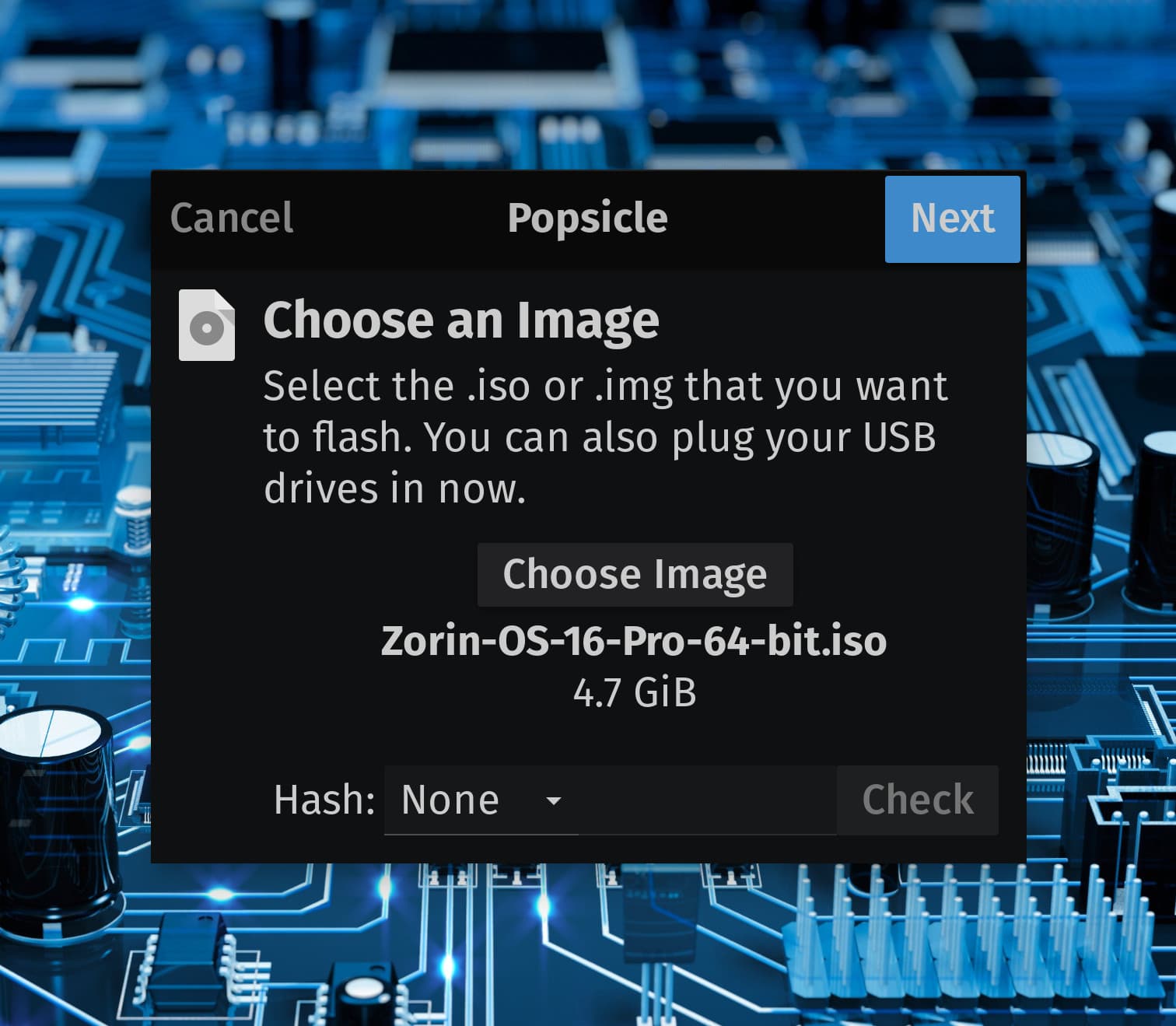
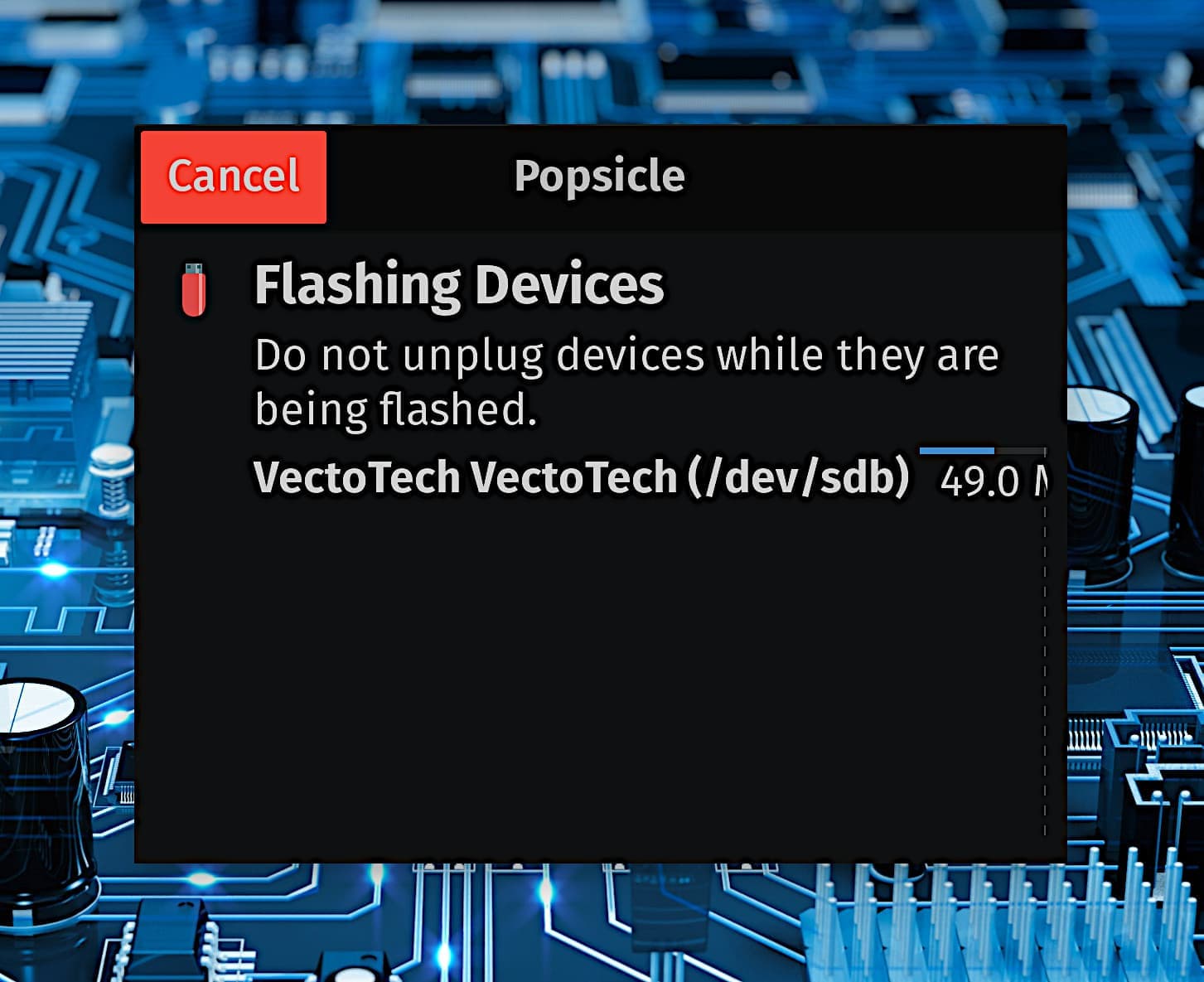
In GnuLinux there are many available, like Popsicle by System76.
The Linux Mint team also makes a good etcher utility. And many independent ones.
Some, like Multi-boot, are cross platform and can be used on Windows OS or GnuLinux distros.
What is the best alternative to Rufus on Linux?
I prefer and use Ventoy. Before that I used Popsicle or multiboot.
When I used Ventoy to install MX Linux, I encountered problems and the system didn’t boot. But when I used Balena Etcher, the system booted successfully. I have experienced this issue multiple times.
If BalenaEtcher was not successful, it would not have stuck around for so long.
It gets negativity due to two primary things.
Privacy:
And that its write process is a distinct byte-by-byte process that can, on some occasions, make a USB stick seem dead in the water. (The stick can usually be saved with a reformat, but many users do not know it and think it is totally destroyed.) It did not help matters any that BalenaEtcher maintainers denied the problem existed in a way that was too similar to tobacco companies denying lung cancer was real.
Any tool - can have a failure sometimes.
Use what works.
You can ask. Others will relay their thoughts and experiences. But we cannot expect, under such layers of complexity, that we will all have shared alike experiences.
Unfortunately not. I liked to use it in Windows.
@Aravisian already named Popsicle. I can name You Impression what I use at the Moment. Then there would be the Fedora Media Writer (it works with other Distros, too). then there would be the Gnome Multiwriter or ISO Image Writer.



Thats good news at least, I'm thankful you were able to recover the drive, after the Balena disaster!
Totally agree, no frills, just does what it says on the tin. 
This topic was automatically closed 90 days after the last reply. New replies are no longer allowed.