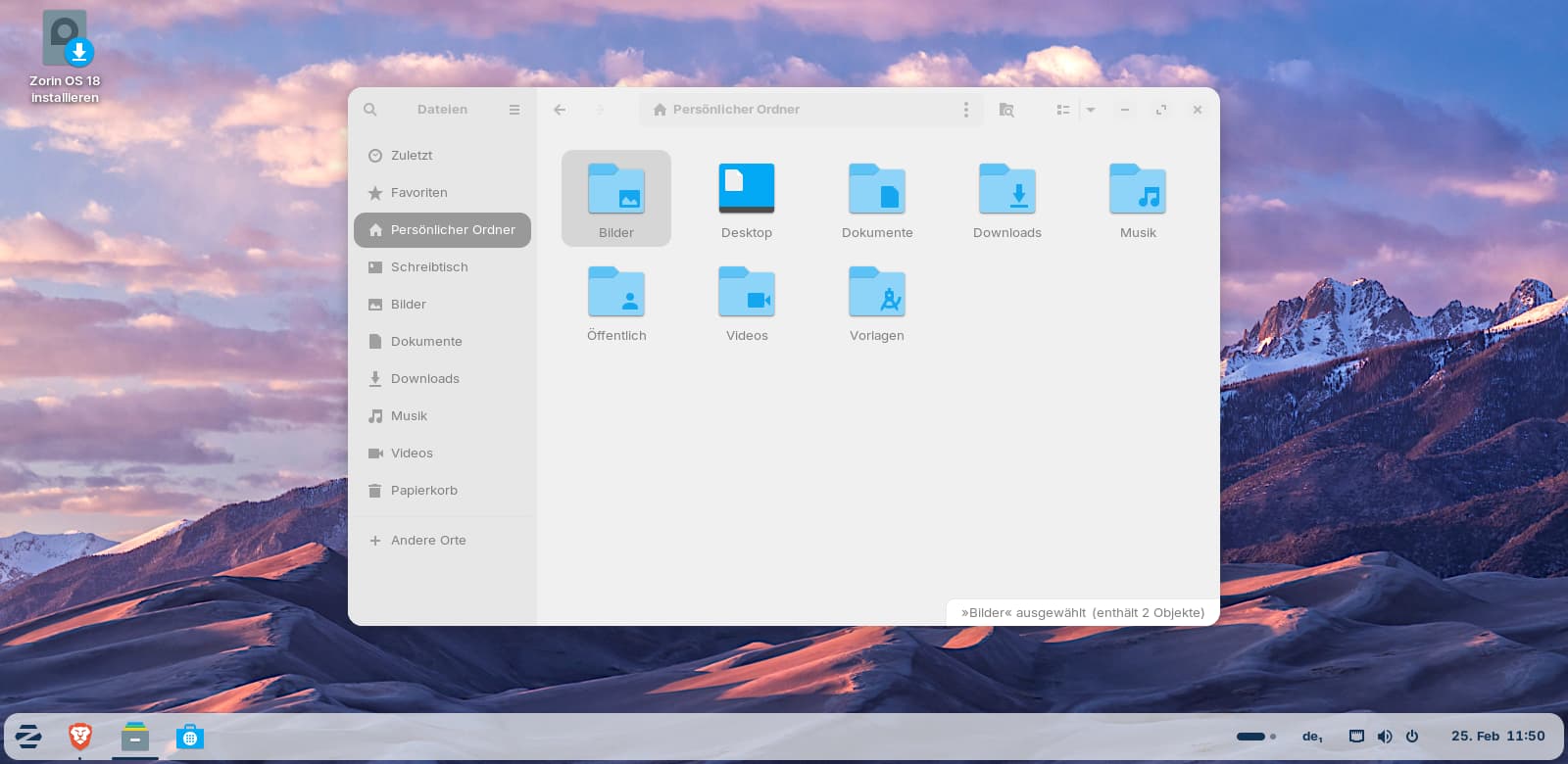
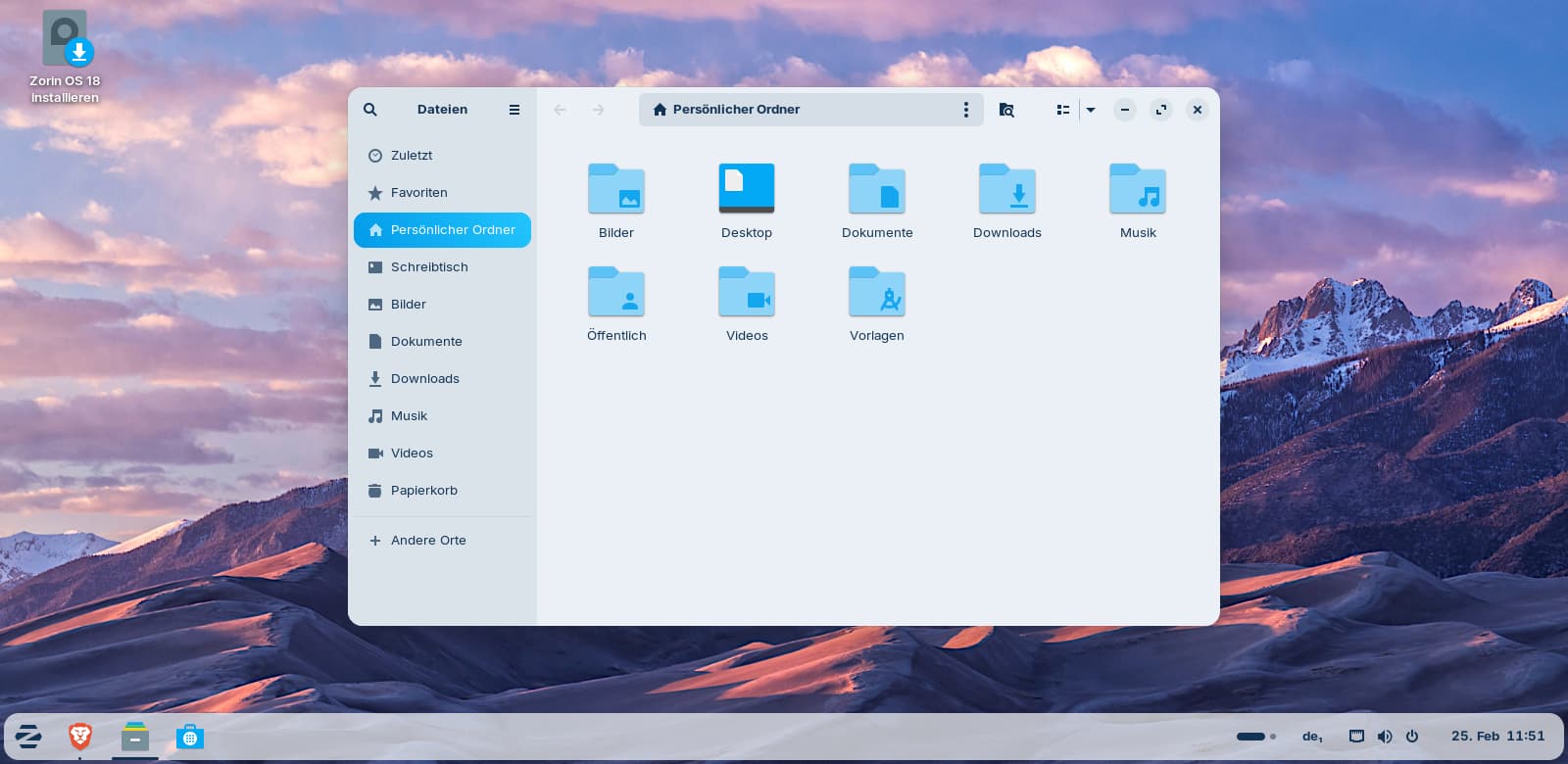
In Zorin 18 I have noticed that when using the integrated screenshot tool via the taskbar or start menu, the window is always captured as an inactive window, which means that it is faded and difficult to read. However, if you take the screenshot using the Print key on the keyboard, the window is captured in a focused state.
Is it possible to configure the tool so that you get sharp screenshots even when you call it up via the taskbar or startmenu?
This problem only exists when you use the integrated screenshot tool of Zorin/Gnome. With gnome-screenshot (which I always install) this doesn't happen - there the window is focused when only one window is opened.
Personally, Shutter on Gnome offers the most options. I used Shutter to create an Inkscape Manual on how to create accessible images for students with low and no-vision.
But as I use Spectacle these days on Plasma, I get the best screencapture experience.
Ah, okay. Now I understand. So, You click on the Quick Settings and then on the Screenshot Icons, yes? And here is the Reason for that. You click on the Quick Settings - and because You click on that, the Focus goes to that. When You press the Prnt Key this doesn't happen.
Well, that is not directly a Problem with the Screentshot Tool. It is because You make a Click-Action and so the Window is no longer in Focus.
Maybe it changes when You go to Zorin Appearance and there to the Wondows Tab. There are Settings for Window Focus. By default Click to Focus should be active. You could set it to Hover and see if it behaves different.
Unfortunately, that doesn't help, also not launching the tool from app grid by pressing super key.
So the only solution seems to use other screenshot tools or to use the print key.
As the print key makes problems if you are in virtual machines (then the screenshot is made in the host and not in the guest), I searched for a way to get better screenshots from the taskbar quick settings.
I tested now with a custom shortcut for the integrated screenshot tool to avoid the print key, and that also worked.
So this could be also a solution for virtual machines, but it is much easier just to install gnome-screenshots which also works for screenshots of some context menus where the keyboard keys as print key or other custom shortcuts don't work and you need a time delay.
Is it possible to set an environment variable or similar for the integrated screenshot tool in Xorg so that only the screenshot tool is launched in Wayland? Or would it help to add a variable for Xorg?