Well after playing around with Zorin OS 18.1 for about a month I have decided to go in all the way. The part I'm still not sure of is Partitioning the drives. Is it done before the install or after and just how they should be set up is way beyond me. I have 32 g of DD5 memory and 2 NVMe 2t drives available.
1 Like
Hi @GreenMtns, so as you've been playing around with Zorin for a few months and have decided to take the plunge, I'm guessing that you already have Zorin on a flash drive? If not, avoid BalenaEtcher and use Ventoy, if you're in Linux, or you could use Rufus if you're in Windows.
Everything is taken care of in these step-by-step instructions, leaving nothing to worry about - just skip BalenaEtcher!
2 Likes
The Partitioning comes before the actual Installation. But it is Part of the whole Installation Process.
For setting it up, it depends what You want do. When Your Comment measn that You want remove Windows and install Zorin only, you could choose during the Installation the ''Erase disk'' Option. That will delete all Data and install Zorin. the Partitions will be created automatically. So, You don't need to do that.
If you want be sure that all Microsoft Stuff is gone from all of Your Drives, You can before the Installation of Zorin start GParted in Live Mode and delete all existing Partitions. And then install Zorin with the ''Erase disk'' Option.
2 Likes
Personally I always prefer the something else method. I would ensure Fast Boot and Secure Boot are disabled in the BIOS and perhaps forget about UEFI altogether.
Starting with the downloaded .iso, double-check the SHA256sum against the one Zorin provides to ensure it is not corrupted.
Then I recommend you create a Ventoy thumb drive with Ventoy2disk and go with mbr. Then just drag the .iso to the Ventoy thumb drive.
So forgetting about UEFI for the moment. GNU/Linux uses MiB (MebiBytes), not Mb (Megabytes), so I would use just two partitions using the 'something else' method.
So for the 'root' partition (labelled '/' without the single quote marks) I normally create one equivalent to 80 Gb, in MiB this is 76293 MiB (GB to MiB Conversion Gigabyte to Mebibyte Calculator).
Then the rest of your drive create a /home partition.
Ensure both partitions are formatted to Ext4. You do not need a 'swap area/linux swap' partition as you have plenty of RAM and you are using SSD's.
2 Likes
Hi @countrywolf19 , Well would be curious which version of Ventoy you used, that could be an issue. The most recent version is 1.16. The computer repair guy I took my youngest's to also felt Ventoy was rubbish. I gifted him a 64 Gb thumb drive with Ventoy 1.16 on it, checked it before I gave it to him.
On it was, Hiren's Boot CD, PCLOS Debian Plasma (Debian 13 version), LMDE 7, Q4OS 6.4, Ultimate Boot CD, System Repair CD, Rescuezilla (current version), and a couple of .exe files.
Additionally, primarily using GNU/Linux I only use the Linux version of Ventoy, did you use the Windows version? There should not be any real diffetence between either. The only issue I have had most recently is not being able to boot Q4OS's latest release, 6.7. I can even boot Rescuezilla 2.6.2 based on Ubuntu 26.04 without issue and used it to backup my youngest's new Windows 11 rig I had to have repaired.
I would also try a different thumb drive. The best ones are USB 3.0 either SanDisk or Kingston. I am extremely disappointed with Integral who are producing very flimsy drives and only USB 2.0. I would advise you use an 8 Gb minimum thumbdrive.
1 Like
How did You set up Ventoy? Did You used the MBR Partition Sheme or GPT?
I had a problem with Ventoy once but I had set it up wrongly, when I redid it there was no problem.
I can also recommend Universal USB Installer (UUI). Here is a link to the web page and user guide. I've successfully used it a few times:
Look!! Zorin is featured just below Mint!!!

1 Like
Yep. That is the current one (1.1.16). Do you check the checksum of both Ventoy and Zorin?
1 Like
In Linux, you can check the integrity of a downloaded .iso file e.g. with
sha256sum path-to-ISO-file
Copy the downloaded .iso file by rightclicking, and then paste it by rightclicking into the terminal behind sha256sum.
2 Likes
Think I need to do another tutorial video. Stay tuned. Will do one in due course.
2 Likes
I do not know why some people are over complicating the process to create a bootable USB iso for Zorin OS. All you need to do is visit the Zorin OS website to download Zorin OS iso file. If you are using Windows machine I recommend Rufus to write the ISO file to usb flash drive or if you are already on Linux balenaEtcher works just fine to write an ISO file to a usb flash drive and have successfully used that program to write a Zorin OS bootable USB drive on a previous Linux distribution.
I had major issues with Balena Etcher using it to install Zorin Education on an SSD. It took several attempts to install and then when it did install it kept freezing. Never had an issue with Ventoy.
I suspect that different people will have different experiences and I would put this down to different hardware combinations, (CPU, GPU, etc.).
Prior to Ventoy I used this without issue. If an .iso was not supported it would let you know instantly, not like another USB installer that would go through the process, 20 minutes later, "sorry, this image is not supported".
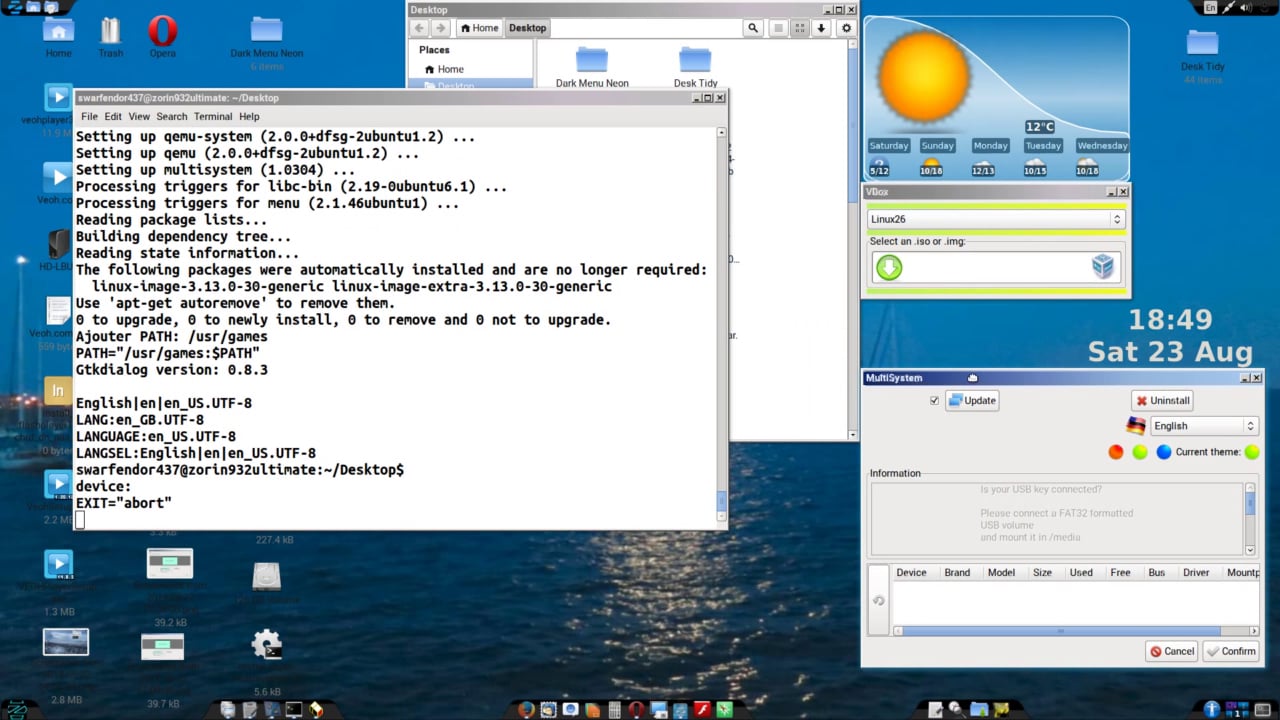
Be sure to read the entire thread. You can download MultiSystem and give it a spin. WARNING! It is based on Ubuntu 16.04 and I have not tested it for Zorin 16, 17 or 18.
Just be aware that you can still do some partitioning tasks after the installation is completed. Z has the necessary tools included.
BTW - I've had no issues with Ventoy.
cheers CD