So the taskbar is no longer hiding when the cursor moves away. It stays on screen constantly. I have adjusted and reset the preferences a dozen different ways and nothing is working. The only time it will disappear is when the monitor is in full-screen mode while watching a video. Otherwise it is not operating as it did just last week. So something in the last update fouled it up and I have no idea how to correct it in settings or terminal or restarting in recovery. IDK
1 Like
If ya get tired of all the update errors you can try a differnt kernel. you can roll back to the one before as well and just stay there
I used the liquorix kernel best if ya have a pcie 4.0-5.0 computer 2019 and newer for liquorix. but rolling back may help and freezing it will still get updates for other kernel you are on but security updates will still install on what ever one your using
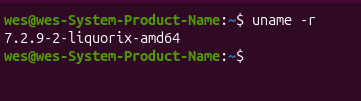
what im using at the moment
There came an Update for the Taskbar, yes. Can You post a Screenshot of Your Settings for the Intelihide Option? I mean this:
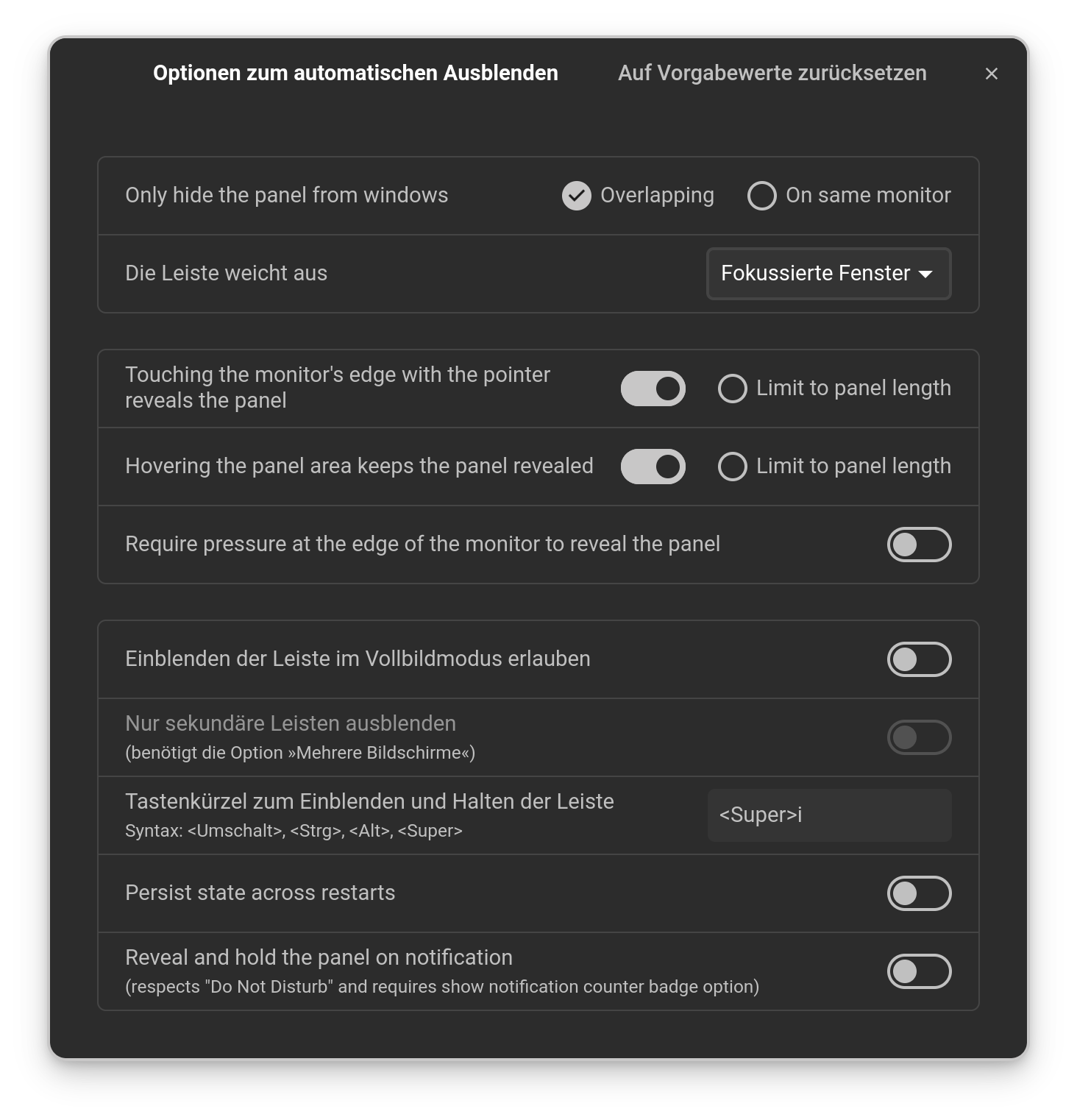
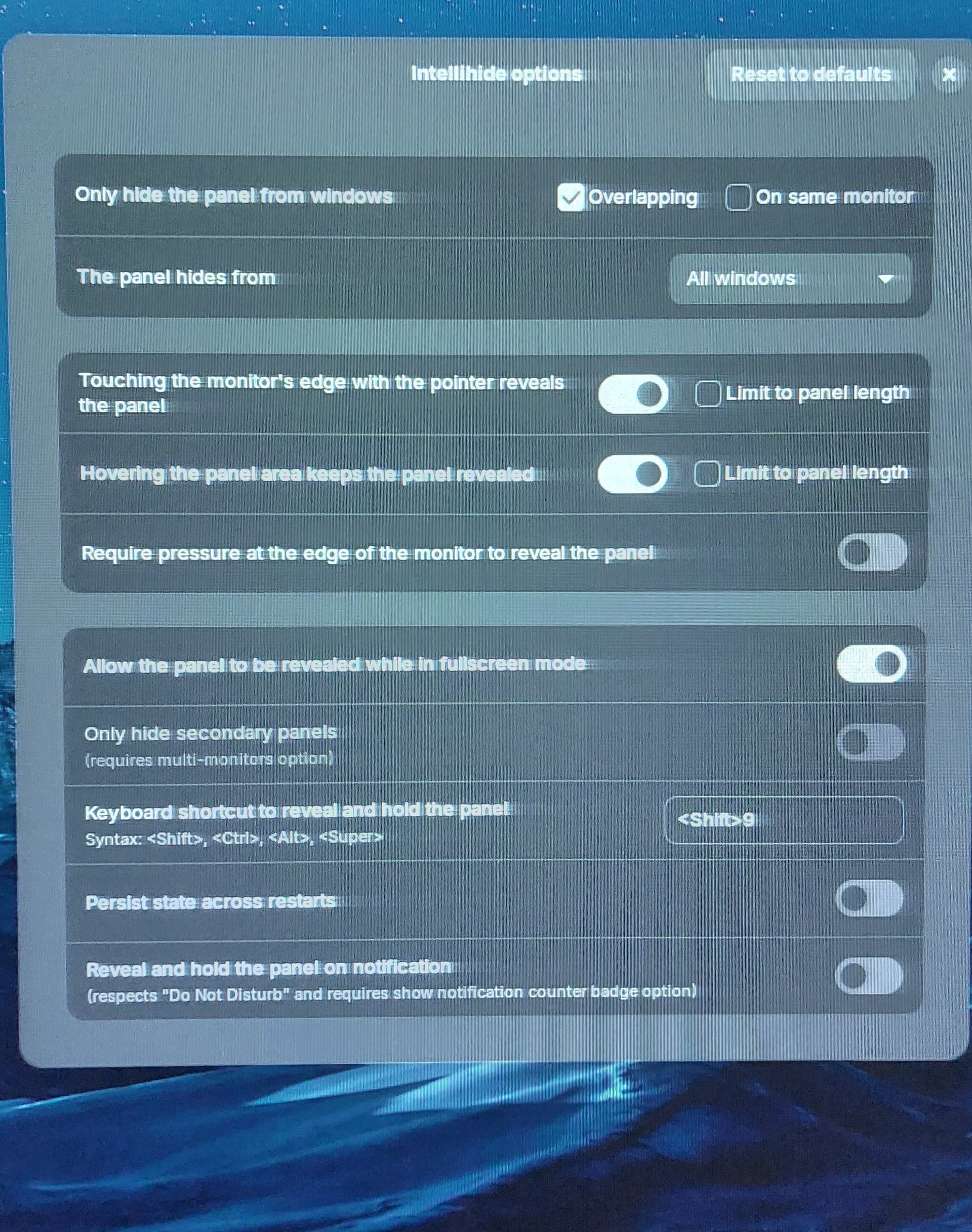
On the 2nd Option ''The panel hides from'' change it to Focused Windows and see if it behaves better.
1 Like
Have you tried to select another layout in Zorin appearance without the bottom taskbar (gnome layout, no.4) to disable the Zorin taskbar and then to select your desired layout back again?
Do you have installed other third-party gnome-shell extensions? If yes, you could disable them for a test if they make conflicts.
This morning it is working like it used to. I made no changes to the settings.
1 Like