Well Covid-19 led me to working from home which means I could not access Duxbury Translation Software for Windows so I have been reliant on a great free program from American Printing House, Braille Blaster (https://brailleblaster.org).
They also have some great video tutorials.
I particularly like the fact you can see the text in the left pane and the translated Braille in the right pane of the main interface. In Duxbury you are limited to viewing a line of Braille with it's original format at the bottom of the screen. Whilst Brailleblaster does not have learning tables for the various braille programmes of teaching braille to children with no vision it does a great job and unlike DBT which is limited to Windows and Mac, Brailleblaster is also available for the Linux platform! So if you are a Braille user or someone who helps others to produce Brallle then Brailleblaster is a great program. It also has a great menu so that you can apply appropriate styles for Poetry, Plays and so on - a boon for reformatters of text to Braille everywhere!
Now for some time I always advised that systems should have Galculator (Gnome Calculator) as every element is customisable for people who need a large print calculator, from input keys to the result, very customisable. Sadly whilst it is a dead project it does offer a good alternative to the standard Calculator.
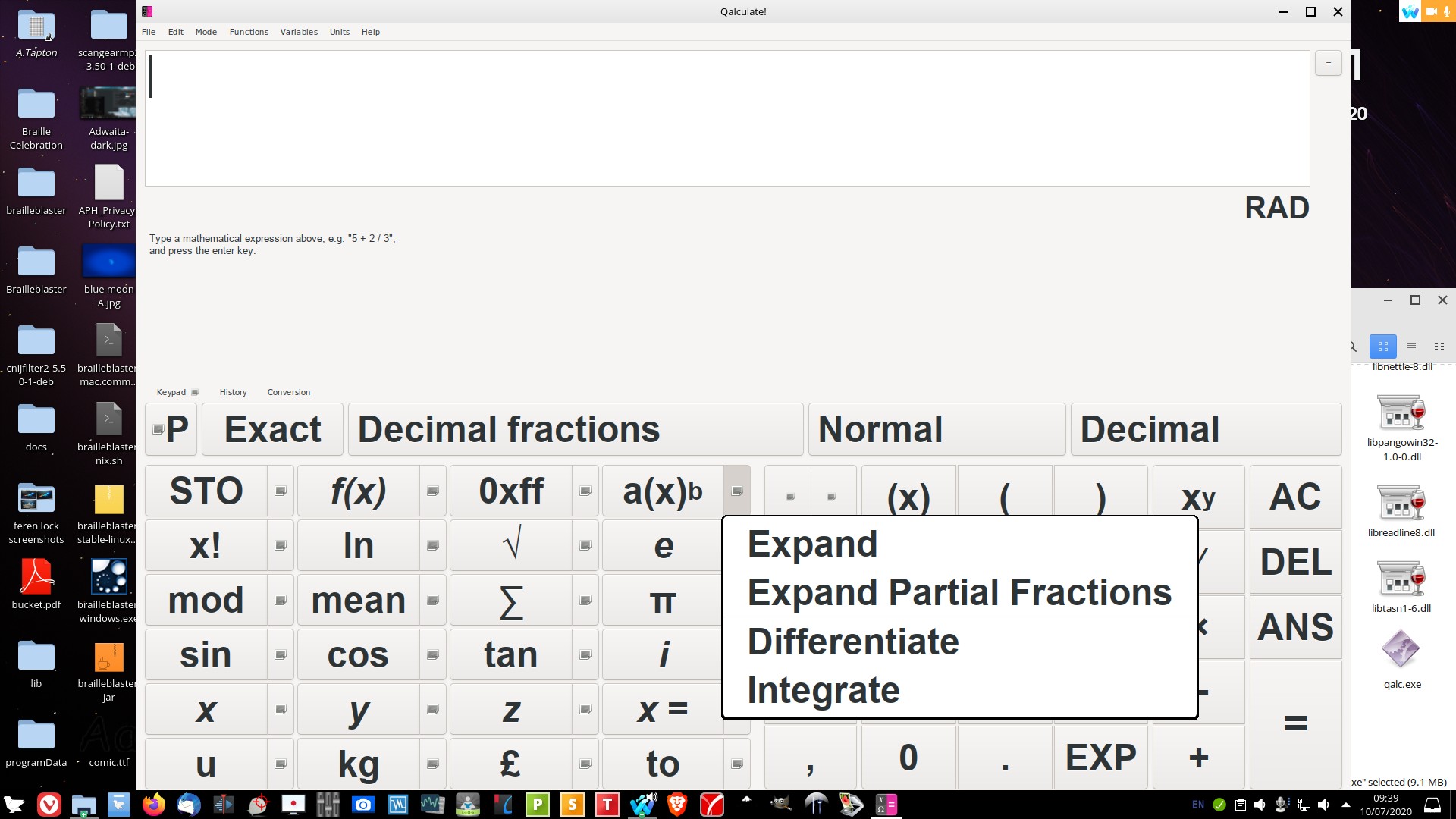
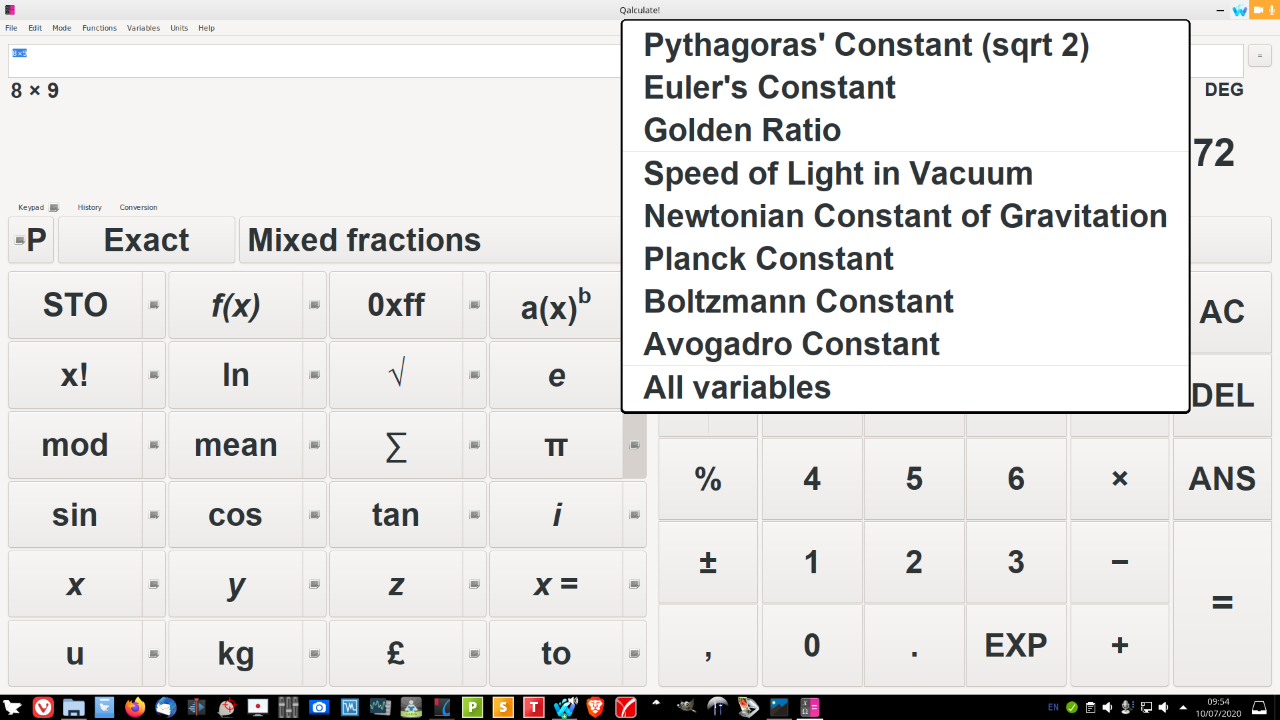
Now there is a new kid on the block - Qalculate - now in addition to what Galculator can do it has some pre-set formulae for Maths and Chemistry. Get it from here: http://qalculate.github.io/
Screenshots of my install:
Well I need to be corrected on this. Apparently, Knoppix was one of the first distros to assist with this, but not as clever as Trisquel in one regard, but it might be worth Zorin Team to look at implementing ADRIANE.