I'm currently trying to install Zorin, but I'm struggling very hard to get past the point to where I chose how to install Zorin. I linked a video to what I'm experiencing. I linked several photos of my bios settings and what the ISO is doing on the flash drive.
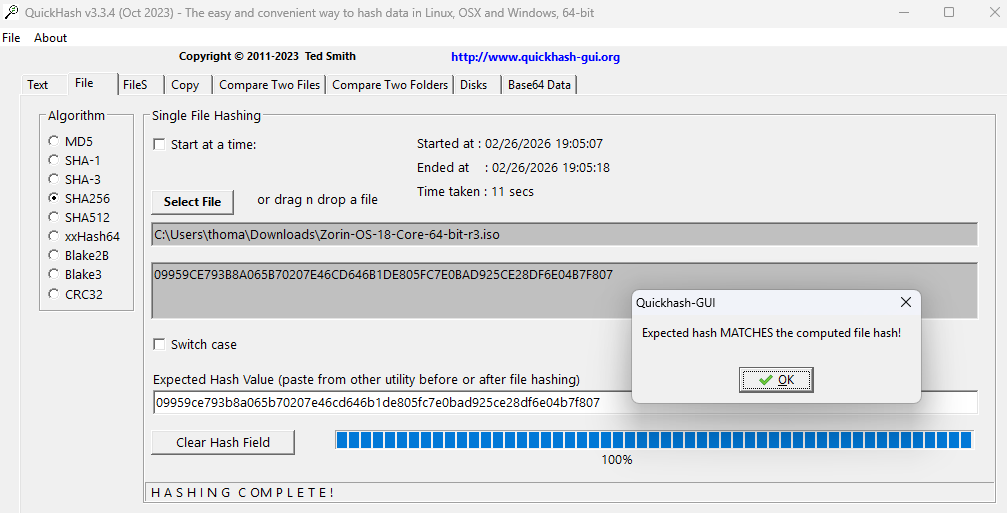
I originally used Balena Etcher to flash the iso to my flash drive, this produced the same result in the video. I then tried using Rufus, same result. I know the flash of Zorin is working, because my friend was able to get it to boot off of the drive on his older laptop. I even compared the hash file to see if mine got messed up.
I won't be able to try your suggestions/fixes until later in the evenings. I tried taking some pictures that would seem relevant and video as stated earlier. Should also note that I’m trying to load Zorin to a completely separate drive from windows 11.
Thanks,
Specs
CPU R7 7800X3D
GPU MSI 4070ti
MOBO Gigabyte B650 Gaming X AX v2
RAM G.Skill 32Gb @ 6000