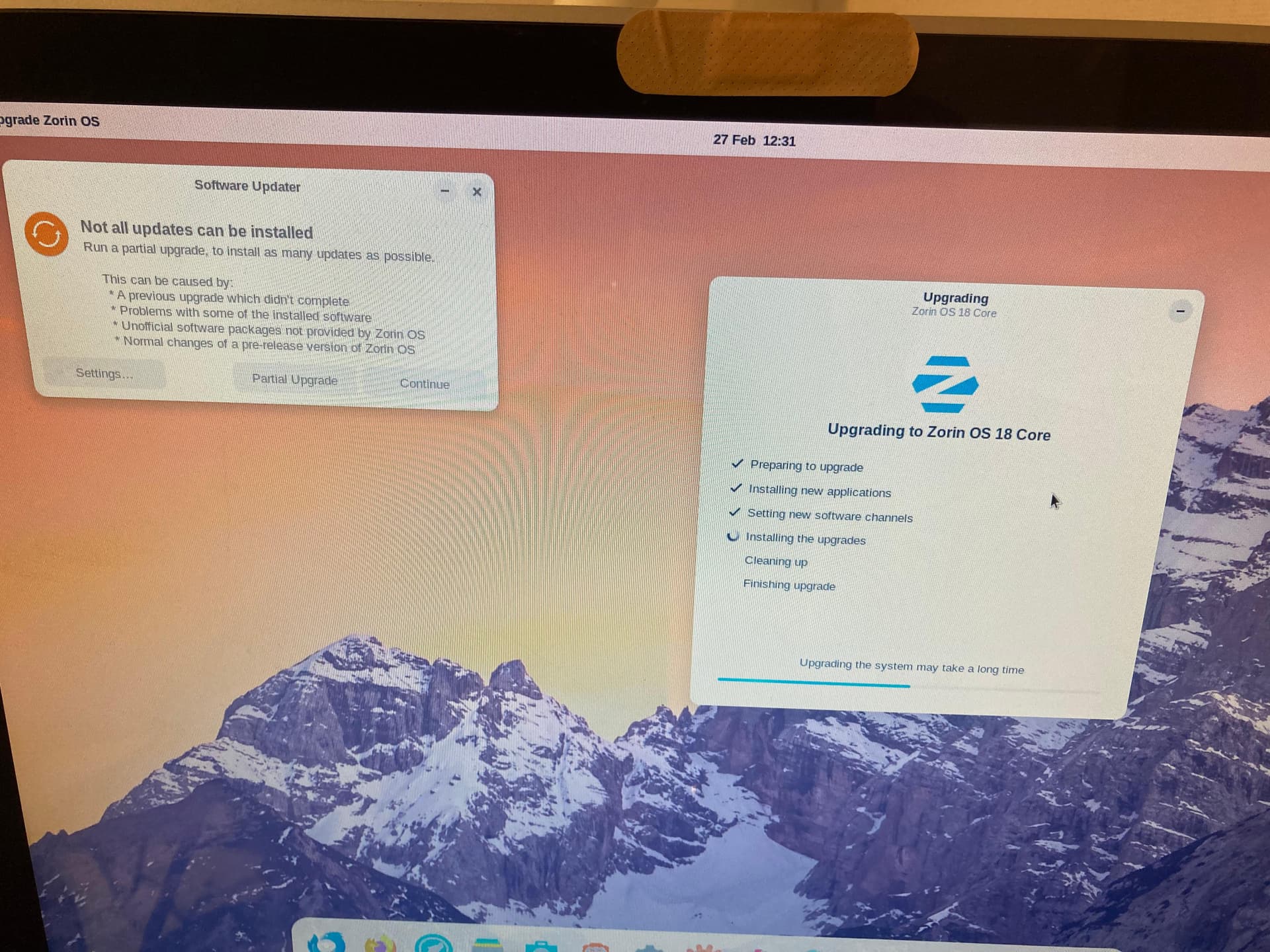
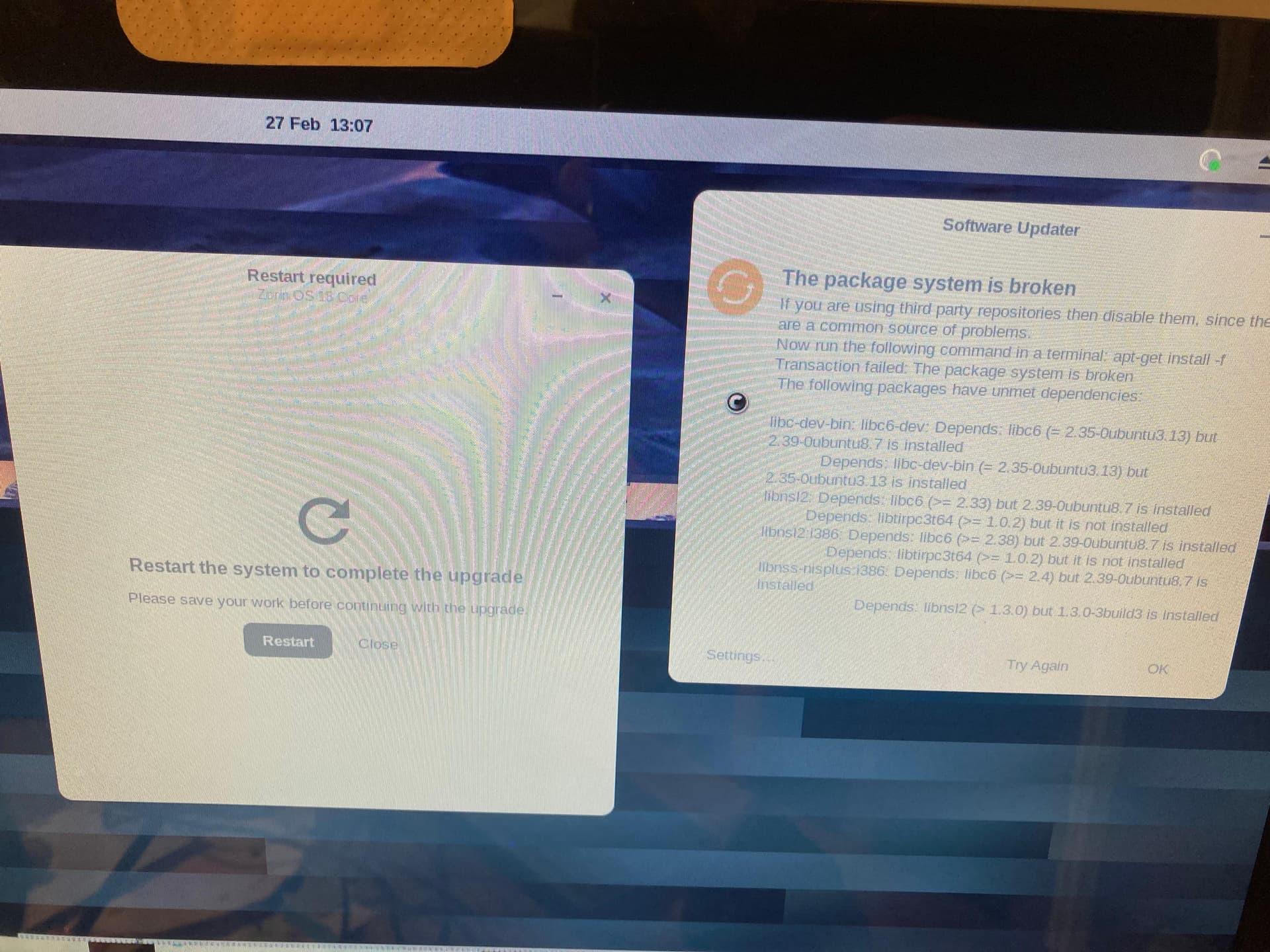
I am trying to upgrade an iMac9,1 20 inch (Early 2009) from Zorin Core 17 to Core 18. I updated all the softwares and packages before starting. Started the upgrade process. Then the software updater showed up Saying "Not all updates can be installed". I pressed "Continue" then got an error about "The package system is broken", I tried to press "ok" but then everything got stuck.
Now, The upgrader is asking to restart but I am unsure what to do, I am worried that now the OS is broken.
Any advise would be greatly appreciated.
Do You have added any Third-Party Repo's? If yes, delete them all. You can add them later again. Then type in the Terminal sudo apt update && sudo apt upgrade and when that is done type sudo apt install -f
Just adding resolution here since the post was split into a new topic
Thanks a lot, seems to have worked. I seems to be on Zorin 18 Core now. I guess I should have probably left the Software updater window alone and not press anything there.