Hello everyone! I'm new to Linux and I just installed Zorin on my PC.
I installed Steam and Warframe. But I'm having problems!
When I click "Run" in Steam, it pulls up the Warframe launcher normally. But when I click "Play," it tries to load the game and nothing happens. The Steam play button turns green again.
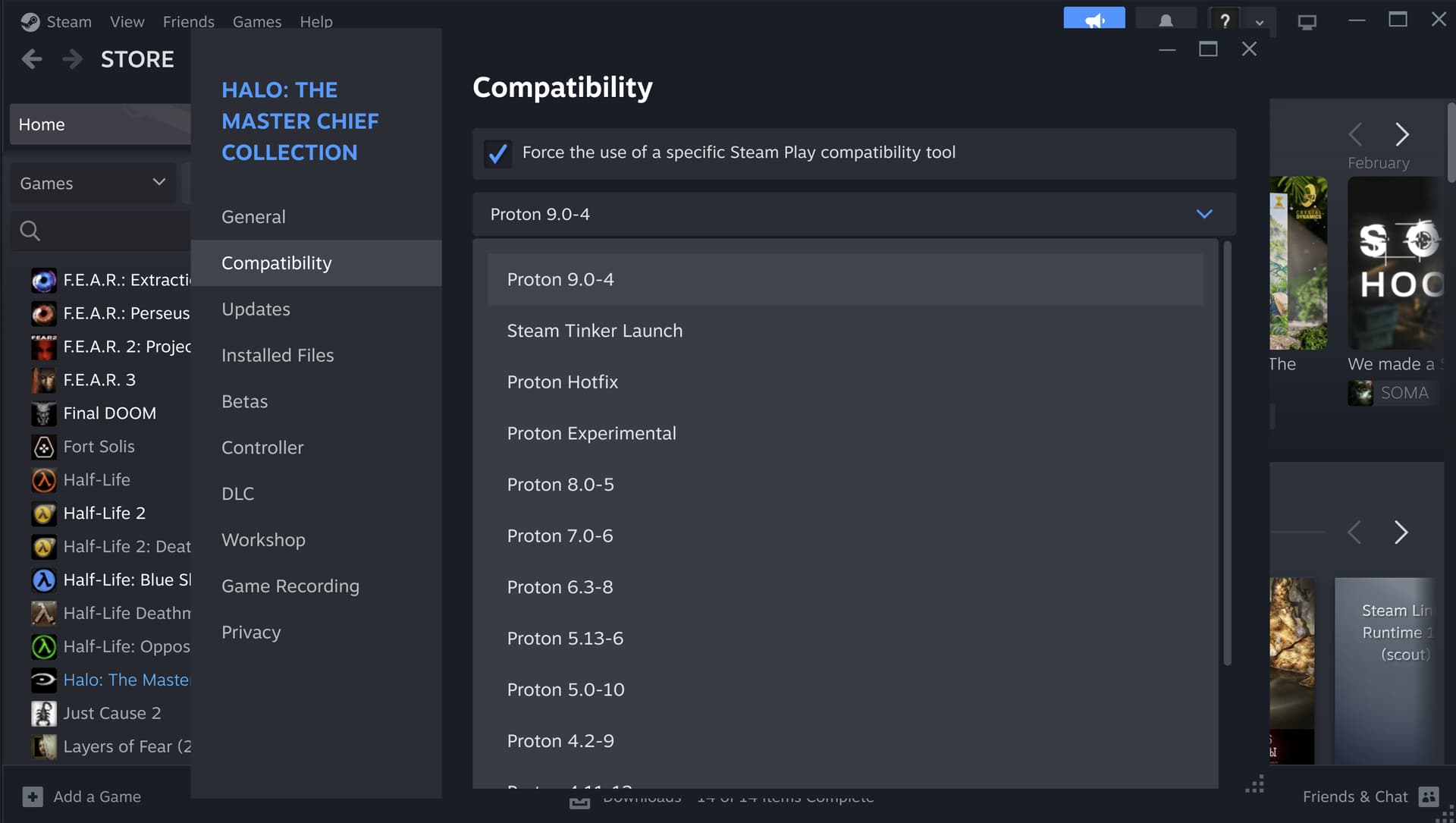
I recommend installing Proton as a .deb and not as a snap, then forcing Proton in Steam.
Enable Proton for Steam on Linux
To enable Proton on Steam under Linux, go to Steam settings, select the "Steam Play" tab, then check "Enable Steam Play for supported titles" and "Enable Steam Play for all other titles".
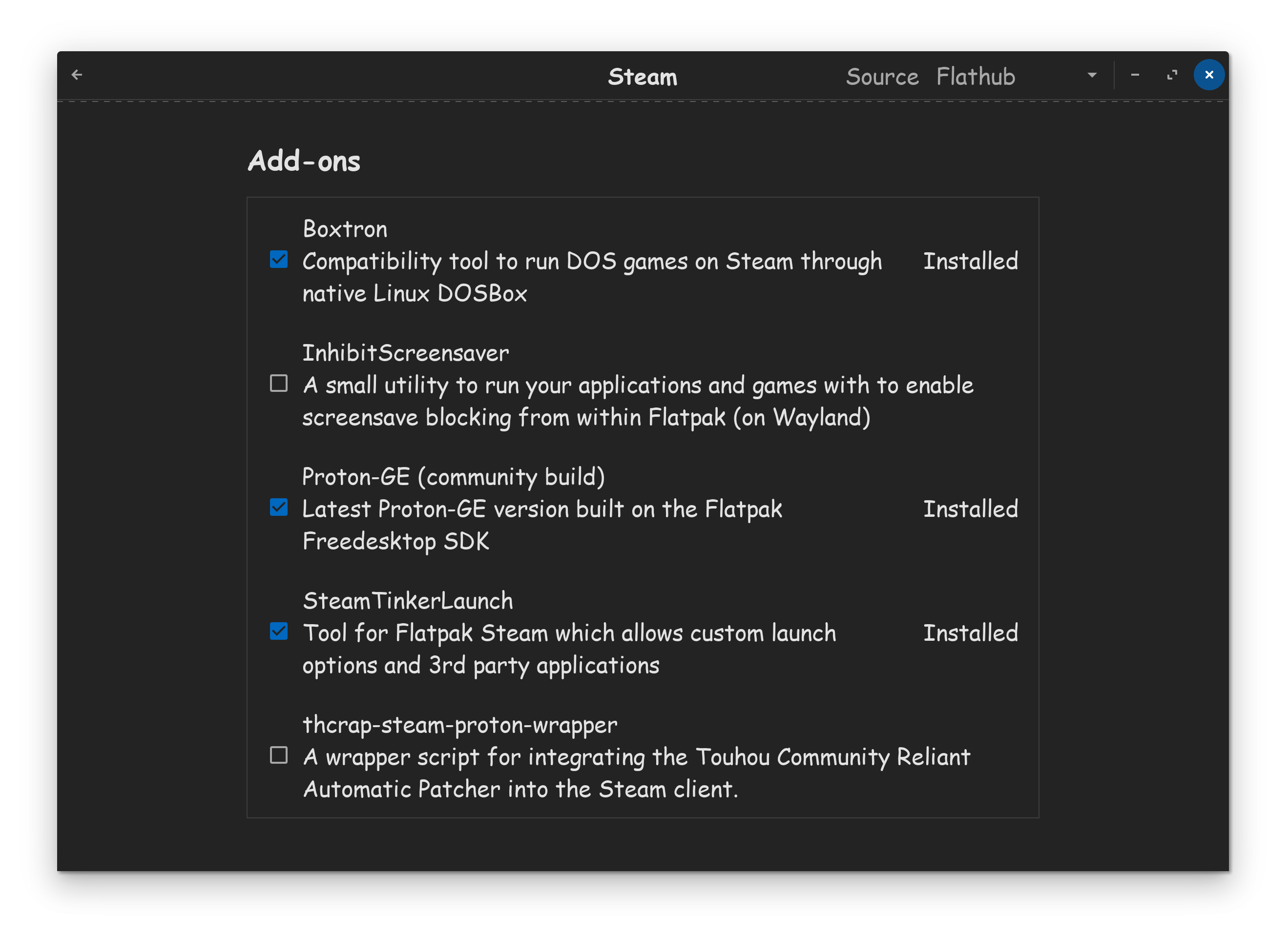
Just to add to that, you may want to look into adding custom proton-ge to your Steam, as they often have fixes and updates that may help other games either run or run better. There's a tutorial available if you're interested:
There are times where you'll actually need a base Proton version versus a custom one, but more options in my eyes is always better.
Warframe is not natively available for Linux , but it can be played using Steam's Proton compatibility layer , which enables Windows games to run on Linux systems. The game runs well on Linux with minimal issues, especially when using Proton-GE (GloriousEggroll) versions 9.0 or higher, which are known to provide better compatibility and performance.