I think this option may be better so we can be certain of which disk:
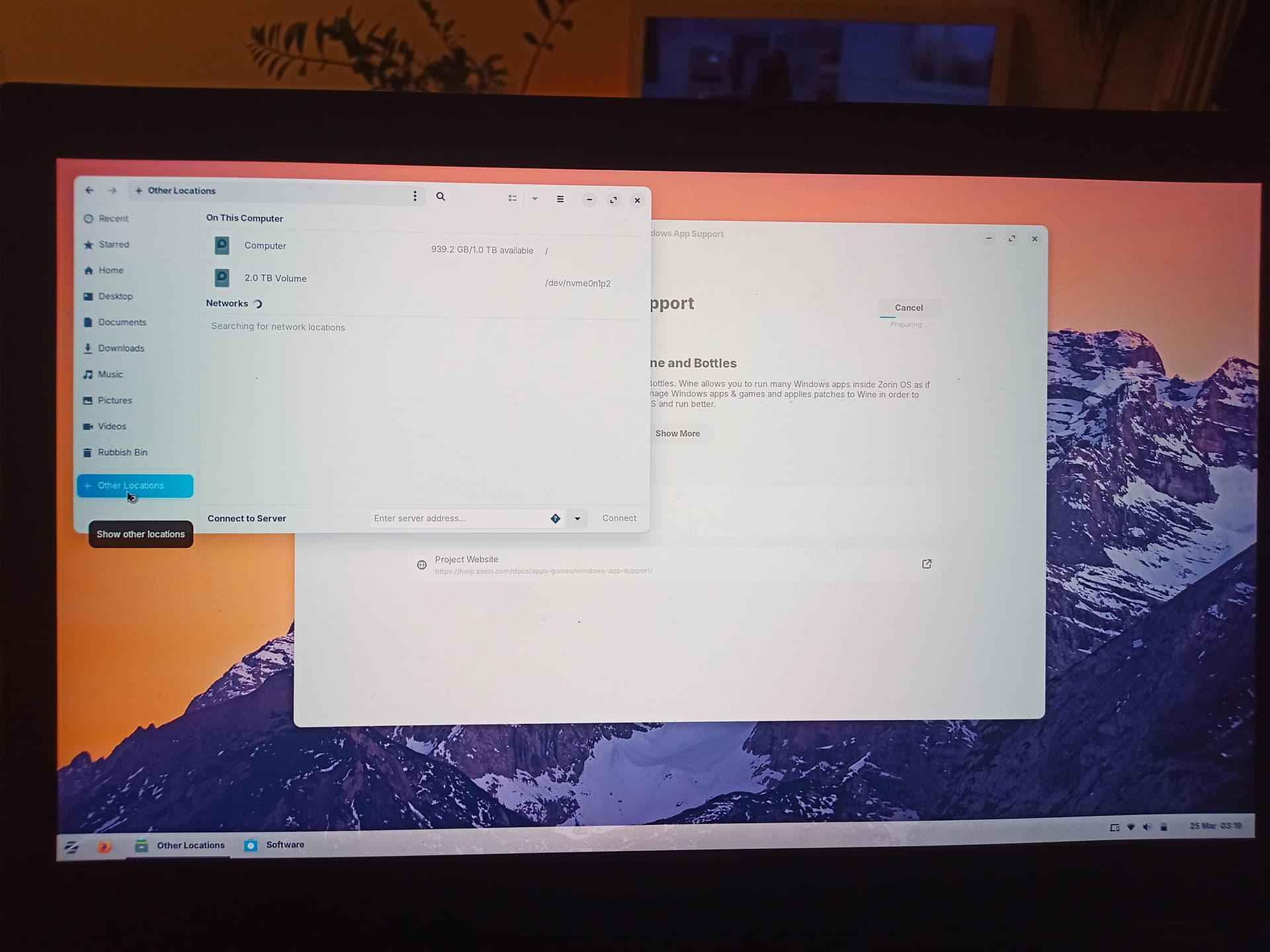
Yes, is the 2Tb drive the D: drive?
Yes it is
We're back up and running. Very relieved! Thank you for your help and patience.
What should i do to remove the OS and data on the 2tb drive now (drive d:)?
1 Like
I actually wouldn't. The OS itself takes up very little of the available space. You can just use the drive as storage and if you want, later, you can use the existing system files for inspection, learning and practice, without risking your actual Zorin OS System install.
1 Like
That's what happened. In the install process you dual installed Zorin alongside of windows. I think your boot manager probably didn't install correctly either. I think the best course of action is to do a fresh install of Zorin and when selecting install options make sure you are removing everything (fresh install).
This topic was automatically closed 90 days after the last reply. New replies are no longer allowed.