That is ok, because we want this to be bootable. Primary is correct. I was just about to edit that post...
I went on autopilot for creating a portable Storage device...

That is ok, because we want this to be bootable. Primary is correct. I was just about to edit that post...
I went on autopilot for creating a portable Storage device...
Ok and then add?
Yes, after which, select to apply the changes.
By which you mean the check mark at the top?
Yes. Click that to apply changes.
Is your .iso burner able to see it?
Yes! Currently flashing. Fingers crossed!
Flash complete.... but the drive is still not appearing outside gparted
Yes, this is a bootable medium. Go ahead and plug it into the other Lenovo computer and try booting up from the USB Stick.
Ok... how do i eject though to safely remove? There is no option
The option is not present because the disk was Unmounted.
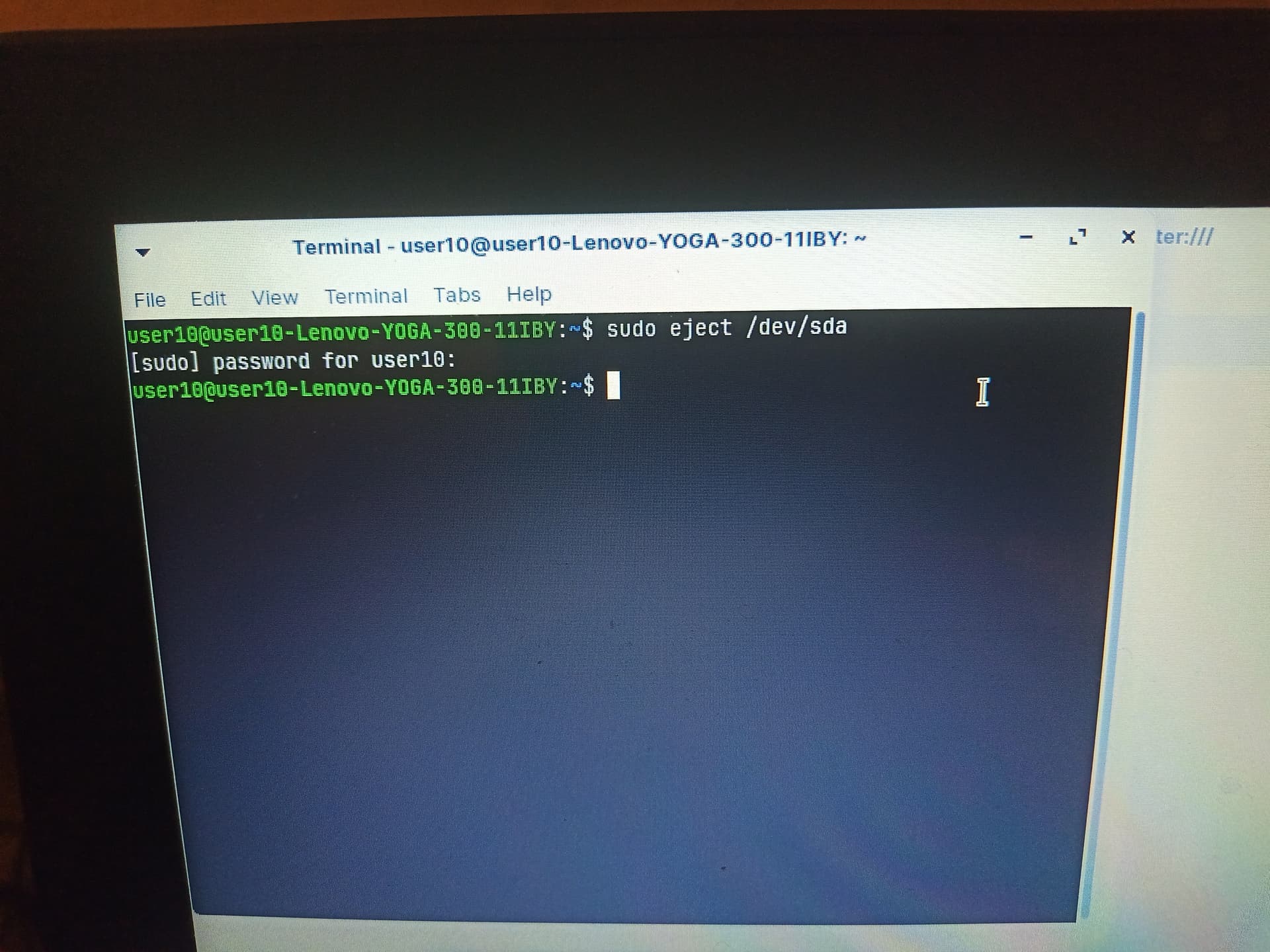
If you want peace of mind, you can run in terminal
sudo eject /dev/sda
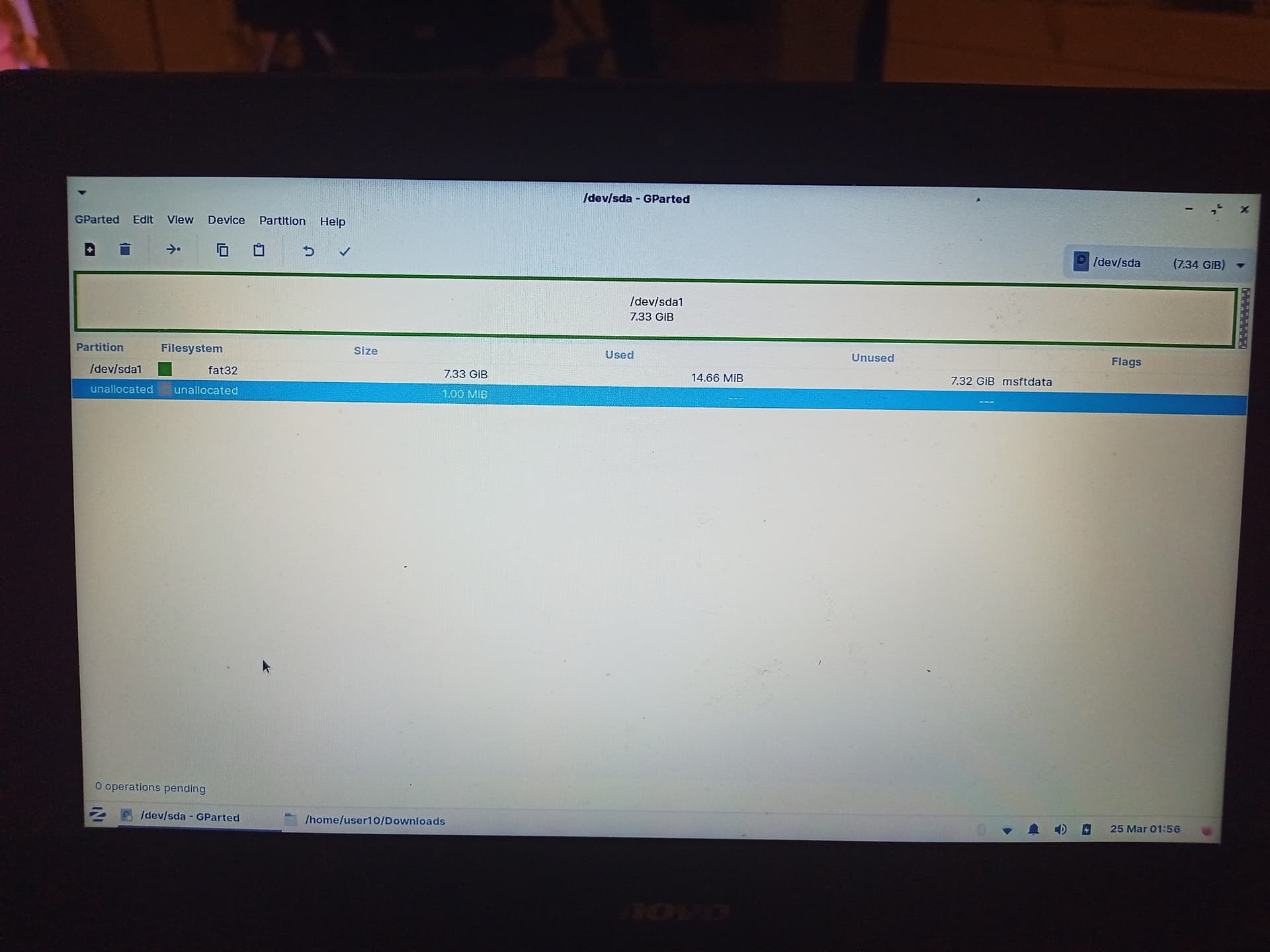
I used /dev/sda since that is what is shown in your Gparted 8gig disk screenshot.
Yes, you can remove it. Let's see if the stubborn thing will boot...
Ah we're moving..! Thank god.
Should i go with Invidia install this time? Save all that driver trouble we went through?
Yes, you can do that. (I actually do not remember that driver trouble... too many threads...)
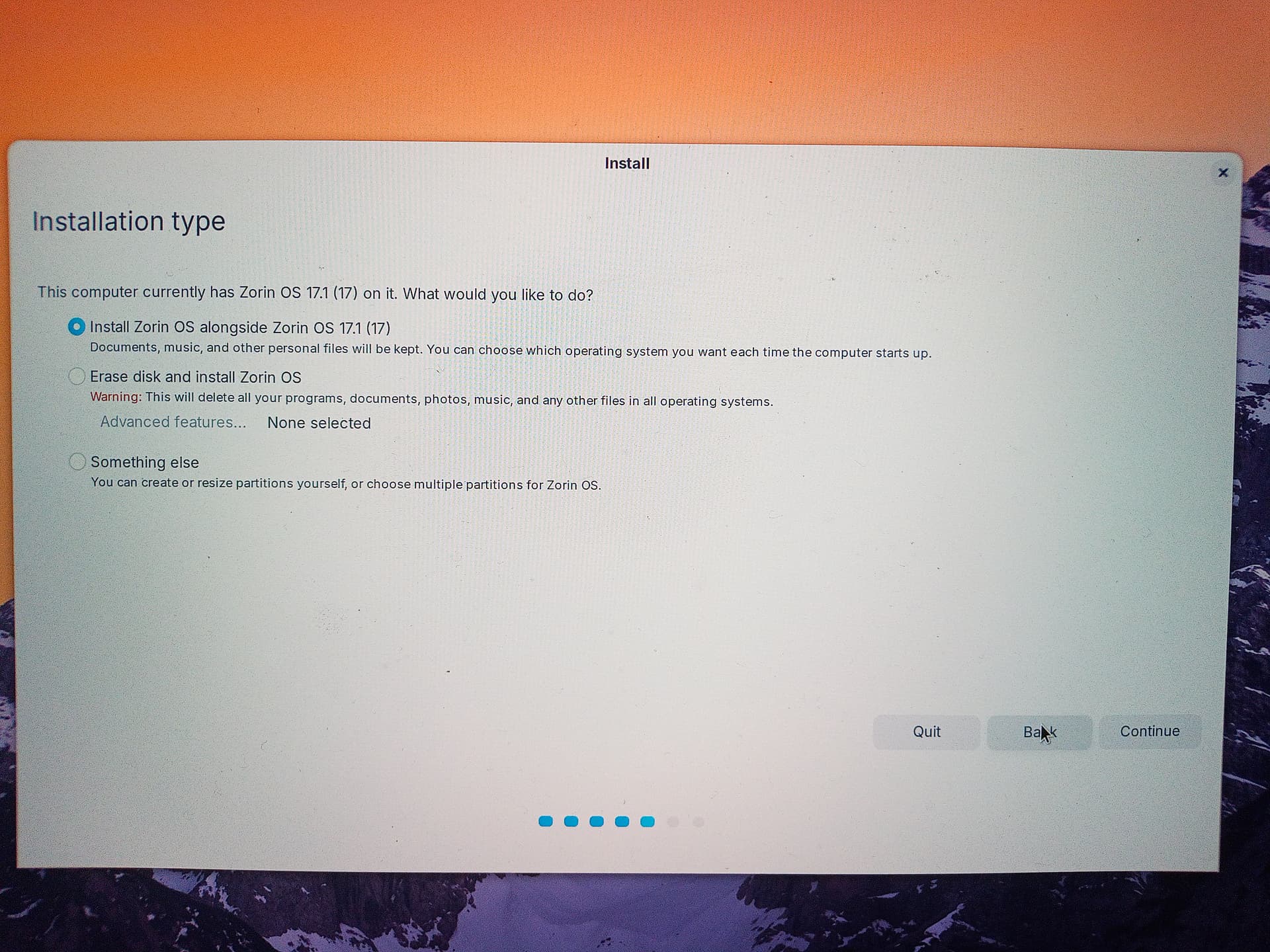
Erase disk and install? I guess we need to make sure it installs onto C: drive and preserve the existing OS and data on D: drive though
Yes; if in doubt; maintain your strategy of posting screenshots and clarifying each step of the way.
It is almost 10PM here my timezone, so I will try to stick around as long as I can.
You can choose the "Something Else" option in order to ensure which drive will be written to.
Thank you. Your help has been invaluable.
I'll select erase disk and install now