Zorin 18 reboots when software is updated
Normally, Zorin OS will not reboot without prompting and confirming.
But... Unattended Upgrades includes a configuration file for automatically rebooting. Are you using Unattended Upgrades?
1 Like
I’m new to Zorin and I don’t have a lot of computer skills. It’s when I try to update the software, it reboots. Where I should check if I use updates without surveillance. Thank you
Rebooting whilst in the middle of updating or attempting to update is definitely not normal. Did you check the SHA256 checksum against the .iso you downloaded? Are you running Zorin 17 Lite? Your profile states Lite version and 18 is not out yet.
Welcome to the Forum!
What Updates did You got? When there are Kernel Updates, then a Reboot is normal. And for some System Packages it can be neccessary, too.
Sorry. I made a mistake and put Lite, but I’m using Zorin 18 Core, which updates from Zorin 17 Core with dual boot on a Windows 10 computer. When trying to update the software, Zorin 18 renegates.
Ah, I see. So is it the upgrader tool issue?
If I understand this correctly;
@kurros is currently using Zorin OS 18 Core.
It is dual boot with Windows OS 10
And the version of Zorin OS was previously upgraded from 17 to 18
Now, when Kurros runs the Software Updater, the computer reboots.
This is abnormal behavior.
There is nothing in this yet to suspect malware.
Kurros, what is the terminal output of
cat /etc/apt/apt.conf.d/50unattended-upgrades
You can use the parsing tool in the toolbar of the posting window that looks like </> to contain that output.
It also could be caused by old kernel hooks, kernel panic or a grub issue conflicting with Windows OS.
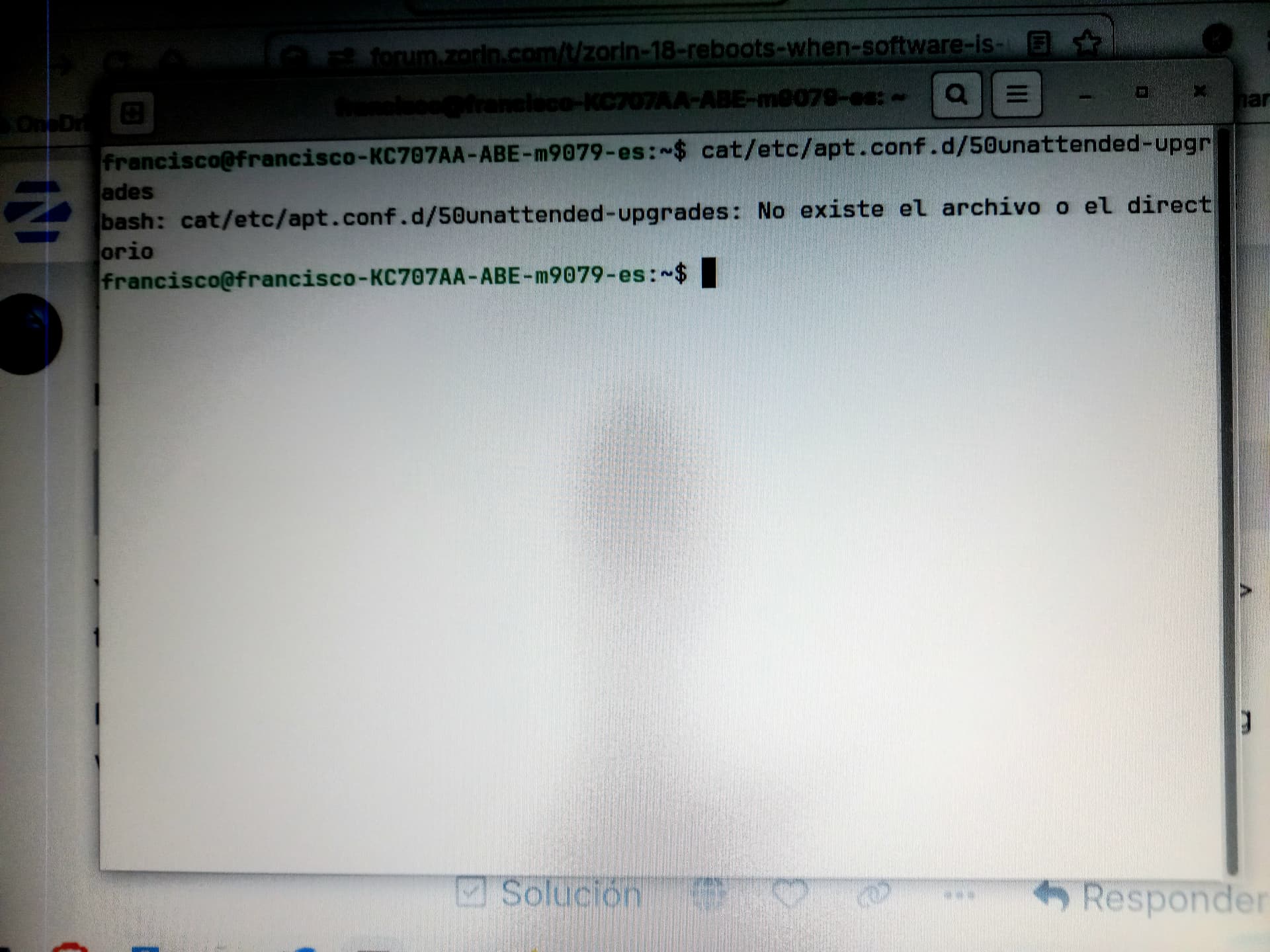
It looks as if you have made no space after the first word cat. Between cat and /etc needs to be a space:
cat /etc/...
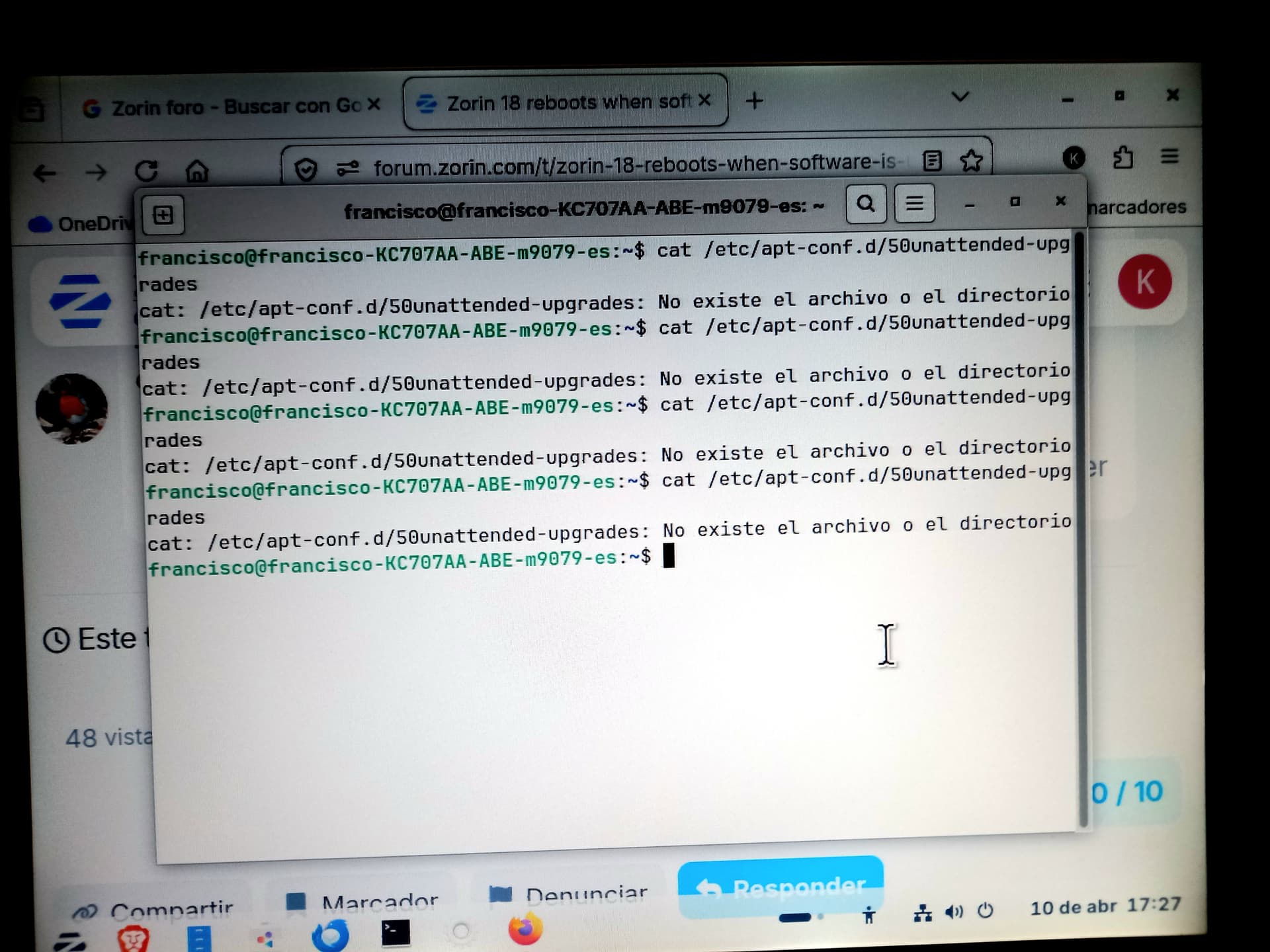
The command is wrong, apt is missing after etc. Sorry I overlooked that.
cat /etc/apt/apt-config.d...
You can copy the command with your right mouse key (copy) and paste it into the terminal with right-click (paste).
think I’ve got the command right this time. The problem continues and when trying to update the software, it reboots from the attached screen.
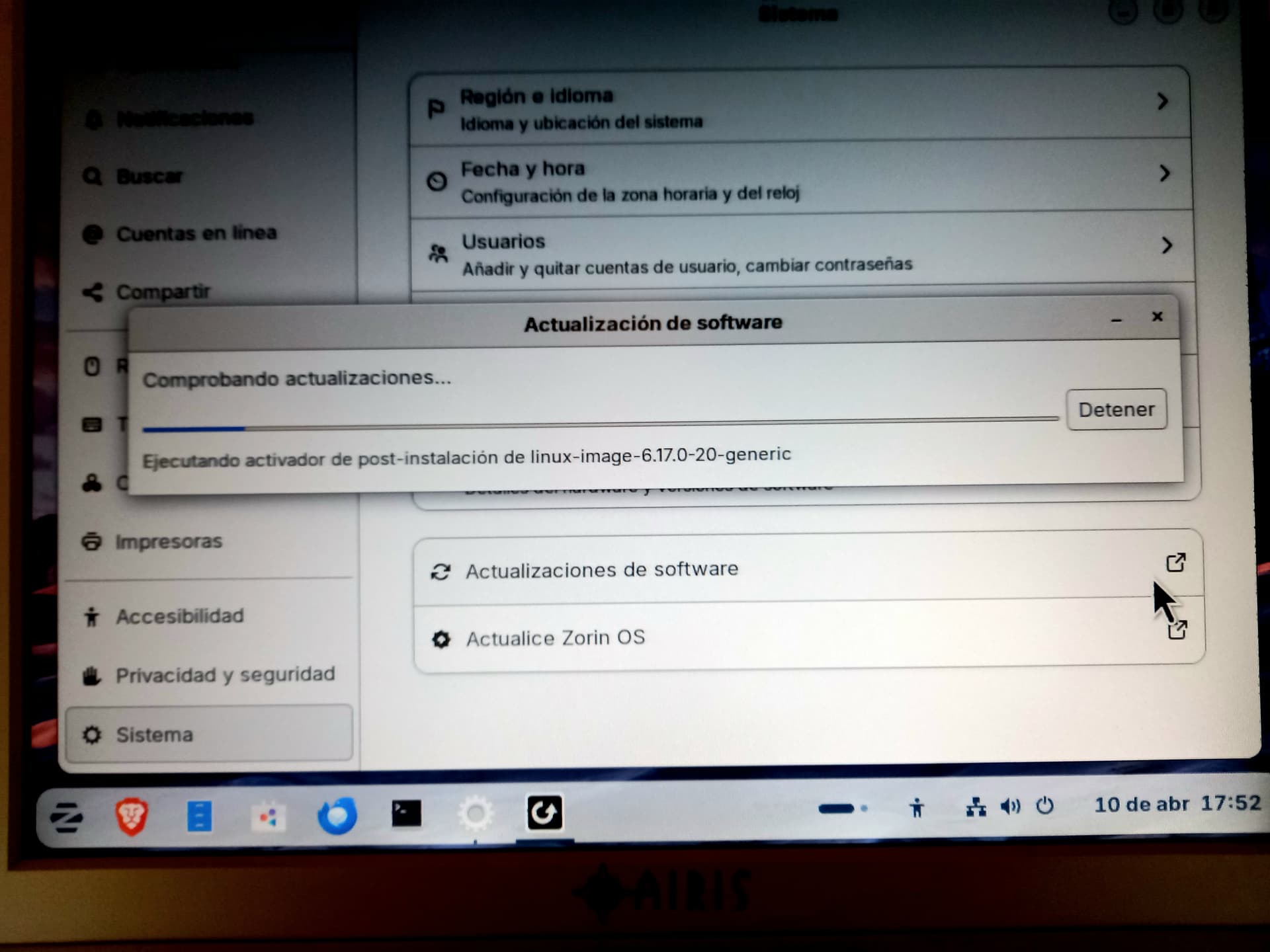
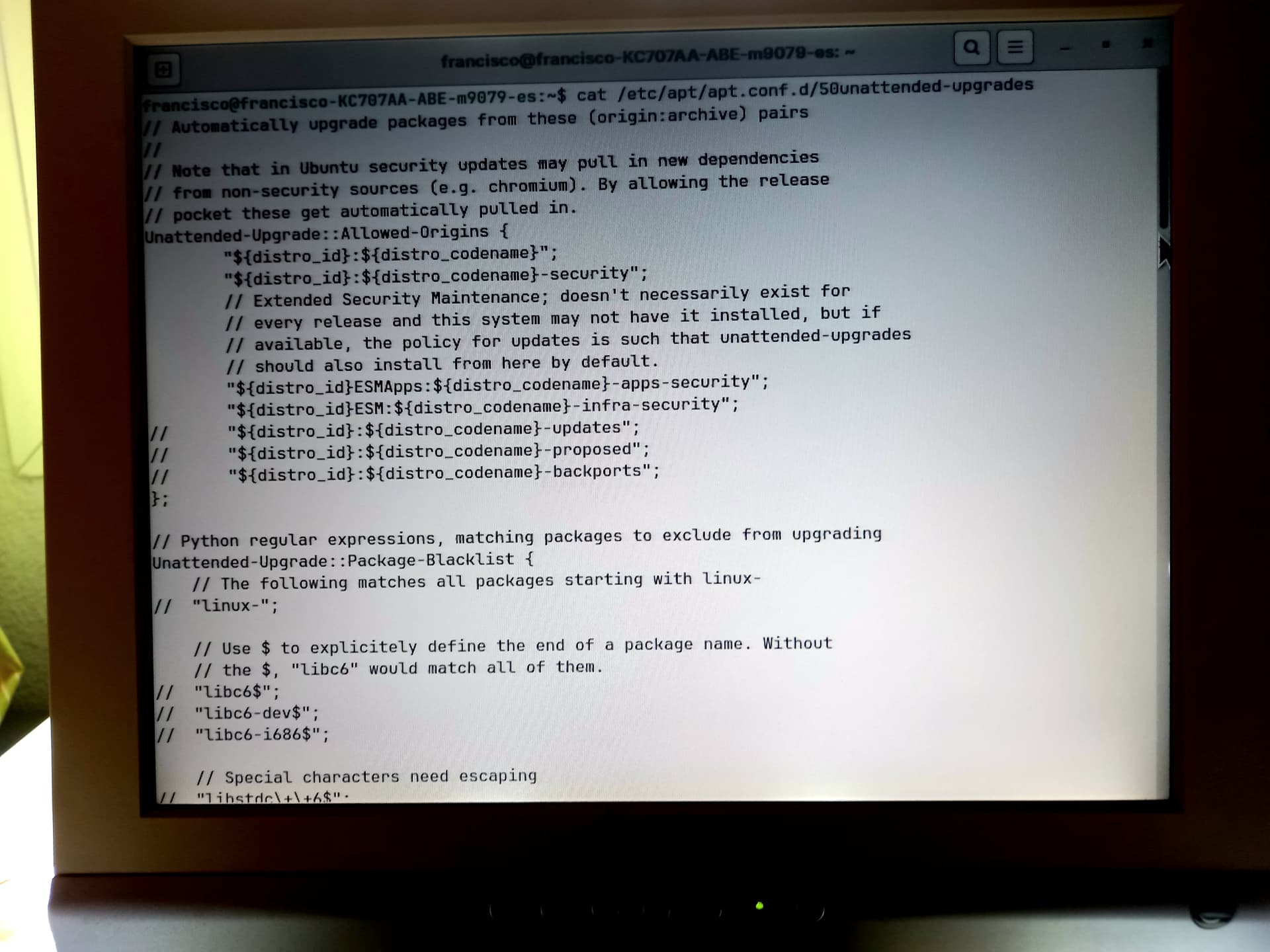
If it is rebooting at the installation of kernel 6.17.0-20, to me that suggests that the 6.17.0-20 kernel is going into kernel panic and crashing resulting in a reboot to a working kernel.
Which kernel are you currently on?
uname -r
The best option would likely be to hold that package so it is not installed.
1 Like
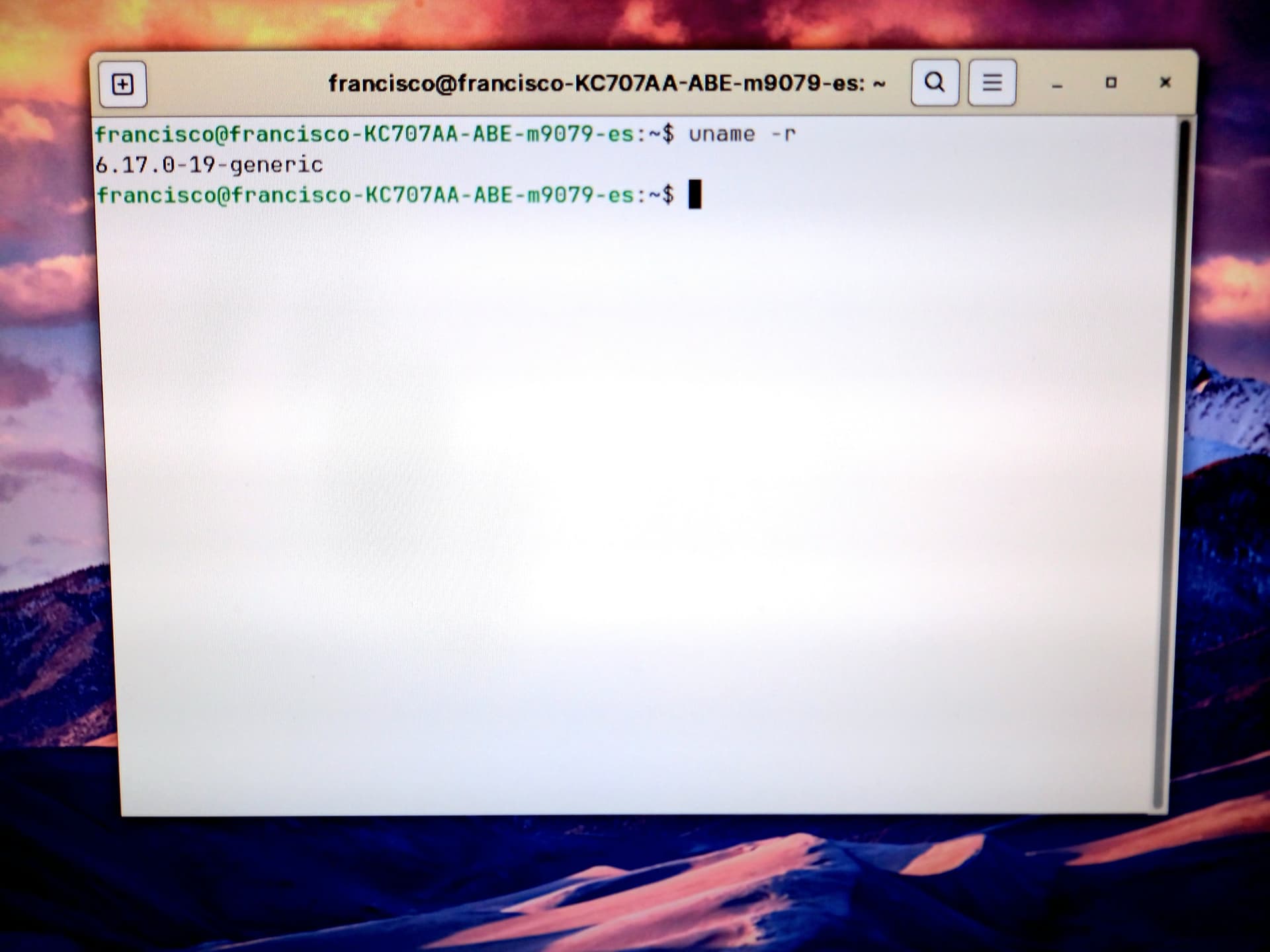
I believe that it is the installation of kernel 6.17.0-20 that is the problem, so the goal is to not install it.
Try:
sudo apt-mark hold linux-image-6.17.0-20-generic
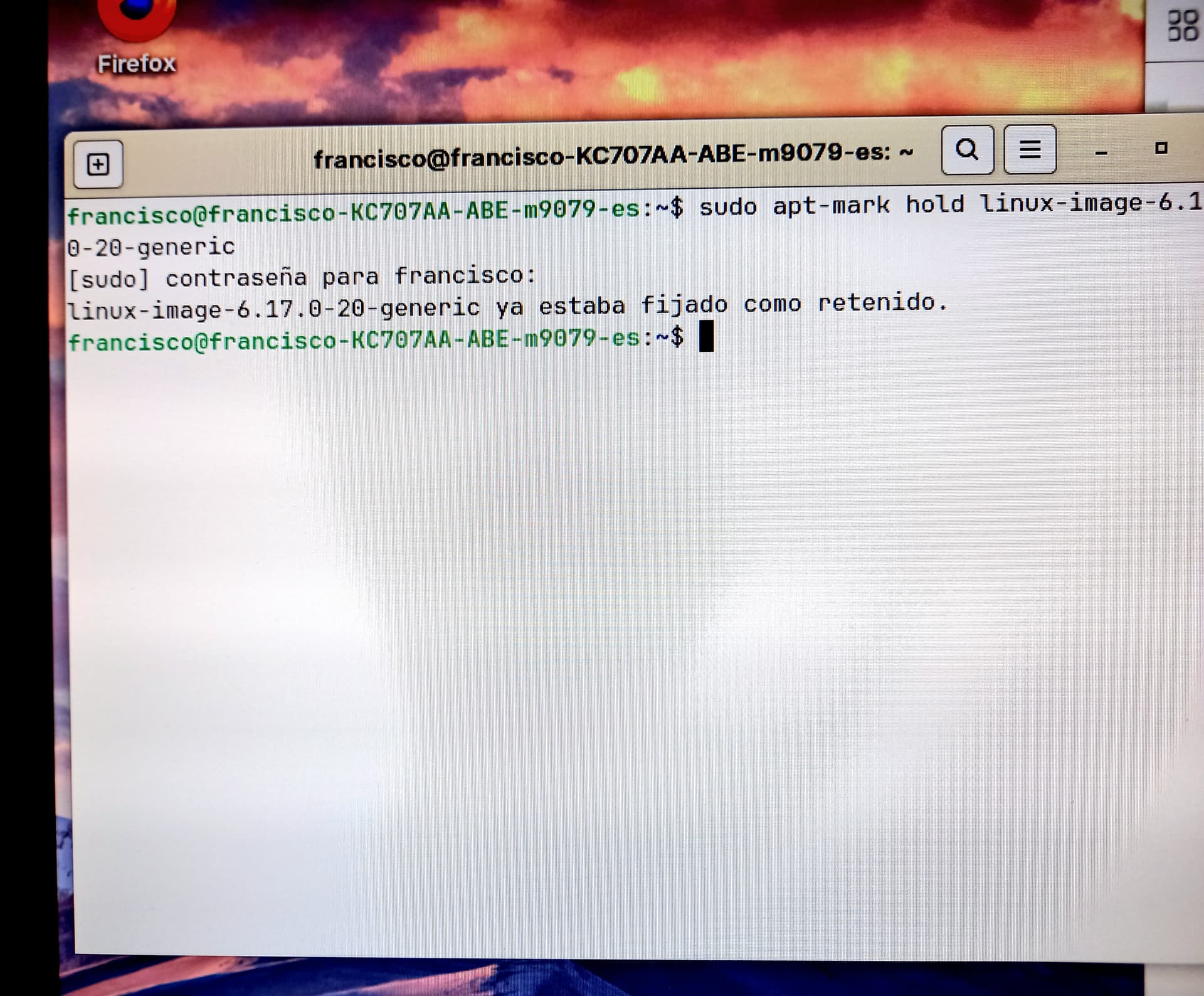
Hmmm, you already set it to hold?
Sorry. I don’t understand the meaning of the message. I don’t know what to do, as the problem continues the same way. When updating software, it restarts. Thanks for the help.
The problem has been resolved after the command: sudo apt-mark unhold linux-image-6.17.0-20-generic and I have finally been able to update the software. Thank you so much for your help.