At last! On usb all was working. So I did zorin on my laptop instead windows 10. Now trouble starts! Nothing works anymore. Zorin starts. I cannot type the password. Only thing that works is the mouse on usb. So I found the option keyboard to log in thats all. What is wrong eg can i better get another one on this laptop. Windows again? I have pictures made What laptop it is please help i know nothing about Zorin
So you managed to create a ZorinOS 18Core live USB and booted that OK, but when you chose to Install you have mouse and keyboard working.
To help, we need to know what was done and what you see. So some questions:
What do you see on the screen after boot?
Were there any error messages during installation?
Do you have UEFI or Legacy BIOS?
Which USB creation tool did you use?
In BIOS do you have Secure Boot and Fast Start disabled?
FYI: Some basic pre-installation advice here: Before you install
1 Like
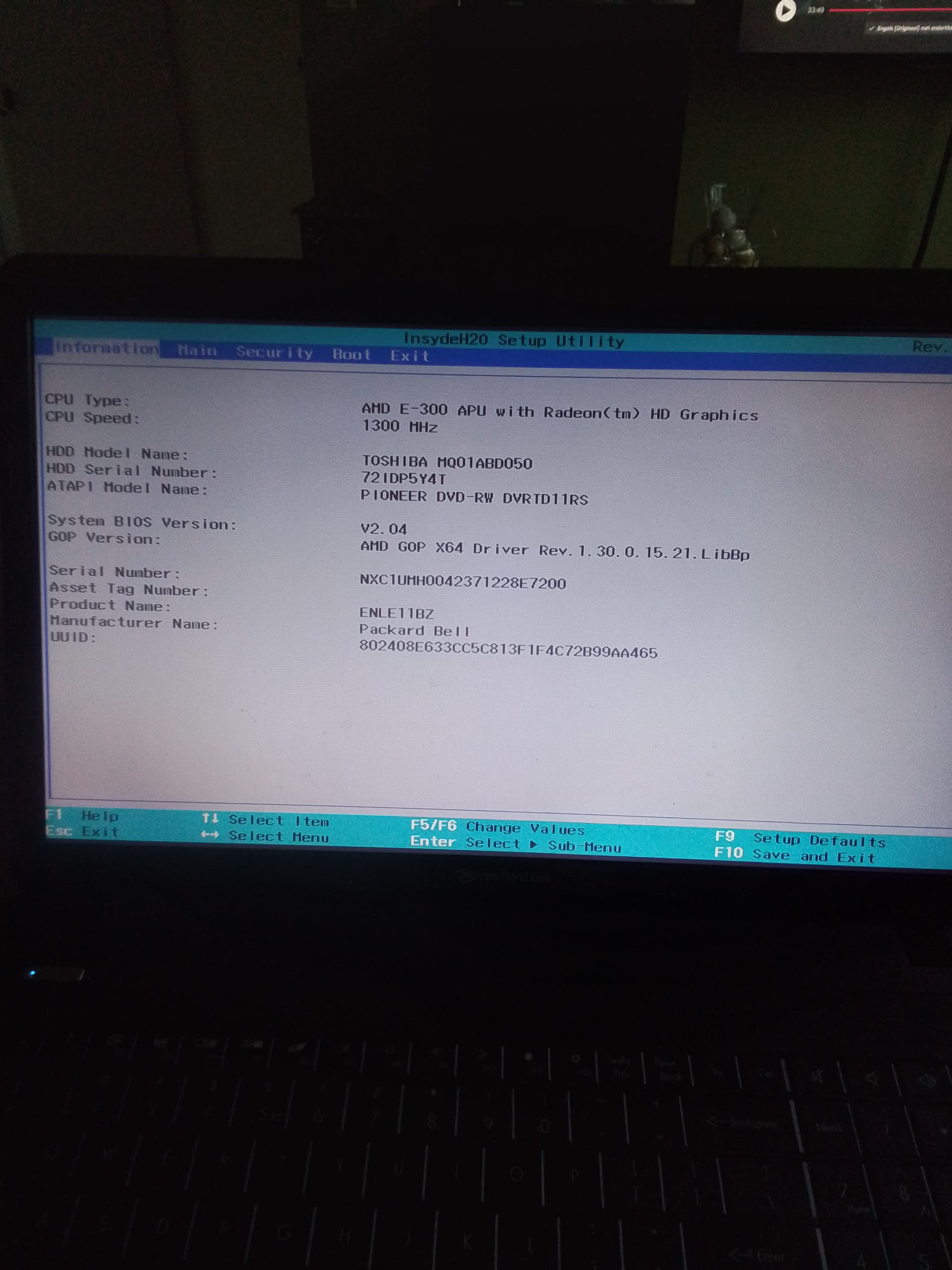
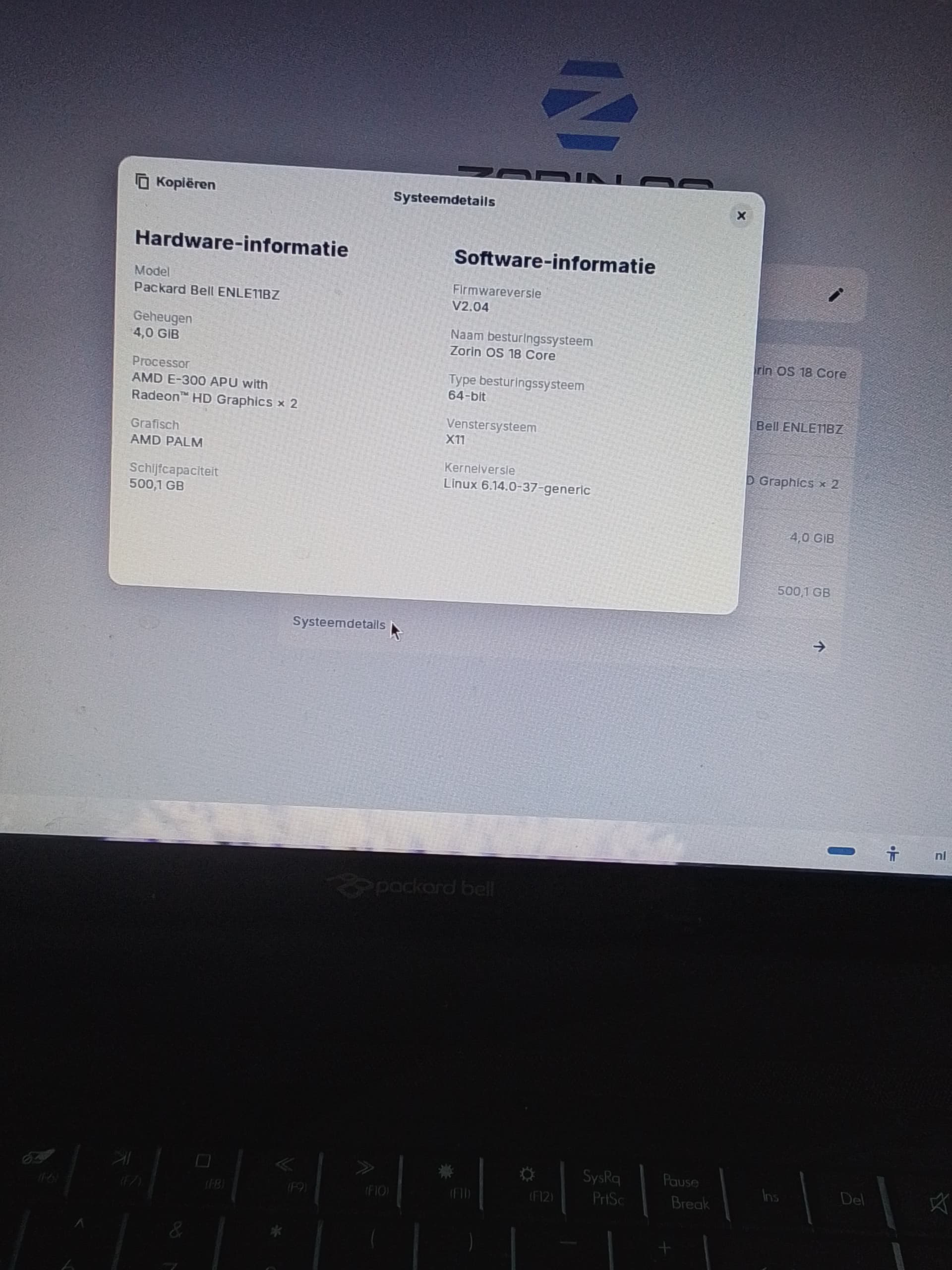
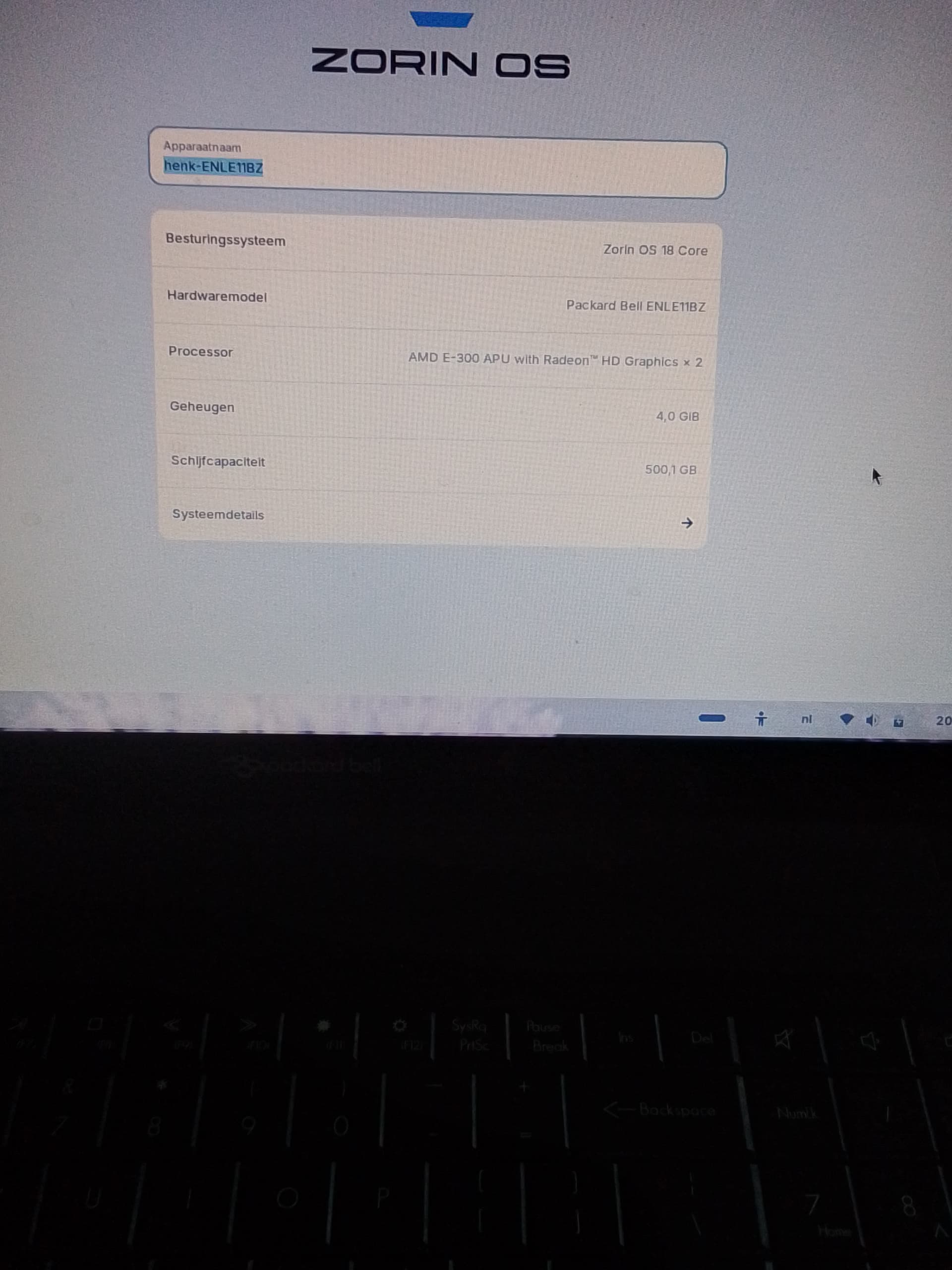
Can you please tell us what laptop you have (brand, model..)
Welcome to the Forum!
Do You have an external Keyboard what You could plug in Your Laptop to see if it works?
1 Like
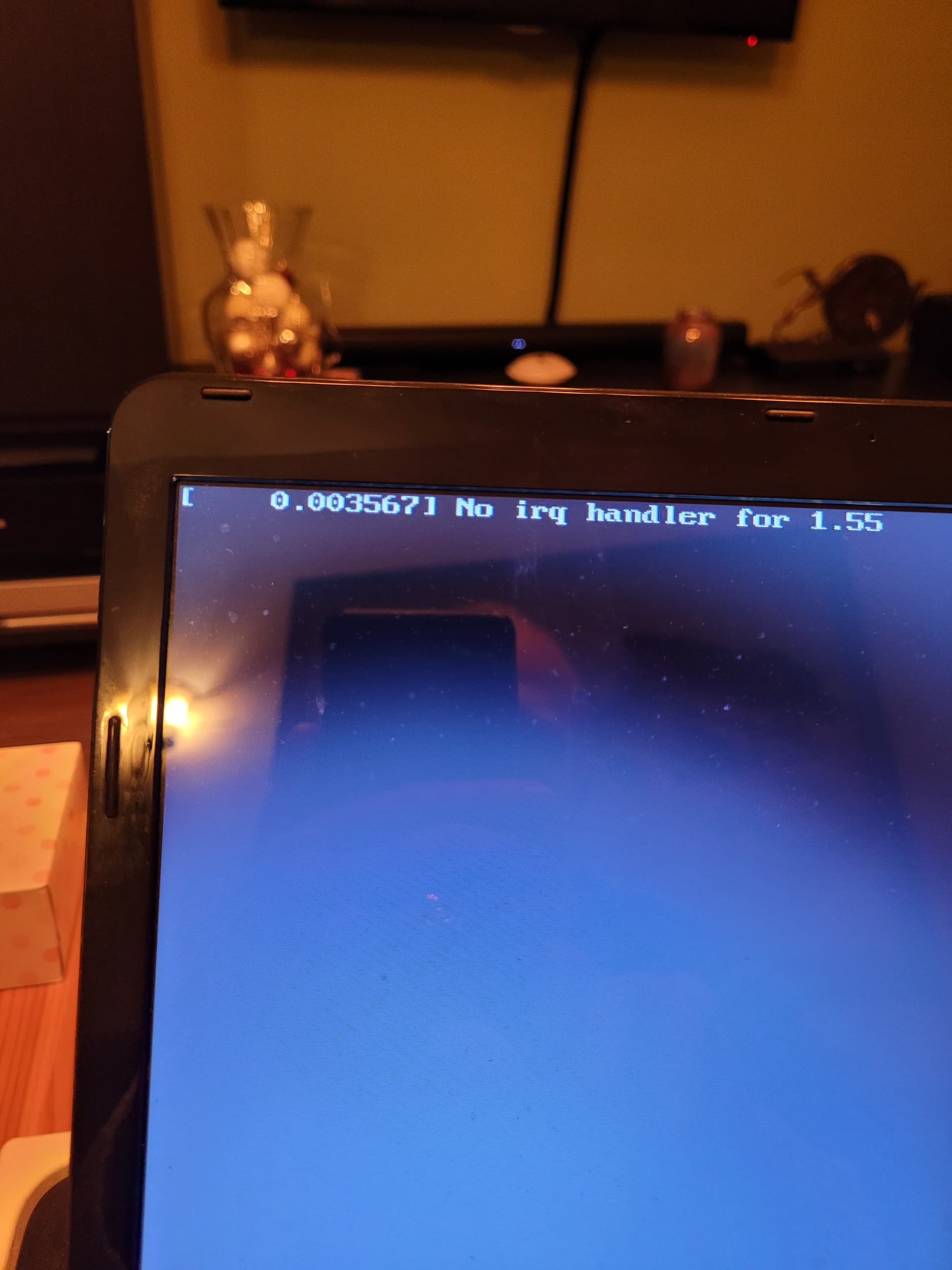
Here the images for the laptop in the beginning it worked on and off but now nope. Bios i use is UEFI Ik will try the extern keyboard tomorrow. First find one. Think it works for the mouse also did.
Rufus was the creating tool.
Uploading: 1000077141.jpg…
Processing: 1000077140.jpg…
Uploading: 1000077139.jpg…
Uploading: 1000077138.jpg…
The images can't be opened with the links. Probably they were not fully loaded.
1 Like
Did both on it. Mouse worked. Keyboard too, but could not Login with password. So logged in with screen keyboard. Worked. And now the strange thing. Touchpad and mouse on touchpad fully worked! Did the both mouse usb off and still working. I ll be damned! Now I will try to reboot and see what will happen. Brb
Still working perfect. now I will set whole laptop off and on BRB
Off and on is still working so problem gone. plz tell me how can this be by just using usb and thereafter it is working? but glad it is working thanks a lot that was just tehe good idea 
2 Likes
At least it works now. Maybe the Ghost in the Machine.
the gh6st 5s bac2 this was my key board on usb. look qwertyuiop.Now the usb one look qwertyuiop now normal again ghost still there. keyboard and mouse work. no touchpad and laptop keyboard.
Would you please post the name of your laptop model or upload the images again? Take a little bit more time until the images are fully uploaded. It is easier to search for solutions when the brand and model of the laptop are known.
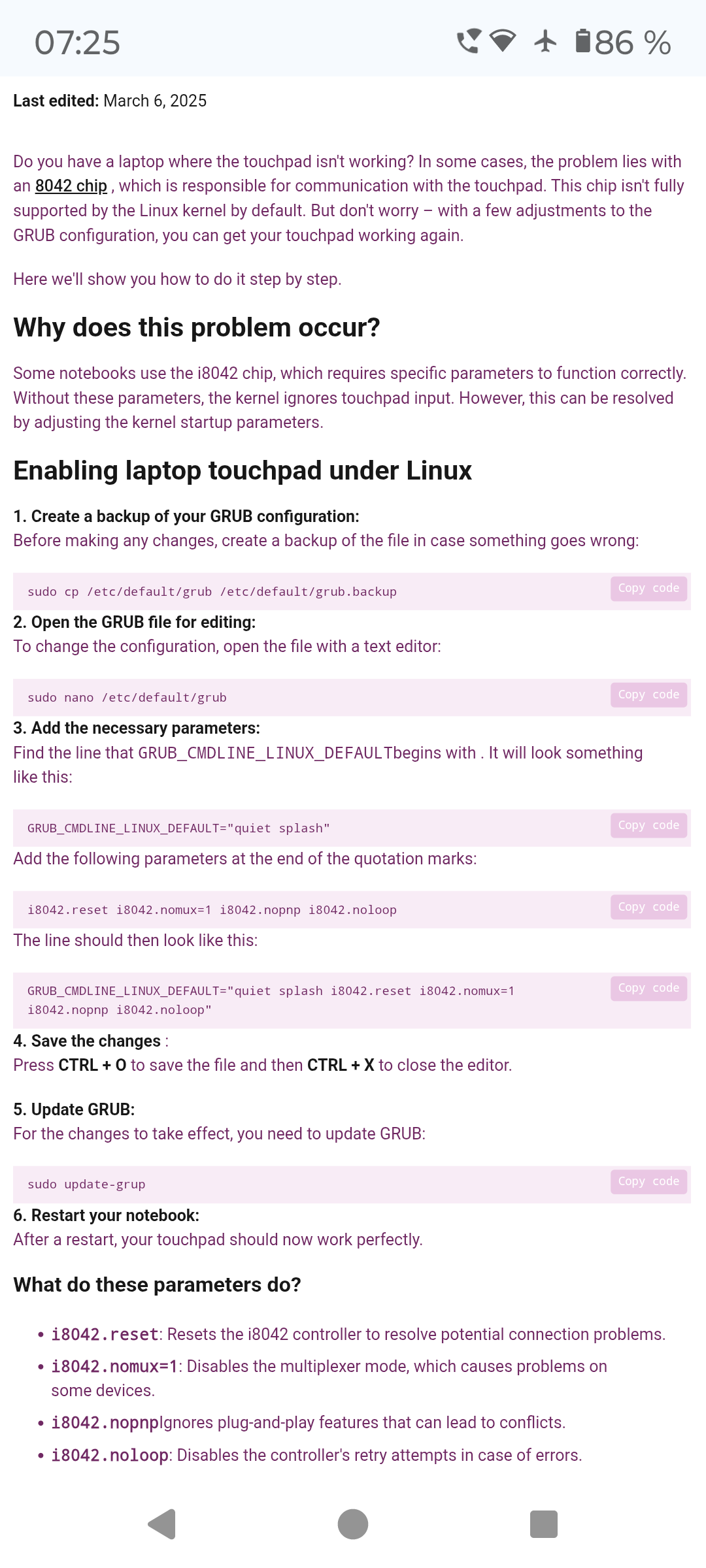
You could try to follow this guide. It is in German - please translate it with your browser:
After ctrl+o press enter to confirm, that is missing in the guide.
If it doesn't help, repeat the steps 2-6 and remove the added parameters or restore the original backup as described in the link.
It worked! still have the irg handler 1.55 but it works again! I hope fore a long time.
Many many thanks your all and tomorrow a merry christmas!!
1 Like
This topic was automatically closed 90 days after the last reply. New replies are no longer allowed.