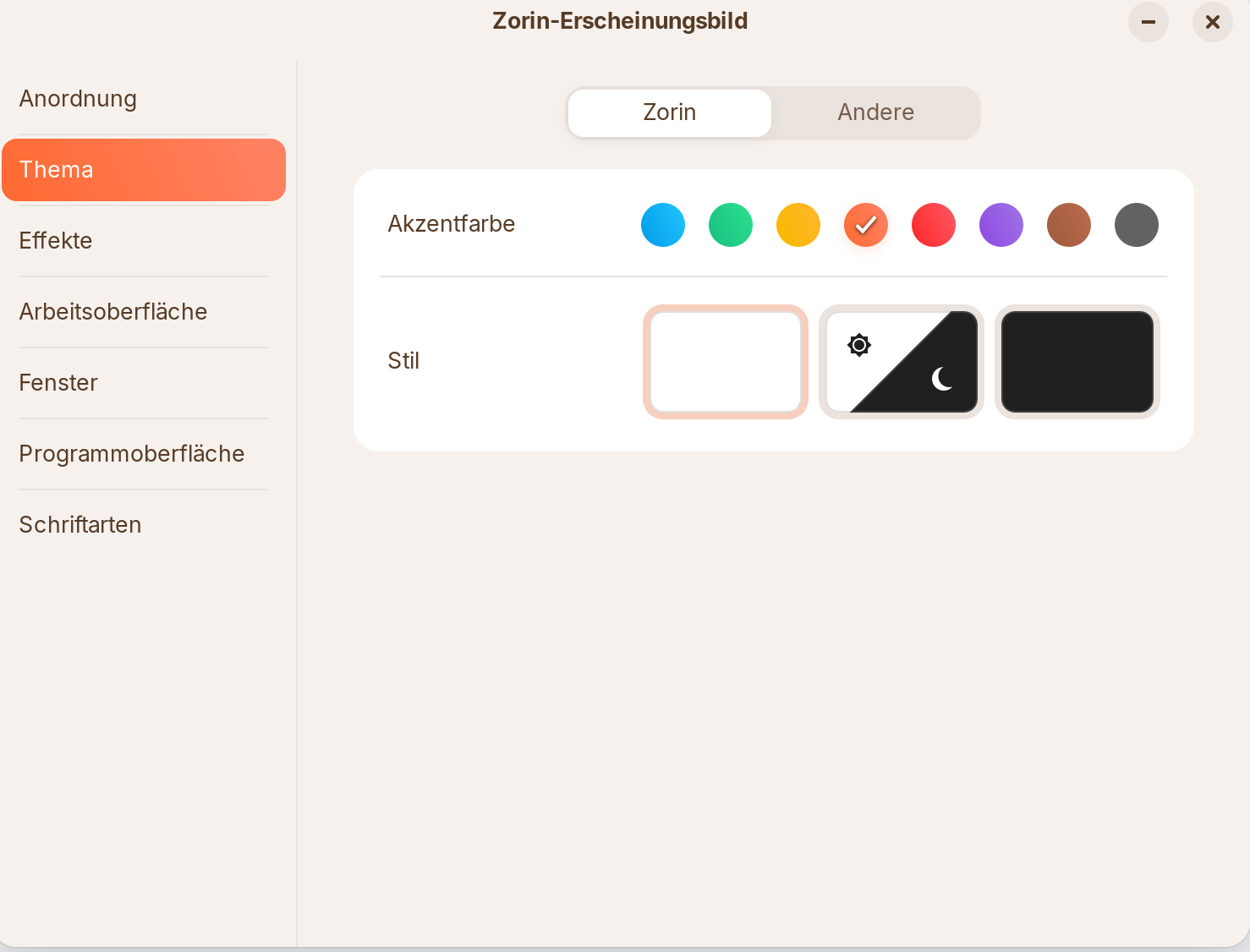
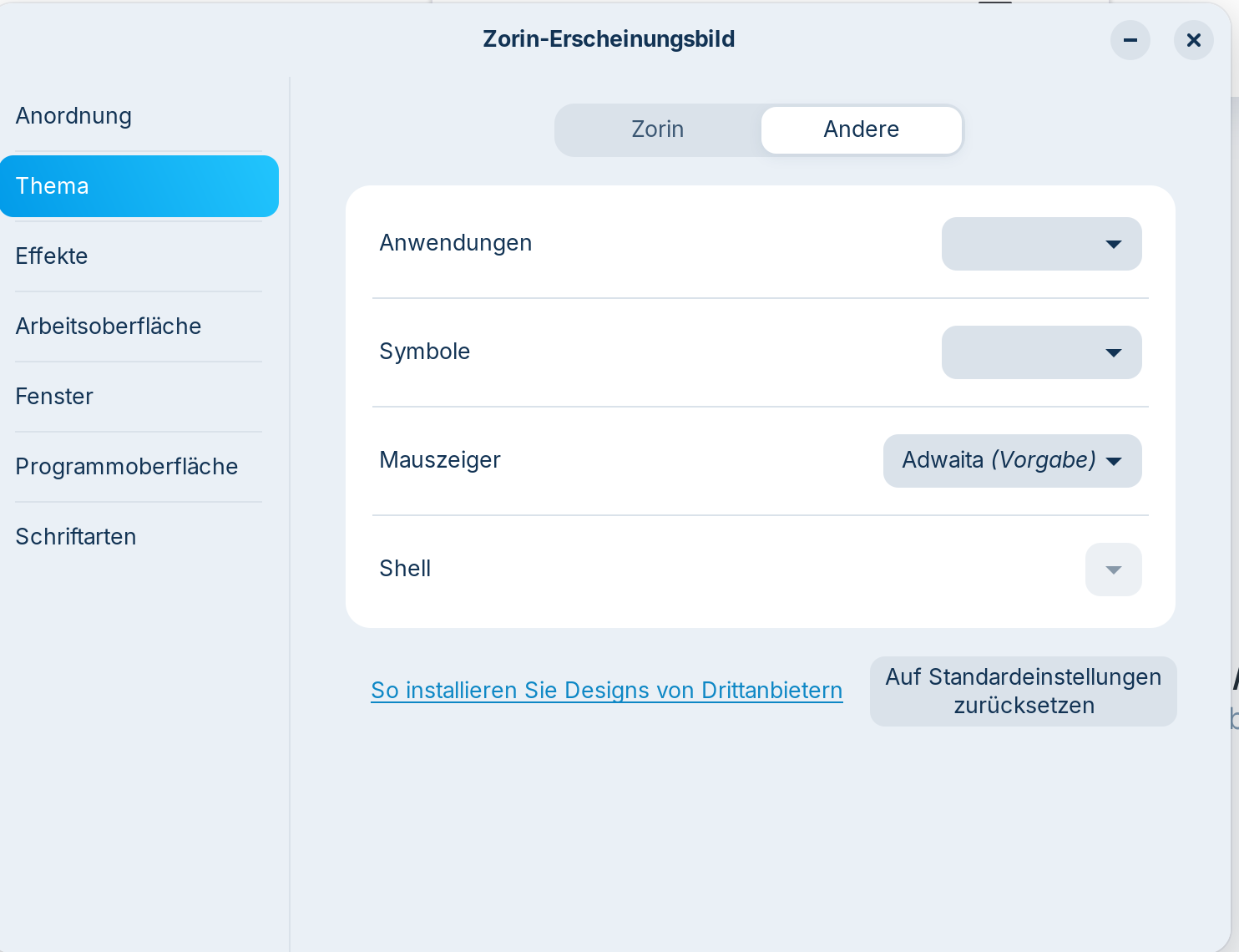
Zorin's appearance suddenly arranges designs in one column instead of two columns.
Allready done without solution:
cleaned the cash: rm -rf ~/.cache/zorin-appearance
checked GNOME Extensions Manager , there is no Zorin Appearance extension even listet, should this be here and activated and if so how?
I know, it is just a small issue, but maybe behind a bigger problem with Gnome or anything else? Thanks for your help!
Yes, rebootet several times. The Extension Manager has Zorin Desktop and taskmanger extensions activatet, should there also be Zorin Appearance listet? shure Zorin Appearance is not a Gnome extension, but looks like ist uses Gnome extensions for its funktion...
WARNING: apt does not have a stable CLI interface. Use with caution in scripts.
zorin-appearance-layouts-shell-core/noble,noble,now 4.5.4 all [Installiert,automatisch]
zorin-appearance-layouts-shell-premium/noble,noble,now 5.1.2 all [Installiert,automatisch]
zorin-appearance-layouts-support/noble,noble,now 3.5.6 all [Installiert,automatisch]
zorin-appearance/noble,noble,now 5.5.3 all [Installiert,automatisch]
Looks like your hints are going directly to the source of the problem! Can you help me please reinstalling the Appearance Packages?
reinstalled ZorinAppearance with your kindly sended commands. Rebooted afterwards. Problem resists within Zorin Appearance and here is the output of the appearance package list seem to be still the same:
sudo apt list -i | grep appearance
WARNING: apt does not have a stable CLI interface. Use with caution in scripts.
zorin-appearance-layouts-shell-core/noble,noble,now 4.5.4 all [Installiert,automatisch]
zorin-appearance-layouts-shell-premium/noble,noble,now 5.1.2 all [Installiert,automatisch]
zorin-appearance-layouts-support/noble,noble,now 3.5.6 all [Installiert,automatisch]
zorin-appearance/noble,noble,now 5.5.3 all [Installiert,automatisch]
Hmm ... when You are on the ''Thema'' Tab, click on the right side on ''Andere''. Scroll down and You see there a toggle to set back the Settings to default. Click on it and then reboot.