@100WCharge now you can see my os break again and now I don't have any other option except to install a new os. Can you guide me on how to install fedora?
1 Like
@AdarshMeher Are you using Jio or Vi ?
1 Like
No, I am using airtel
Does vi gives free internet?? 
yes 12AM to 6AM
and Jio also 1AM to 5AM
1 Like
Ohhhhhhh....... What  !!!!!!!
Thank you very much for this information. This will help me in future.
1 Like
Hello AdarshMeher,
I see your having problems .... again... what did you do this time?????
1 Like
Did you ENABLE NETWORKING prior to dropping to the command prompt?
It's not broken. You just need to Follow the Steps as outlined above.
3 Likes
Sorry, sir for the delay.
Yes I have enabled
I have followed all the steps but none of them worked. You can see the results in the above conversations.
Very long story
For some days I felt very very slow performance in Zorin os even when my ram, disk and CPU usage is very low.
Then I have posted a question here in Zorin forms and they suggest that the gnome cant run smoothly in my system and they suggested me use a lite desktop environment so I told them that I have used kde plasma and then I asked them" can I switch from gnome to kde. " They said yes so I told them that now my kde plasma desktop environment is not running properly. Can I format or reset only the desktop environment? They said yes. They told me to get to synaptic package manager and then to search plasma and select all and then search kde and select all as Mark to remove. I have done that and applied changes. Then as per the instructions, I have restarted my PC and I came to this situation. As I think maybe we have selected some important packages so now I am facing this problem.
I know there is no mistake of the members in this form. They have tried to help me?
Can you help me?
You can get the detailed situation by reading the above conversations.
AdarshMeher,
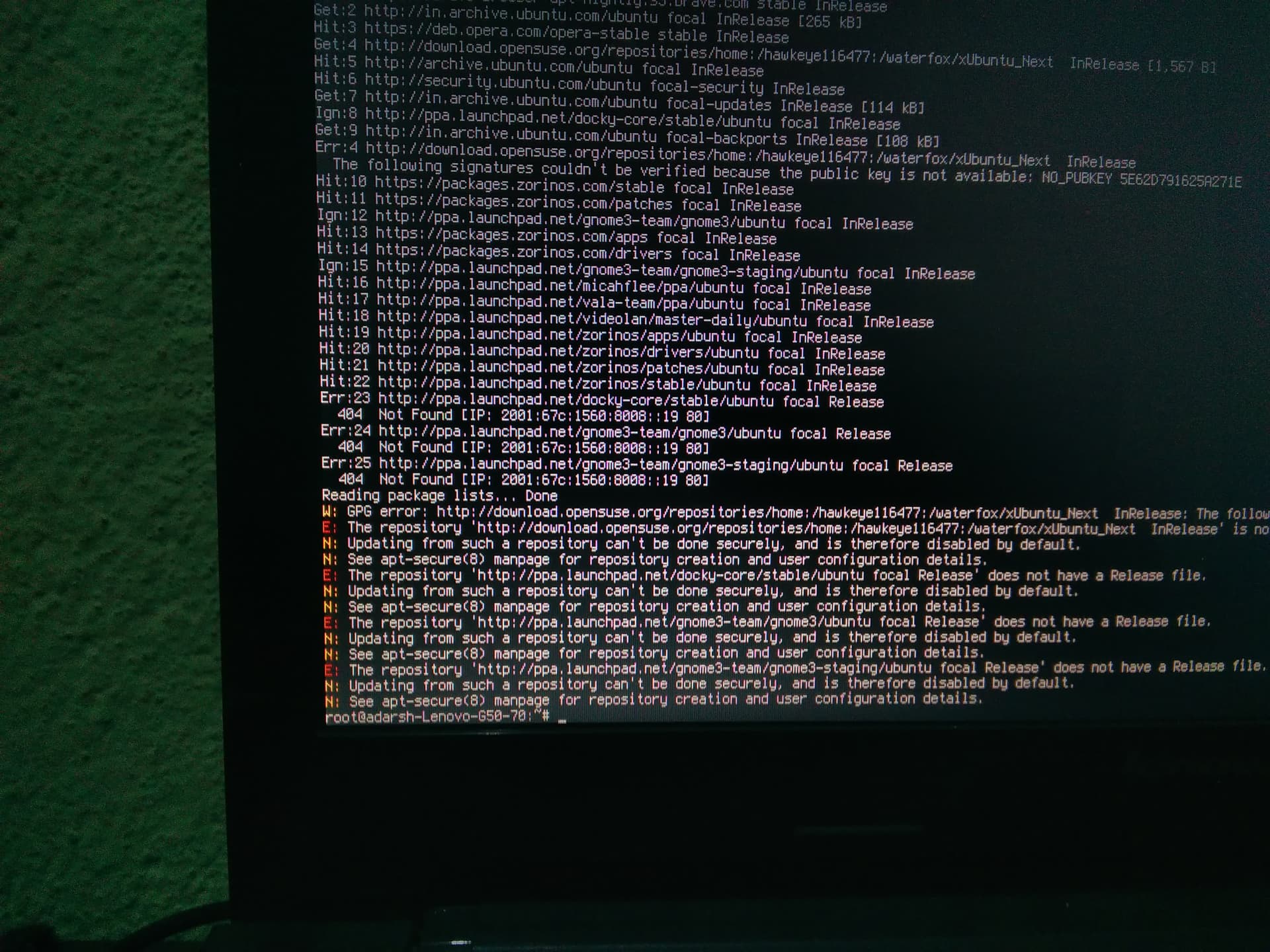
The screen says you have held broken packages, you should fix that first
sudo apt update --fix-missing
1 Like
Please wait. I am going to recover mode
Yes, I've read the postings and read your story. I think you are a brave little man. Still you manage to install and theme it all yourself. But because its running slow you wanted to try something else. Doesn't matter, we all learn from errors, right.
I'm not a specialist like Aravisian, but we can try, but I can't promise nothing. Like carmar said, if you had reinstalled, you had been done by now. I know you have a limited internet package. But installing just the basic won't effect your package. So you can try this, and if it doesn't work, I'm afraid you will have to reinstall. And yes, your installed apps will be gone, why....... I told you already little man. If you have a good install and running system ... Make a backup. (I asked you twice, still you haven't done it). But like said, you are handy and good with installing. Let's try, perhaps also Aravisian will drop in to help.
2 Likes
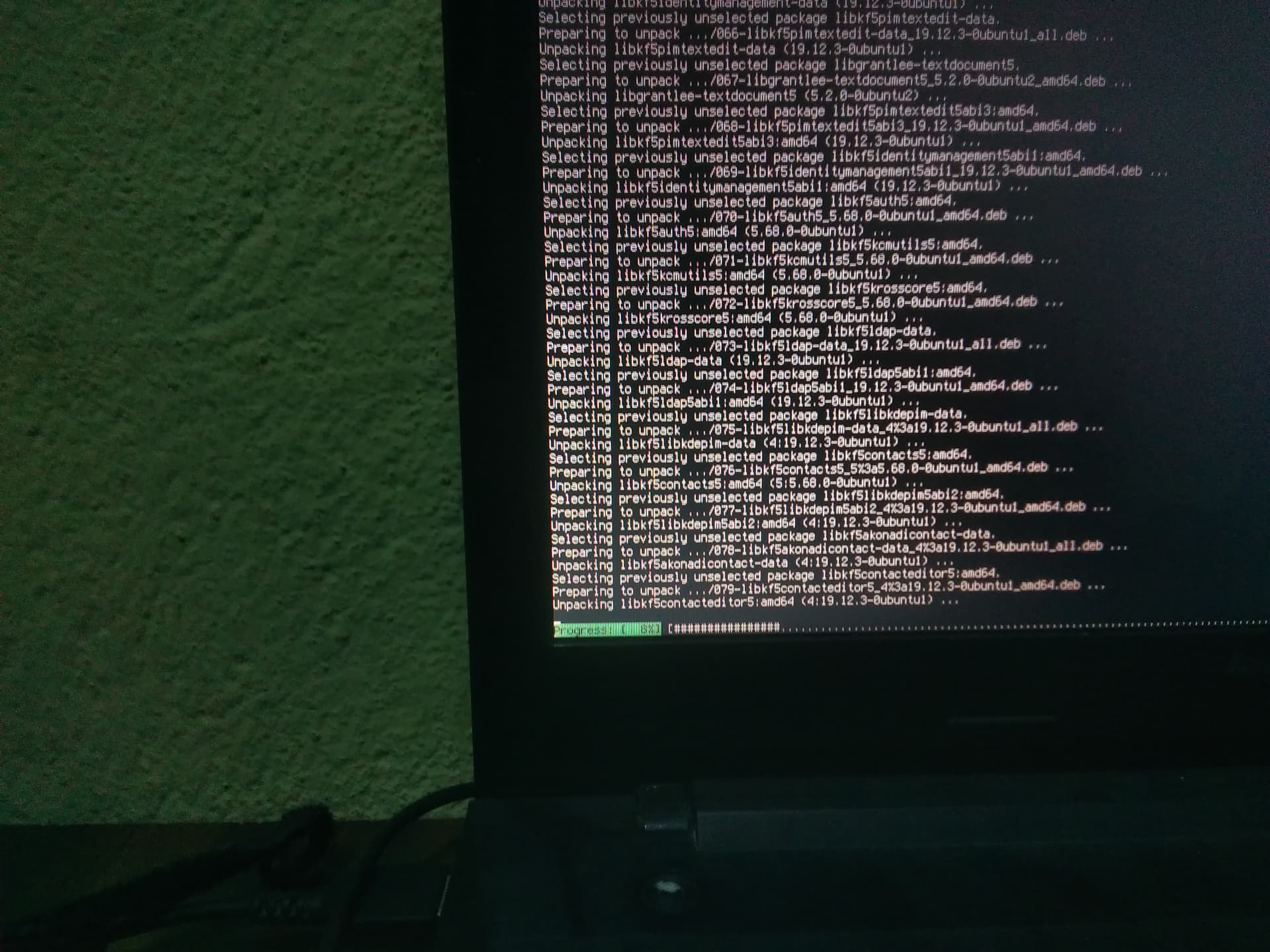
Yes, the message for broken packages are gone. So now you can try the commands as suggested above, like Aravisian said.
1 Like
I have tried to back up that time but my backup was not working at that time.
Thank you very much dasjdoom. Now it's working 
You are amazing
From where do you learn so many things. Now I am-noon but I want to be a pro like Aravisian sir and you.
Don't get to exited yet, It's not completely done. Wait till you can log in again ok.
1 Like
This time please help me to make my backup. 