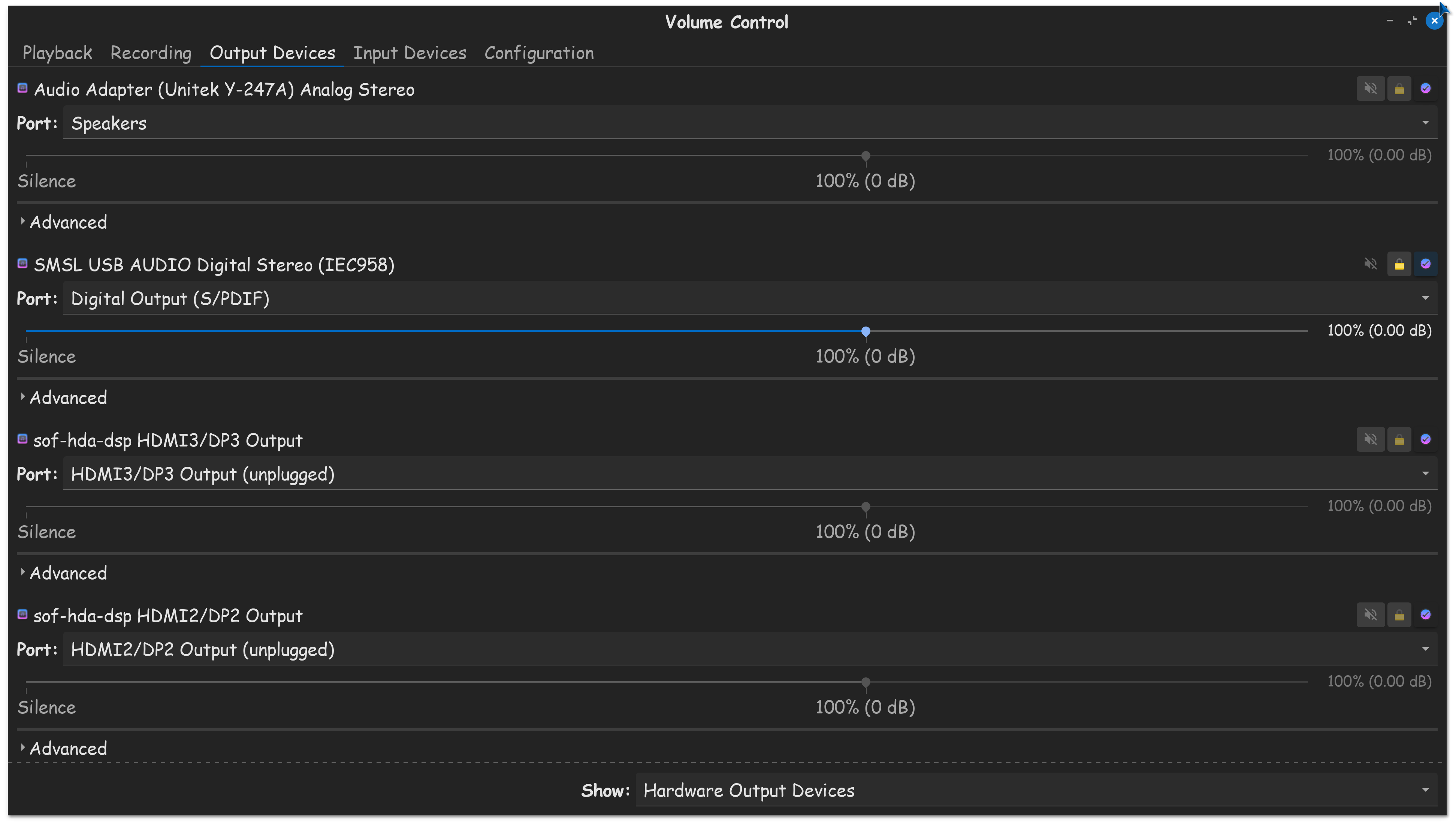
I really want ZORIN 18 to just work out of the box. Install has been a ball ache on newer Dell Pro Machines, I have a NVIDIA T400, issues finally sorted out and now my biggest gripe is an issue with USB DAC for audio. 17 to 18 now shows as dummy device on. its almost like its no longer picked up as a USB DAC.
As a windows 11 transplant - 18 just isn't working where as 17 did...
mike@mike-Dell-Pro-FL:~$ sudo lshw -C multimedia
*-multimedia UNCLAIMED
description: Audio device
product: NVIDIA Corporation
vendor: NVIDIA Corporation
physical id: 0.1
bus info: pci@0000:02:00.1
version: a1
width: 32 bits
clock: 33MHz
capabilities: pm msi pciexpress cap_list
configuration: latency=0
resources: memory:71000000-71003fff
*-usb:0
description: Audio device
product: Fosi Audio K5 Pro
vendor: JMTek, LLC.
physical id: 1
bus info: usb@1:1
logical name: input2
logical name: /dev/input/event2
version: 1.00
capabilities: usb-1.10 audio-control usb
configuration: driver=usbhid maxpower=100mA speed=12Mbit/s
*-multimedia UNCLAIMED
description: Multimedia audio controller
product: Intel Corporation
vendor: Intel Corporation
physical id: 1f.3
bus info: pci@0000:80:1f.3
version: 10
width: 64 bits
clock: 33MHz
capabilities: pm msi cap_list
configuration: latency=0
resources: iomemory:800-7ff iomemory:800-7ff memory:8000210000-8000213fff memory:8000000000-80001fffff