Take a look at this thread:
If the other gnome extension doesn't help for all your wishes, you could edit the css file of the gnome extension Zorin desktop icons.
At the moment I'm on Zorin 17, but it should be similar on Zorin 18.
Go to /usr/share/gnome-shell/extensions/zorin-desktop-icons@zorinos.com/app/stylesheet.css
and change line 2 and line 8 into
text-shadow: none;
Before:

After:
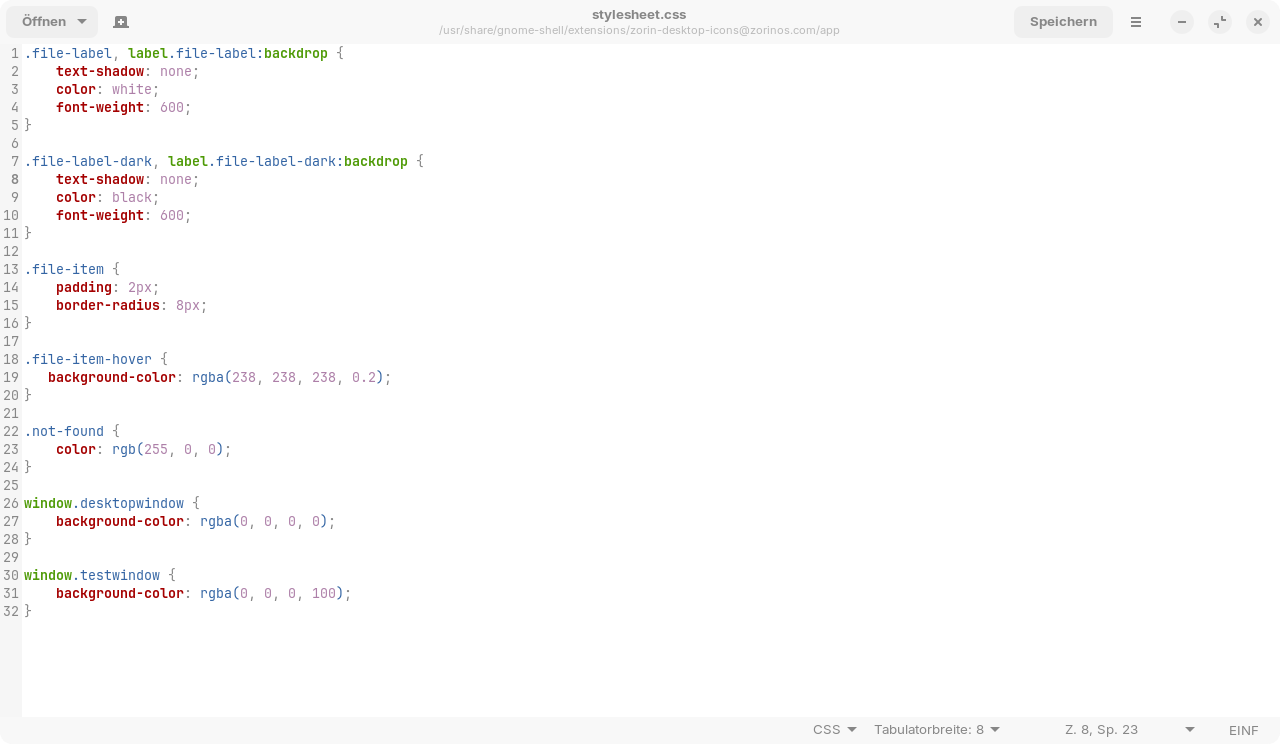
That removes the shadow of the text of desktop icons.
However, the file may be overwritten when updating the Gnome extension Zorin Desktop Icons.