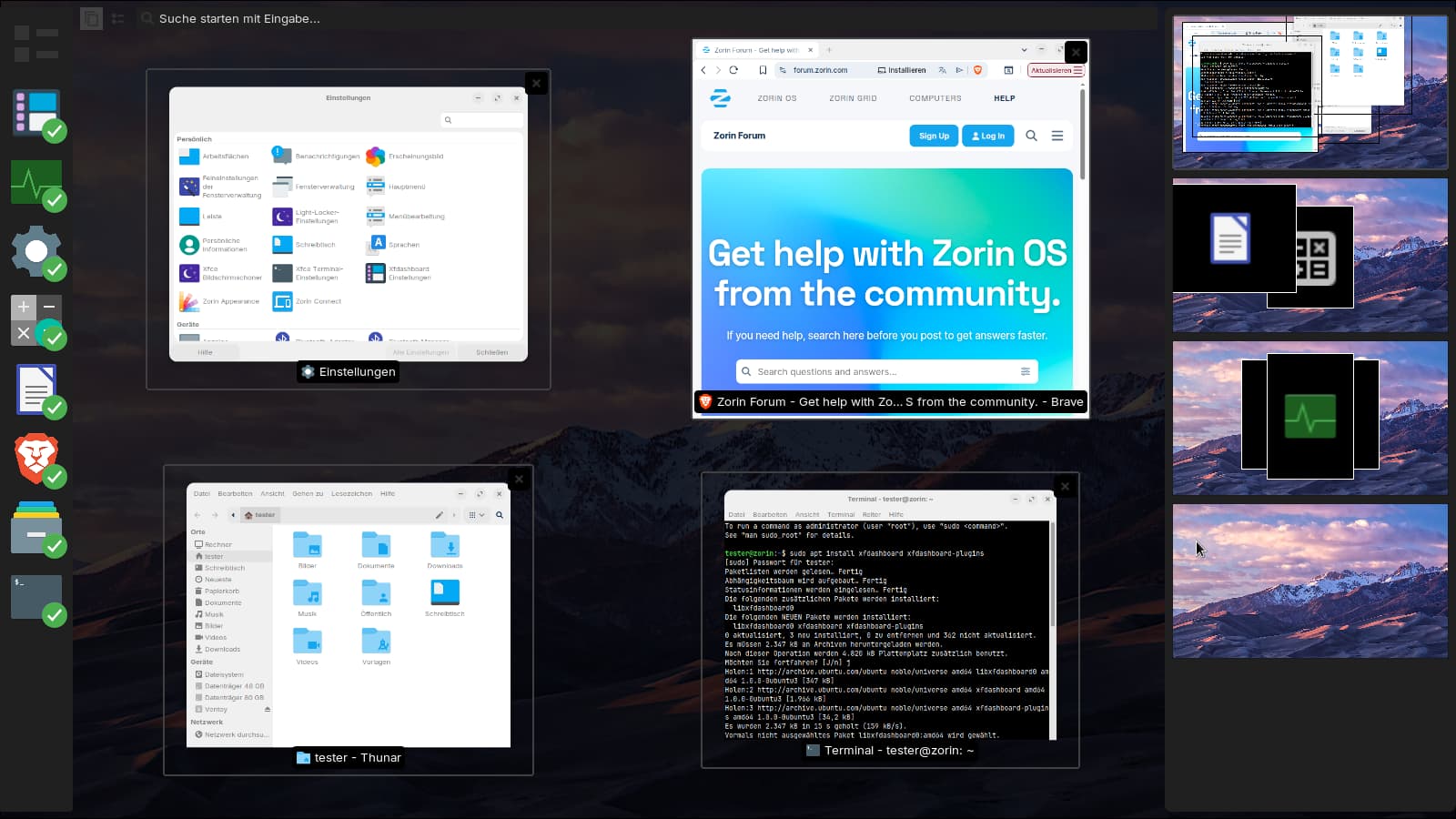
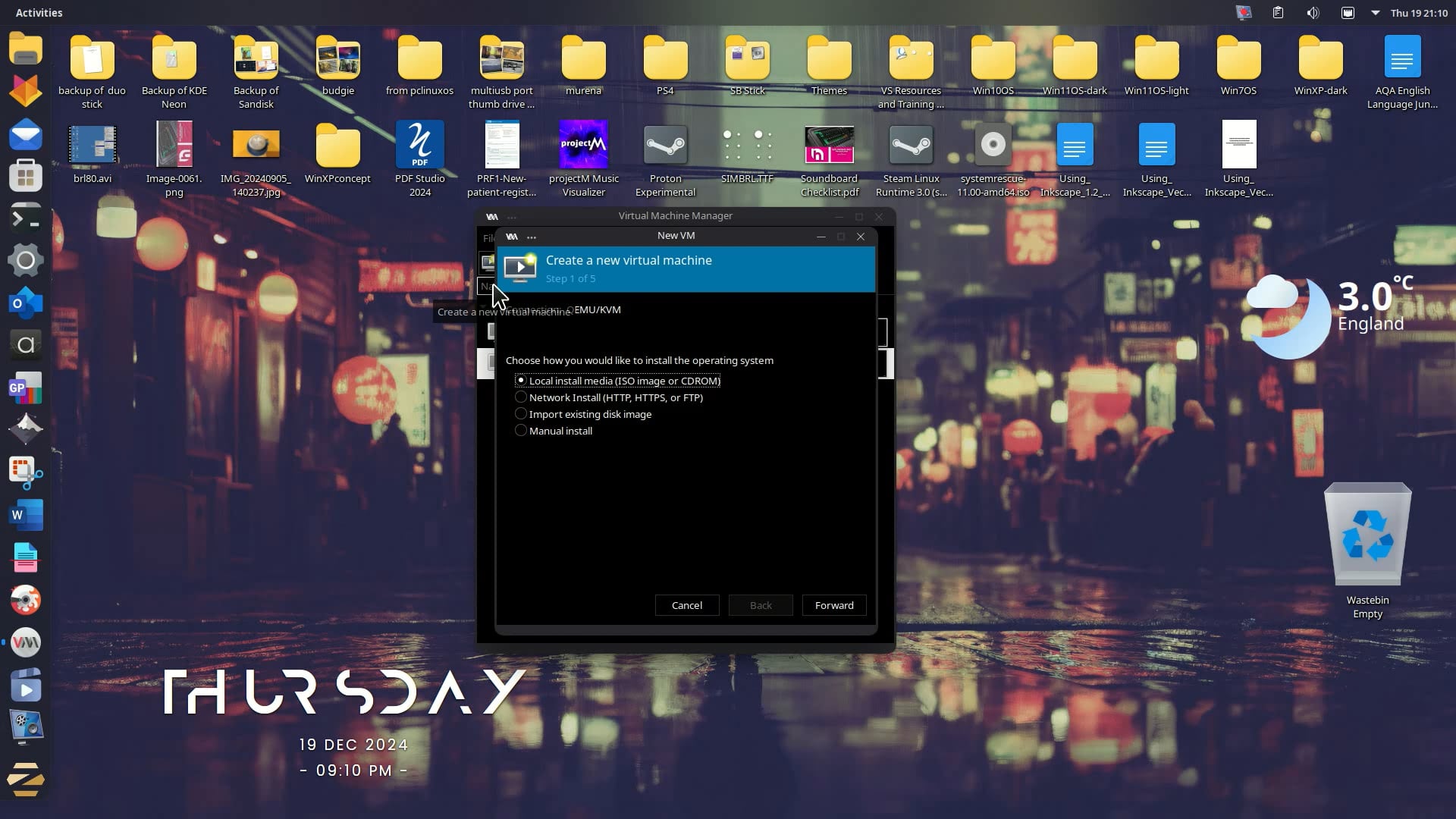
HP Notebook, Intel i5-6200U (dual-core, 2.3GHz), 16GB RAM
SATA SSD (recently added — improved boot/load times)
Zorin OS (GNOME-based), Kubuntu-adjacent setup
Issue:
Window dragging/resizing and general UI feels stuttery/heavy, even after switching from Wayland to X11 (thought this would help, only marginal difference).
Already tried:
Switched compositor from Wayland → X11
SSD upgrade (helped load times, not runtime smoothness)
Question:
Is this just GNOME's compositor being too heavy for a 2013-era dual-core CPU, even with 16GB RAM? Or is there something else worth tuning (animations, tracker/indexing services, swappiness, extensions) before I give up and install the XFCE/Lite version?
Has anyone had luck keeping GNOME snappy on similar hardware, or is switching desktop environments basically inevitable at this CPU tier?
It is an older one. And not very performant. That could be a Point. Because of the Age, You could try it with an older Kernel. That could help. Of Yourse using Lite with a not so ressources-intense Deaktop could help, too. When You want try this, You could pack Zorin Lite on a USB stick and run it in Live Mode to see how it performs.
If You want try it with installing an older Kernel, I can give You Instructions, too if You wish.
Also: Are Secure Boot and Fast Boot in BIOS disabled? If Windows is still installed: Is Fast Start-Up in Windows disabled?
Thanks @Ponce-De-Leon, that's helpful. No dual-boot, so Windows Fast Startup isn't a factor. Secure Boot is disabled — let me double check Fast Boot in the BIOS and confirm. I'll also try Zorin Lite in Live mode from a USB stick first to see how it performs before committing to an install. And yes, I'd appreciate the instructions for installing an older kernel — happy to test that too. Thanks again for taking the time.
To switch to the older Kernel, You have to choose on the GRUB Menu on Startup ''Advanced Options'' and there the Option with the 6.8 Kernel (without Recovery Mode).
Because You have only Zorin installed, I guess, You don't see a GRUB Menu. When starting the Machine, spam-press Esc to get it. If that doesn't work try the left Shift Key.
If both shouldn't work, You can activate it manually via Terminal. To do that, type in the Terminal
sudo nano /etc/default/grub
To work on the related Configuration File. There You see a Textblock like this:
Here You have to change the Lines 2 and 3 to the Following:
GRUB_TIMEOUT_STYLE=menu
GRUB_TIMEOUT=0
The 20 makes that the GRUB Menu appears for 20 Seconds until it boots in the default. Should that be not enough or too much Time for You, You can se a different Value like 10, 30 or 50 for Example. Another Option would be to set it to -1 what makes that the GRUB Menu appears until You make an Action.
I am using a Lenovo Thinkpad M370 processor, a laptop from 2010, 2 core 4 threads 2.4 GHz, 6 GB RAM, a brand new 64 GB SATA III.
Zorin OS 18.1 Pro Minimum is running perfectly. It is as fast on this laptop as my new HP 17" 13th generation, 8 GB RAM 250 SSD laptop. I am running a dual boot with Zorin 18.1 Pro on that laptop.
On the older one I switched to X11 from Wayland, and then went back to Wayland.
The same thing happened to my 16gb ram - i5 pc as well, it got so slow after some months of stable usage, maybe accumulation of different updates I don't know,
then i installed zorin os 18 lite, which was super fast but couldn't like it because even the Overview / Mission Control feature didn't exist.
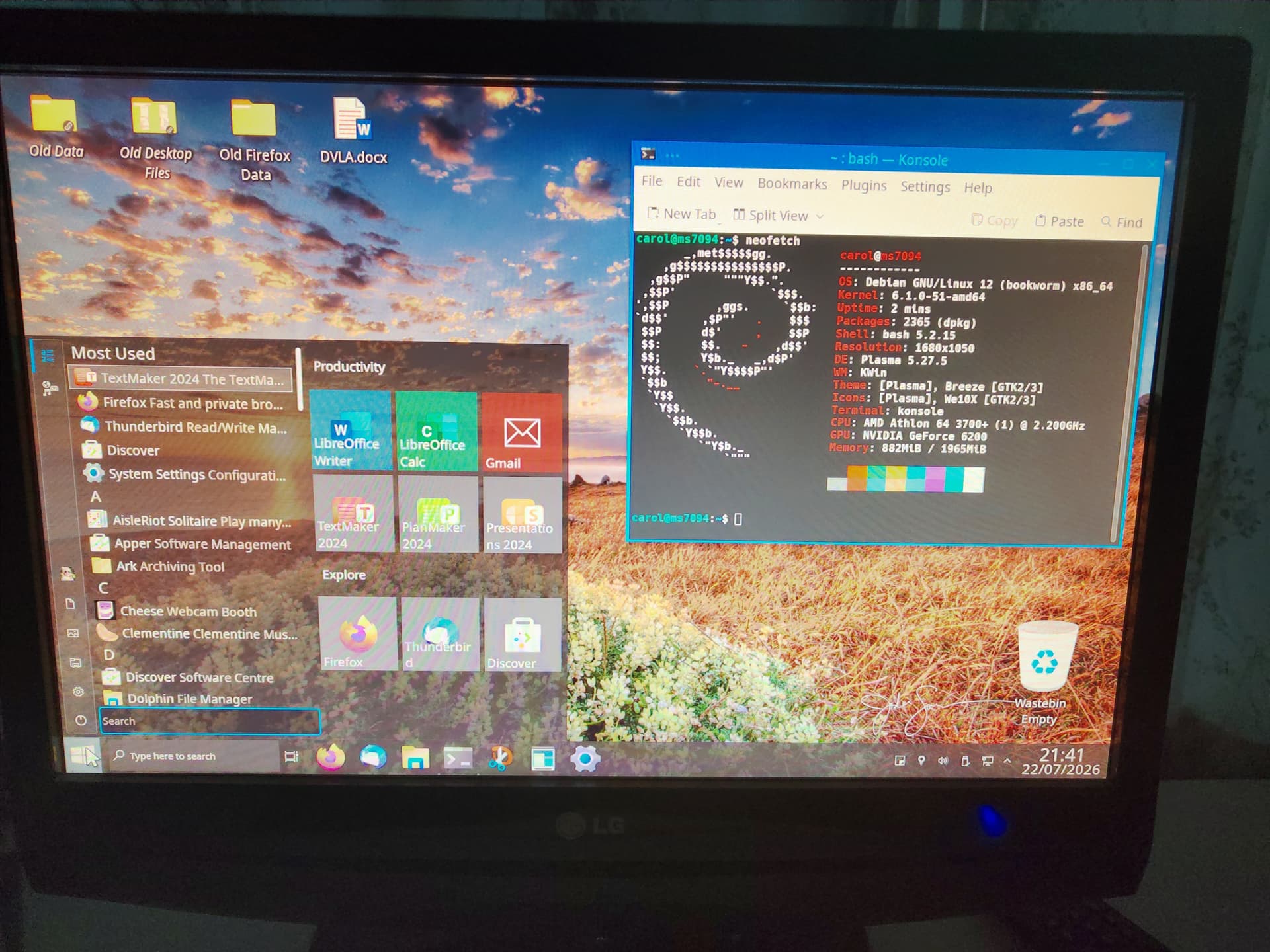
If you are wanting to look at another distro I would take a look at Q4OS 5.9 (old stable) which will run until mid 2028. I installed 5.5 (it is a rolling release) which is currently on 5.9 on a rig I built in 2006, a single AMD Athlon 64 2.2 GHz Processor, with 2 Gb 400 MHz RAM (maximum the MSI motherboard can take), and an EVGA 512 Mb 8x AGP graphics card, screenshot:
Not wishing to cut down your learning process, but I didn't manage to get anything near decent performance from my HP Omen 'gaming' laptop despite many suggestions from here and other forums, diff Linux OS's not just versions of Zorin, and windows was always unaffected and consistent.
But you will learn your way around the laptop and Z
I assume that there is 'something inside' that weirdly doesn't get on with Linux OS's.
cheers CD