Instead of pics I get warning signs. This only happens with the Zorin OS default option that I can tell. I'm still on 17.3 and at first I thought it might be Zorin winding down 17 but realized it still has lots of life left.
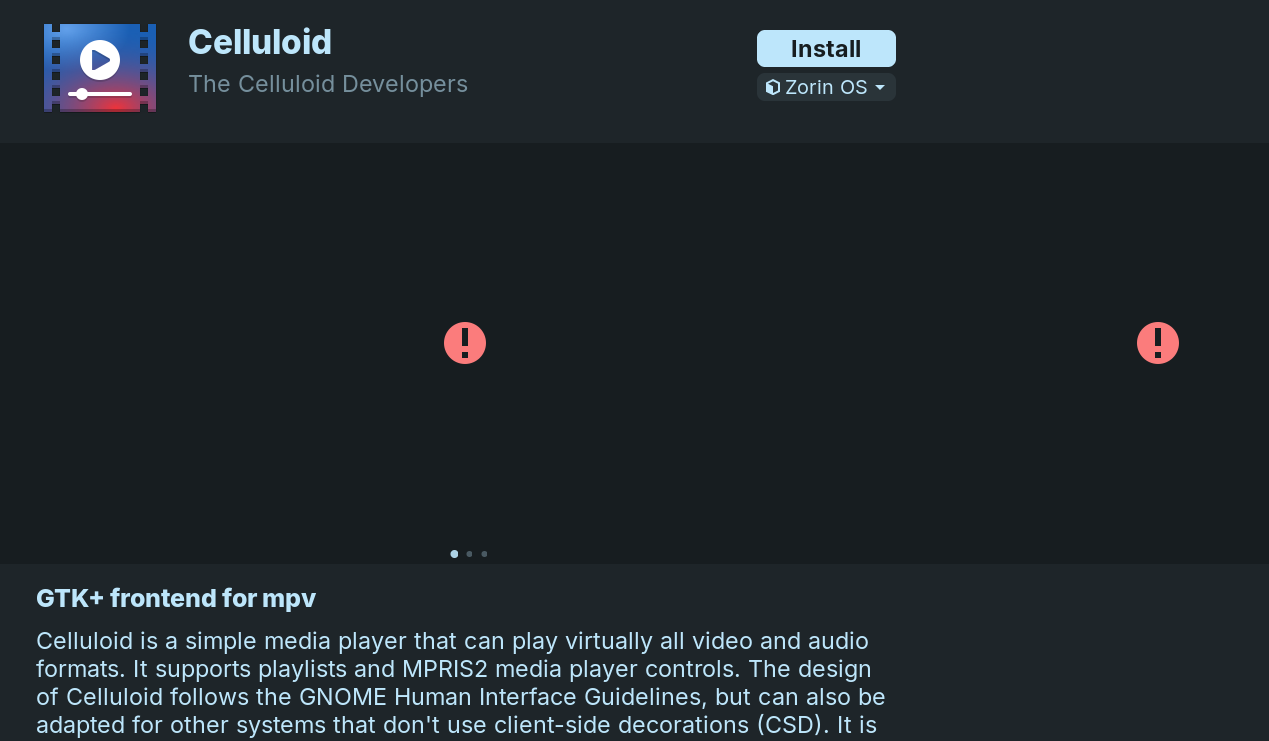
Does this happen with all apps, some apps or just the one app shown in the screenshot?
I looked at quite a few and only one didn't. It started several days ago but I get distracted and forgot to post it.
1 Like
gedit has a pic.
Maybe it isn't load right. Let Gnome Software open and open System Monitor, too. Look in the Processes Tab for gnome-software and end the Process.
You will see that the Gnome software Window will disappear. That is intended. Then open Gnome Software again and see if it loads the Pictures correctly.
@Ponce-De-Leon
It made no difference. I've noticed in the past gnome-software running in my Conky processes on my home screen and figured it was checking for updates in the background or some such. I rebooted about an hour ago.
Yes, Gnome Software will run in the background checking for updates.
Can you please review this thread:
Maybe clearing the cache or other steps might help.
That said...
I point to this thread:
I have seen some oddities lately in server connection. I wonder if your missing image issue is actually related to server issues.
On Zorin 18 I have noticed this with VLC. Clearing the cache didn't help.
1 Like
VLC was an amazing app, back in the Zorin OS12 days. After the latest updates to the app however, it turned to garbage. If you want a nice media player, the one I am using, is called SMPLAYER.


2 Likes
Tried that command but no joy. Changed the server to the server Software said was best for my location.
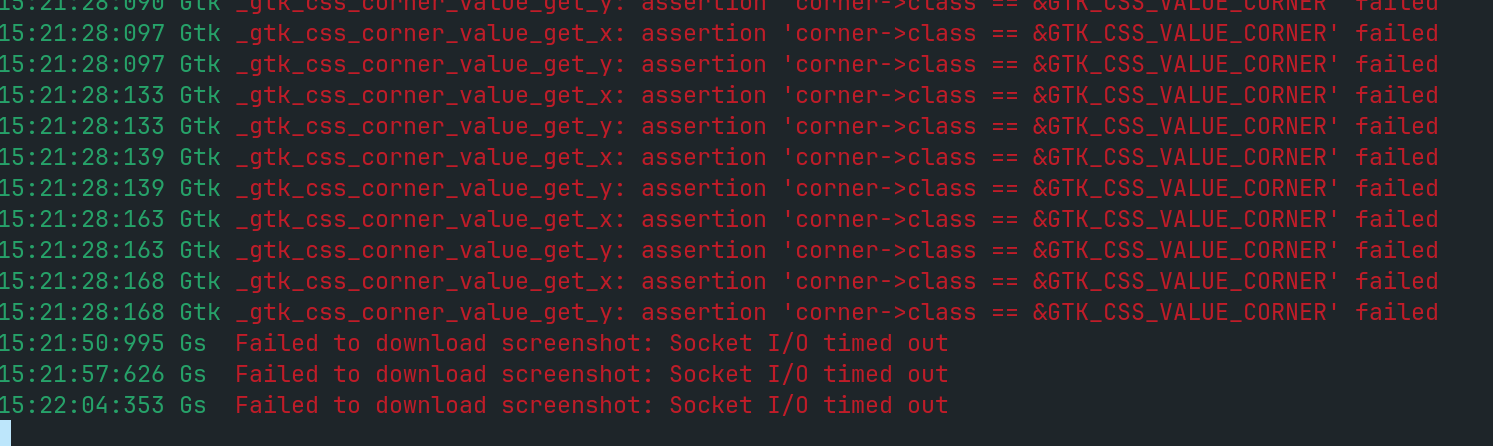
That red output filled terminal so I posted a sample. The botton three says what happened so maybe the rest says why? But it may as well be in binary.
I'm deleting cache now but it's not in any hurry.
Use Main Server.
The best for your location may relate to ping, but has no relation to whether that server is properly synced to main.
Your Terminal Output:
The X-Y corner classes are due to a mismatch in GTK4, the theme in use and LibAdwaita. It should not affect application behavior and is a minor warning.
The second, however... indicates the most likely issue - the server request for the screenshots is timing out without a reply.
You might try
sudo appstreamcli refresh-cache --force
If no good, check if the sources are active;
curl -I https://appstream.ubuntu.com
curl -I https://screenshots.debian.net
If these time out, it is a server issue, not a software issue.
That gave me 9 updates that weren't there before.
curl -I https://appstream.ubuntu.com`
curl -I https://screenshots.debian.net`
Those two were 200.
It isn't really a problem for me but I basically wanted people to be aware something may be breaking Gnome Software.
I would like to use SM Player, but it will not load DVDs. Is there something I am missing? I loaded the files the DVD support page says, but still cannot run them (but VLC does).
Do You have ubuntu-restricted-extras installed?
yes I do
This topic was automatically closed 90 days after the last reply. New replies are no longer allowed.