I have spent some time trying to find out if anyone has got Libra to work.
By that I mean work effectively. My installation is the latest on Zorin 17 and this Libra thing is like a 3 legged Dog. Only worse.
Some articles I have come across suggest allocating more memory to Libra, but how is this done ?
Open Office seems to work well "ish"
But looking at Libra it appears to have all the "Bells and Whistles" but so far are so slow as to make this programme not fit for purpose.
I am actually impressed by the capabilities of this suite. Yes it takes quite some getting used to, if you've spend a lifetime on the not so "libre" MS-Office, but we've been able to do things with Libre that MS could not do. And work with huge documents with 100's of linked frames wihout any problems.
OK, it's not the quickest starting suite, but neither is MS, and yes it prefers some memory, but so does ...
We're quite pleased with this product and prefer it over Open Office.
See if you get better results with OnlyOffice, or my preferred suite, SoftMaker Office. Just before lockdown I got a 5 machine licence of SoftMaker Office. I was a Vision Support Technician modifying documents into large print and Braille. When I sent LibreOffice Writer files in .docx format they were not Compatible. However using SoftMaker Office TextMaker, and saving as .docx the files opened perfectly in MS Office. My workflow was faster using TextMaker than MS Word in any version. Have only recently discovered that the subscription version of SoftMaker Office NX includes the open source language translator DeepL.
Give the free version a try from here:
The latest Pro version now has QR and barcode templates, and at long last, image compression.
I have had a good look at this page and the RAM allocation pages do not exist on my version of Libra, and when I key in memory into the search box I get nothing ?
For reference, LibreOffice launches instantly for me on a virtual machine with a single core and 4GB of RAM, so I doubt that memory is the issue. My guess is something related to the graphics card − Nvidia is not known for playing well with open source software.
But this is just a wild guess, it could be entirely unrelated. Like I said, I never had any problems with LibreOffice.
I had wondered about that and checked for the latest Nvidia driver and then downloaded it.
On Zorin it shows that I am using some "Open Source" driver ?
Despite there being the latest "Tested" driver in the driver list.
I tried installing in terminal from the downloads folder and near the end I got an error message.
I tried installing from the Zorin drivers folder which took a very long time, so it must have been downloading all over again, and got the same error message.
This is the recommended Nvidia tested Linux driver for my GPU.
NVIDIA-Linux-x86_64-535.179.run
Beware of listed Nvidia drivers labelled "Proprietary Tested".
From other reports by those that know more than me above Nvidia graphics here on the forum, those "Tested" versions tend to be more problematic than others listed, so suggest you choose different.
For what it is worth, Libre Office runs fine on my 2007 vintage dual-core laptop with 4Gb RAM, so should be OK on yours.
I assume as you have Nvidia graphics, you are using X11 screens, not Wayland.
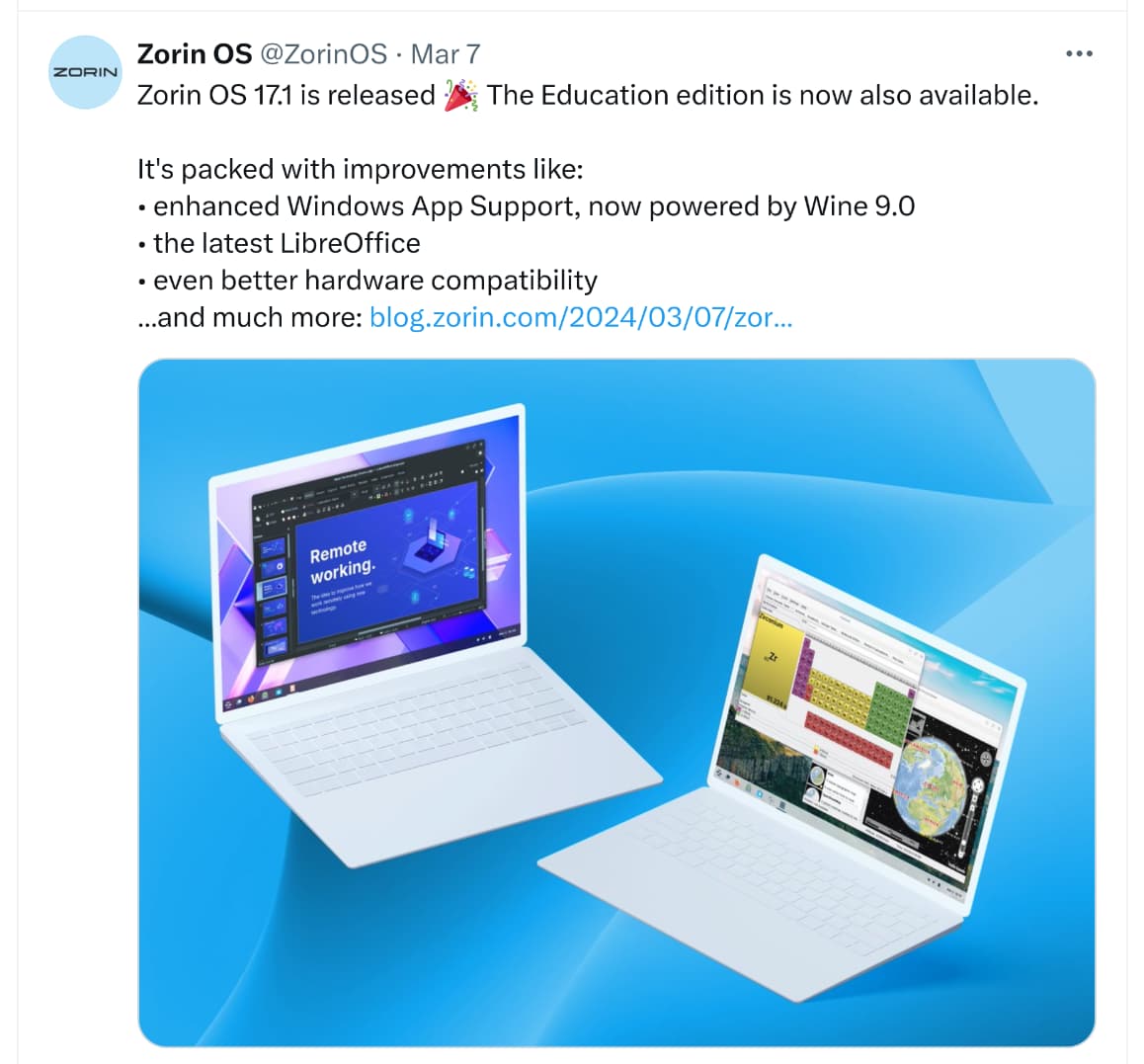
Just been to the Zorin X account and as you can see it is supposed to have the bang up to date bees knees of Libra installed.
My system will not let me install a Nvidia driver, I have another post about this.
My GTX960 GPU is running on some sort of open source driver, and the system gives me an error message if I try to change it ?
I am getting other installation denial messages too ?
But one thing at a time.
The day before yesterday, or was it the day before that ? I put in a support request because of the various problems that I have been having.
(They seem to be accumulating) When I purchased Zorin I was provided with a numbered receipt and that was it. No registration or activation code of any kind, but this is required to get support. I asked for support and provided my receipt number. I have still not heard back from them.
For the past couple of days I have been in touch with "Paddle" about getting this code along with my receipt and I have still not heard back from them either.
If Libra is not working on my machine, the problem is with the software/Zorin, not my PC. Unless I have done something wrong and need support, which brings us full circle back to square one again.
There are two windowing systems alternatives X11 and Wayland. Before Z17 the default was traditional X11, from Z17 default is now Wayland.
For most users you can switch between these from the login screen. Go to login and you should find a gear-wheel (or cog) icon on right of login screen. Hit that.
For Nvidia you should be using X11, not Wayland.
(You may not even be offered a choice, but I don't have Nvidia so don't know what you will see)
Can I ask a more basic question. When you installed ZorinOS, did you first check the SHA256 checksum of the downloded .iso file against the Zorin published value. I am concerned that your troubles could be related to a bad download or corrupted .iso.