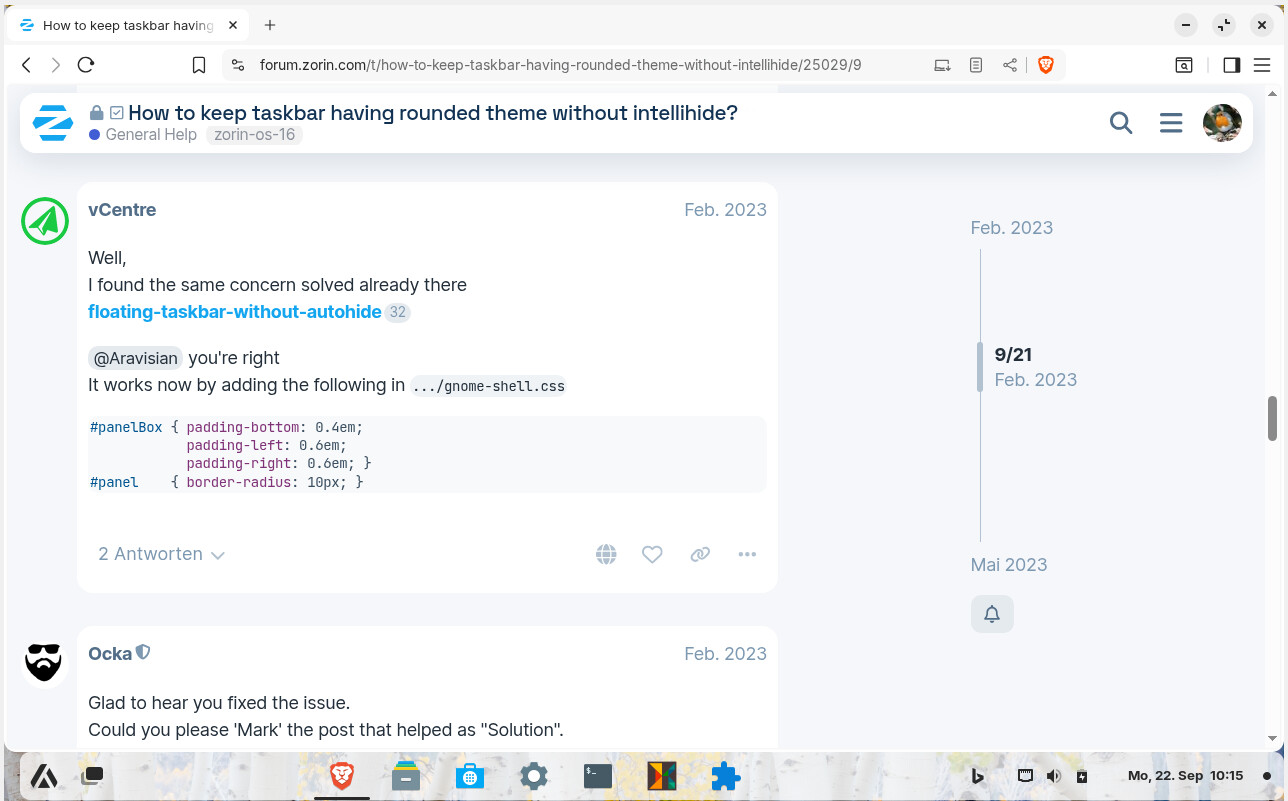
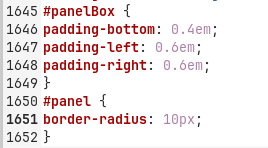
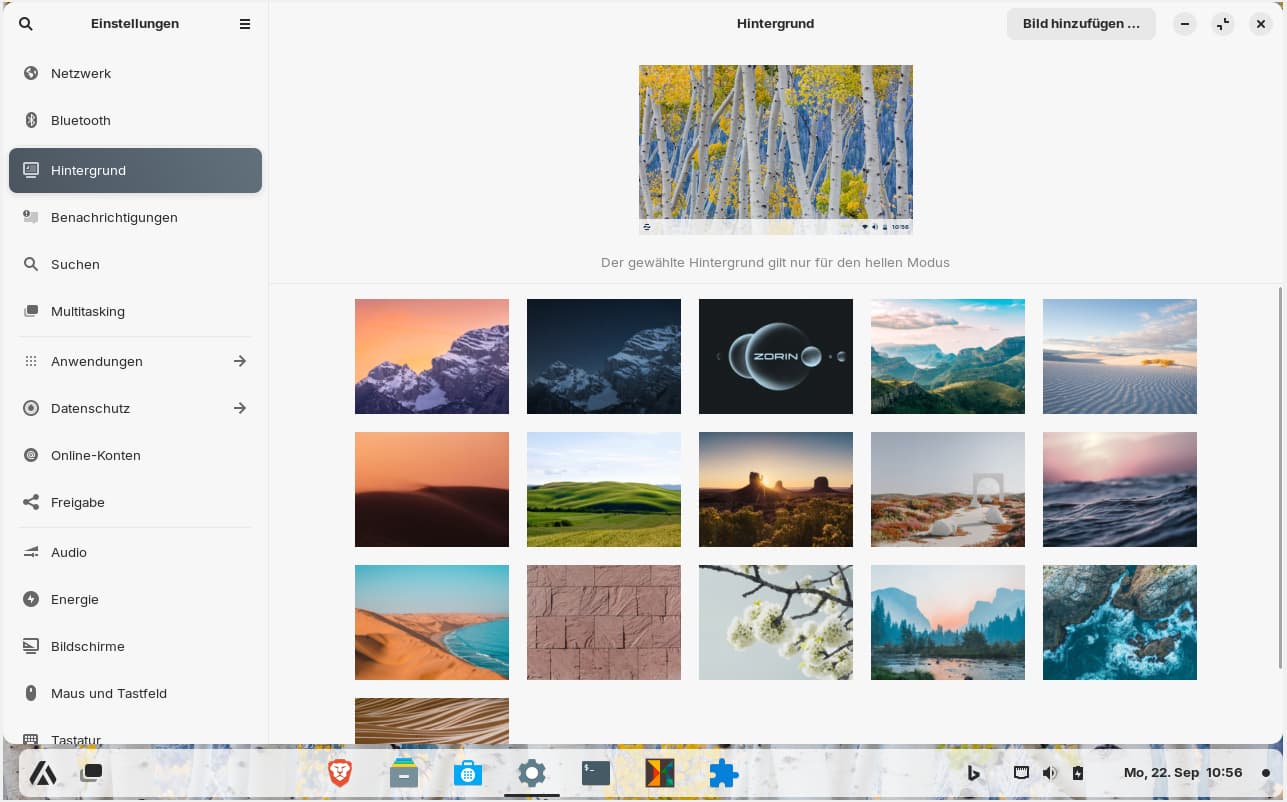
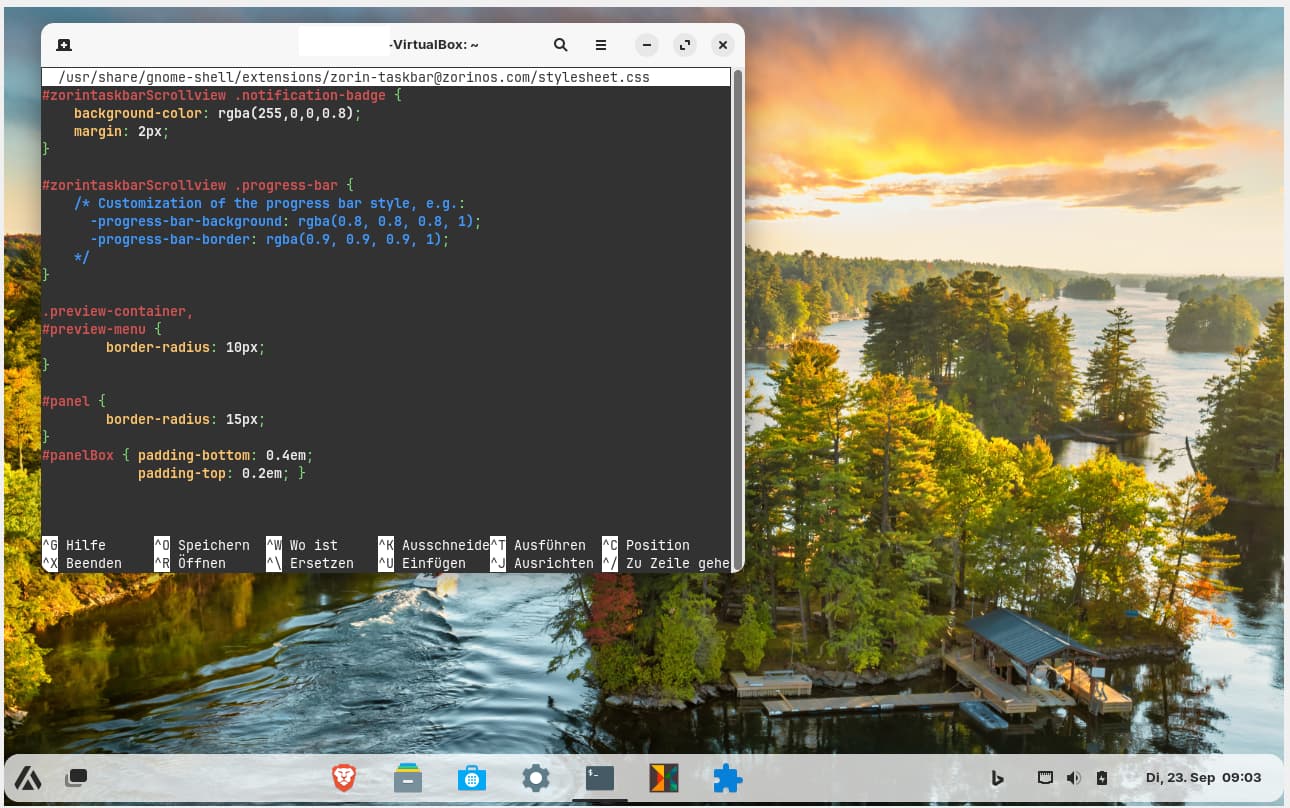
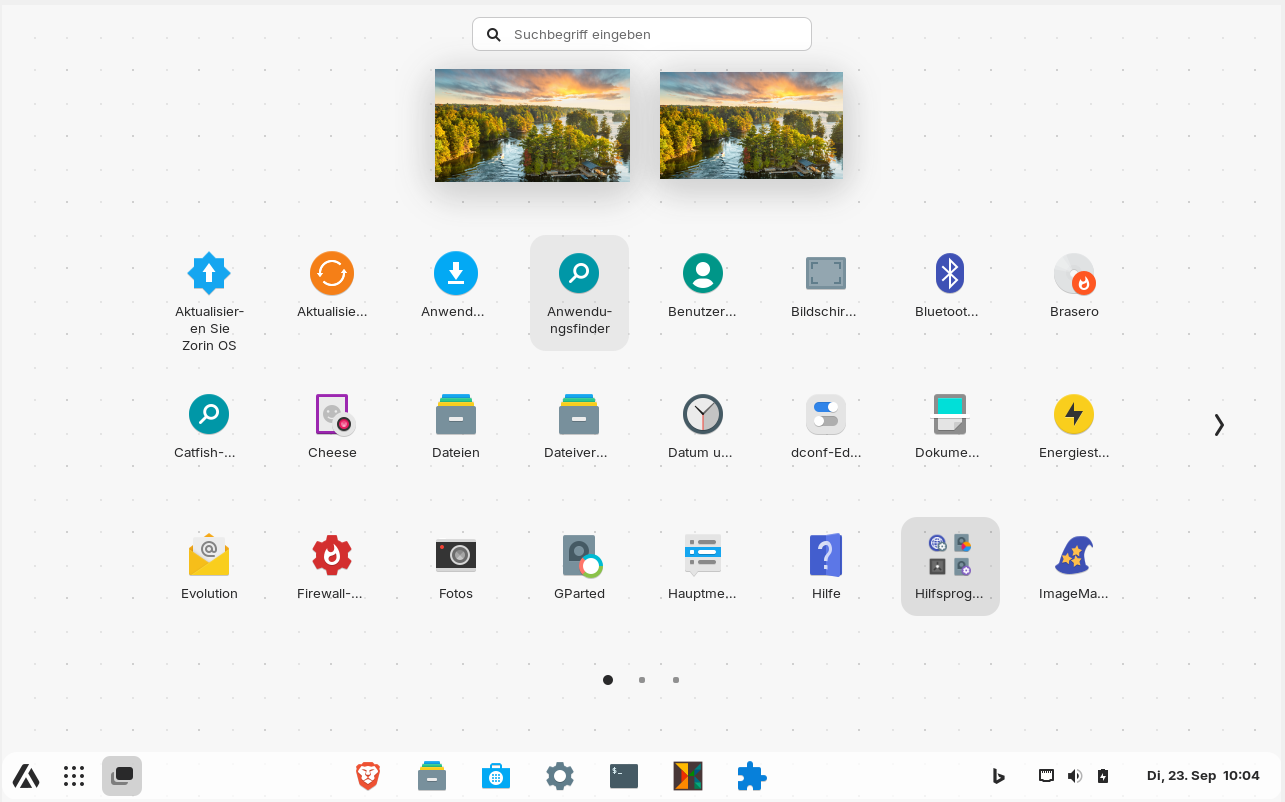
I changed the css file of my zorin grey light theme in the way it was described in the following thread (I added them at the end of the file as you can see on the screenshot) and the taskbar got rounded corners. But now it is too short on the left side. How can I solve this to get the taskbar longer? In the taskbar settings the length is shown as 100%.
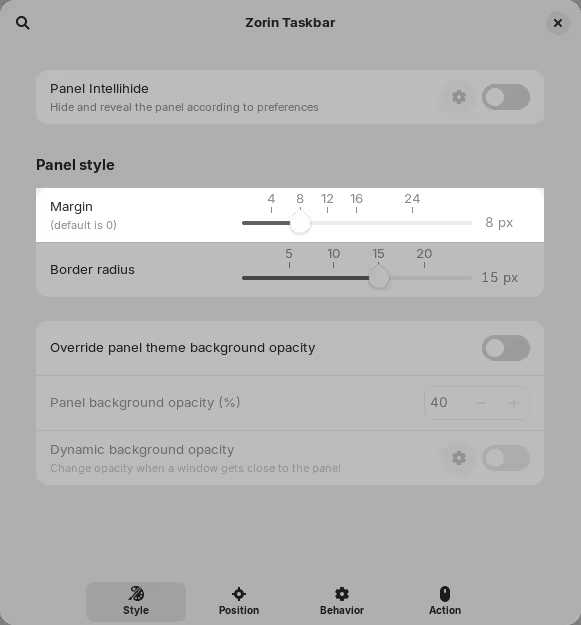
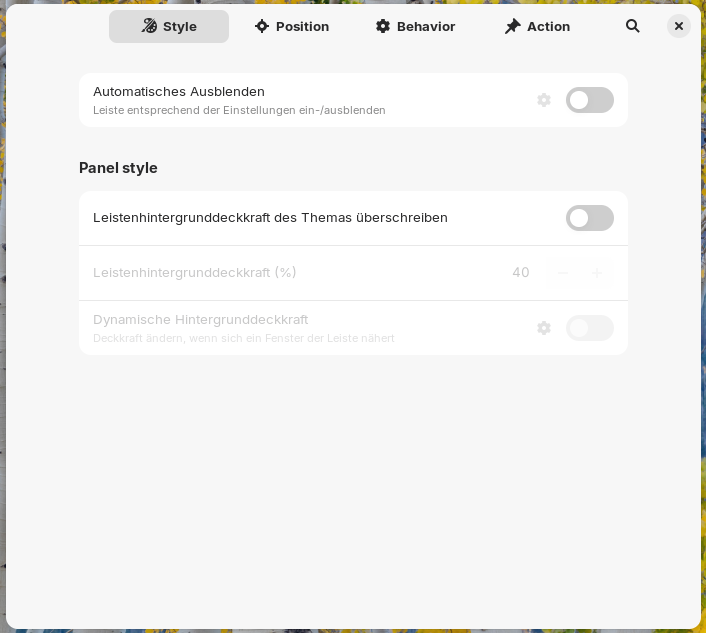
Edit: It seems you are using Zorin 18, I'm on 17. In 18 there is also the option to use floating taskbar without intellihide as shown on your screenshot and you don't need to change the css. Great that this function has been added!!
I haven't tried Zorin 18 beta yet.
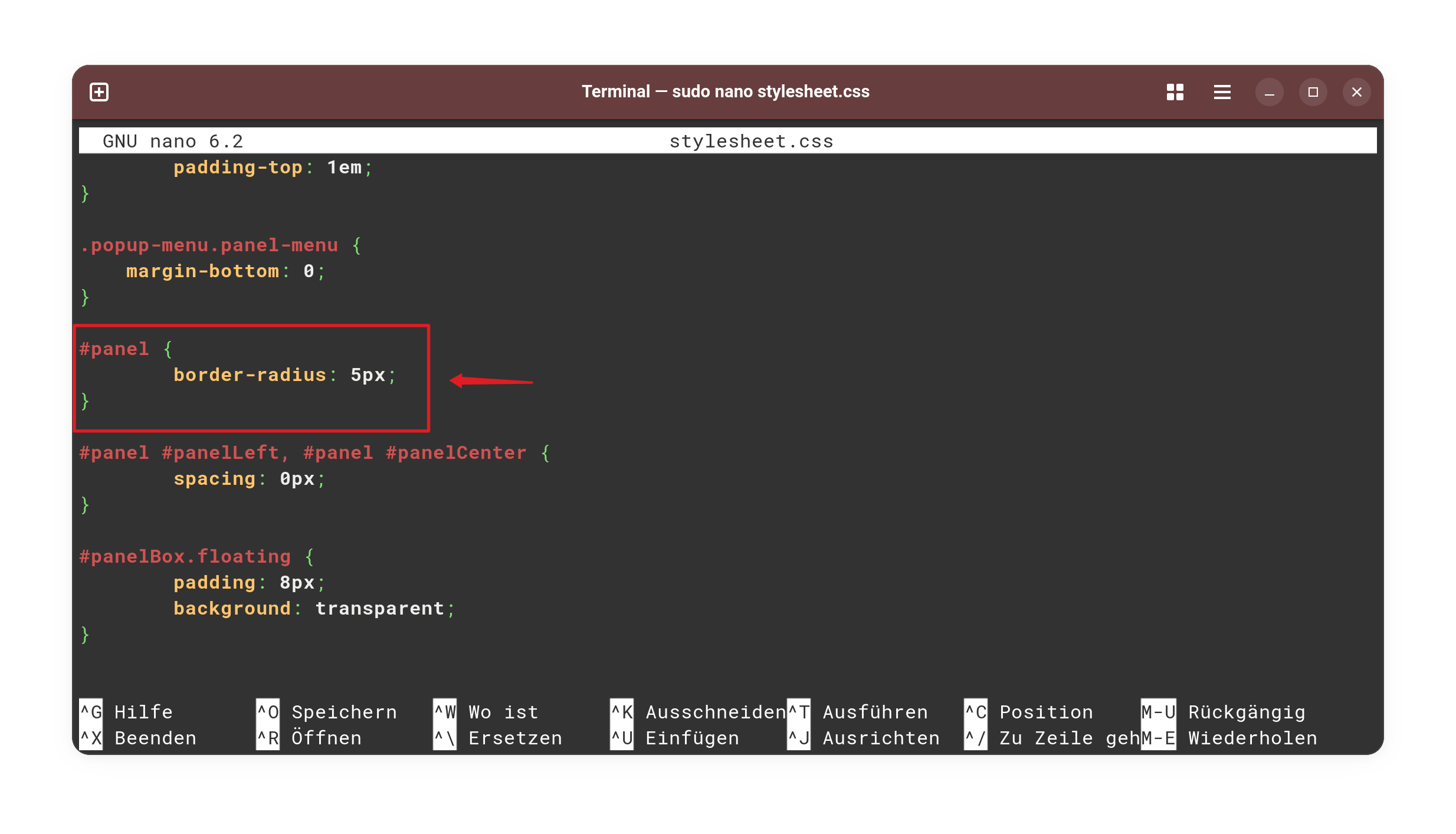
Do I have to add it to a special line there? The file is really huge. I added it at the end of graphite grey light theme gnome shell css. Can you please tell me the lines? I've never edited css files before.
I'm just seeing that you didn't edit the gnome shell css file of the gtk theme, but the css of the gnome extension Zorin Taskbar. I suspect your method is the more clever solution. I will try that tomorrow as well.
Is it correct that by using your method you still have the rounded corners in the taskbar when you switch to another gtk theme - so it is more universal?
If this is more clever ... I mean it works. And Your Method works, too. What matters: it works.
Yes, that is right. But it has a Downside, too: When an Update for the Zorin Taskbar comes, the Update will set that back. So, You have to add it again. That can be a bit annoying, but I find it okay. It doesn't need very much to add it again. And there doesn't come too often an Update.
That comes because of my Terminal. I use Ptyxis (You can install it in Gnome Software as Flatpak). And in this, You can customize the Colore Sheme with built-in Color Profiles - and there are a lot. That Profile is called ''Idle Toes''.
Not in the terminal, that is a shell thing; which is why I use zsh with oh-my-zsh to add those features, like syntax correction, highlighting, autosuggest/autocorrect...
If You want stay on Your xfce Terminal, You could use Gogh - that is at the End the Function what is integrated in Ptyxis as an Extra Tool what You can use for adding Color Profiles to Your Terminal:
Thank you, Ponce de Leon, for this great tip with gogh. It is suitable for gnome terminal and xfce4 terminal. Since I don't have much storage space, I try to avoid flatpaks. It worked with gogh in my Zorin VM.
I also had to add padding-bottom (and also added padding-top) to the stylesheet css so that there is free space below the taskbar.
In my Case it comes from the built-in color Prifile what is used to customize the Terminal itself. And another Point to this Color: It is a signal that something runs with sudo Rights.
You can do a couple of Things with Extensions. Here are some:
Thanks for all the suggestions, Ponce-De-Leon! I tried them (I already had the gnome extension for sorting apps alphabetically in the app grid enabled), but couldn't set a self-selected background with any of them (I did not know how). The V-Shell extension looks the most promising, but messed up quite a bit (it added a large extra dock that overlapped the app grid, making a black background so I couldn't read the grey font). Even after I disabled all built-in modules except app grid, it still wasn't usable properly. I guess there are just too many different extensions installed that don't get along. Maybe I find another one that works easily.
I had thought it is just a setting that can be made in the normal gnome settings.