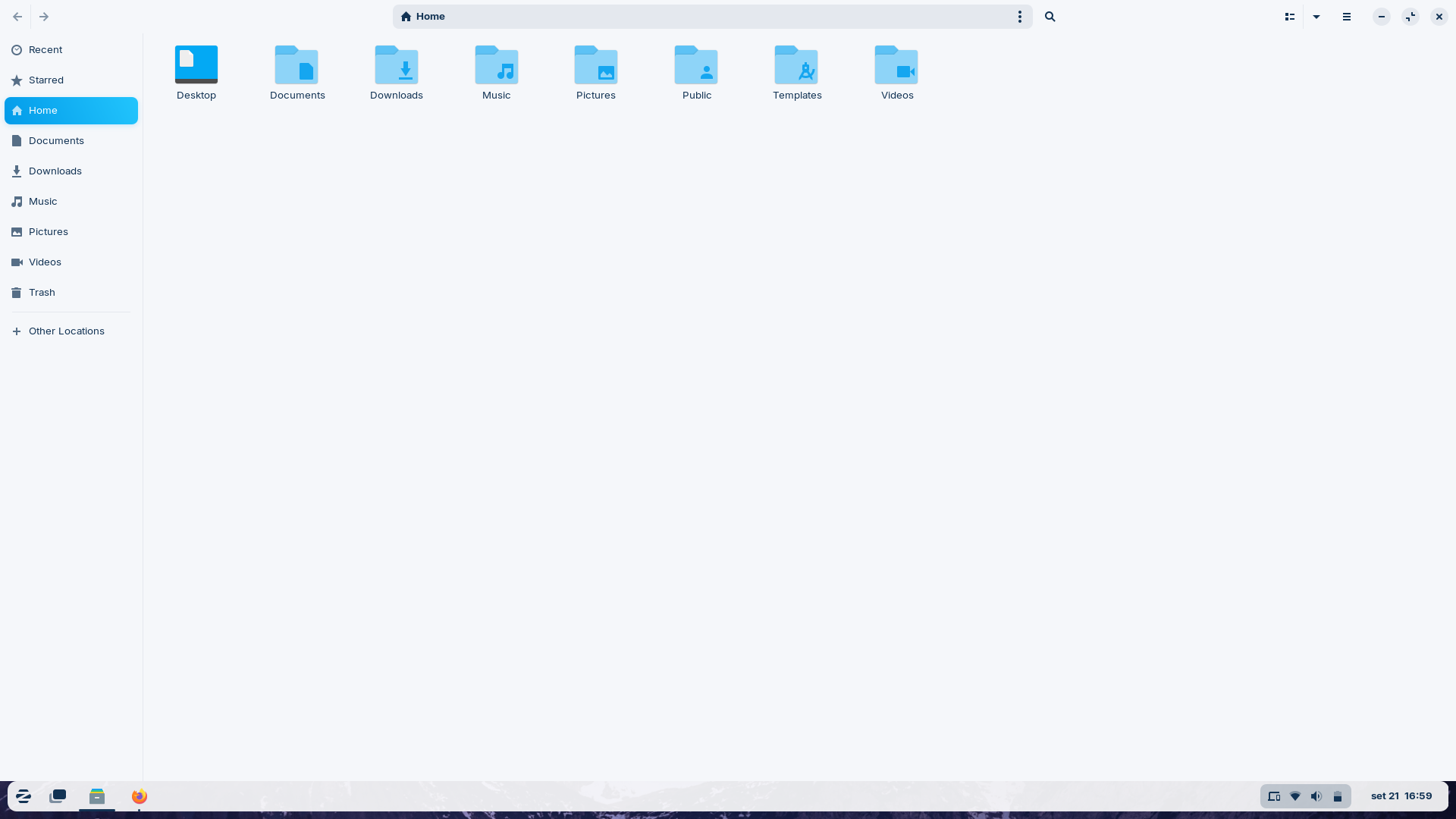
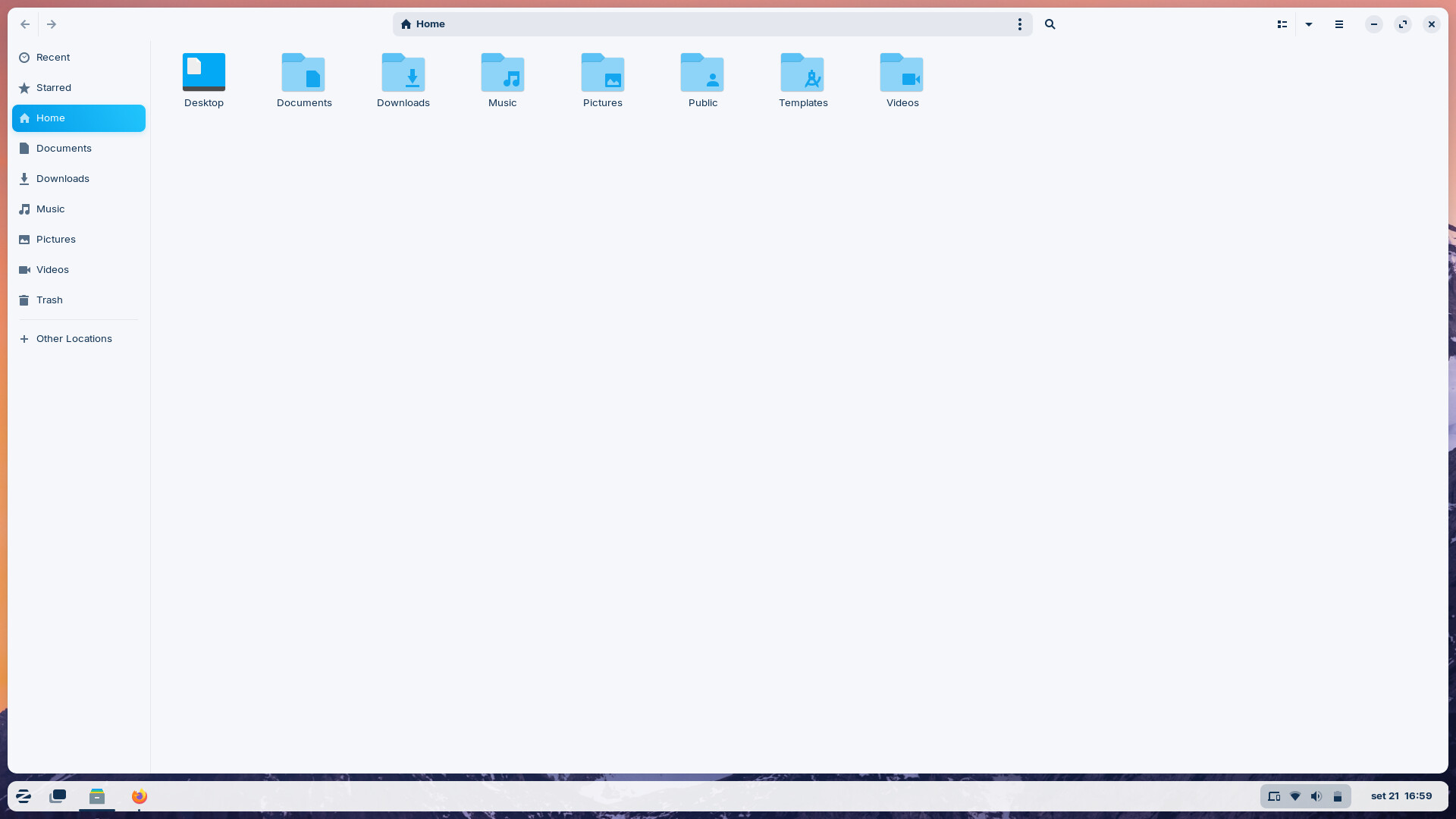

When I open a new window, it doesn't respect the edge gaps and fills the entire screen, as shown in the second screenshot. The expected behavior is something like the third screenshot, where the gaps are respected.
You could try the gnome extension rounded window corners (from yilozt). First install gnome-extension-manager, then you can browse for the extension there.
Enable in the Rounded Windows Corners gnome extension settings >show rounded corners when maximized
This tiling feature doesn't interact with window rendering, only positioning. To gain rounded borders all around for all windows you'll have to install a Gnome extension:
Likewise, the tiling window feature doesn't intercept requests to the renderer to maximize windows. That means that using the usual double-click on the top bar or clicking on the maximize button won't work.
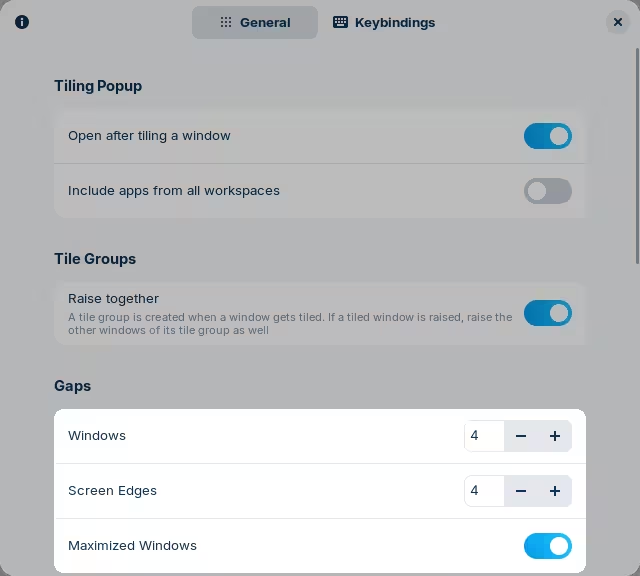
Having that limitation in mind, you can still make it work by dragging the window close to the near edge of the screen, so that the window is picked up by this tiling manager. To have gaps, you'll have to enable them in Zorin Appearance → Windows → Advanced Window Tiling → Maximized Windows:
And specify some gap, in pixels, from the screen edges. Then, you can drag the window to the top as mentioned:
As an aside, if you want a full blown window manager, you can install Pop!_OS's shell instead. I haven't followed up on this guide in a while but I don't expect things to have changed all that much:
The lennart-k gnome extension doesn't have rounded corners at the bottom only at the top. I had installed it but it doesn't do what ohenrydev wants to achieve.
Sorry about that, it's been a while since I've used Gnome and don't remember which extension I used (and it was the only one that I installed...). I've updated the post above again, this should work
With the linked gnome extension you can setup your desktop this way. I also added the rounded corners to the css file of the taskbar so that I can use the floating taskbar without intellihide (the length of the taskbar can be changed in taskbar settings). The space between the taskbar and the windows can be set individually, also the space around the windows.