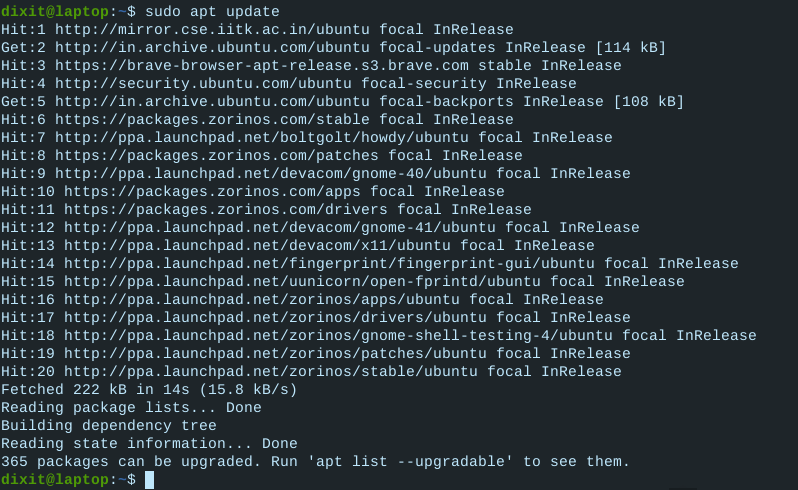
We need to remove those non-focal repos:
sudo add-apt-repository --remove ppa:embrosyn/cinnamon
sudo add-apt-repository --remove ppa:noobslab/apps
sudo add-apt-repository --remove ppa:webupd8team/nemo3
You can check the package page - look for Focal release files.
2 Likes
sudo add-apt-repository --remove ppa:devacom/gnome-41
sudo add-apt-repository --remove ppa:devacom/x11
sudo add-apt-repository --remove ppa:devacom/gnome-40
Ok, once those are removed...
sudo apt upgrade && sudo apt install --reinstall zorin-os-desktop
Please see the edit above - you still have standing gnome40 repositories that are breaking your package management.
Dixit
December 31, 2021, 9:21am
55
Why this update not getting speed
I'm not sure; may be heavy traffic on that bandwidth. I can only recommend patience for the moment.@Elegant_Emperor is still available to continue offering you assistance - I must step away from the computer for a while.
Dixit
December 31, 2021, 9:24am
57
Okay, Thanks You Very Much Bro
Dixit
December 31, 2021, 9:52am
59
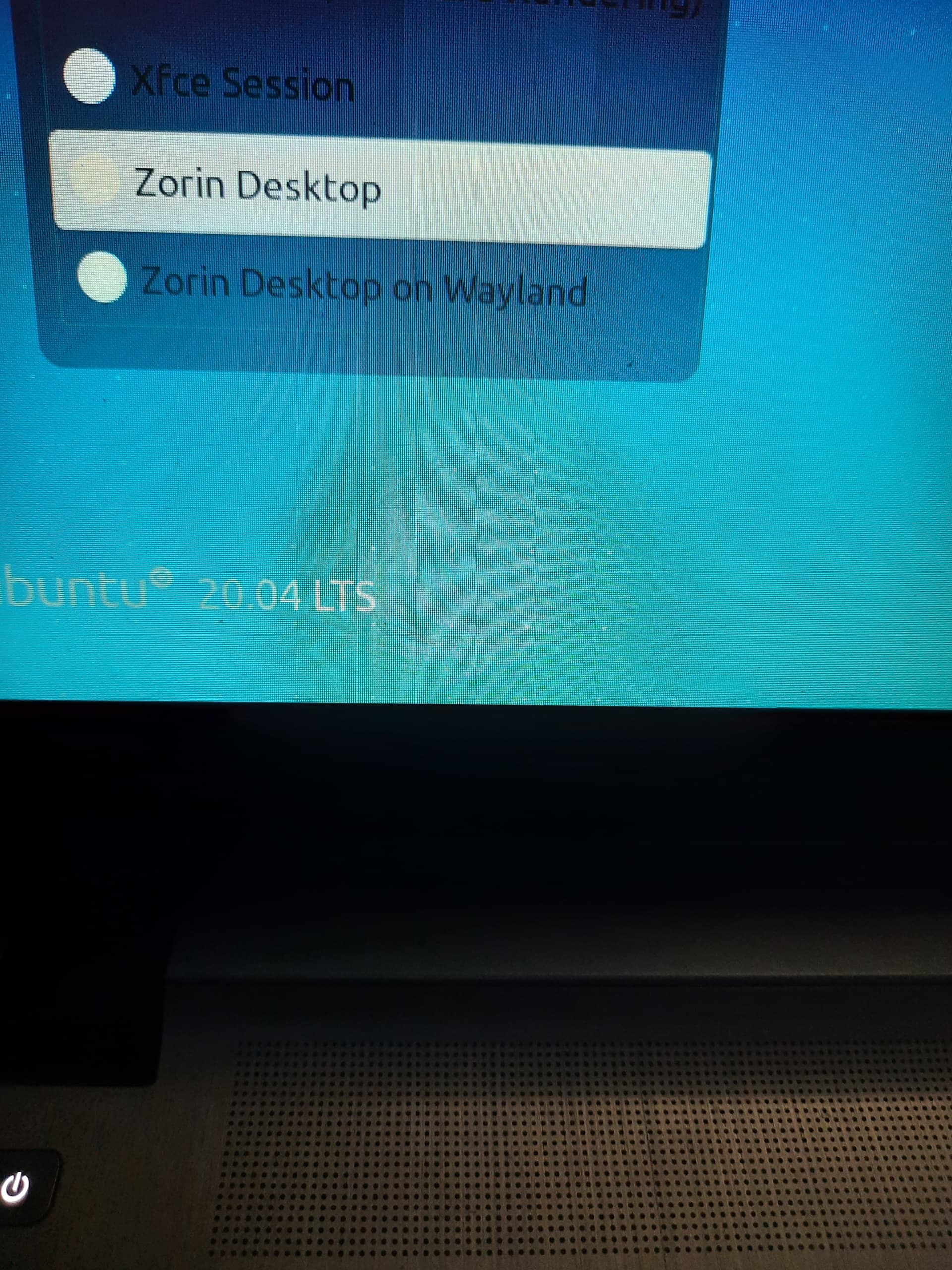
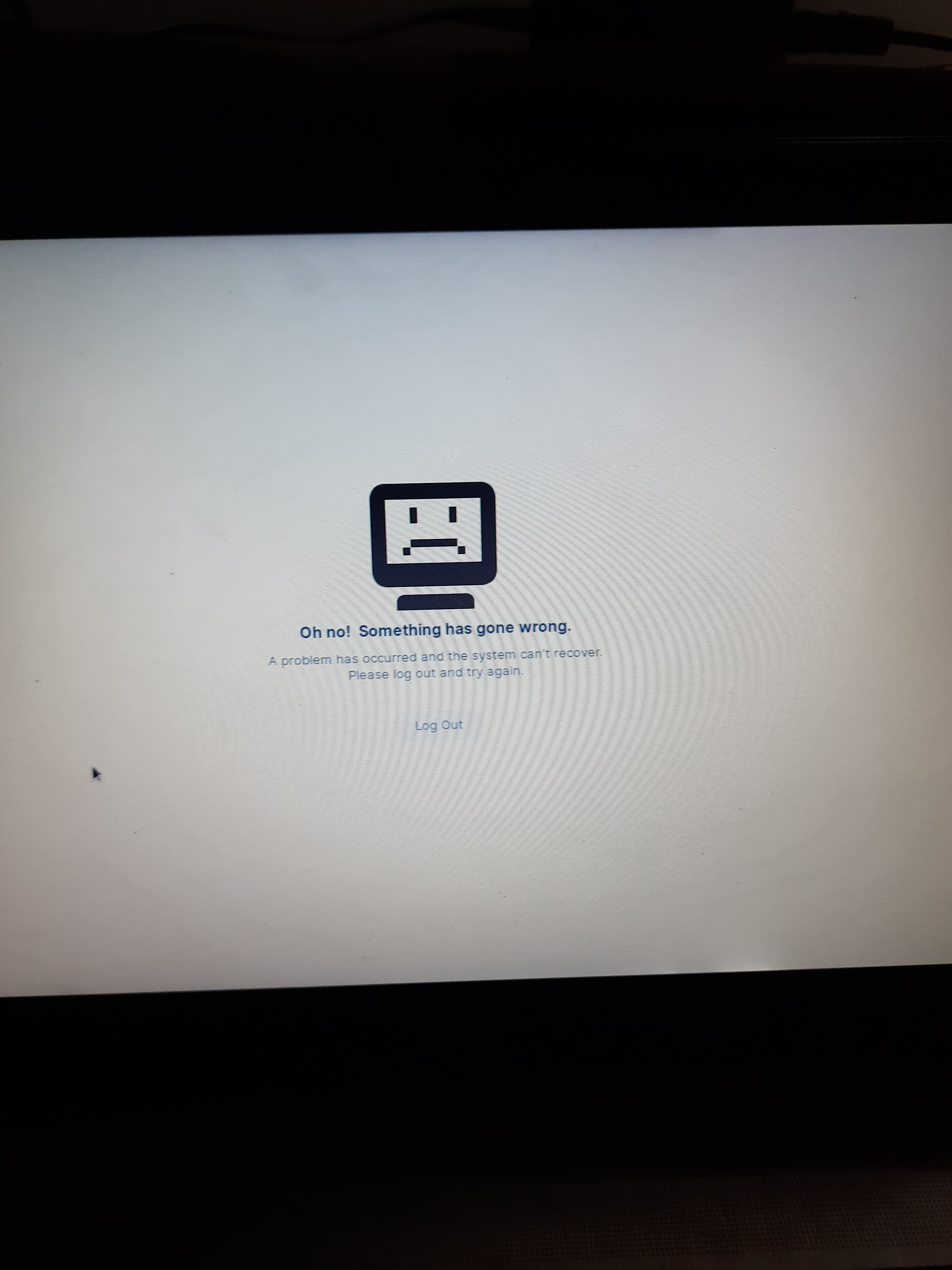
@Aravisian @Elegant_Emperor See desktop installed but...
Dixit:
I am seeing that for the first time!
Did any error message appear after the installation process in the terminal?
sudo apt install --reinstall gdm
Configure GDM by following the prompts in the terminal.
Dixit
December 31, 2021, 10:00am
63
It's says gdm has no installation candidate
1 Like
Did the terminal give prompts to configure gdm?