And eco power on apps without permission while letting others (mostly Microsoft teams that you can't disable) ran full speed ahead
i instaled cooler control on this for fans can set fan curves too so the fans on the 6600 keep running instead of sitting there till 45c then spin up then stop spin up then stop every 5 to 10 secs
Nice! Yeah, I ended up buying an external fan desk for my PC so I can just make sure the legion lasts longer. It's not stealthy but the fans aren't too loud.
So I have Zorin installing without modern graphics... I'm sad about that but it keeps saying Ubuntu failed so I'm back to step 1.
ya installing without nvidia drivers works better then you can install them after
Very annoying, I'm sure 
well the 6600 xt is known to fry an egg on it so runing fans full time keeps it at 33c at idle and so far 42 c is hotest it has gotten with games i play
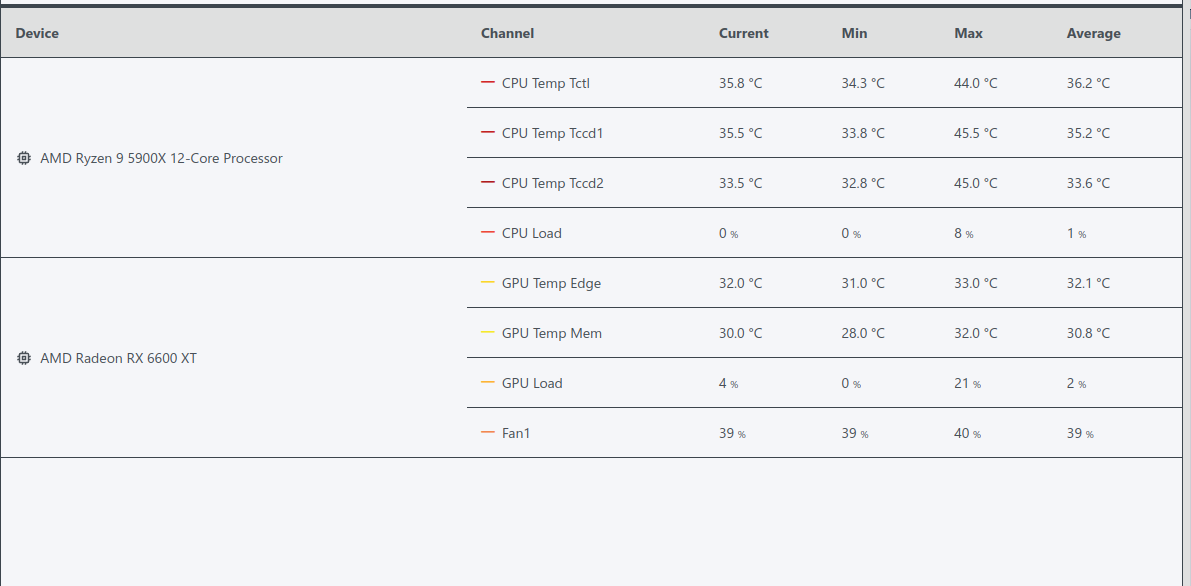
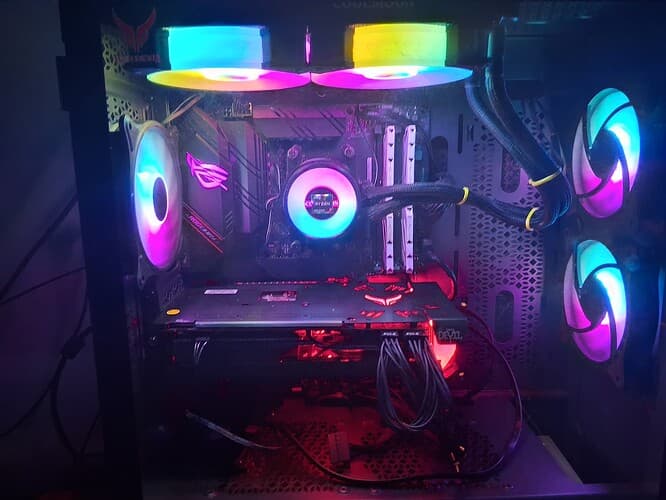
my rig...lol
That little board... I can see why it overheats easily.
little? thats in a full tower that isnt a mini board its a full boar
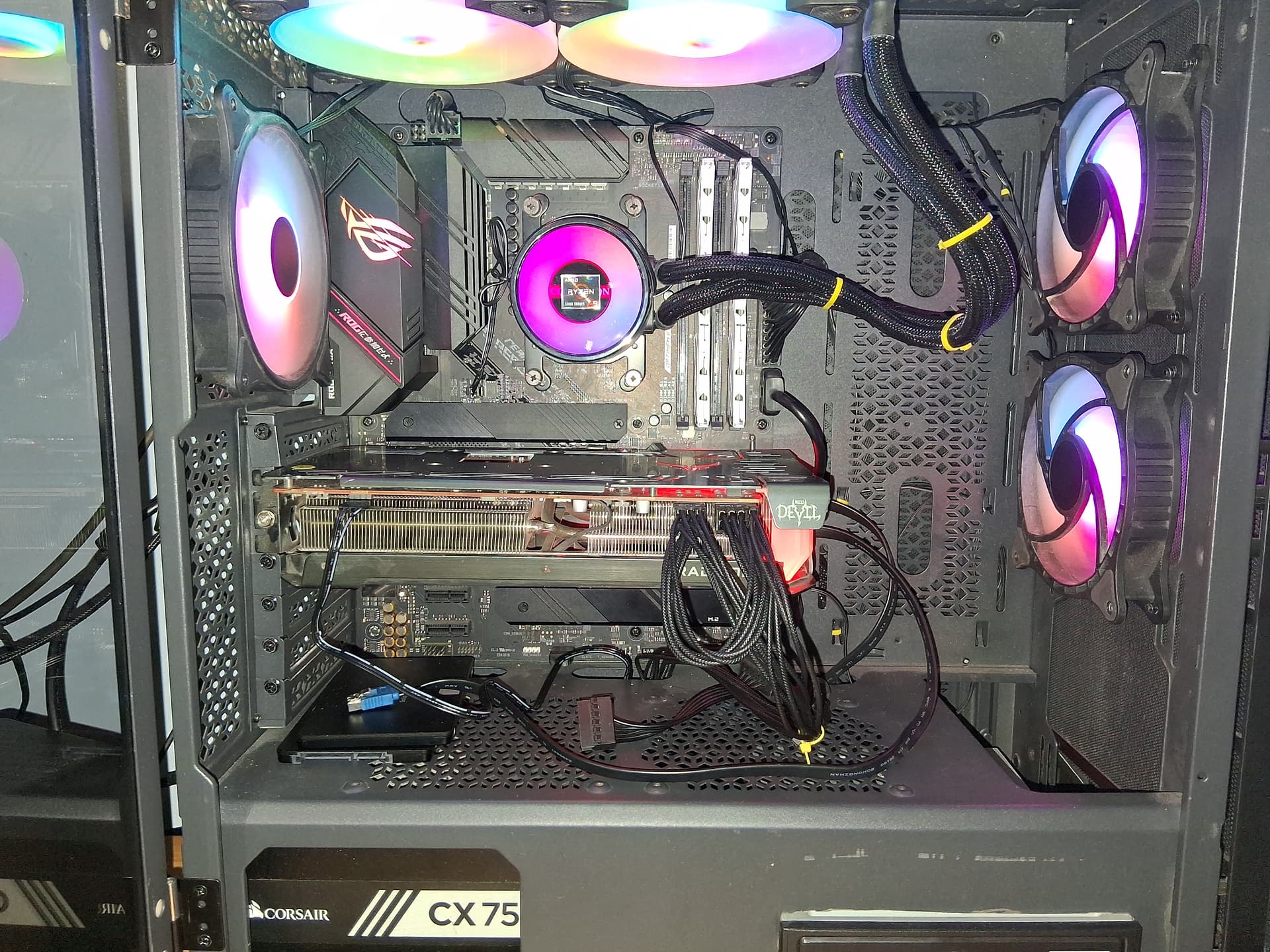
other drive is below the vid card..lol
I meant the motherboard and the GPU but it's nice for sure.
So here's my plan: curl after boot is finished
Have 6.19 launch
Undo safe boot
Install Nvidia driver and dkms
Update
[Sudo force Nvidia]
[Sudo apt update prayer]
[Sudo reboot]
My bad! I didn't see the ribs on the card because of the lighting and angle. That's some prime rib
ya i got light on to see it better and flash this time
well lets hope all goes well this time for some reason i cant install 6.19.6 gets errors but im fine at kernel she is at
Okay so now the 6.19.6 freezes at the logo splash
I put it in recovery mode > repair packages > normal boot to see if that helps
Nope just get a blinking dash and when I restart it to normal boot it gets stuck on the logo again
6.17 boots up so if I need the terminal to install a different version, I can. Just don't understand why 6.19.6 won't boot up for me
It'll load the animation but as soon as it's done the splash screen is static.
I have a 6.18 option now but it doesn't work either
I'm trying this:
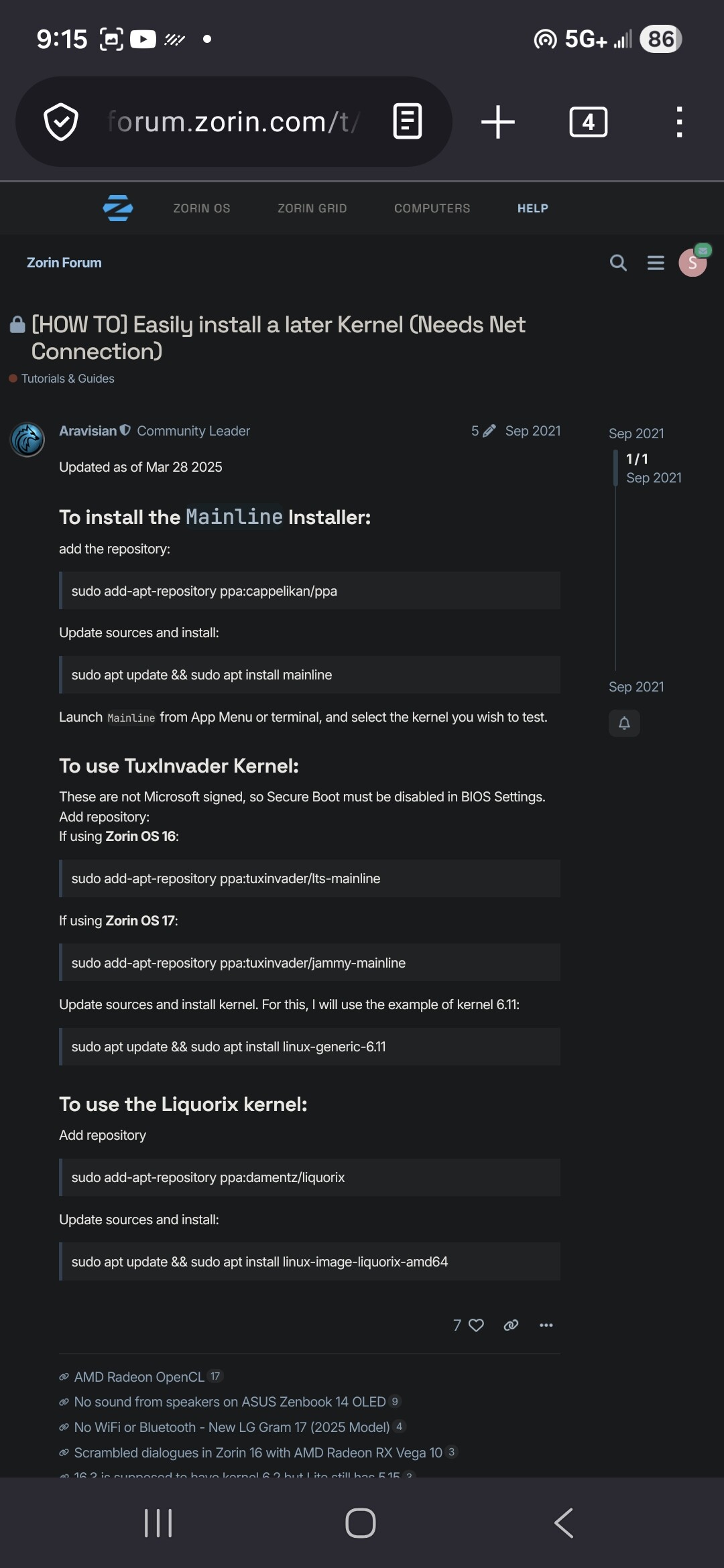
It's still a no go on boot up
Okay so good news:
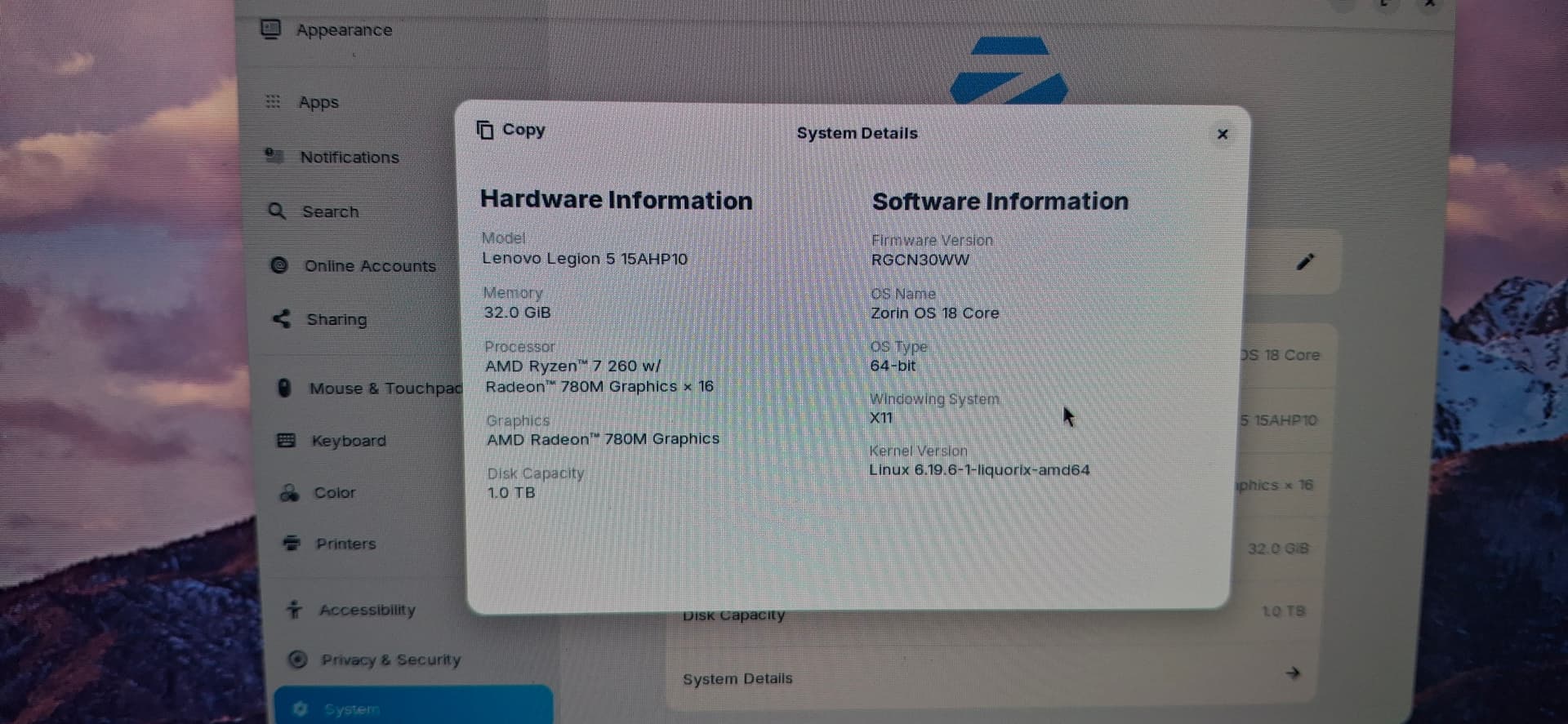
But that's with UMD turned on instead of Discrete graphics. But I did boot into liquorix
I updated what I can
...
I'm going to try and reboot with discrete graphics on and try to boot in again...

Okay, hear me out...
What if [Linux hates me and I'm being rejected because of the color of my graphics card] I try to install and update the drivers before I boot in with my 5060 and maybe it's a graphics issue? emphasized text
So, some more good news. I can >now< boot in with Switchable Graphics on which is a better sign because I think... I'm not 100 on this but I think I can force Nvidia on
Okay I did sudo apt install Nvidia-driver-580 and dkms-580
Both installed
I did sudo prime-select Nvidia... !it switched over!
I rebooted and I'm currently at the login screen feeling both sweaty and excited...
Here I go...
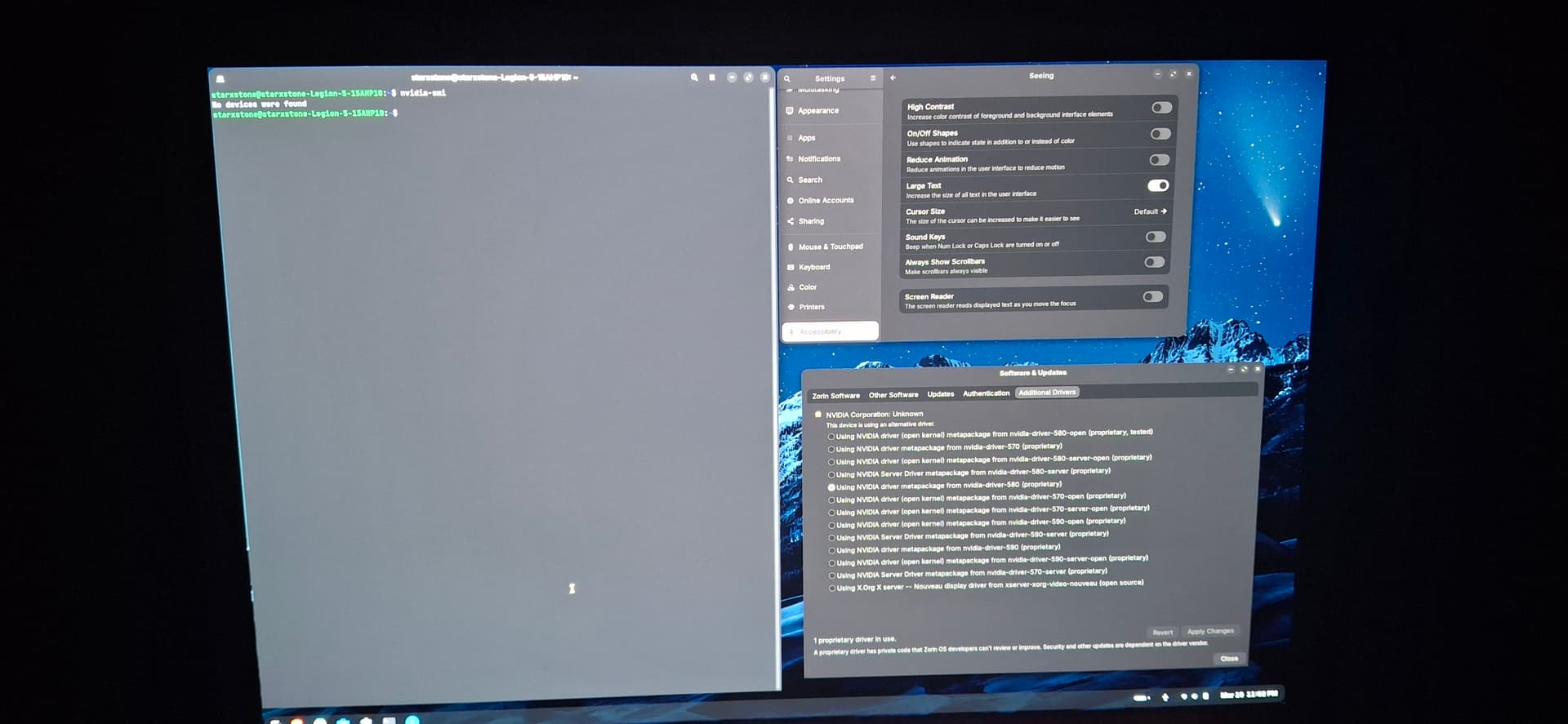
Drivers are there, now it says no devices found insead of Nvidia can't be communicated with and still on 6.19.6 x11
okay I updated to nftables for Ubuntu and reboot
Now the bios runs smoothly and isn't choppy but everytime I put Discrete Graphics on, the boot freezes up so it's forcing me to choose Switchable Graphics and UMD
Now I'm in Switchable Graphics
[sudo apt purge nvidia-* libnvidia-*]
[sudo apt autoremove]
[sudo apt install nvidia-driver-550] (I know it's an older package but for whatever reason it's downloading 580.126.09 Ubuntu 0.24.04.2)
then mobprobe once it's done reinstalling
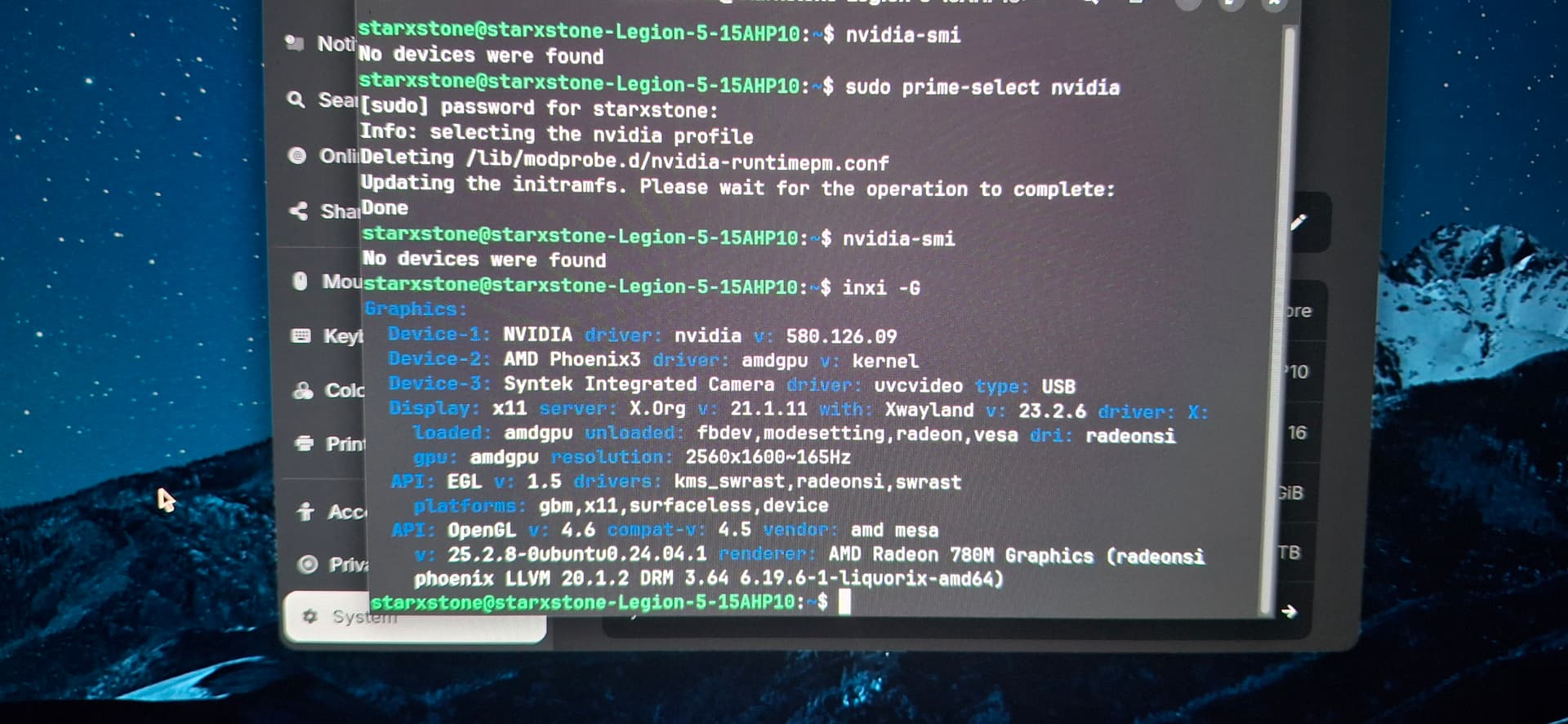
Now the bios runs smoothly and isn't choppy but everytime I put Discrete Graphics on, the boot freezes up so it's forcing me to choose Switchable Graphics and UMD
Now I'm in Switchable Graphics
[sudo apt purge nvidia-* libnvidia-*]
[sudo apt autoremove]
[sudo apt install nvidia-driver-550] (I know it's an older package but for whatever reason it's downloading 580.126.09 Ubuntu 0.24.04.2)
then mobprobe once it's done reinstalling
So, I looked it up and from what I've learned Linux can only use 5060 RTX on demand and will freeze Linux distro if ran in Discrete Graphics mode. It has to be on Switchable Graphics so that the processor loads it offhand.
Meanwhile I'm still not sure why Nvidia is not being recognized and I'm wondering if I should download a game and test it by using:
[__NV_PRIME_RENDER_OFFLOAD=1 __GLX_VENDOR_LIBRARY_NAME=nvidia glxinfo | grep "OpenGL render] with glxinfo being the game I'm telling Nvidia to run? I'm sure Steam has a better code to do this through Proton
I've updated GRUB "quiet splash nvidia-drm.modeset=1"
which I think was what you were trying to refer to earlier, wesolive
And now using 570.211.01 -open (even though I was told not to use -open or -server which -server I understand why
Okay, so 6.19.6 is comparable but -open is mandatory for RTX 5000 series which MAKES COMPLETE SENSE why the versions I was installing weren't working properly