@PHayward I don't think that it needs more ressources. I have often changed the themes to custom themes and I haven't noticed any deterioration. You can simply try it and go back if it isn't as good as before.
Sometimes "Blur my shell" can make problems, but it depends on the extensions you have installed and enabled.
Hi @Forpli ,
Thank you for your response. I am a complete novice to Linux, are there any simple instructions you can recommend to customise zorin to look like mac os? Would I be right in thinking if you have a customised desktop, when it comes to updating to a new version of Zorin ie 18 to 19, customisations need to be removed?
Best regards
When the gnome extensions you use aren't supported in a higher gnome version, then they won't work.
I found this guide, but in Zorin some of the gnome extensions are already pre-installed. So look what you need.
In internet there are some videos which show how you can adapt Zorin to mac layout. I think they could help you.
There are different mac themes and I don't know which one you like.
You don't need to change too much at the beginning.
Try to install the gtk theme, and an icon theme or cursor theme.
Hi @Forpli,
Thank you for all your advice, much appreciated.
Best regards
The whitesur gtk and icon theme and mcmojave cursor theme have install scripts which you can use to install them (see the thread above how to do).
Many other themes don't have such install scripts, then you must put the themes to the right folders manually as shown in the linked Zorin help site about installing third party themes.
I tried it yesterday on Zorin 18 live session and the white sur gtk and icon theme worked, but I had problems with the mcmojave cursor - it didn't work, even when I saved the theme manually at other places and linked the cursor theme to a default cursor (but actually shouldn't be needed). Maybe it is a problem of live session? I'm not sure what the problem was. Recently some users reported problems with cursor themes in Zorin 18.
Good morning @Forpli
I have followed your advice and have been able to create a Mac OS look. I encountered look ups with the compiz alike magic lamp affect and switched this extension off. I am generally pleased with the results. I would like to add animations to the dock icons. I tried dash to panel which achieves the affects but it shows two sets of icons. Would unpinning all icons from the dock and selecting the default layout prior to turning on dash to panel resolve this? Can you offer any advice? Thank you.
I wanted to upload a screenshot of my desktop but file size restraints have prevented me from doing so.
Best regards
If you use other extensions for the panel or dock, always disable the installed ones. Otherwise there will be conflicts.
E.g. When you want to use "Dash to panel", disable "Zorin taskbar". Or if you want to use "Dash to dock" disable "Zorin taskbar" or Zorin dash.
Thank you @Forpli
Please excuse my lack of knowledge, how do I disable Zorin taskbar or Zorin dash. I have not seen an option to do this.
In gnome-extension manager go to tab installed and there you can find "Zorin taskbar".
Here is a screenshot of my desktop, thank you for your help @Forpli. I am sure there are more tweaks I could make, this will do for know.
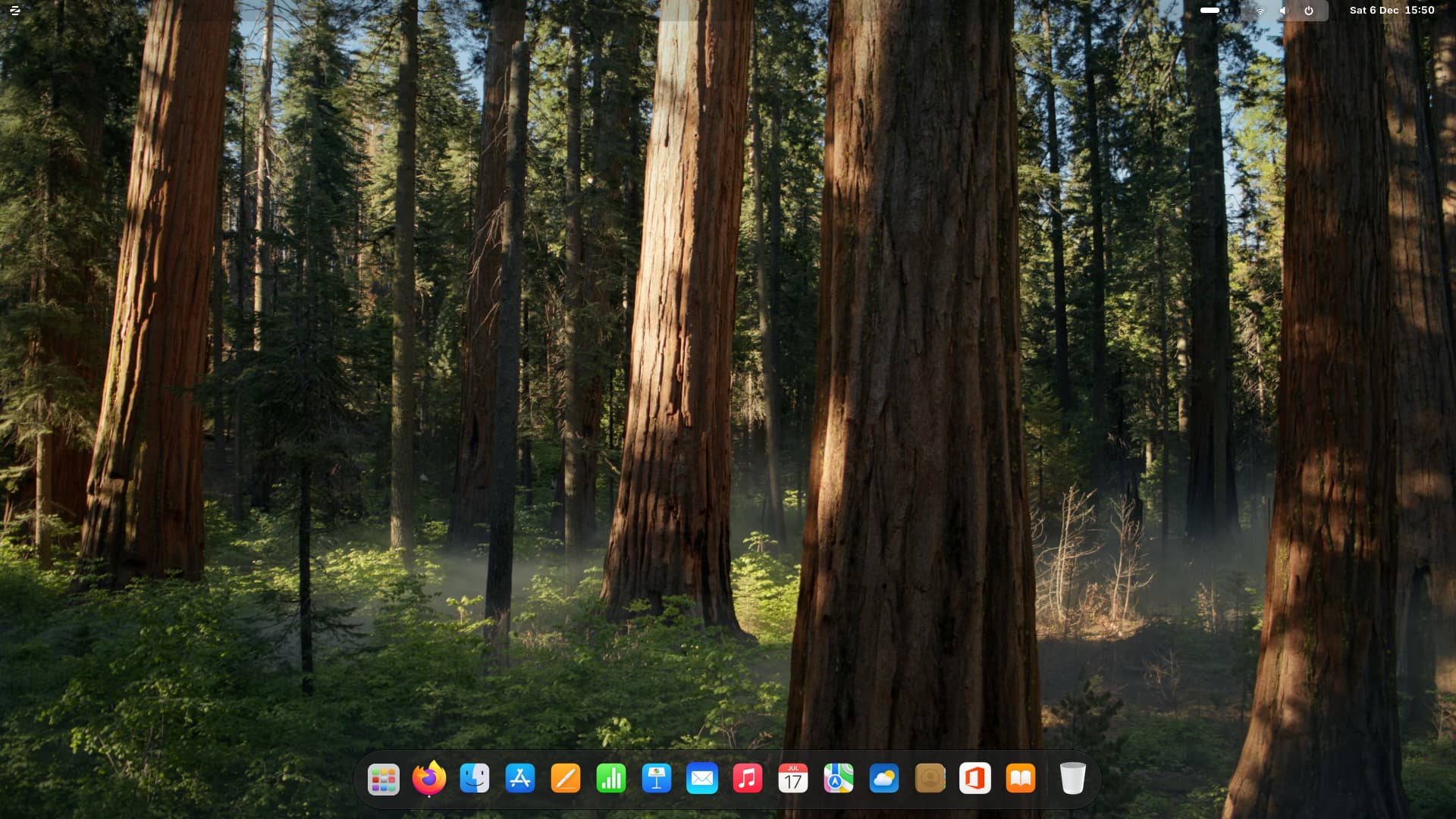
2 Likes
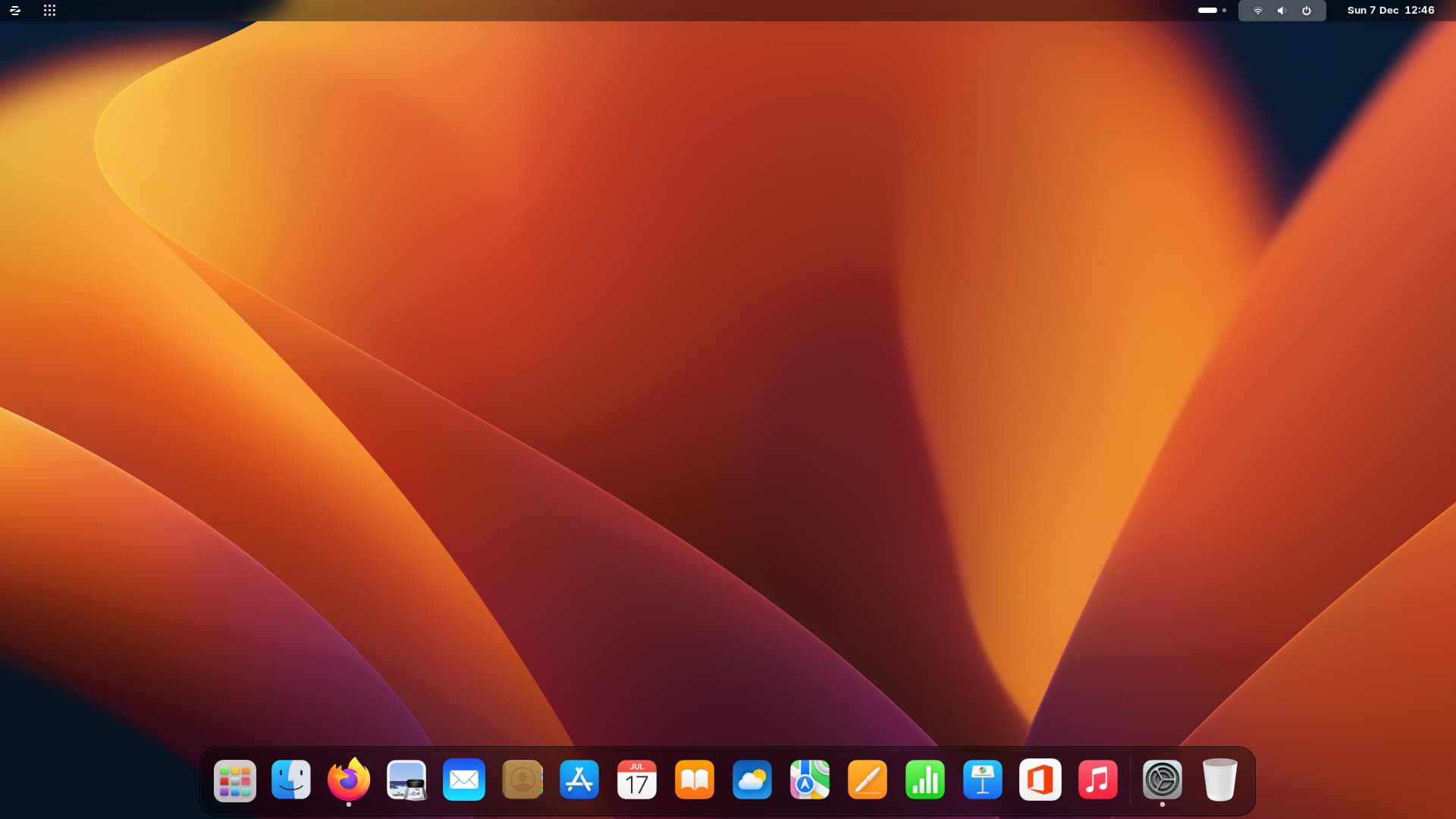
It is really a nice theme!
@Forpli, its all thanks to you.
Ho @Forpli,
apologies for troubling you again.
I have just discovered dash to dock animated which has allowed me to animate my icons, however this has caused the all apps icon to revert back to the zorin icon. If I switch back to dash to dock the icon reverts to the Mac OS style. is there anyway to change the all apps icon to Mac OS style and retain the animated icons?
Any help would be appreciated.
I tested it with Zorin live session and the normal Zorin theme. There in "dash to dock animated" the app overview is shown as 9 dots icon.
So you have instead of the 9 dots icon a Zorin icon? Does it open Zorin menu or the apps overview?
Hi @Forpli
I have the 9 dots icon.
Hi @Forpli
Here is my dock using dash2dock animated

And here is my dock using dash to dock

I know it is very minor, I just wondered if there was a simple way of changing the all apps icon to the Mac OS style.
Best regards
Sorry, I haven't found a solution until now.
In a very old thread Aravisian wrote about changing this icon:
But since it works with dash to dock and only doesn't work with dash2dock animated, it's probably due to a setting in the extension. Unfortunately, I don't know how to change that at the moment.
Now I found something that could help - but it will require some code snippling...
When I have enough time, I'll take a closer look, because it is a really nice gnome extension.