but now Im really, really frustrated!
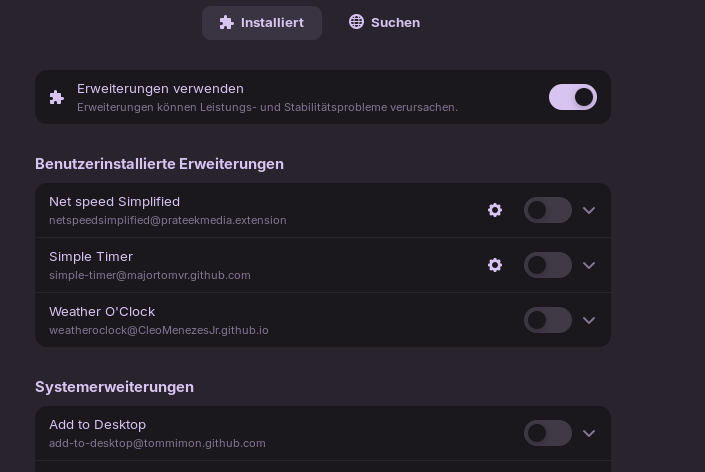
To check, if really the extensions are the problem, I deactivated all custom extensions so that it looks like this:
All custom extensions have been deactivated until now:
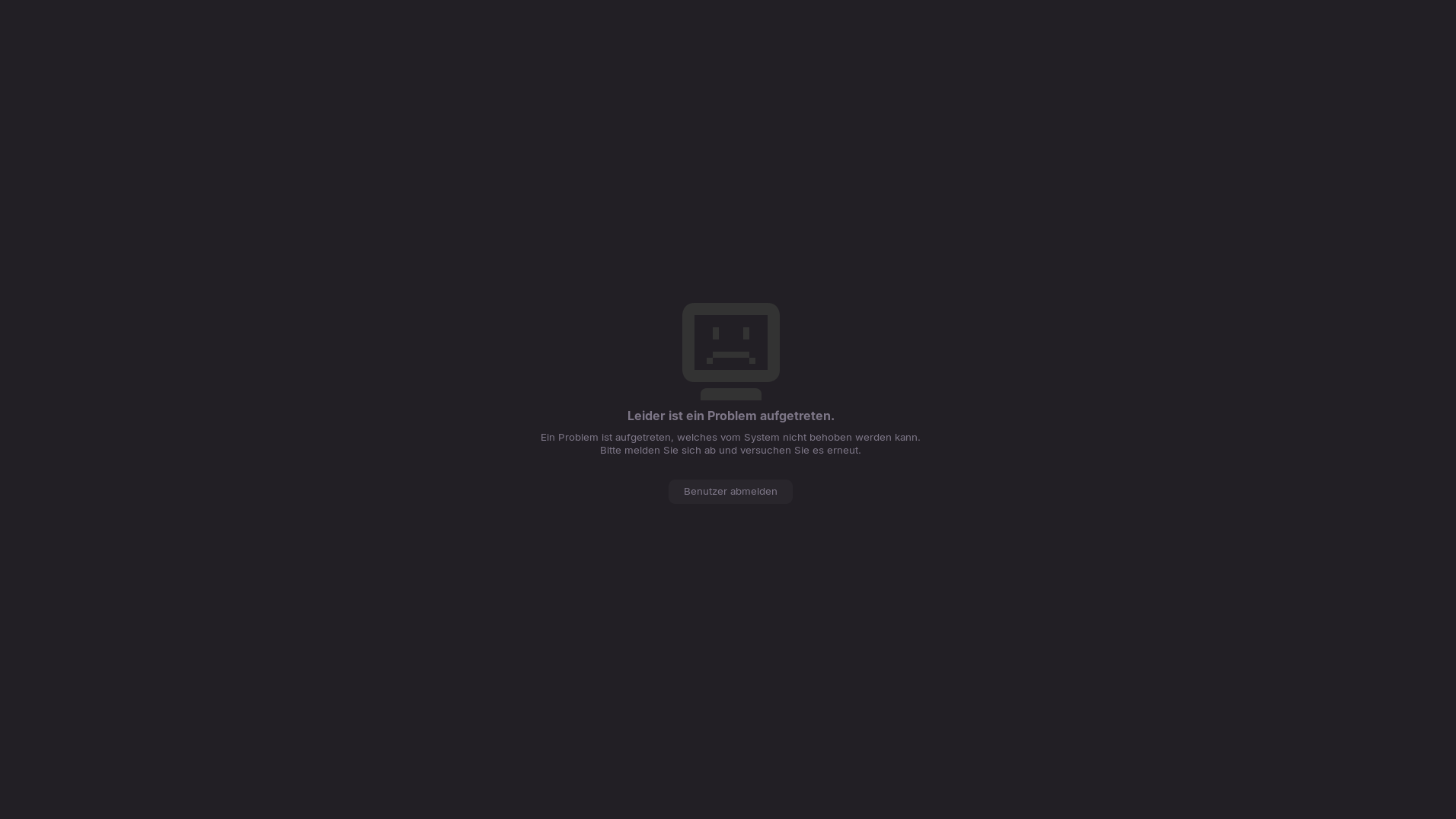
And guess what? Again, after a few days may pc "crashed". So the PC was locked, I waked up and typed in my password and this, I hate this message meanwhile so much, appeared:
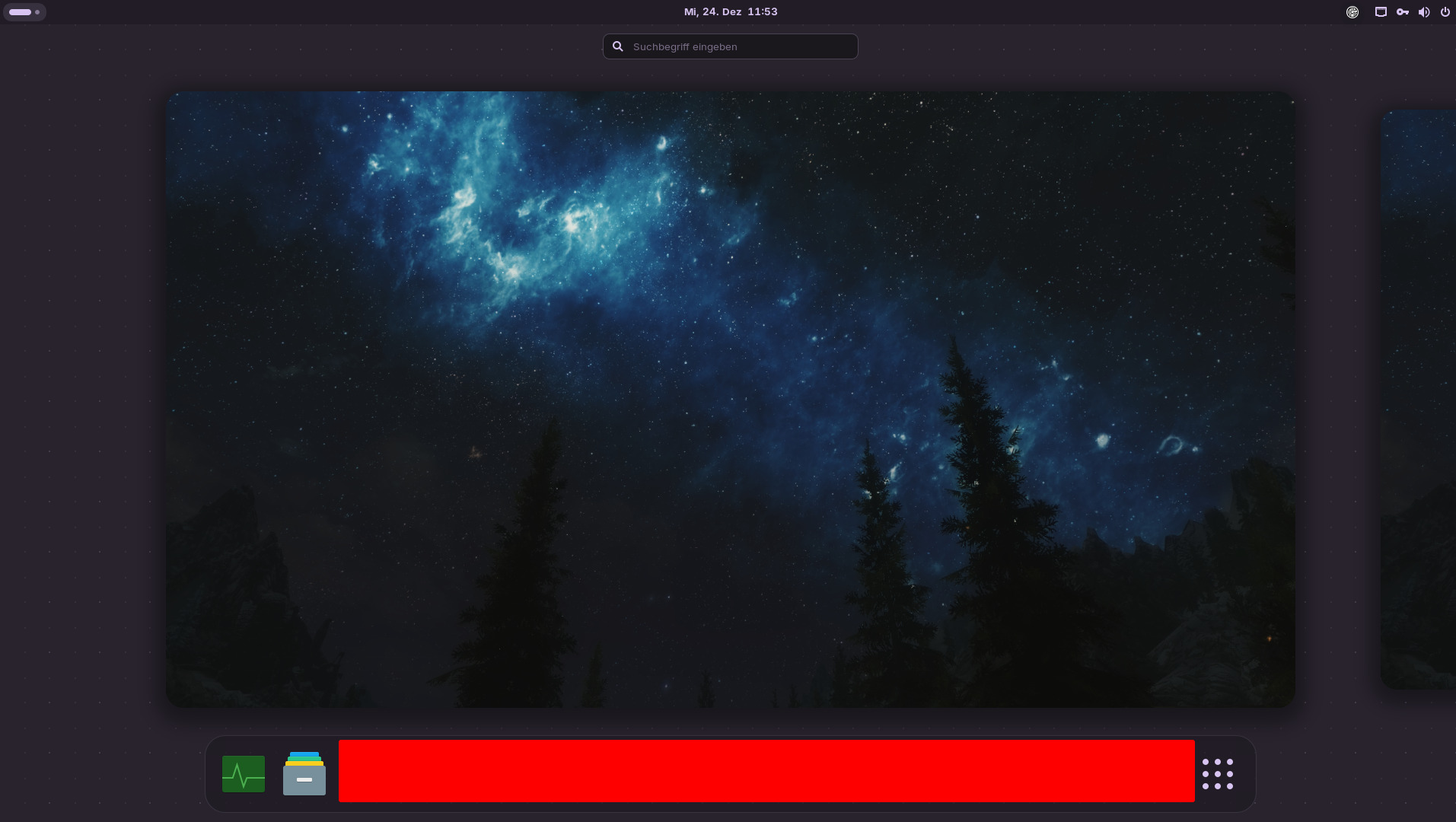
So, again my whole session was lost. And, idk if this helps, everytime it changes to this gnome basic theme/desktop layout, because after logging in back the desktop is always empty and only if I use the super button it shows the desktop layout:
By default, it should use Wayland, yes. Did You switched maybe? But You can switch anyway to Wayland if You want to try this. Go to the Login Screen and click there on Your Profile so that the Password Field appears. When it is appeared, You should see in the bottom right Corner a Gear Icon. Click on it and choose the Option ''Zorin Desktop'' and then log in.
Can be but don't have to. You could try it with disabled Secure Boot. You can enable it again if You wish.
yes, there is only the password fielt without a gear near to the fielt or anywhere else on the lockscreen
First, I tried to upgrade from 17 to 18 which was I mistake because it "bricked" the OS that much that I couldn't login no longer- I got everytime after the logging in exactly this "a problem has occured"-message.
just the basic "write it over the old data"- but not the "deep disk wiping"- because I have a SSD and it was already encrypted with LUKS.
cat /etc/gdm3/custom.conf
# GDM configuration storage
#
# See /usr/share/gdm/gdm.schemas for a list of available options.

[daemon]
# Uncomment the line below to force the login screen to use Xorg
WaylandEnable=false

# Enabling automatic login
#  AutomaticLoginEnable = true
#  AutomaticLogin = user1

# Enabling timed login
#  TimedLoginEnable = true
#  TimedLogin = user1
#  TimedLoginDelay = 10

[security]

[xdmcp]

[chooser]

[debug]
# Uncomment the line below to turn on debugging
# More verbose logs
# Additionally lets the X server dump core if it crashes
#Enable=true
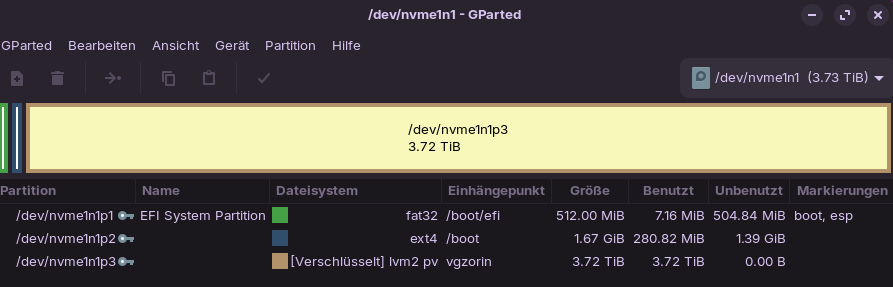
Could You install Gparted with the Command sudo apt install gparted and make a Screenshot of Your Partitions please? And is the encrypted SSD the one with Zorin on it?
And here is the Reason why You don't have the Choice. Wayland is disabled.
of corse it was a user problem
Now I remember: After installing Zorin 18 I realized, that custom keyboard shortcuts didn't work with flameshot and I found a solution, where someone wrote that you can switch back to X11 and everything works fine.