This is what Zorin 18 Core should have looked like:
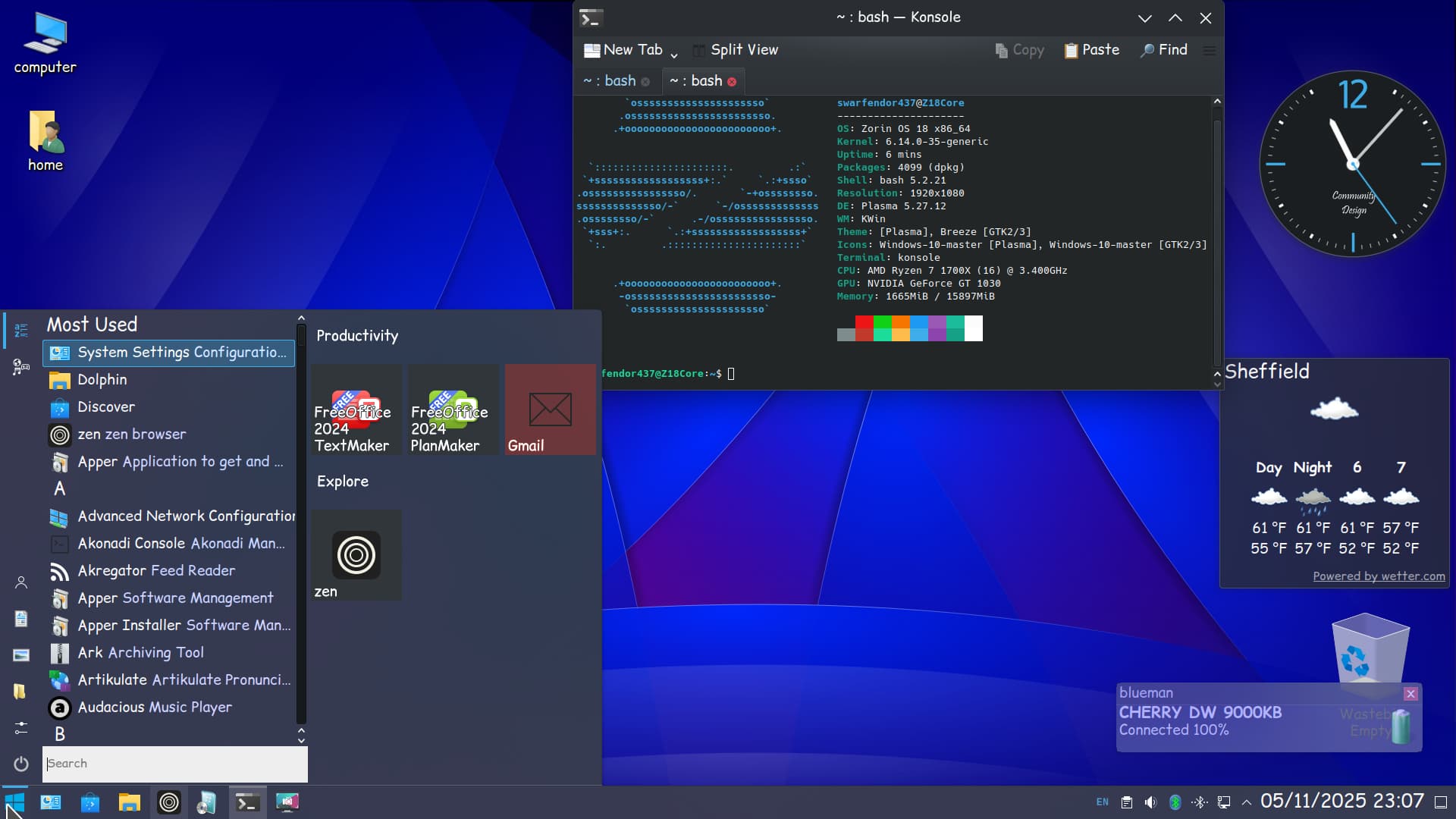
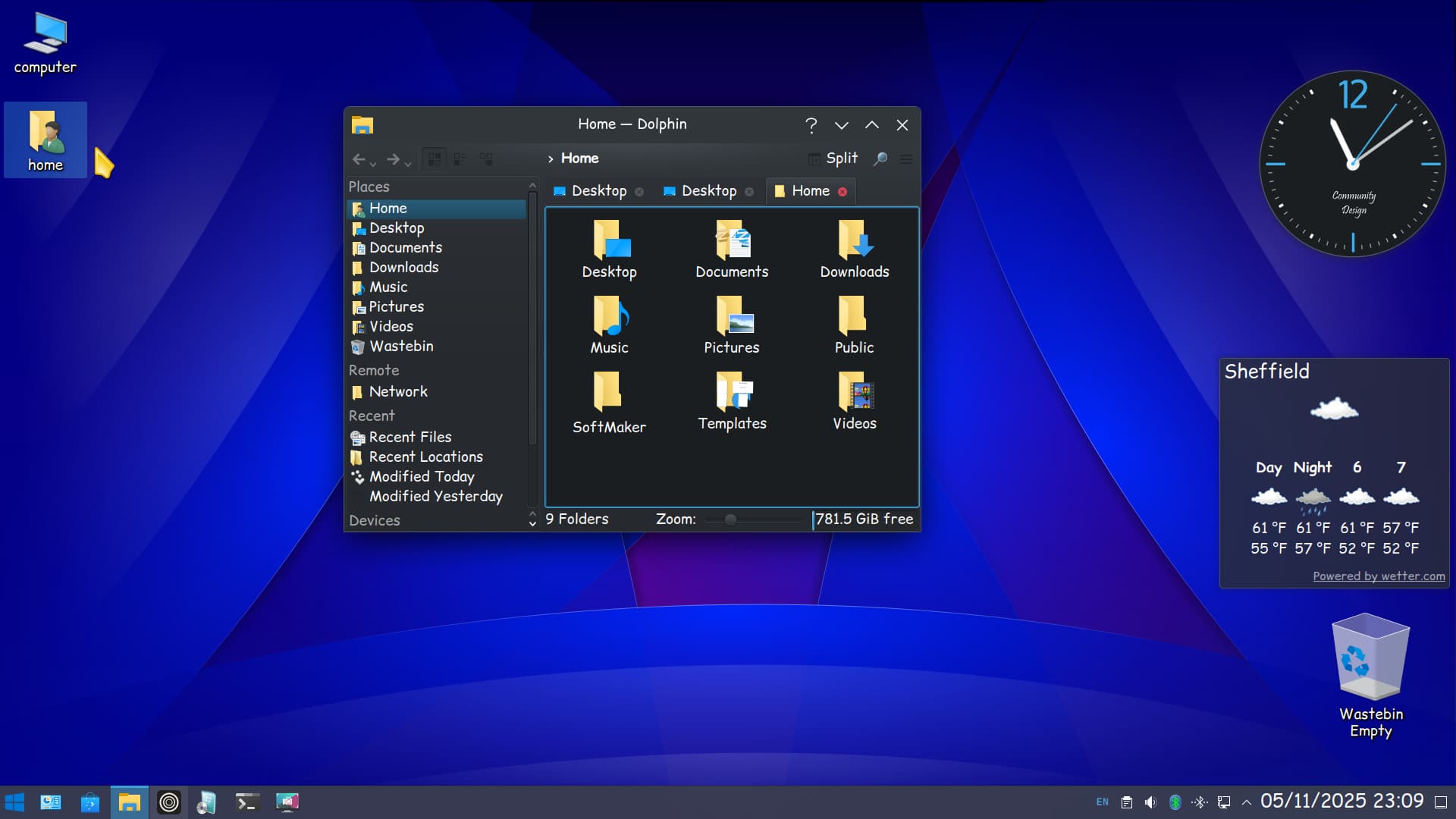
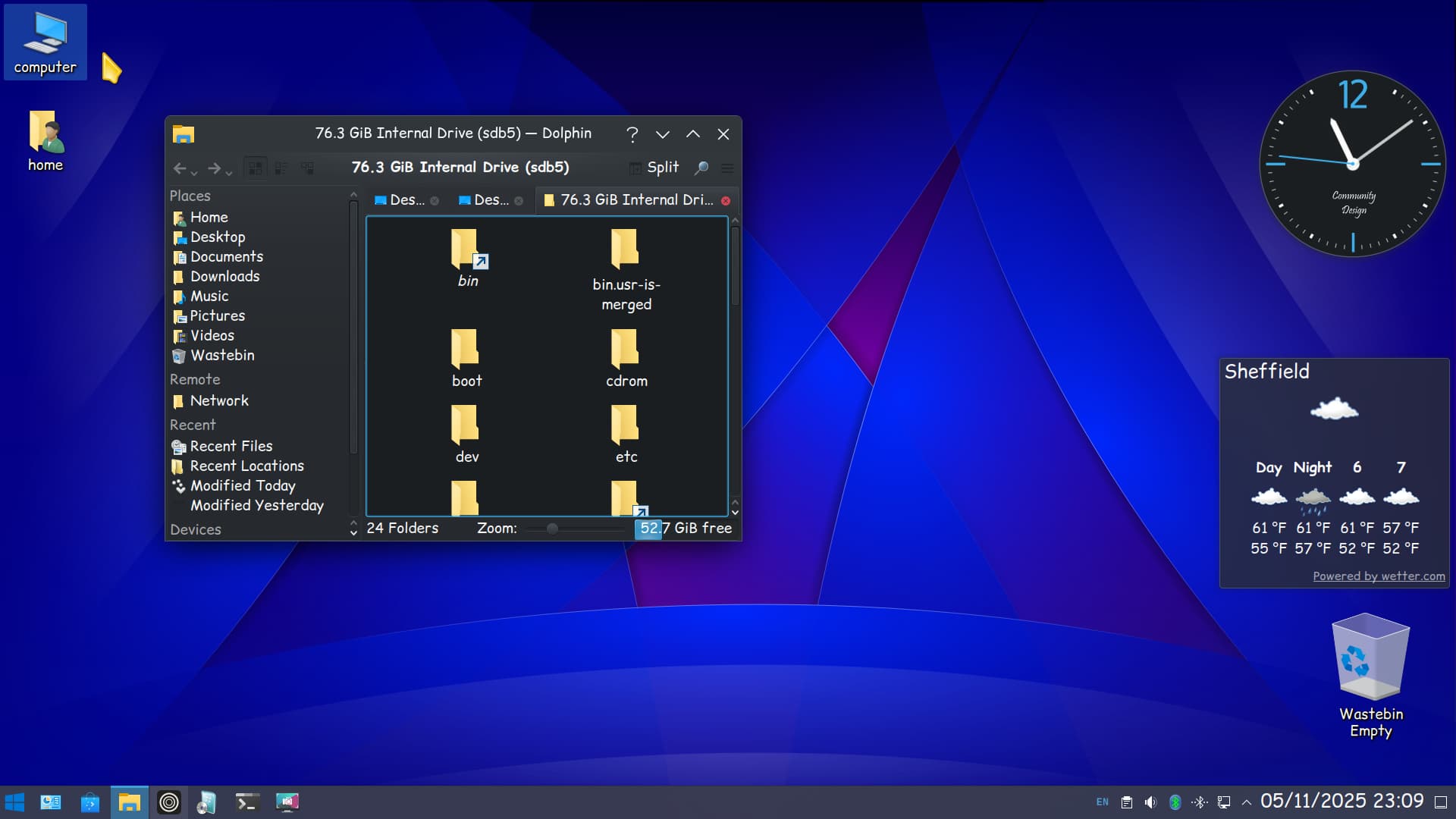
Just to add I have removed Zorin Appearance and any other Zorin packages I did not want and removed all gnome extensions. I installed kde-full, added some new icon themes (Windows 10). What is interesting is the software center Discover, will not launch unless plasma-discover-snap and plasma-discover-flatpak packages are installed! You just avoid the packages that are clearly marked as snap or flatpak and is therefore easier to view than gnome software's drop-down menu, only to disappoint when no APT is present. Oh yes and a weather widget that actually works!