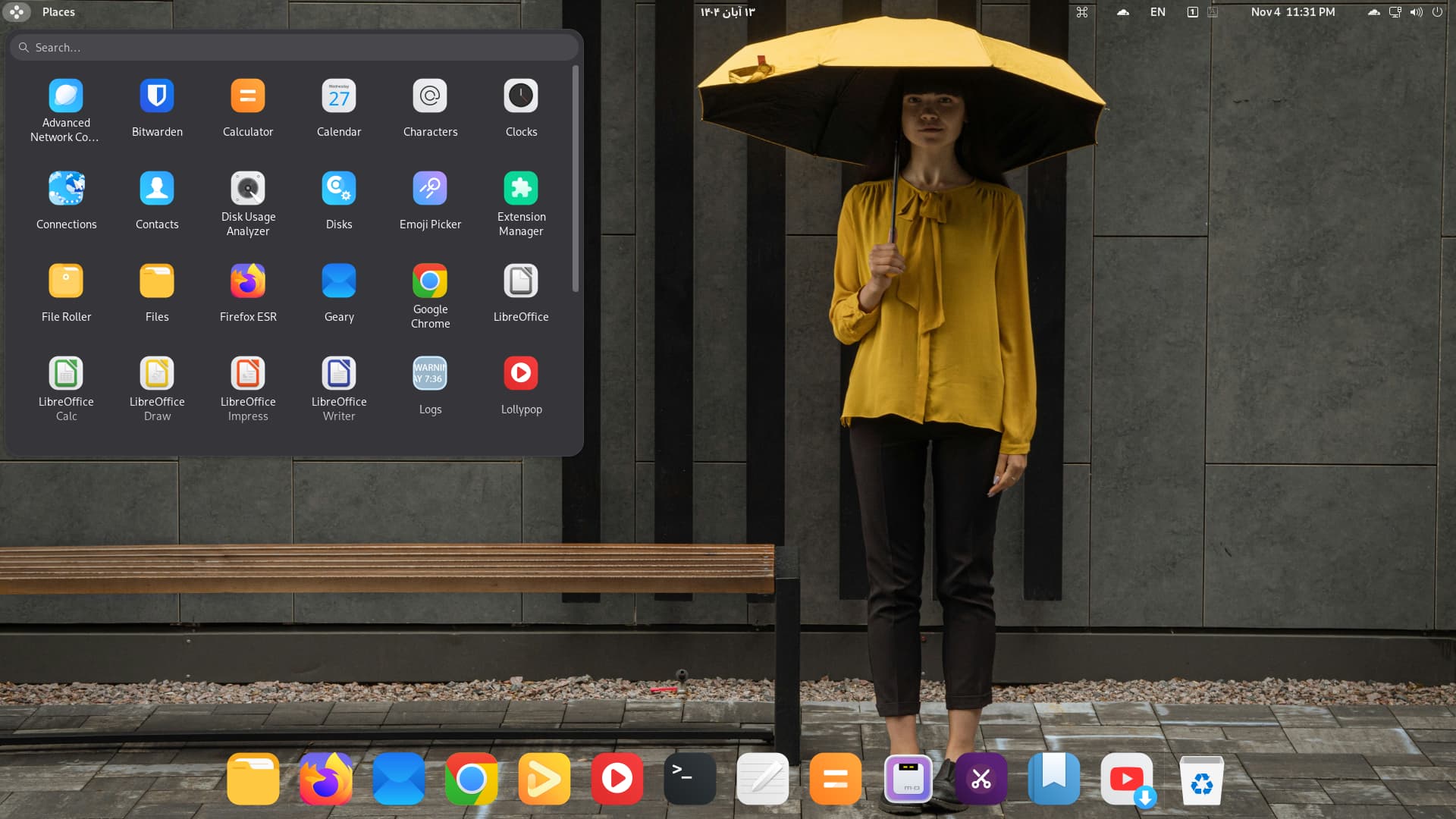
Debian 13.1
6 Likes
A video clip of my Desktop, Solus Linux - Plasma Edition
5 Likes
Whilst that may be true, newcomers want something that looks familiar, which is why I promote Windows 10 and Windows 11 theming availability on my website for those who have had their Windows 10 come to end of life and Windows 11 users tired of their OS Datascraping but want something they can get along with that makes the transition easier.
There is lot of truth in that..
Windows layout is easier to manage around new system when it "looks" familiar to one u have used for years, even icons color matters (like yellow for folder)..
Needed that in my first days trying to get used to linux..
Cheers!
1 Like

This is what Zorin 18 Core should have looked like:
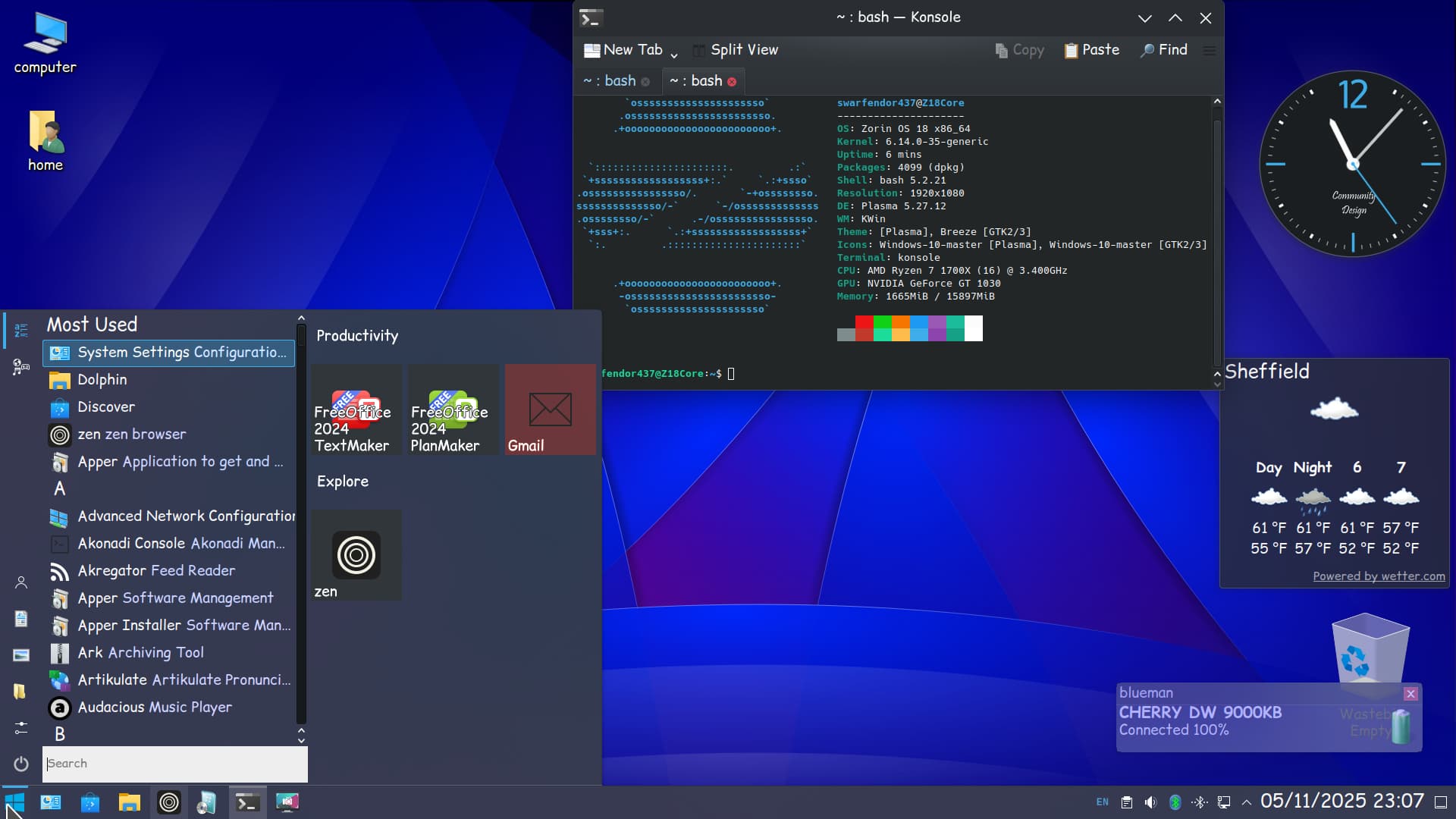
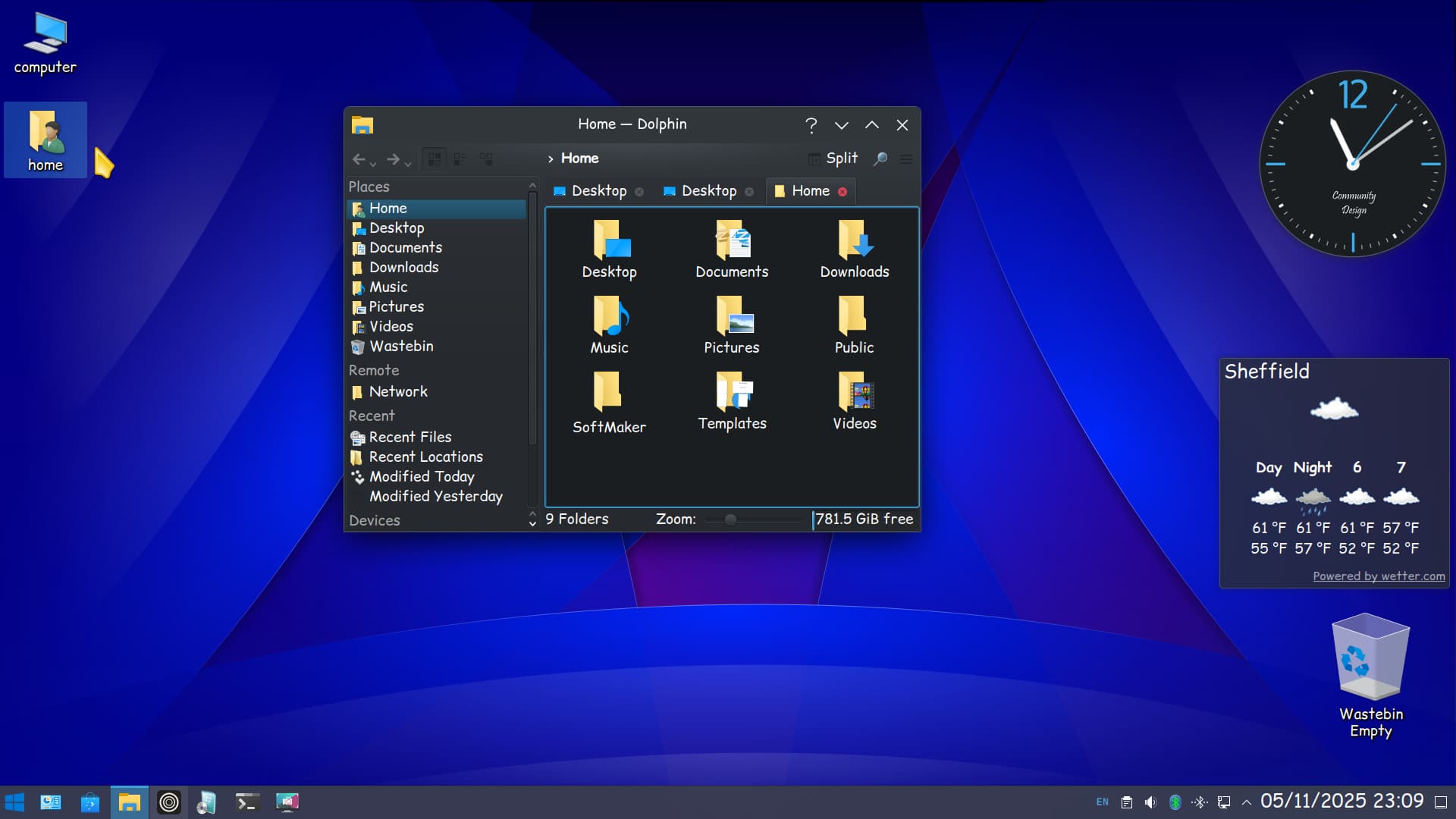
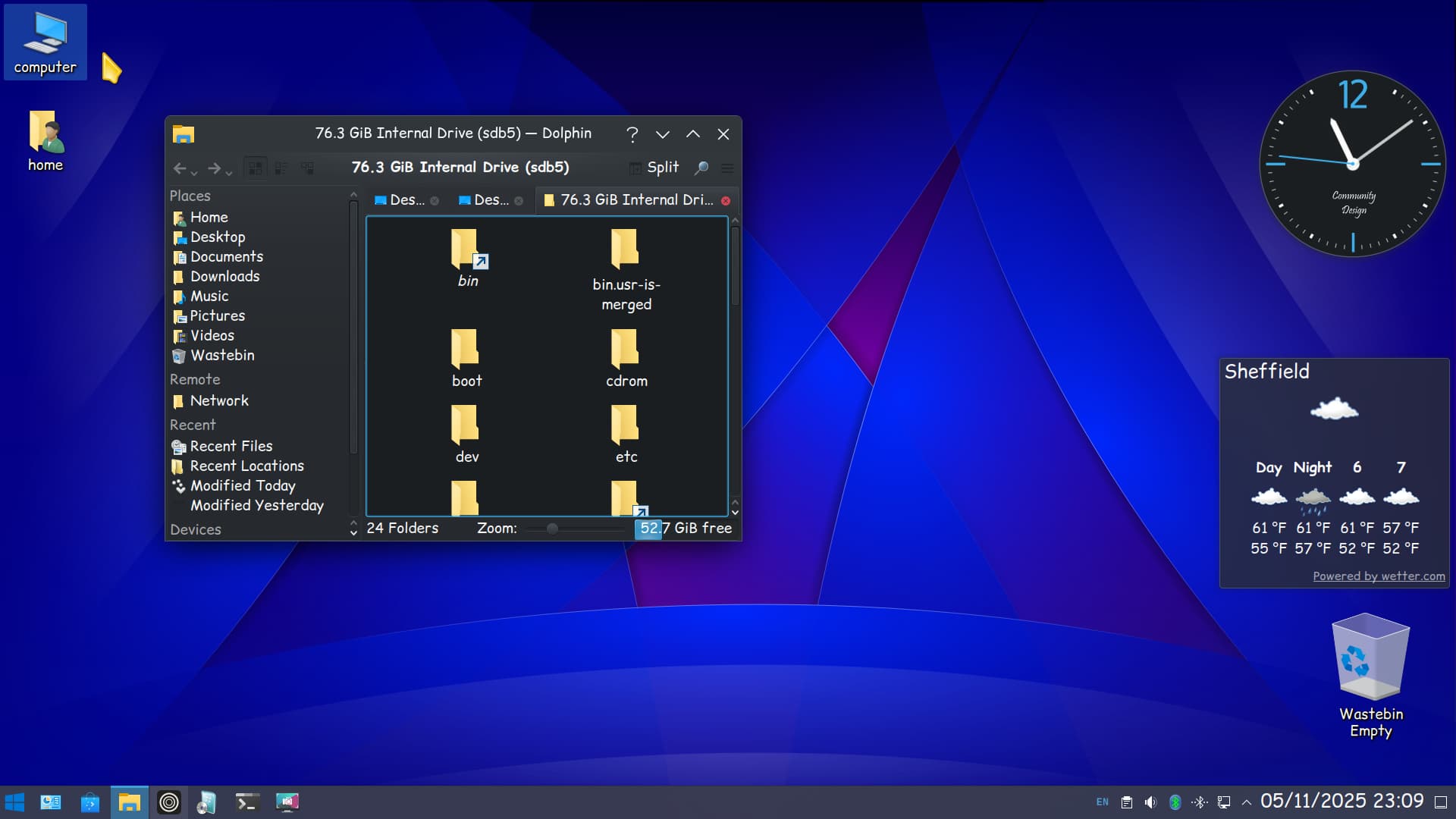
Just to add I have removed Zorin Appearance and any other Zorin packages I did not want and removed all gnome extensions. I installed kde-full, added some new icon themes (Windows 10). What is interesting is the software center Discover, will not launch unless plasma-discover-snap and plasma-discover-flatpak packages are installed! You just avoid the packages that are clearly marked as snap or flatpak and is therefore easier to view than gnome software's drop-down menu, only to disappoint when no APT is present. Oh yes and a weather widget that actually works!
2 Likes
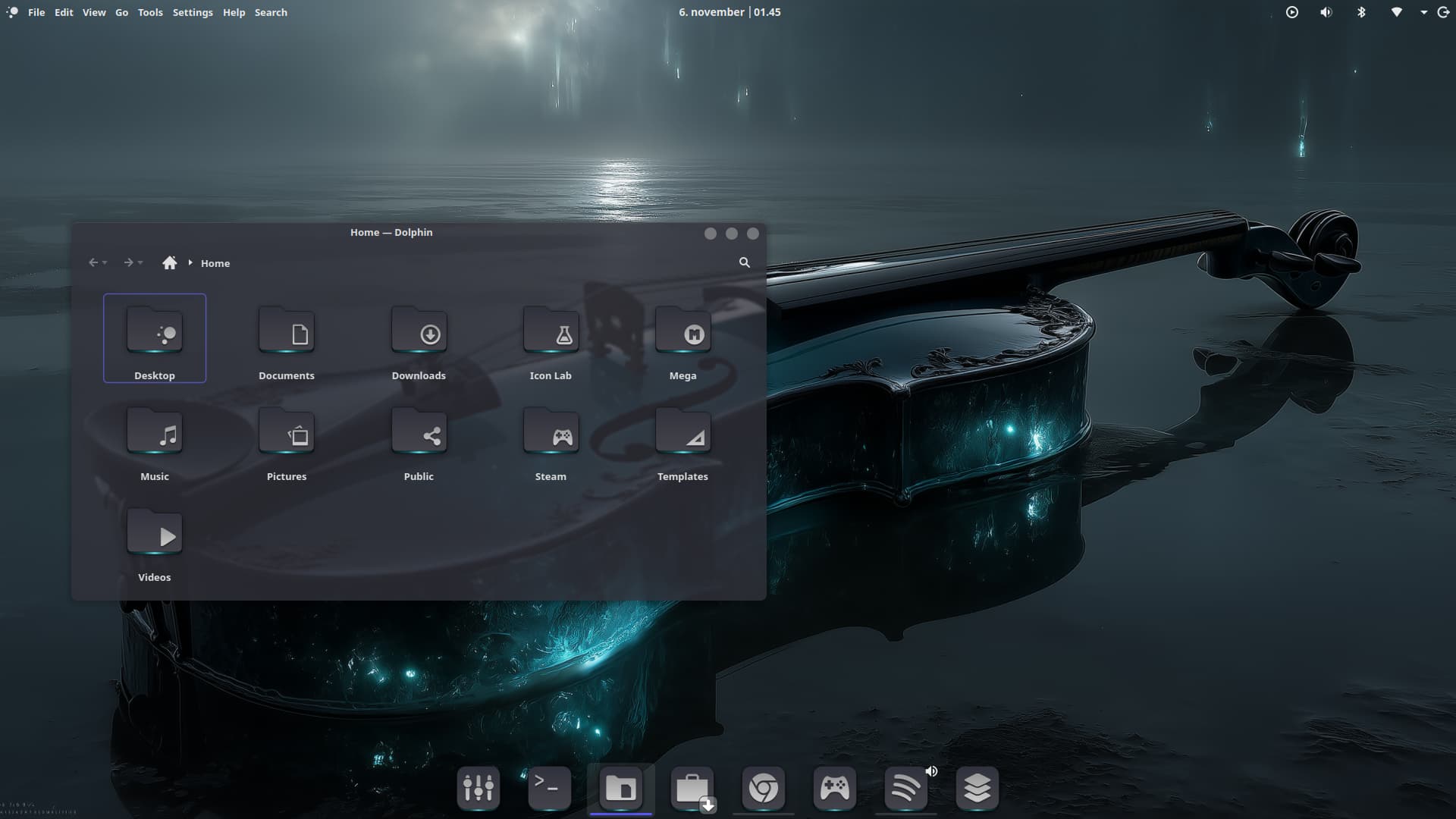
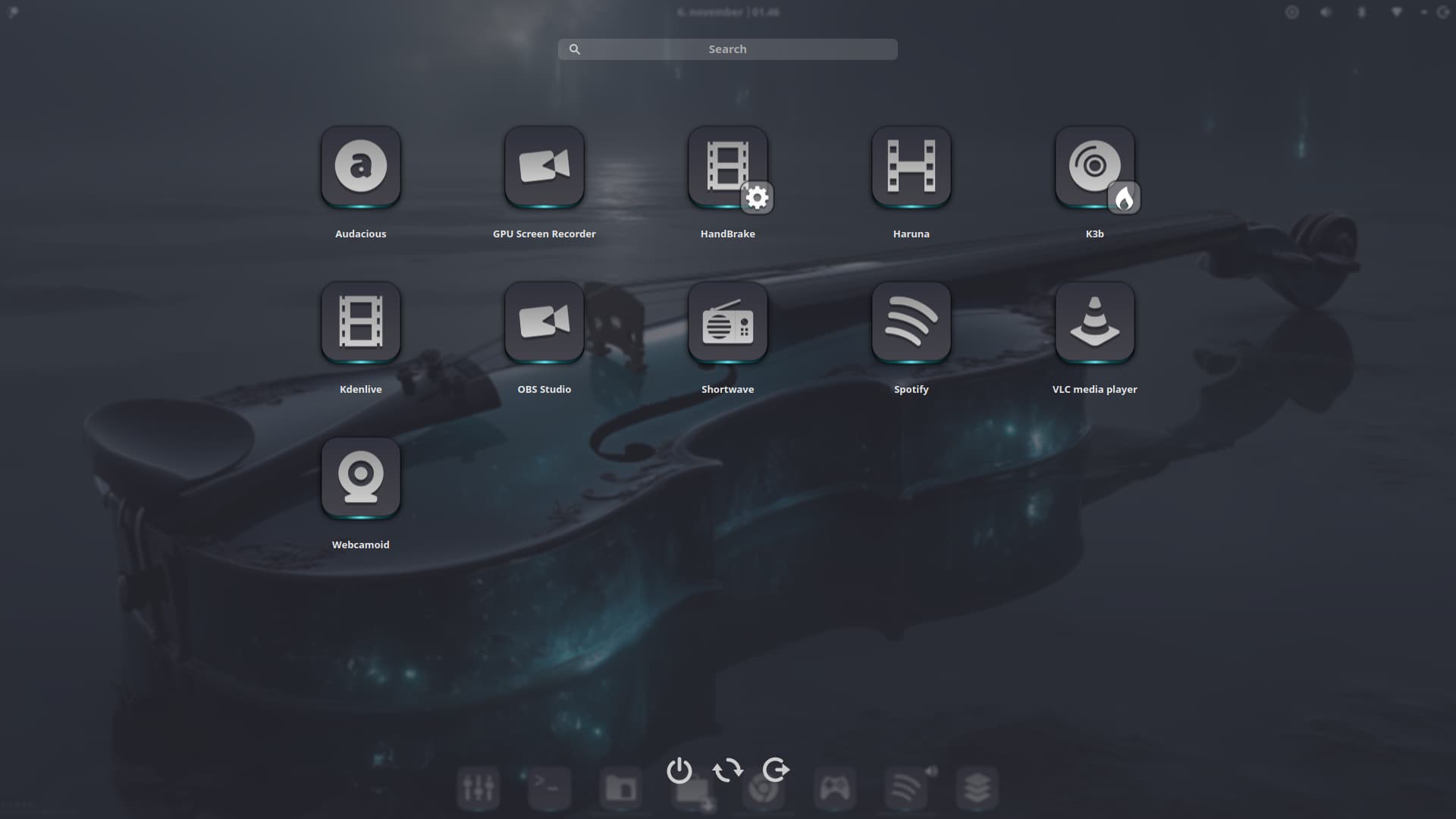

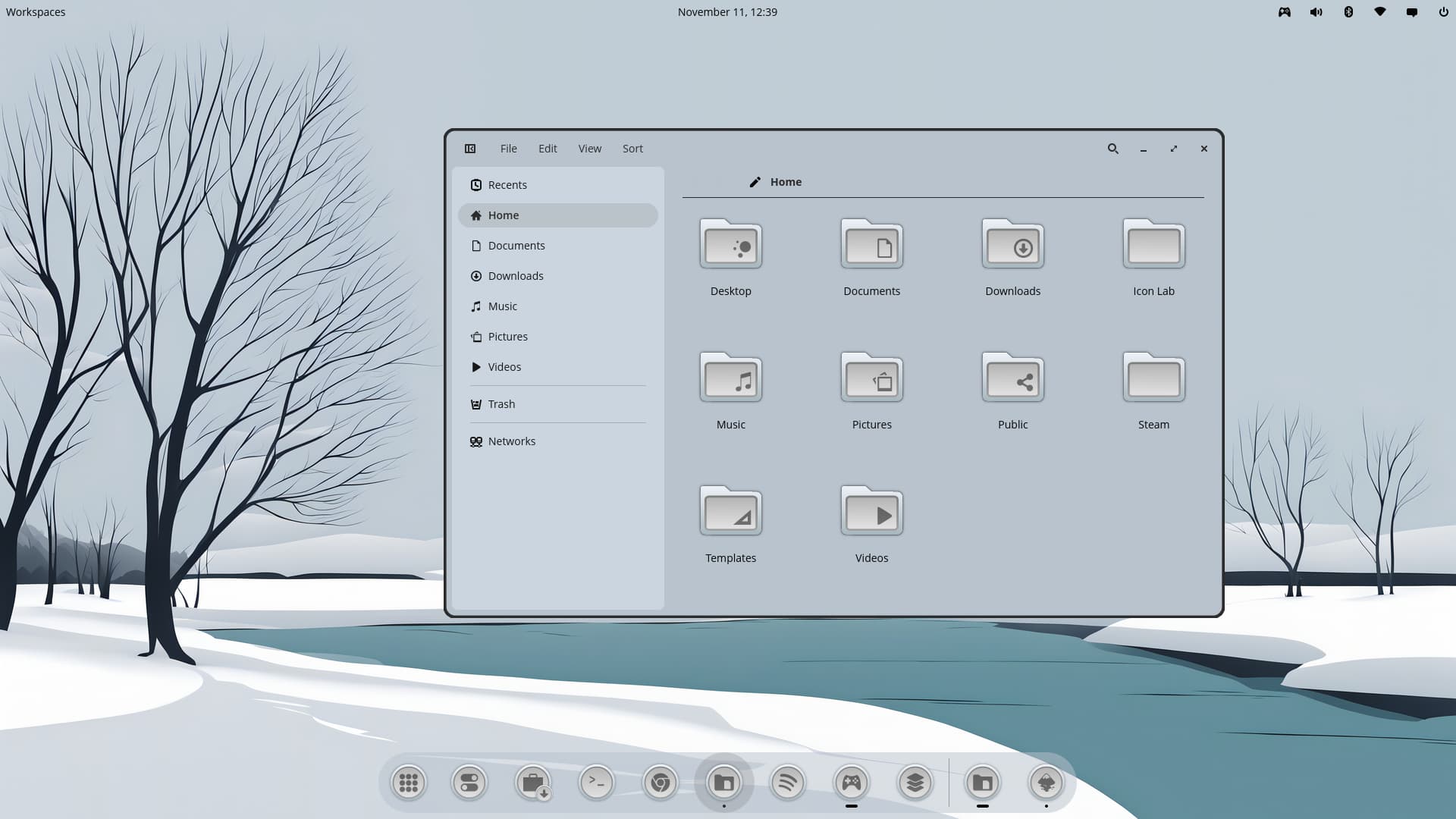
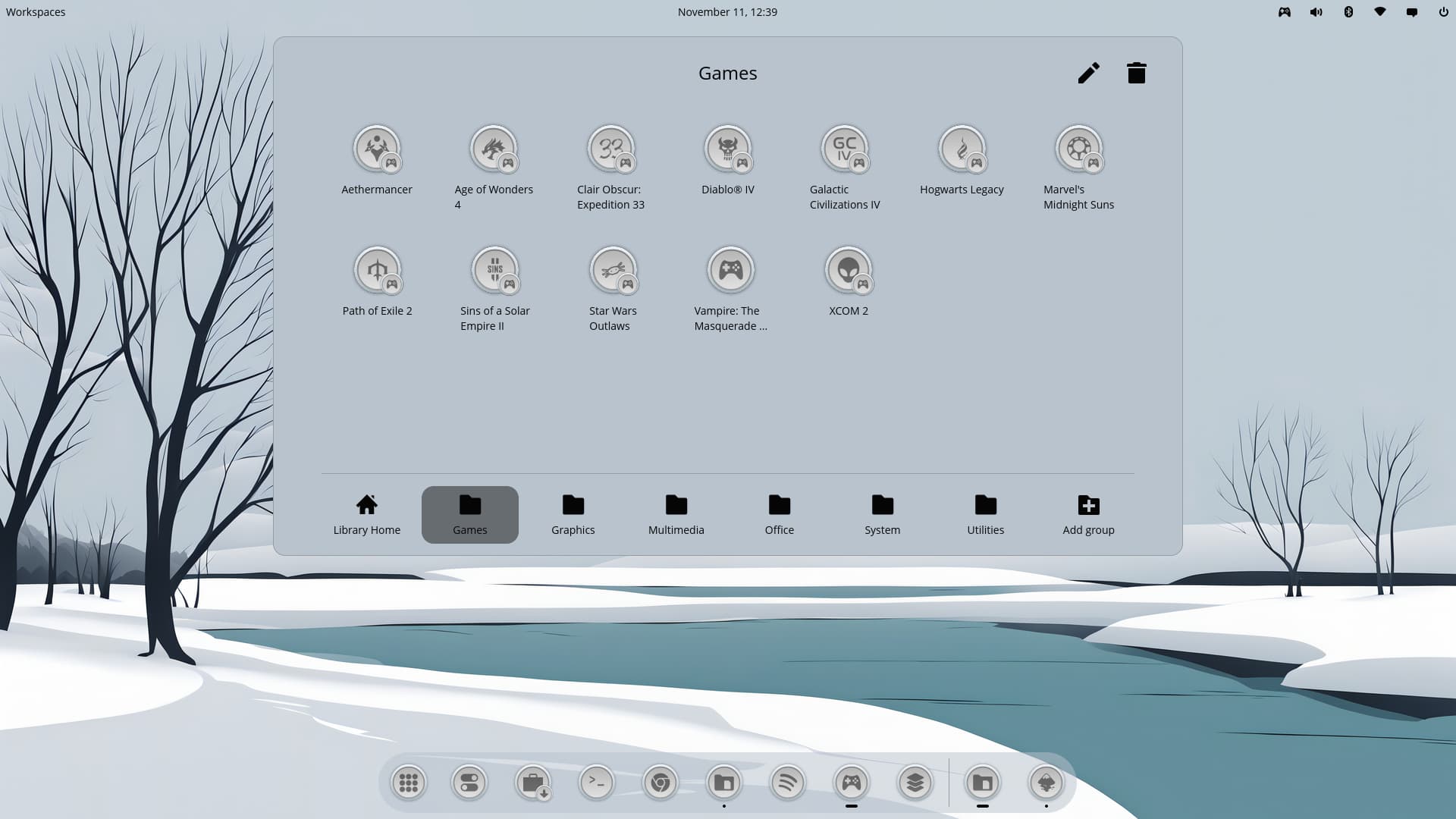

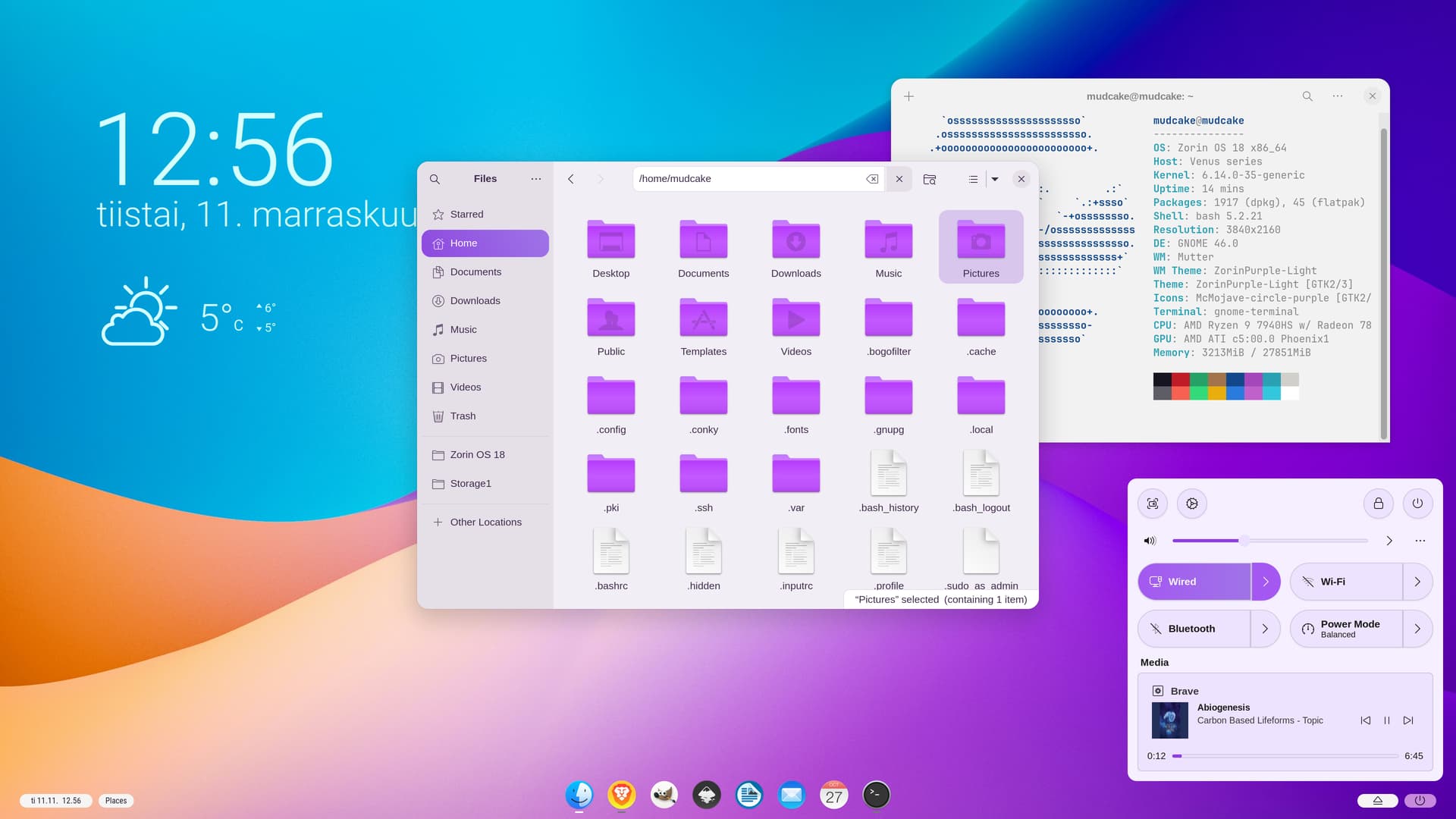
You work with this 26.04 dev. version ?
french people seem to be around here ...
1 Like
Yea i did for a little while it seemed quite stable for a dev.
1 Like
Back on my baby
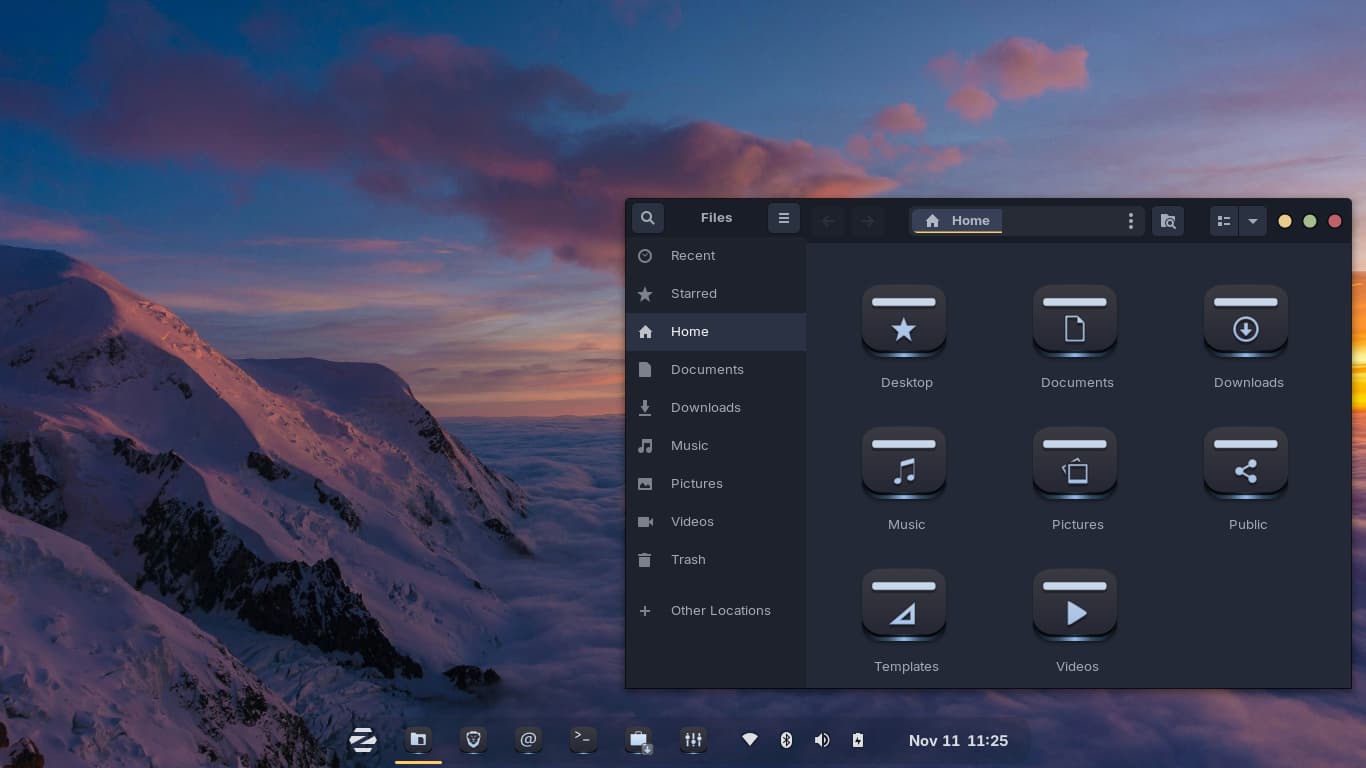
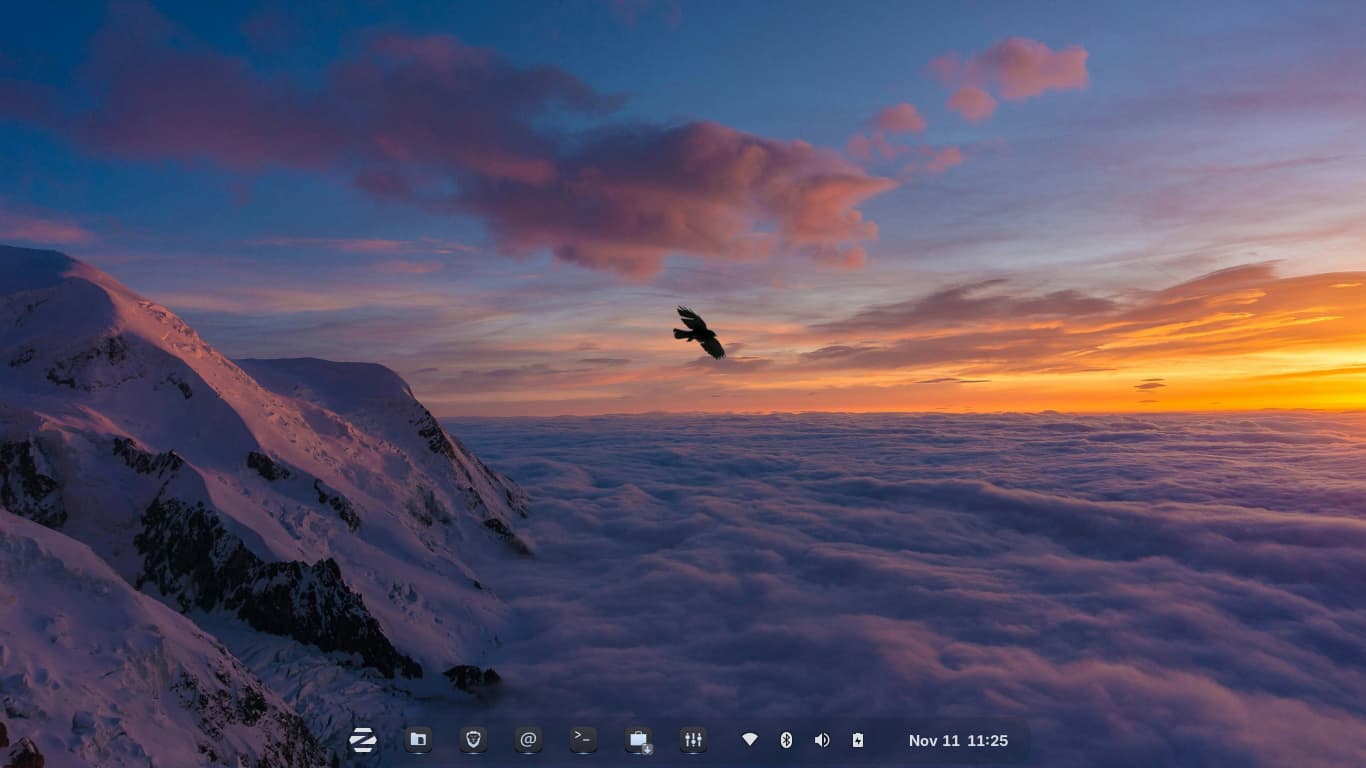
Zorin OS 18 Edu
Zorin OS Wallpaper
Alien Icons by @Storm (my fav icons as you can tell i always using)
Juno Mirage GTK
9 Likes
i love trains, thanks for the sources ! 
1 Like
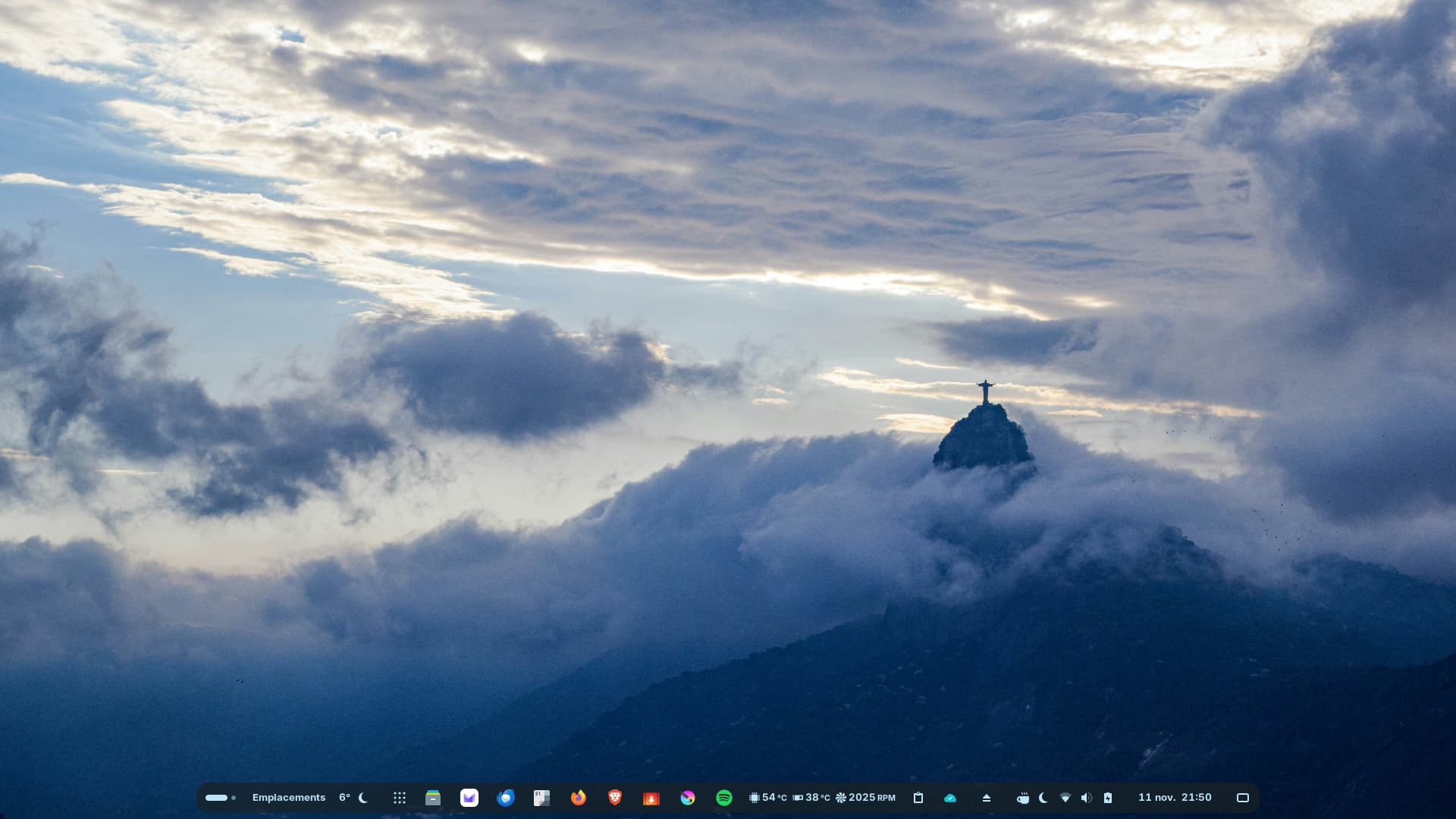
Pretty as always. 
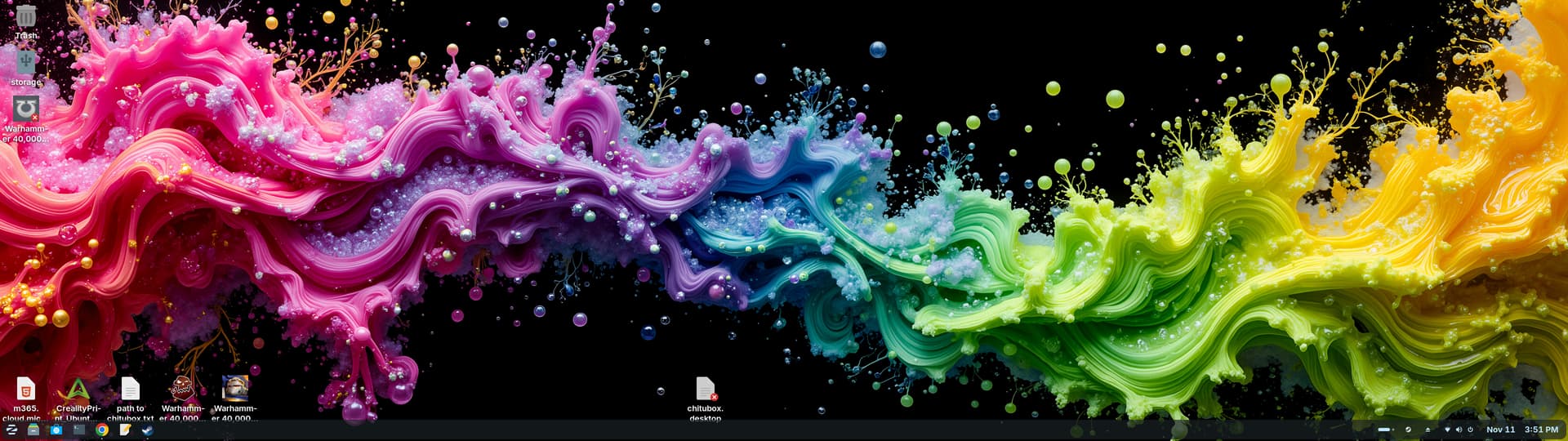
Hello @digexx thats a cool wallpaper, as if the colors of paint, are swimming in an ocean current. Also, your one of the first to share a screenshot, of what looks like your running a 32/9 or whatever its called, ultra-wide monitor. I'm guessing you do production workloads. How is Zorin OS running for you? 

5 Likes
Nice wall, but I differ on Gnome! 
You're free to not agree ! 
1 Like