One of the reasons I'm not using Ubuntu is that they're forcing snap on users, which I find objectionable. Hopefully, Zorin will not follow the same path and give users choice. Zorin 17 has the options, which I prefer.
2 Likes
Thank you so much @Ponce-De-Leon it works perfectly.
It is. You can install .deb's, Snaps and Flatpaks. But there are these Exceptions under it. It should be the same with Thunderbird under 24.04 if I remember correctly; it is Snap-only by default.
I guess that will depend on the Way that Ubuntu goes. When there should come a Snap-only System, Zorin will have to think about what they will do. Linux Mint has already LMDE as BackUp - not only because of Snap, but it is a Point. We will see what the Future will bring.
4 Likes
I am aware that Ubuntu is the source of those exceptions. However, I can move to version 18 peacefully if Zorin resolves those exceptions.
2 Likes
If you want APT packages then I would advise you install Synaptic Package Manager, you are sure to then only get APT software. I also recommend that you give Zen browser a try as it is a fork of Firefox, but does not data scrape like Firefox. To be honest I was disappointed when Zorin chose to include Snap and Flatpak, and also Wayland as the default compositor as this is detrimental for people who rely on accessibility options, and additionally prevents video-conferenceing and screencasting (capturing the desktop with SimpleScreenRecorder). I only have Zorin 17 installed to assist users with issues, but this is where my journey with Zorin ends. My preferred daily distro is PCLOS Debian Plasma.
2 Likes
GNOME removed the location I live in years ago, so I have a script to add it back when I install a fresh copy these days. It's not strictly the right method as GNOME devs will protest but it works and I don't see a reason not to use it.
It's not really a Zorin specific issue, just an upstream quirk of GNOME Weather where they keep removing locations year on year. If you want to try the script it's here
the date stamp indicates it's a fork or re-upload of the original I have but I checked and the code parses the same, there's no added nasties in there
1 Like
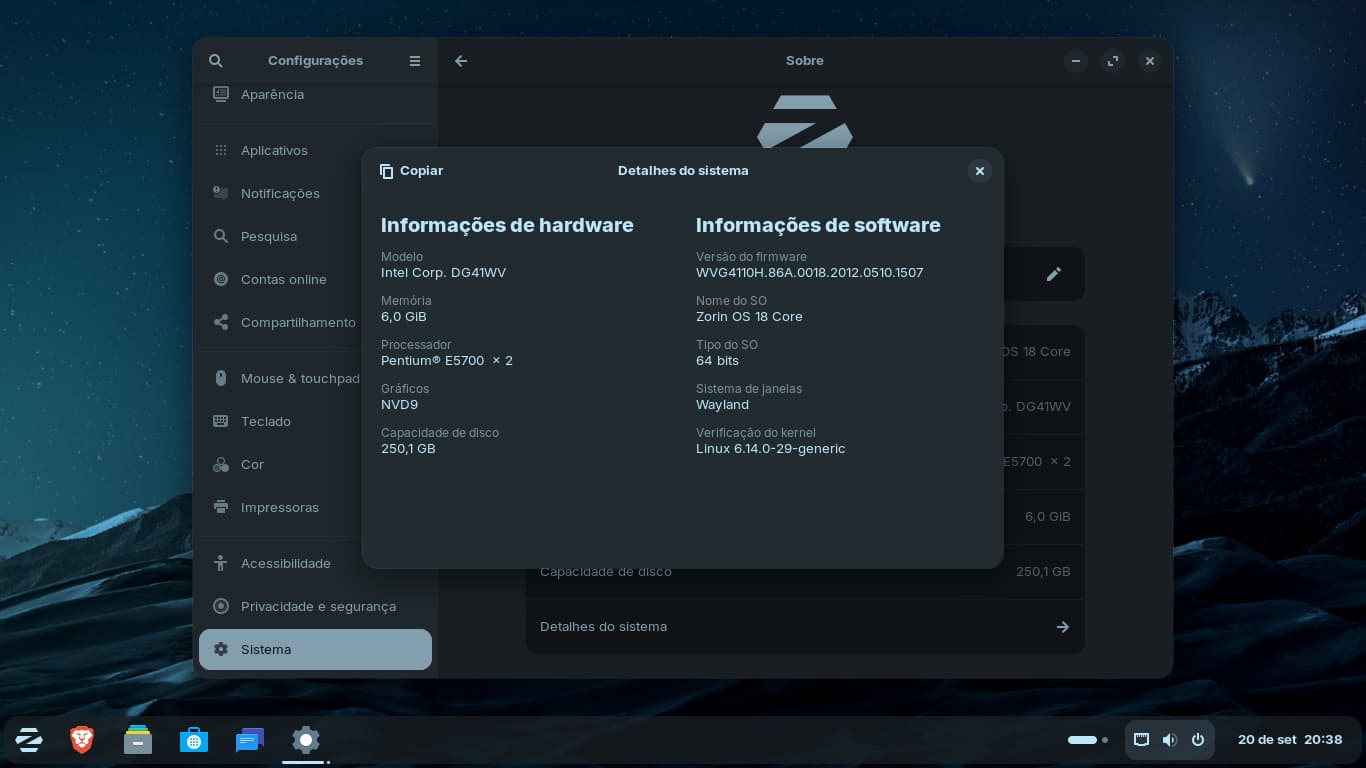
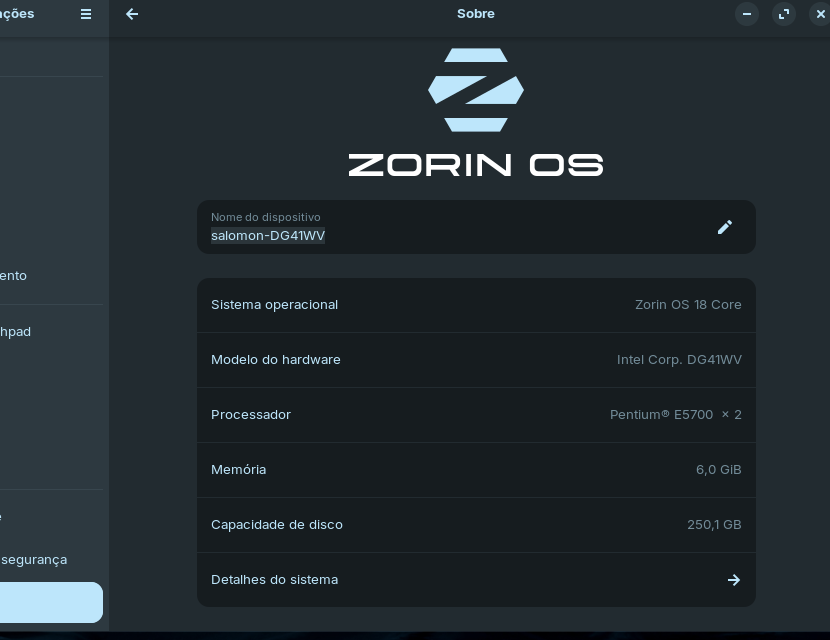
Good evening to the entire community here in Brazil. I'm eager to beta test version 18, but I don't want to install it or live boot it on my main machine yet. I want to see it installed cleanly on my machine. So, I'm going to install it on my old PC with an Intel Pentium E5700, 6 RAM, and a hard drive. After that, I'll come back to give my feedback on my old machine.
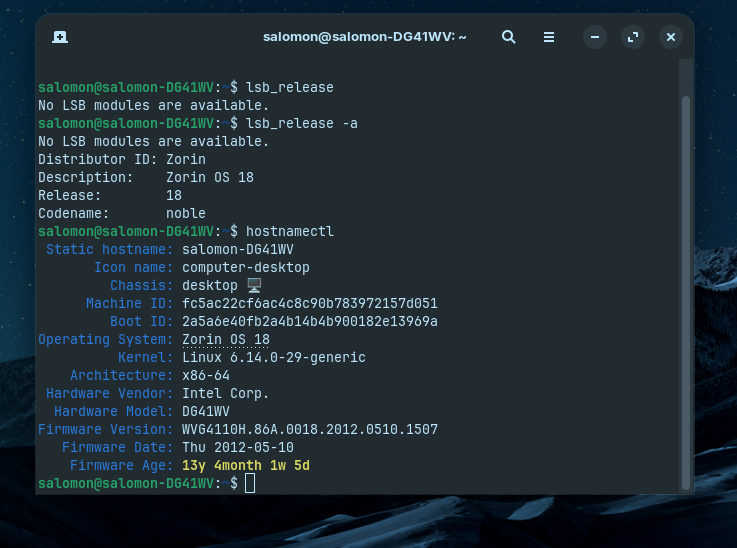
Hello everyone, and good evening to all. I installed version 18 with a very modest hard drive and was quite excited. I'm using a Pentium e5700 with two cores, 6 GB of RAM, a GT610 GPU, and a mechanical HDD. I took several screenshots and will share my experience with the community.
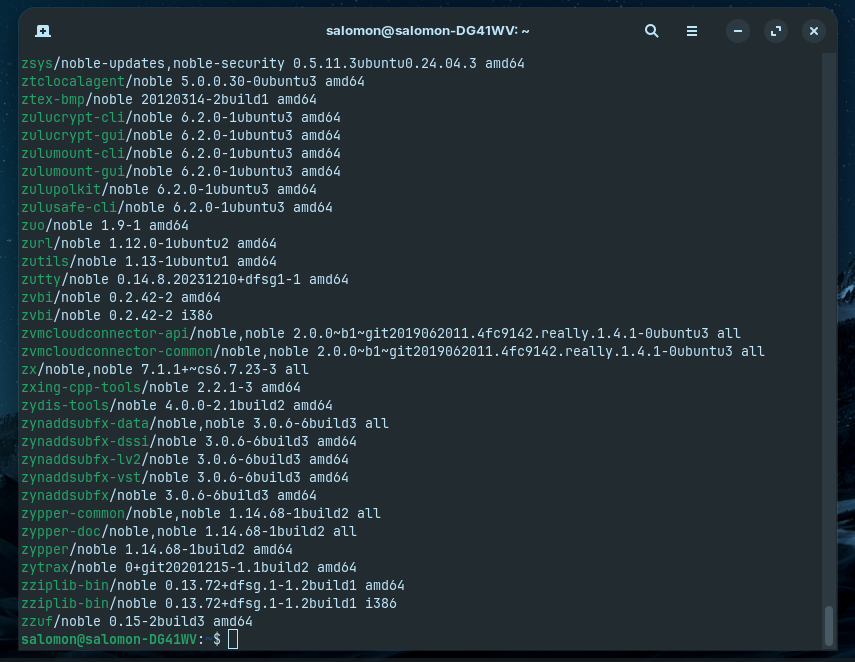
Even with an Nvidia GPU, it started with the Wayland and Noveau sessions without any unpleasant surprises. The software store app opened surprisingly quickly and was different from other versions, even with an SSD on the main PC. CPU and RAM consumption is somewhat high compared to the distributions I tested. Initially, after installation, it was a bit slow, but as I opened applications, the slowdown improved by 90%. I imagine the caches were being redesigned to increase speed and optimize the HDD. The first time I used it, I really liked it; the mouse context menu had added options, and the settings app was very well redesigned with many new options. I didn't explore the new options much, but as far as I could see, I really liked it. At the terminal, I ran "APT list" and the packages are there. Tomorrow I'll try it more to see if I find any bugs and report my feedback through the system. I thank everyone for the opportunity to test, and my first impression was good.
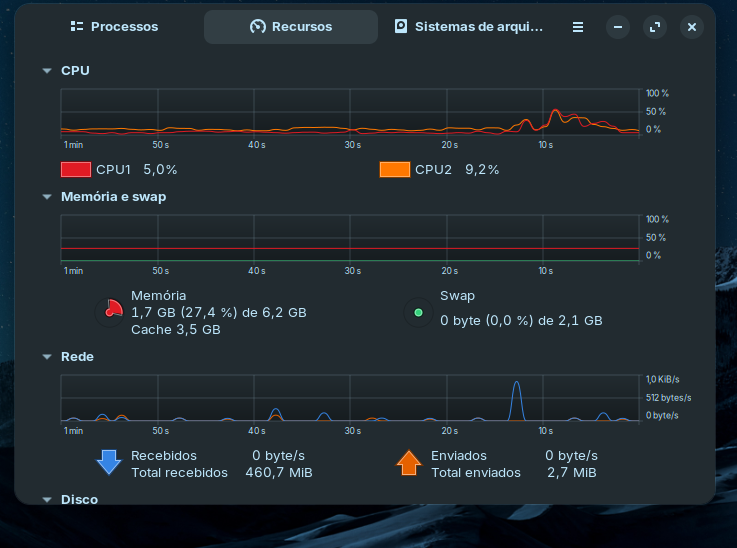
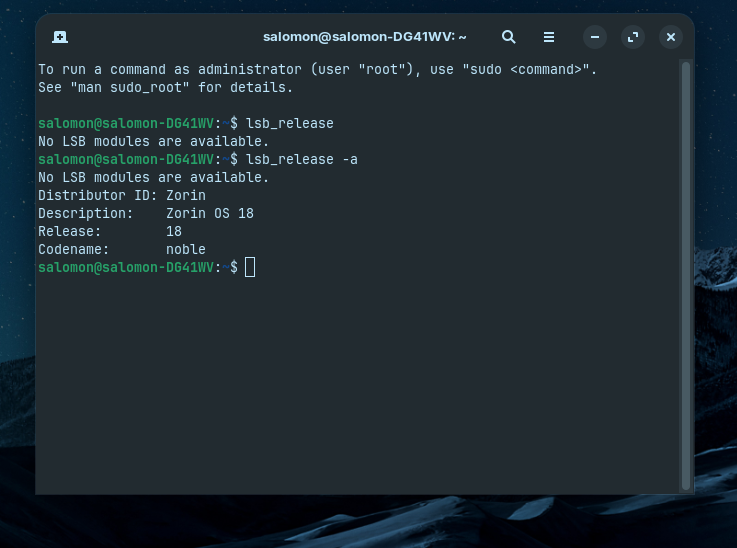
3 Likes
My biggest pain point is a visual one,
when you have a window open that is maximised that window will be square but the menu at the bottom stays rounded creating these weird corners where you can still see your wall paper.
My personal thoughts would be theirs two good ways to tackle this.
a. Space between the maximised window and the bottom panel that is equal to the space from the edges of the panel to the sides of the screen
b. have the taskbar automatically adjust and become a full square when a window is in full screen.
1 Like
Thank you for reminding me. My desktop has the synaptic package manager installed, but I totally forgot about it. I rarely use it, since I've become so used to Zorin Software Center's flawless integration of deb, Snap, and Flatpak. I haven't tested the Zen browser because of the vertical tabs, which I believe function better on ultra-wide monitors, which I don't currently have. At the moment, I find that Ctrl+Tab works great. To avoid data scraping, I try to disable as much telemetry as possible in Firefox. I may move to Zen in the future. I'm currently using X11 on Zorin for as long as I can because the Firefox PiP feature isn't functioning properly in Wayland. Snap and Flatpak are not a problem for me. I am aware that they have drawbacks of their own, yet I utilize them when the developer does not offer a .deb version.
I've been wanting to ask this question for a while. Could someone confirm if Zorin 17 Pro comes pre-installed with Timeshift or a comparable feature for system restore? I have to install Timeshift separately as a Zorin Core user. I saw that Linux Mint has Timeshift out of the box. In my view, it is a fairly helpful program for inexperienced Linux users. Timeshift or a comparable feature for system restoration should be included by default in Zorin 18. For Windows users who want to switch to Linux, it can make the transition more appealing.
1 Like
I have no factual data to support my claim. However, in contrast to Zorin 17.3, it seemed the Software Center is responding faster in Zorin 18, especially after cold start. The App Center takes a while to load the apps home screen in Zorin 17.3, after logging in. According to what I've read, packagekit's slowness is one of the causes. I'm using GNOME Boxes to test Zorin 18 beta, and I can see that App Center is faster in loading the apps. Packagekit might have been further optimized.
1 Like
Hi, which features are included in Core compared to Pro ? All new tilings things are there? Thanks
1 Like
With the 18, the screen capture software no longer allows you to make videos.
From what I can see, everything but the new layouts the devs mentioned will be available in Core. And I can confirm the tiling helper window (like the one in Windows 11) is available in Core, I tested it in a VM.
1 Like
Gnome's built-in screenshort tool doesn't allow recording in Wayland sessions, but does in X11. At least that's how it is for me in Zorin 17.3, I haven't tested this part in Zorin 18 yet. Try switching to an X11 session and see if you can record then 
Edit: Just tested it, recording can be done in Wayland sessions as well (Zorin 18)
2 Likes
Hello guys, i am new to this forum. What i am curious about is whether there is battery of tests i could run to test beta of Zorin OS 18 or some sort of checklist to go through. I can test on qemu/kvm vm and on bare metal (old laptop).
Anyway nice to join you guys and so far all so good with beta (virt and metal)
1 Like
Hello Salomon. I have laptop with intel and nvidia gpus but nvidia driver didn't get installed. Out of your screenshots It seems to me i have same nvidia gpu as you have. While for you it works it doesn't for me.
Could you please run this command in terminal and post it's output here?
lspci | grep -i "vga|3d|display"
Thanks buddy
1 Like
If you want, You can have the Taskbar permanent on the Ground. See my Comment above.
Alternatively to that, You could activate in the Taskbar the Autohide Function. Then the Taskbar will disappear when a Window is maximized.
3 Likes
Is it worth switching from Fedora to 18 beta?