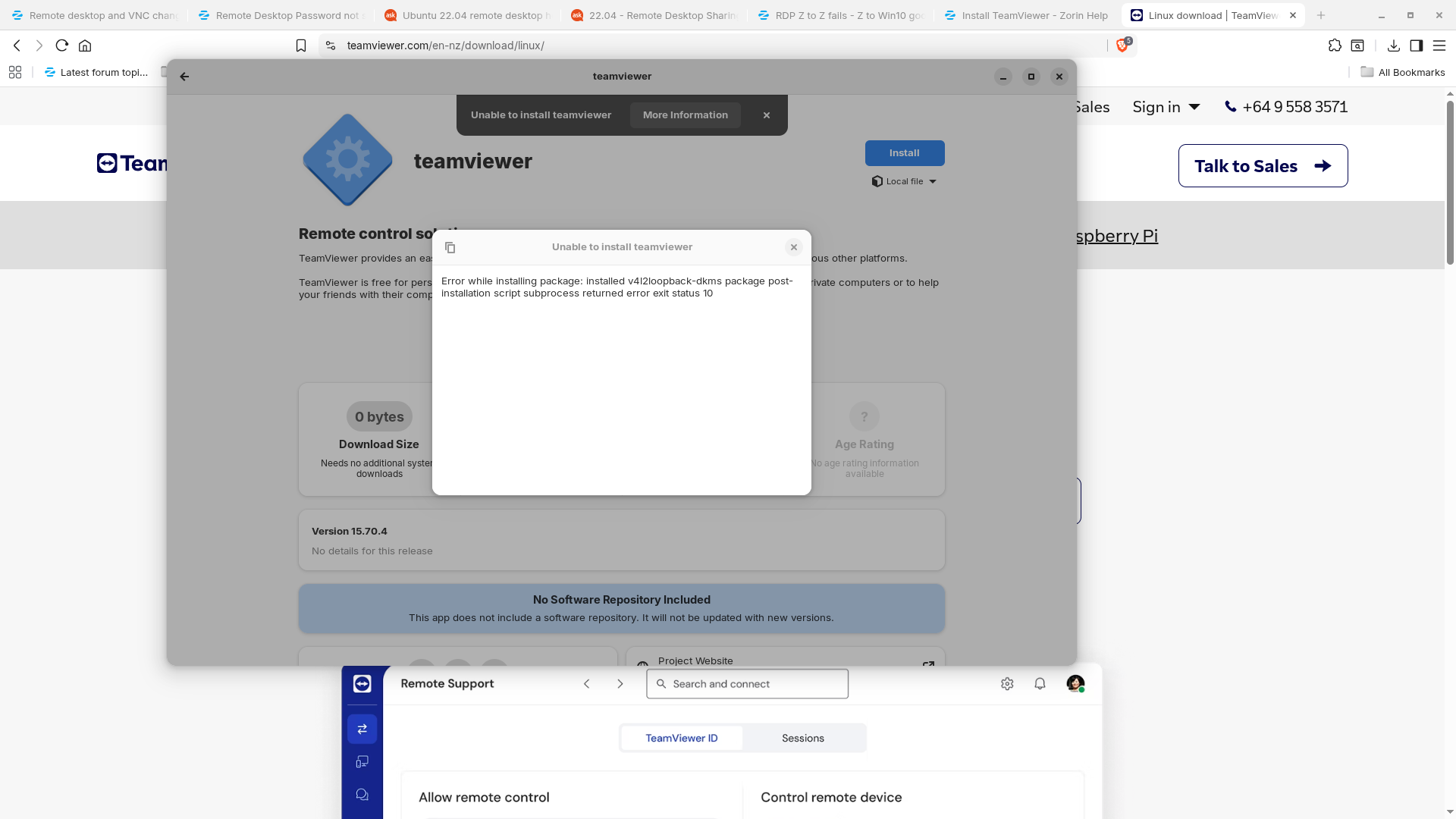
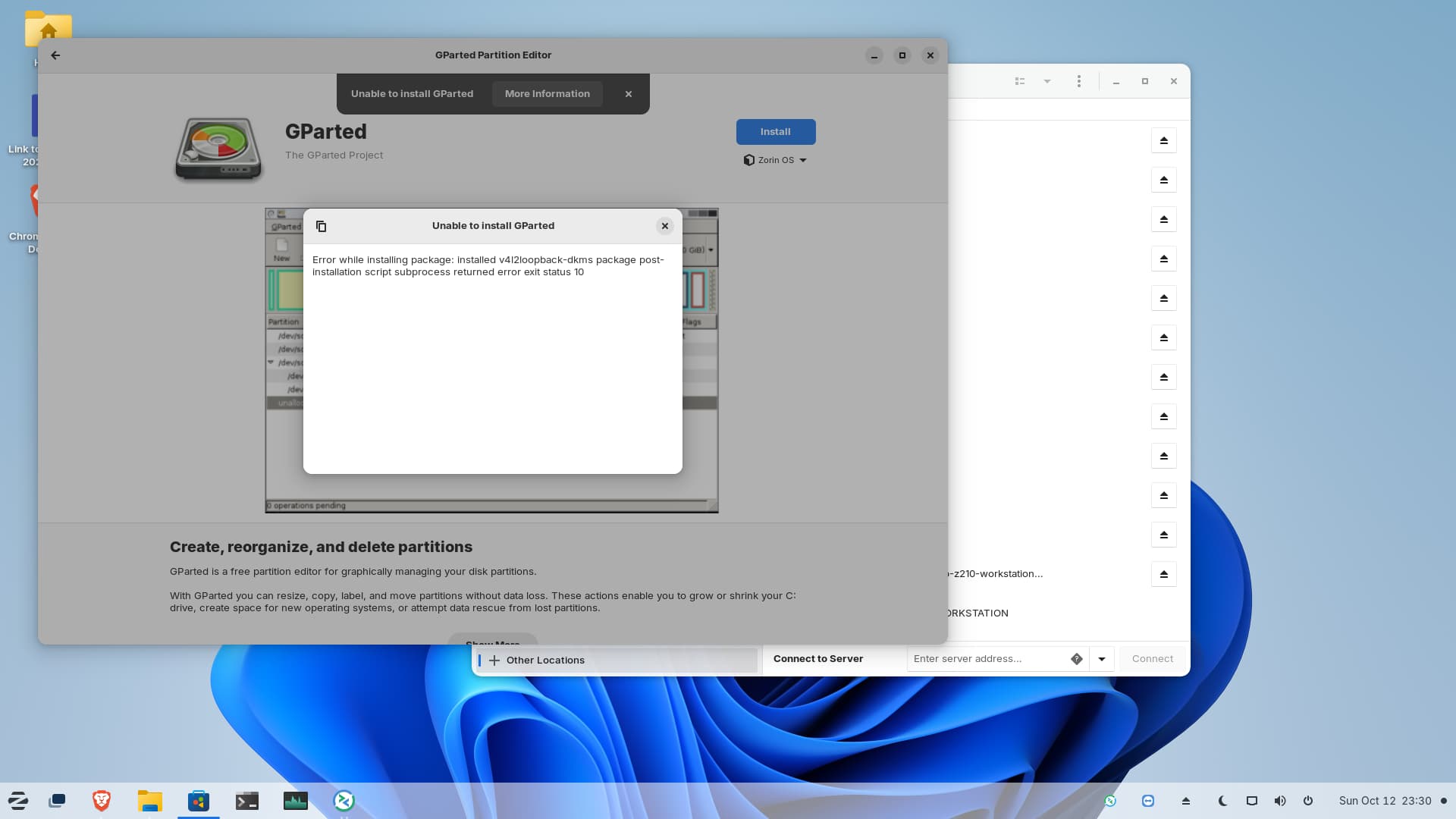
Seems to be an Error with a Dependency. When You have downloaded the .deb file, You couls use Gdebi to install it. It is a graphical Tool for installing .deb Files which shows the Process and what Dependencies get installed. You can install it with sudo apt install gdebi
Another Thing what you could Try: Install the Package from the Error Message directly with sudo apt install 4l2loopback-dkms
which I thought was part of the standard full 'Pro' installation.
I first noticed this error about a subprocess error after following instructions for the 'Pro' help people, aimed at getting the system to recognise the Nvidia GFX card as a hardware NVENC encoder. Which was successful.
I'm confused.
cheers CD
EDIT - install through the terminal also fails with the same error
$ sudo apt install gparted
[sudo] password for z4cdadmin:
Reading package lists... Done
Building dependency tree... Done
Reading state information... Done
gparted is already the newest version (1.3.1-1ubuntu1).
0 upgraded, 0 newly installed, 0 to remove and 30 not upgraded.
1 not fully installed or removed.
After this operation, 0 B of additional disk space will be used.
Do you want to continue? [Y/n] y
Setting up v4l2loopback-dkms (0.12.7-2ubuntu2~22.04.1) ...
Removing old v4l2loopback-0.12.7 DKMS files...
Deleting module v4l2loopback-0.12.7 completely from the DKMS tree.
Loading new v4l2loopback-0.12.7 DKMS files...
Building for 6.8.0-85-generic
Building initial module for 6.8.0-85-generic
Error! Bad return status for module build on kernel: 6.8.0-85-generic (x86_64)
Consult /var/lib/dkms/v4l2loopback/0.12.7/build/make.log for more information.
dpkg: error processing package v4l2loopback-dkms (--configure):
installed v4l2loopback-dkms package post-installation script subprocess returned error exit status 10
Errors were encountered while processing:
v4l2loopback-dkms
E: Sub-process /usr/bin/dpkg returned an error code (1)
It would be the best also to remove the installed ffmpeg package before you remove the ppa.
sudo apt remove ffmpeg
When you add a ppa make sure that it is suitable for jammy. You can check this at "published in", then search for jammy there. This one is only for bionic and xenial. I don't know why the Zorin team has recommended to add it...
Hi there, thanks for your reply.
Please note my comment about the instructions which I followed were from the Zorin Pro help team.
I run the commands, which went through as all 'done', with the last line showing:
"30 packages can be upgraded. Run 'apt list --upgradable' to see them."
Should I run that too?
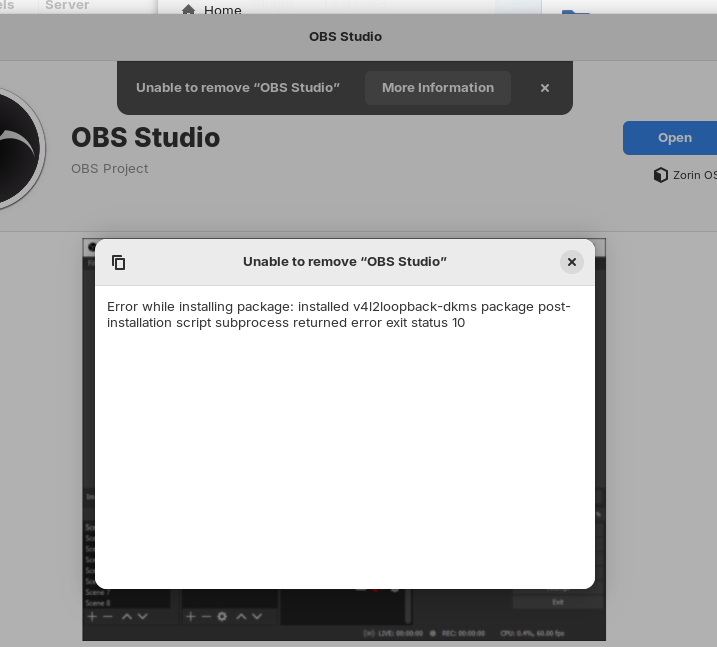
BTW - I am not able to uninstall any apps either, I tried to remove OBS Studio, but got the same error.
"The issue of being unable to uninstall applications due to v4l2loopback-dkms likely stems from the kernel module being loaded or the package not being fully removed. To resolve this, first ensure the module is unloaded. Use lsmod | grep v4l2loopback to check if it is currently loaded, and if so, attempt to unload it with sudo modprobe -r v4l2loopback . If the module is built into the kernel (indicated by "builtin"), it cannot be removed via standard package management tools.
For the v4l2loopback-dkms package itself, use the appropriate package manager command based on your distribution. On Debian-based systems like Ubuntu or Kali Linux, run sudo apt-get remove --auto-remove v4l2loopback-dkms to remove the package and its unused dependencies. To also remove configuration files, use sudo apt-get purge --auto-remove v4l2loopback-dkms . On Arch Linux, the pacman -R command removes the package but may not remove the built kernel module; in such cases, use dkms uninstall to remove the module for specific kernels. For example, dkms uninstall v4l2loopback/0.12.5 -k --all can be used to remove the module from all kernels.
If the package is uninstalled but the module persists, manually check and remove any leftover files in /usr/lib/modules/ and /var/lib/dkms/ for the v4l2loopback package. Additionally, ensure that no configuration files in /etc/modules-load.d/ or similar directories are still loading the module at boot.
Hi there
terminal responce to "remove v4l2loopback"
$ sudo apt-get remove --auto-remove v4l2loopback-dkms
Reading package lists... Done
Building dependency tree... Done
Reading state information... Done
The following packages will be REMOVED:
dctrl-tools dkms v4l2loopback-dkms
0 upgraded, 0 newly installed, 3 to remove and 12 not upgraded. 1 not fully installed or removed.
After this operation, 714 kB disk space will be freed.
Do you want to continue? [Y/n] y
(Reading database ... 300573 files and directories currently installed.)
Removing v4l2loopback-dkms (0.12.7-2ubuntu2~22.04.1) ...
Deleting module v4l2loopback-0.12.7 completely from the DKMS tree.
Removing dkms (2.8.7-2ubuntu2.2) ...
Removing dctrl-tools (2.24-3build2) ...
Processing triggers for man-db (2.10.2-1) ...
No more mention of subprocesses.
Is that all I need to do? Or should I continue with the other suggestions?
cheers CD
I ran those two commands for completeness. Looks to me like the way to stop the sub-process error line appearing is to remove the v4l2loopback thing, with this command:
z4cdadmin@z4cdadmin-HP-Z4-G4-Workstation:~$ sudo dpkg --configure -a
Setting up v4l2loopback-dkms (0.12.7-2ubuntu2~22.04.1) ...
Removing old v4l2loopback-0.12.7 DKMS files...
Deleting module v4l2loopback-0.12.7 completely from the DKMS tree.
Loading new v4l2loopback-0.12.7 DKMS files...
Building for 6.8.0-85-generic
Building initial module for 6.8.0-85-generic
Error! Bad return status for module build on kernel: 6.8.0-85-generic (x86_64)
Consult /var/lib/dkms/v4l2loopback/0.12.7/build/make.log for more information.
dpkg: error processing package v4l2loopback-dkms (--configure):
installed v4l2loopback-dkms package post-installation script subprocess returned error exit status 10
Errors were encountered while processing:
v4l2loopback-dkms
"The error "Errors were encountered while processing: v4l2loopback-dkms E: Sub-process /usr/bin/dpkg returned an error code (1)" occurs when the v4l2loopback-dkms package fails to configure during an upgrade, specifically due to a compilation failure for the kernel module on version 6.8.0-40-generic. The root cause is a build error in the kernel module's source code, where the function strlcpy is implicitly declared, which is treated as an error due to strict compilation settings. This prevents the package from being properly installed or configured, leading to the dpkg error.
To resolve this issue, the package must be rebuilt for the new kernel. The recommended steps are to first ensure the system is updated and then attempt to reinstall the package, which will trigger a fresh build of the DKMS module:
If the problem persists, it may be due to a known bug in the v4l2loopback-dkms package version 0.12.7-2ubuntu2~22.04.1 for Ubuntu 22.04, which has been reported and is under review. In such cases, users should monitor the bug report for updates or patches from the Ubuntu development team. As a temporary workaround, users can consider downgrading to a previous kernel version or waiting for an updated package version that resolves the compilation issue.