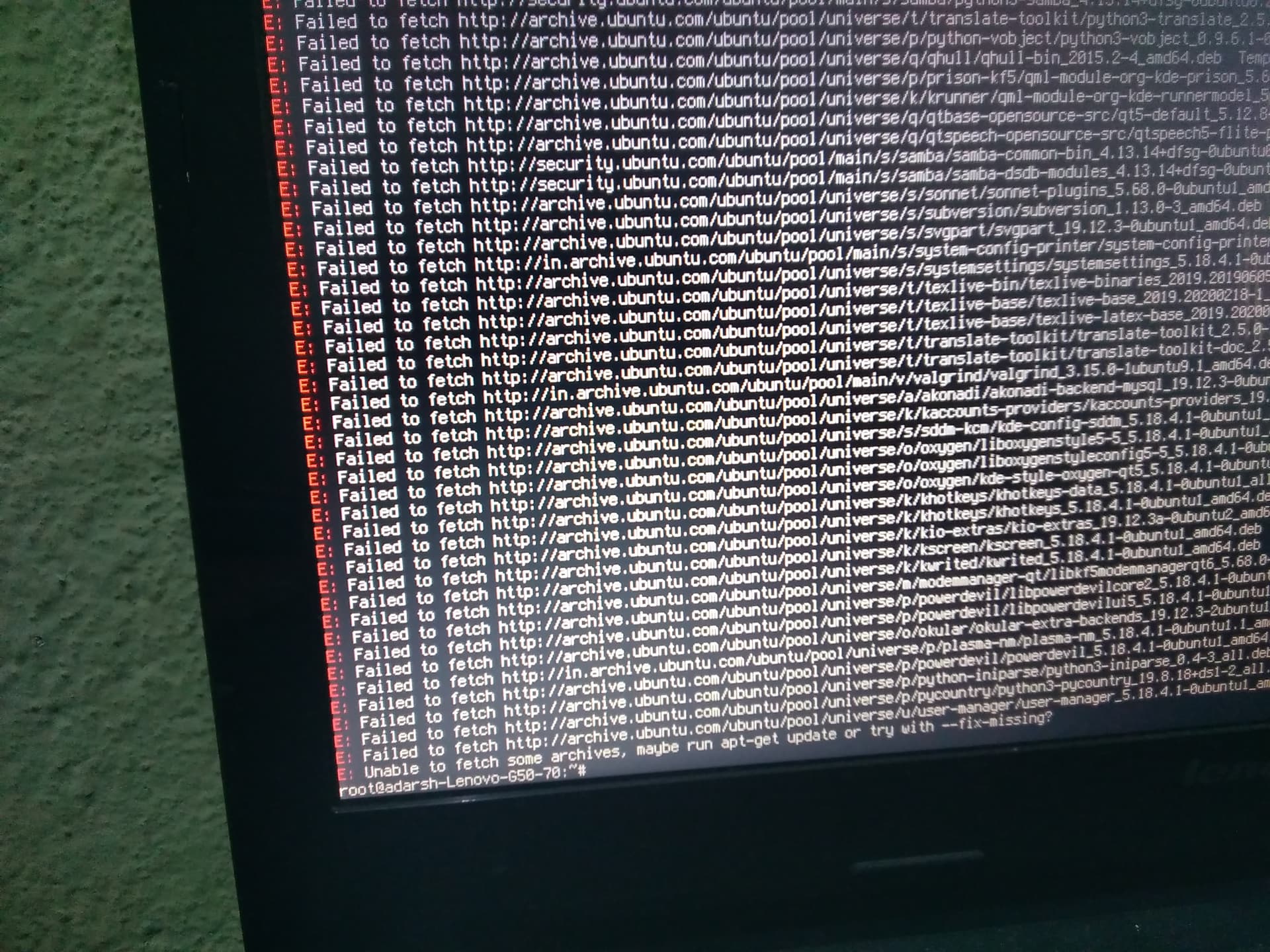
Fall back on Gnome Shell til you get it reinstalled.
1 Like
my icon pack was just changed. what is going on 
Remember above, marking Breeze Icons in Synaptic For Removal?
1 Like
hmmm... yes....
Once it is complete... Log In On Gnome and reinstall latte and Plasma...
1 Like
okay.
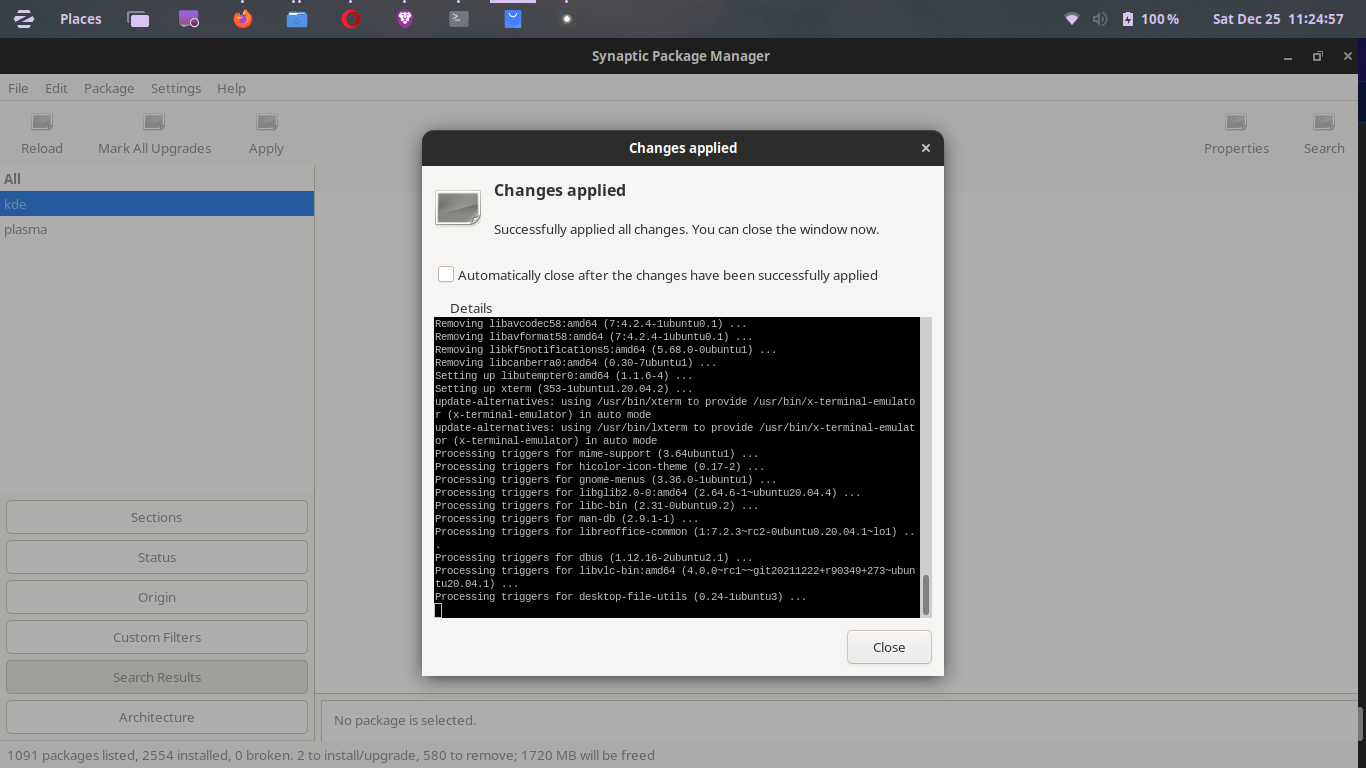
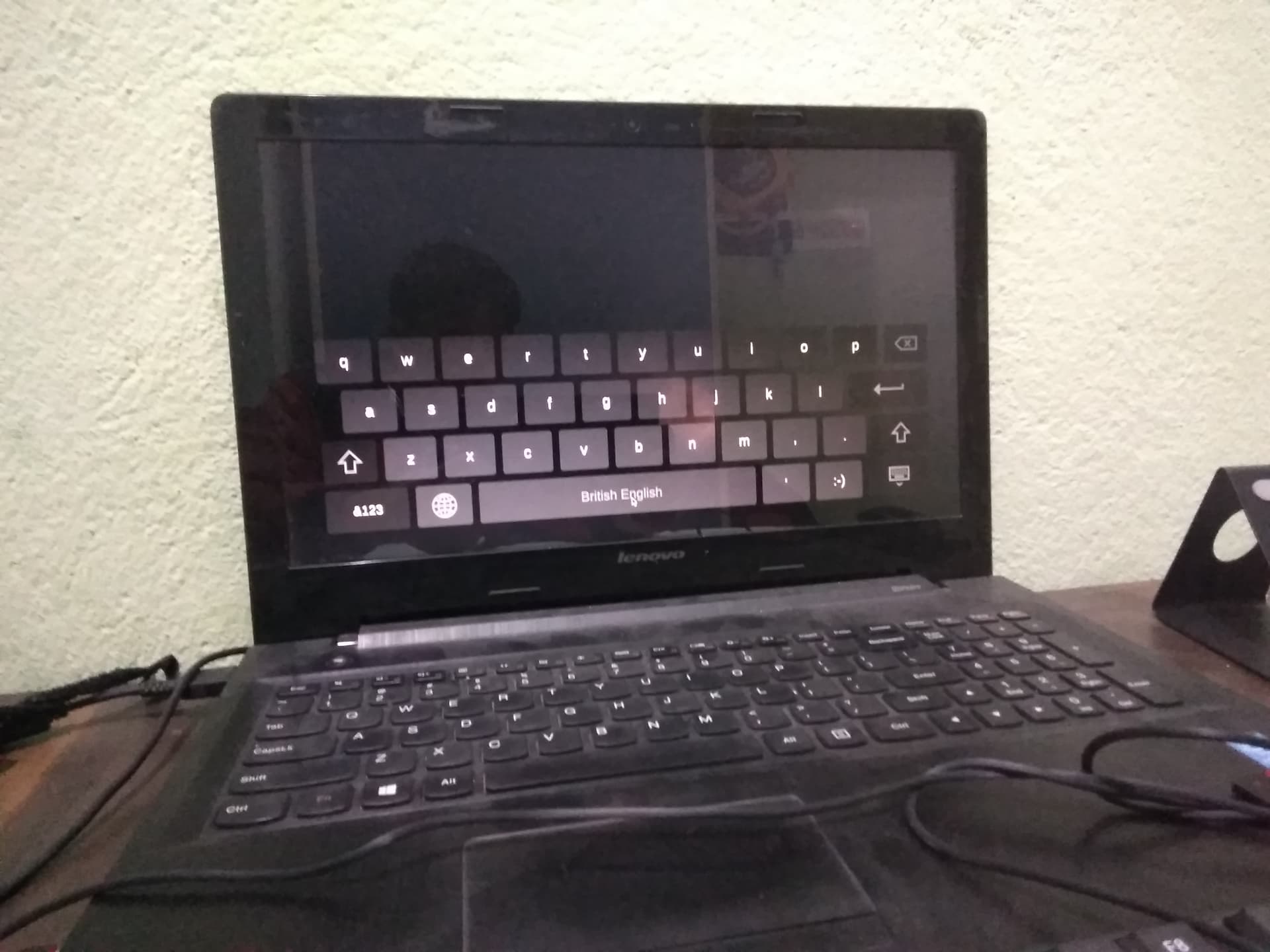
SDDM [sigh]
I guess it was not removed.
1 Like
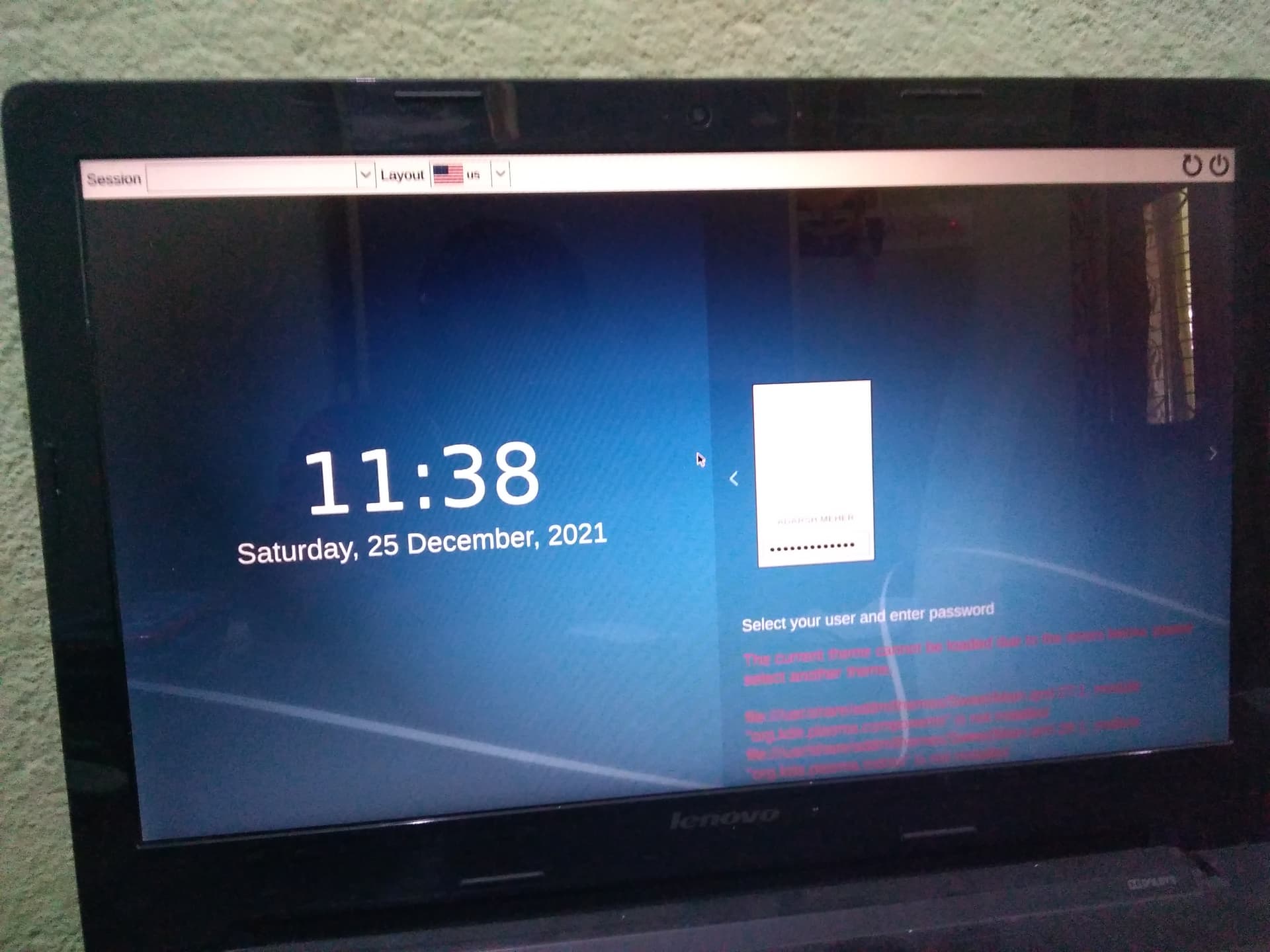
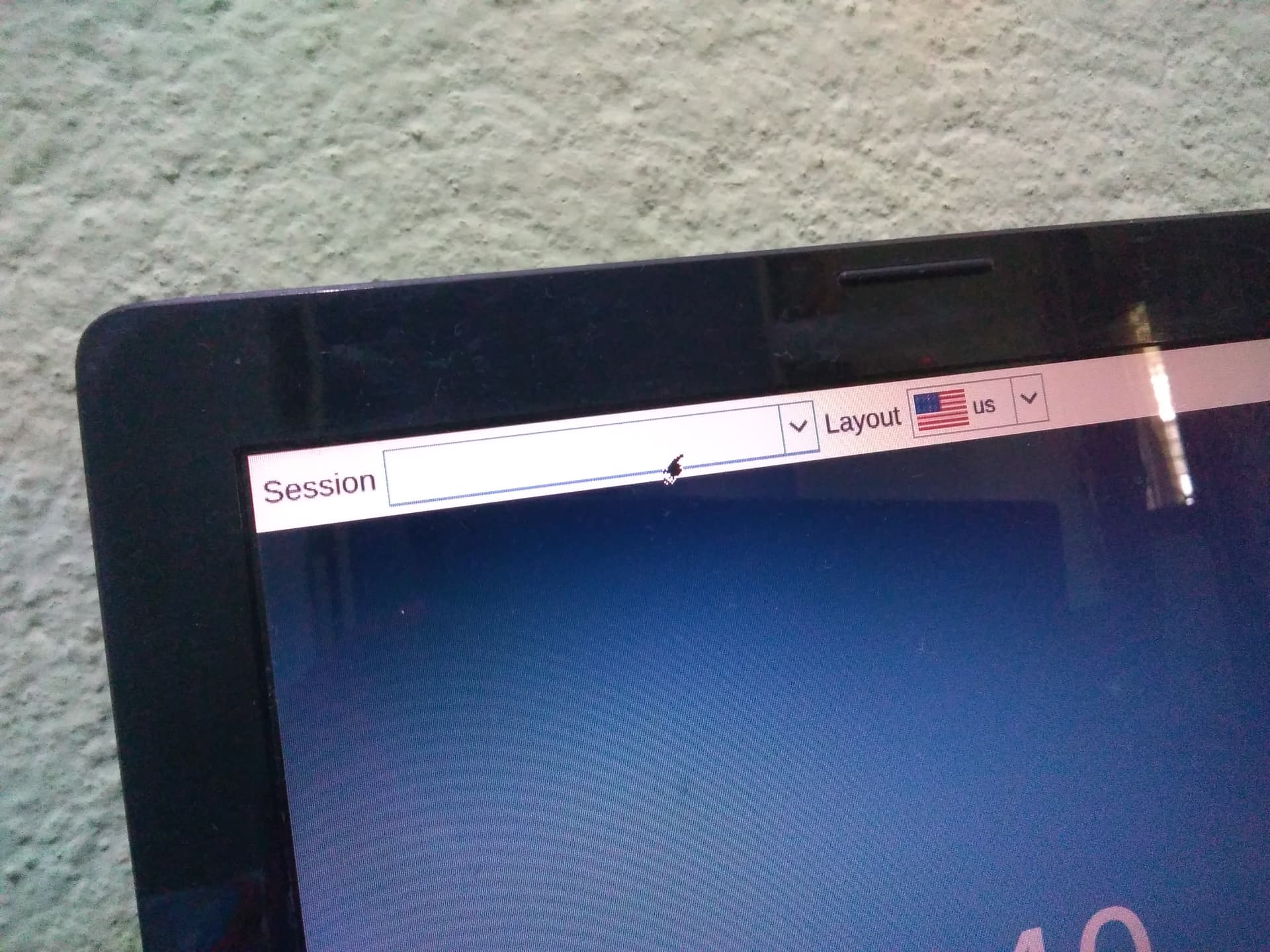

@Aravisian what is this, please help me.
When you click, the drop down arrow....you did not get "default session"?
1 Like
Yes, I have clicked but there is nothing...
@Aravisian
Have you also deleted the gnome with plasma??

No. Unless you removed Gnome, It should Still be there.
Reboot.
Tap esc or tab or left shift to pull up Advanced Options for Zorin.
Enter recovery menu.
Arrow key down to Enable Networking' and enable it. Back to the Recovery Menu, arrow key down to Prompt` and drop to prompt
hit enter
In the prompt, enter in
sudo apt install kde-full
If you want to, you can reinstall the Zorin Gnome desktop in order to restore GDM3 over SDDM as well as ensuring all Gnome Files are in place;
sudo apt install --reinstall zorin-os-desktop
2 Likes
Okay, I am going to the advanced option please wait for a second.
1 Like
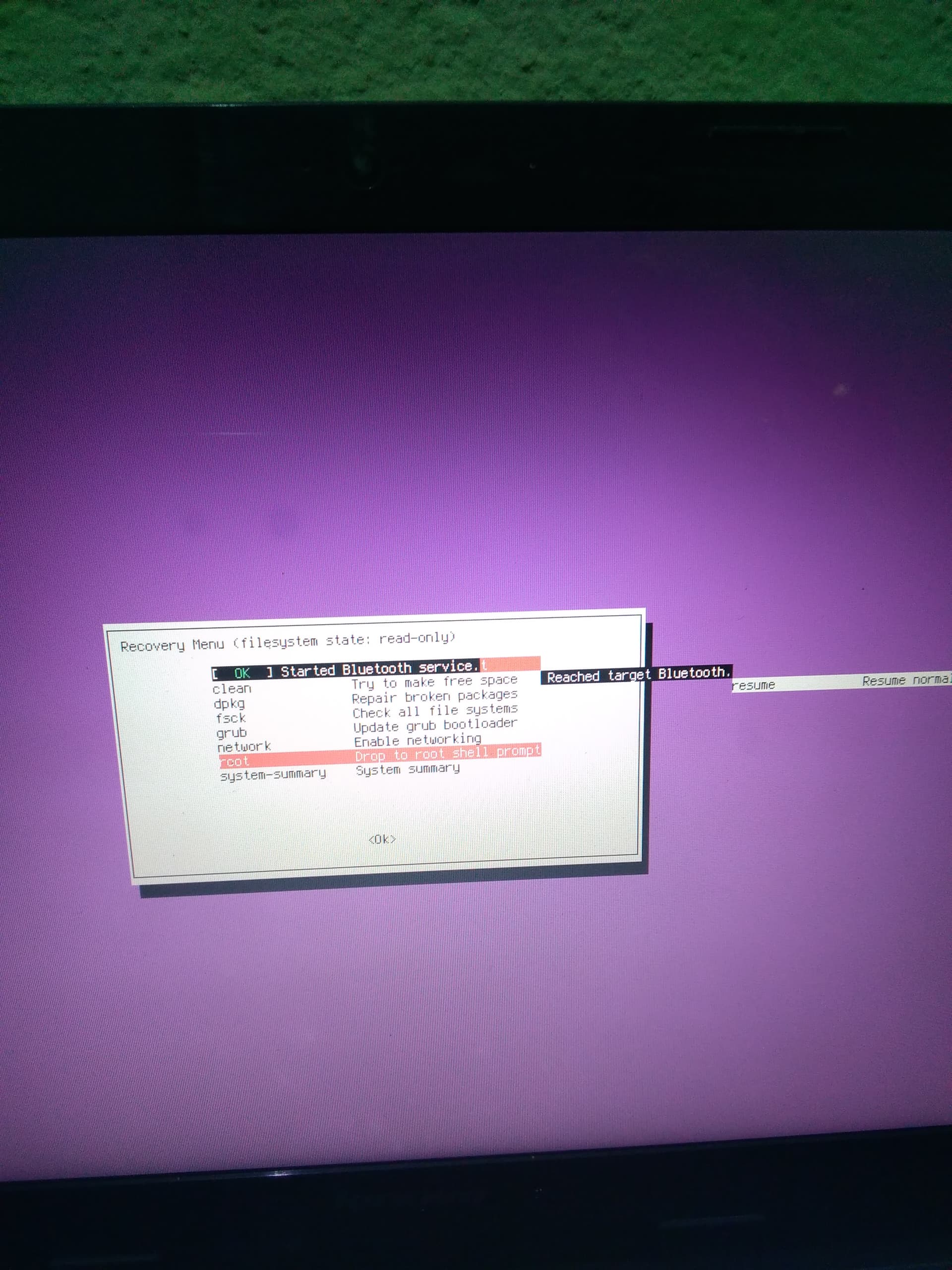
That's right.
1 Like
Kde full is 979 Mb but my one-day limited data is only 2 GB so downloading that will be my big data wastage.
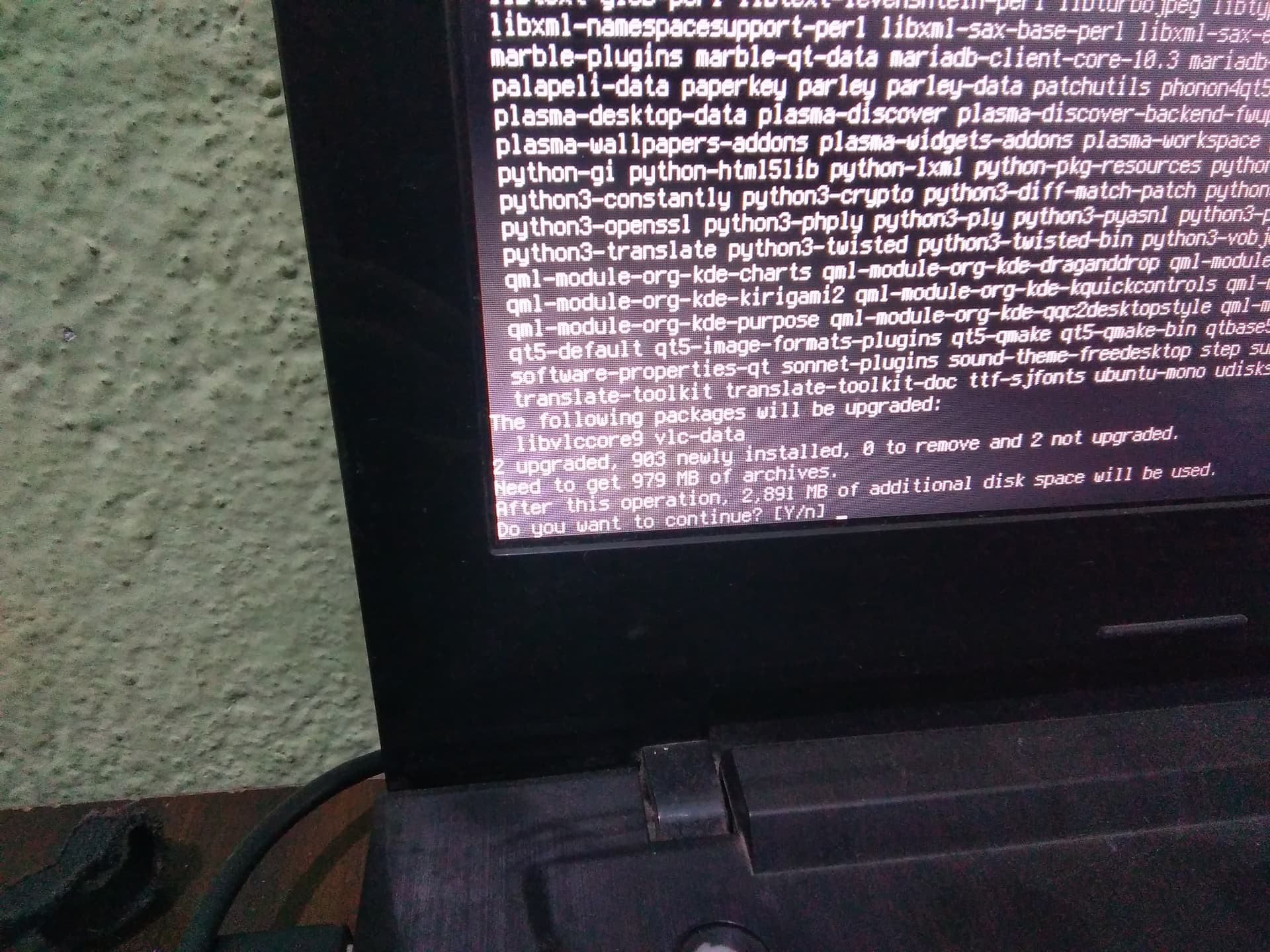
Okay there is no other way I have to do that.

2 Likes