The commands (no.1 and no.2) of the first link in post 2 you can use to become a little bit free space:
"boot into Advanced Options for Zorin then select the (recovery) option and then arrow key to Drop to root prompt (This avoids adding any new files to root when you boot).
sudo apt clean && sudo apt autoremove
Clear out old logs:
sudo journalctl --vacuum-size=200M
"
Perhaps you have silmilar options in grub menu in Zorin 13.
Can you enter "shutdown now" or force shutdown with power button if nothing else is possible?
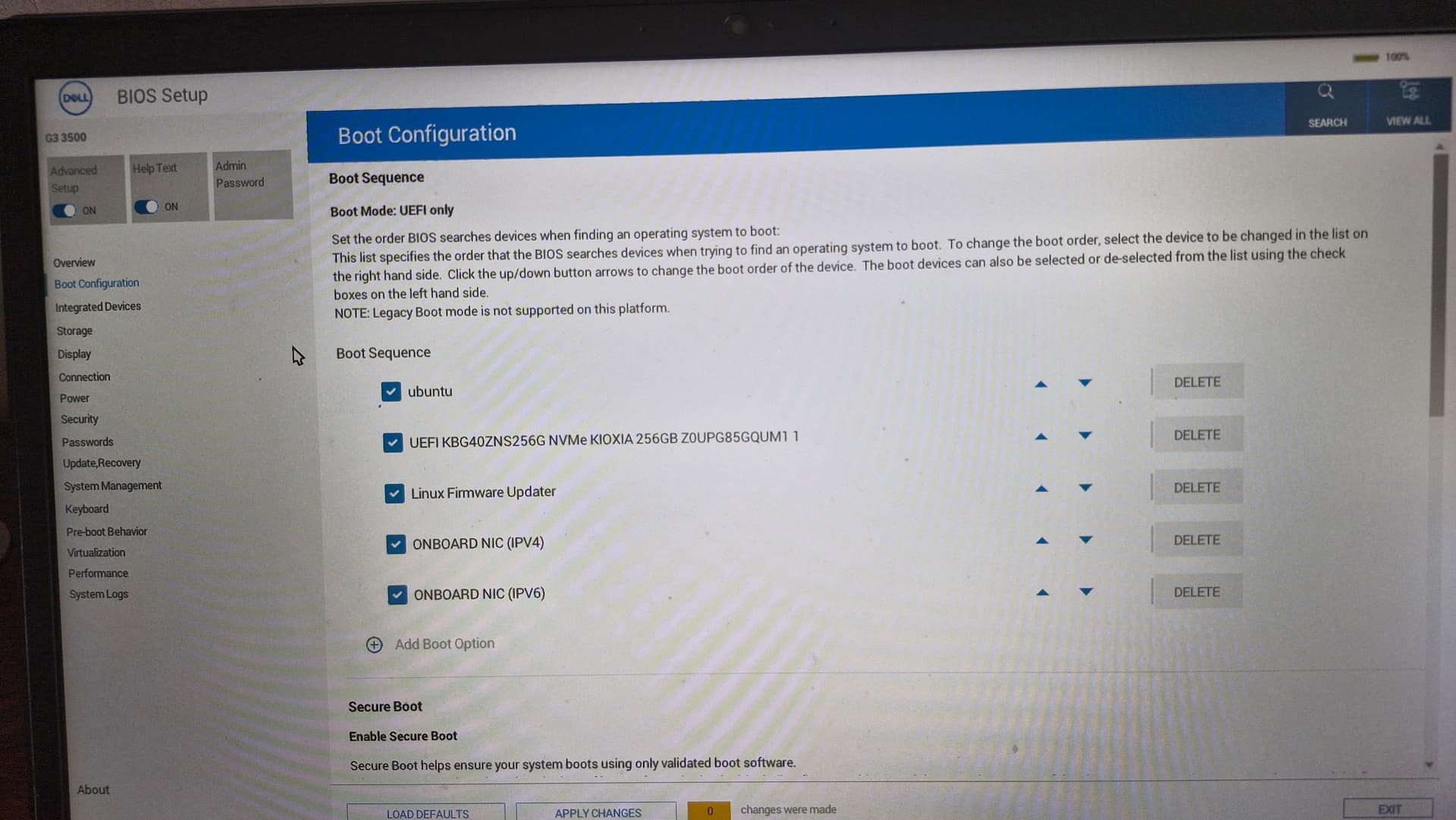
The advanced options are only shown when you enter grub menu at boot. On dualboot you can see the grub menu with advanced options, when you have no dualboot then press esc (or sometimes tab) repeated when you have EFI or left shift key when you have legacy BIOS at boot.
@Aravisian
After setting "Drop to root prompt" is there a further command needed to give write permissions ? I've never used this mode but read about recovery mode the following:
"The root partition is mounted read-only. To mount it read/write, enter the command
That should not be needed in any case. The commands you gave above are instructions, not write commands.
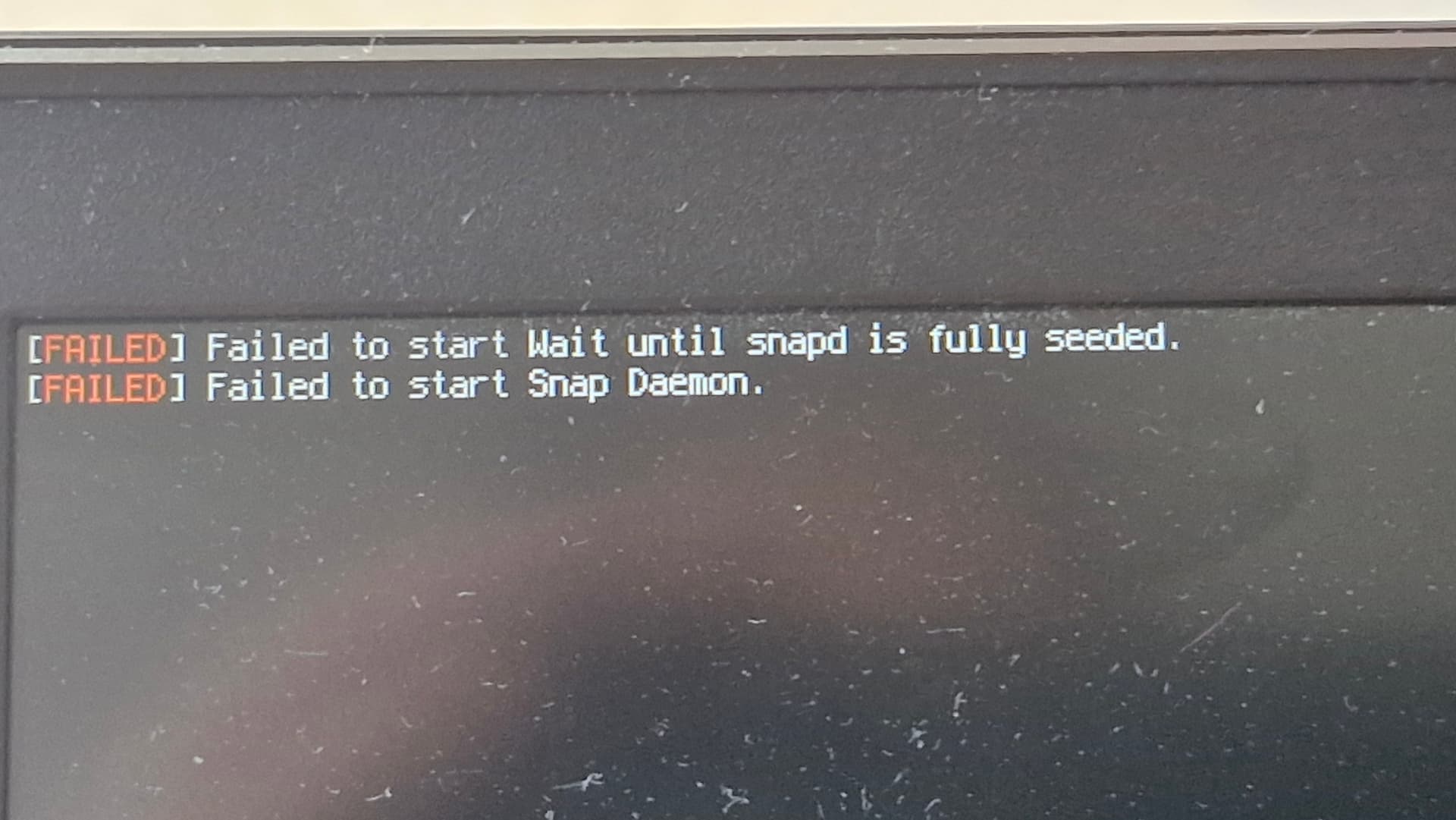
In addition, the O.P. is spot on about Snap Packages filling Root causing him to run out of space.
If it was me, I would clear out any unused Snaps - or... Switch to Flatpak if the O.P. wants the latest versions of packages since Snap includes *all dependencies with heavy redundancy whereas Flatpak only brings the needed dependencies, sharing them with other Flatpaks.
@jre10, please boot your existing install using the above method, not a LiveUSB at this time.
Instead of booting fully (Which will hang), boot to the Grub menu, then select Advanced Options
From there select the Zorin on -kernel- (recovery)
From the Recovery Menu, arrow key down to Drop to root prompt to use the Terminal.
From this point, try tapping tab key.
If the tab key does not work, try tapping esc key. These two keys are used to engage the Grub Menu on EFI boot if the menu is set to hidden (This is partly why I keep my setup with the menu set to always show. I want it available when I need it.)
If using MBR (Legacy) boot, hold the left shift key, instead.
Set the boot options in your BIOS so that the computer boots from your normal drive. Then boot and press the keys (shift, esc or tab-you'll have to try) like a wild one, many many times in a row until grub menu appears.