I first tired 1.0 and that was pretty much useless 1.7 has an extension manger, but there is no way I'm paying to read content or use a new version of gnome tweak with a wallpaper setting. I have only used a couple of themes so far.
1 Like


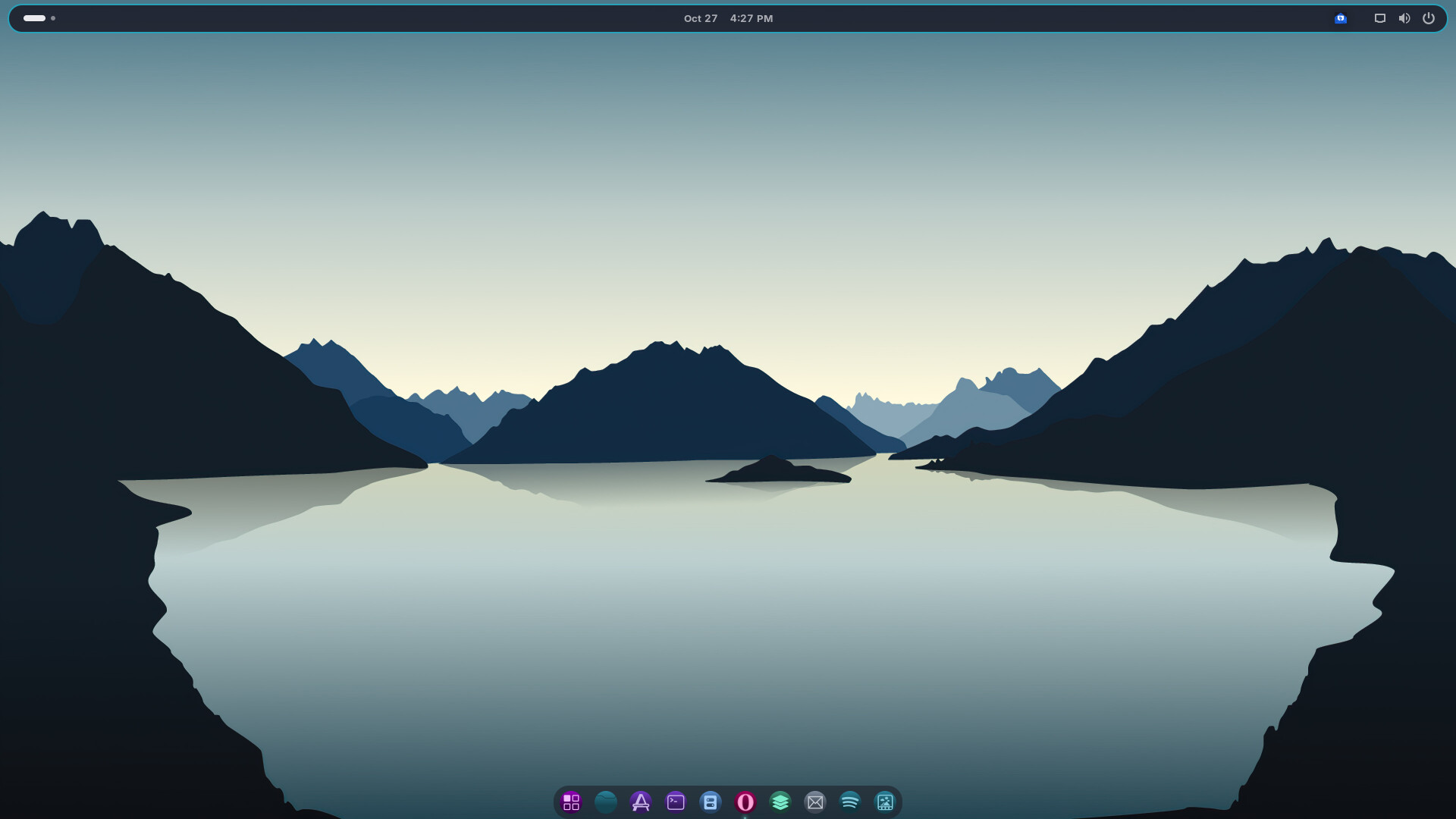
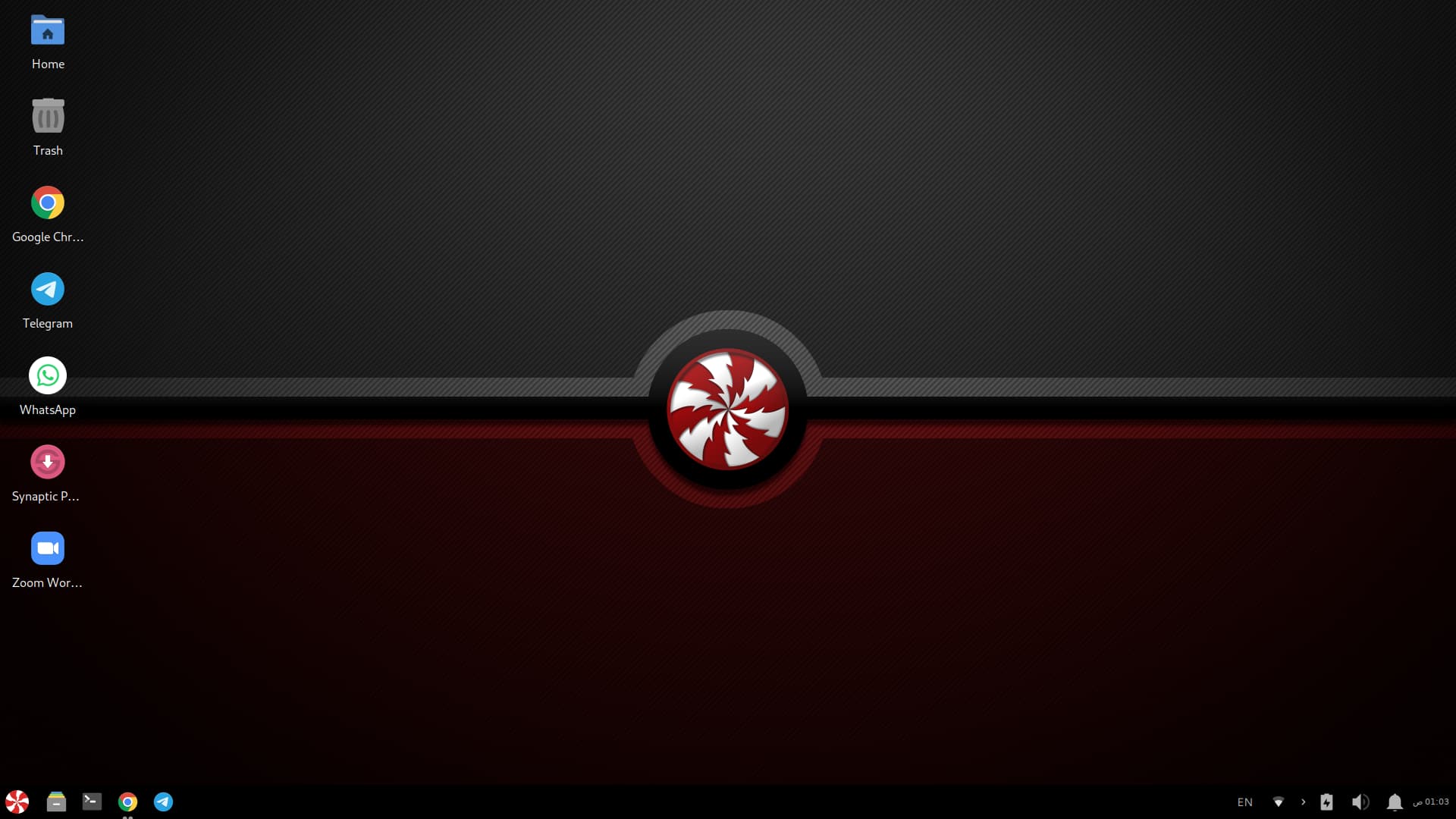
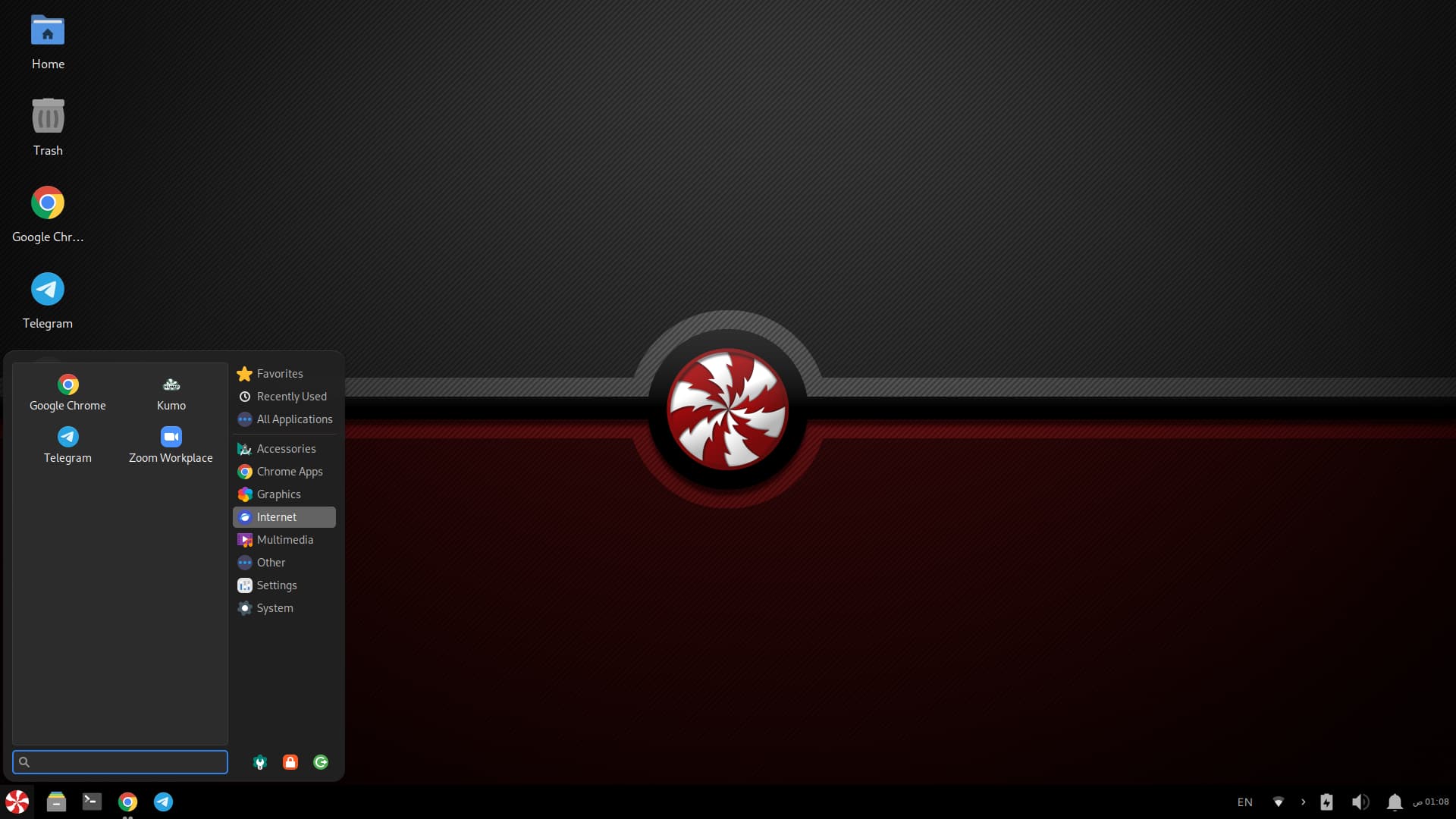
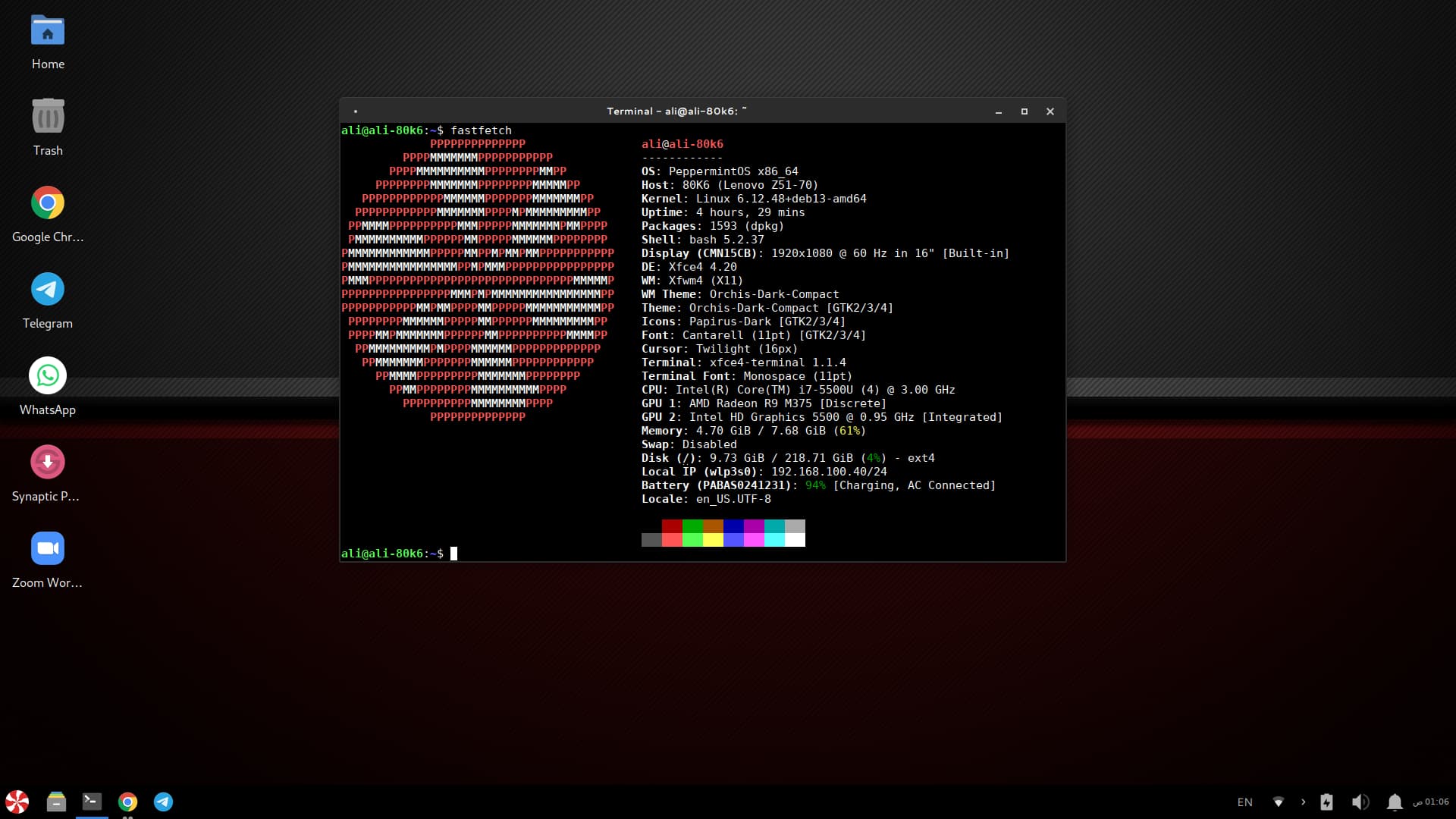
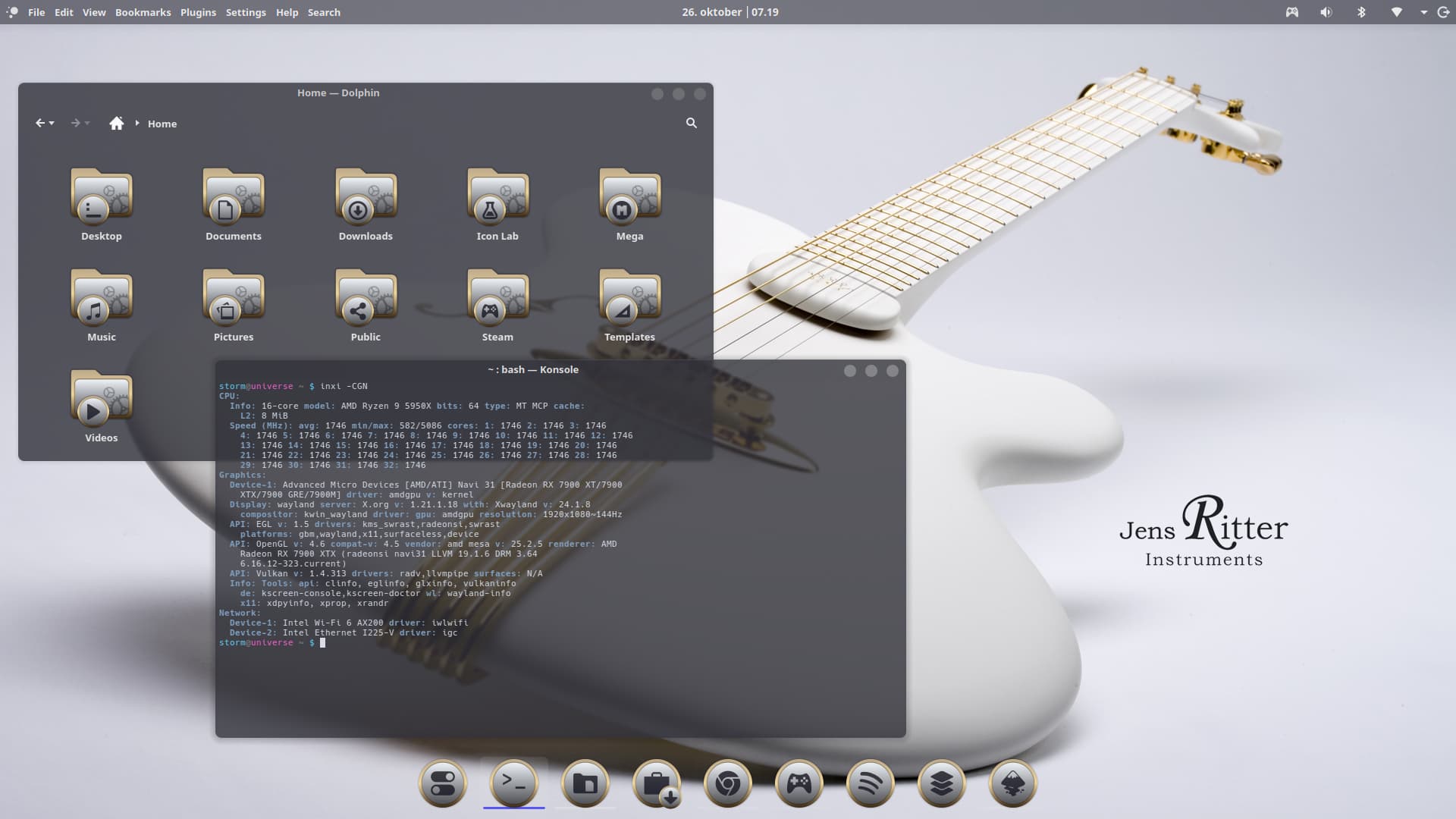
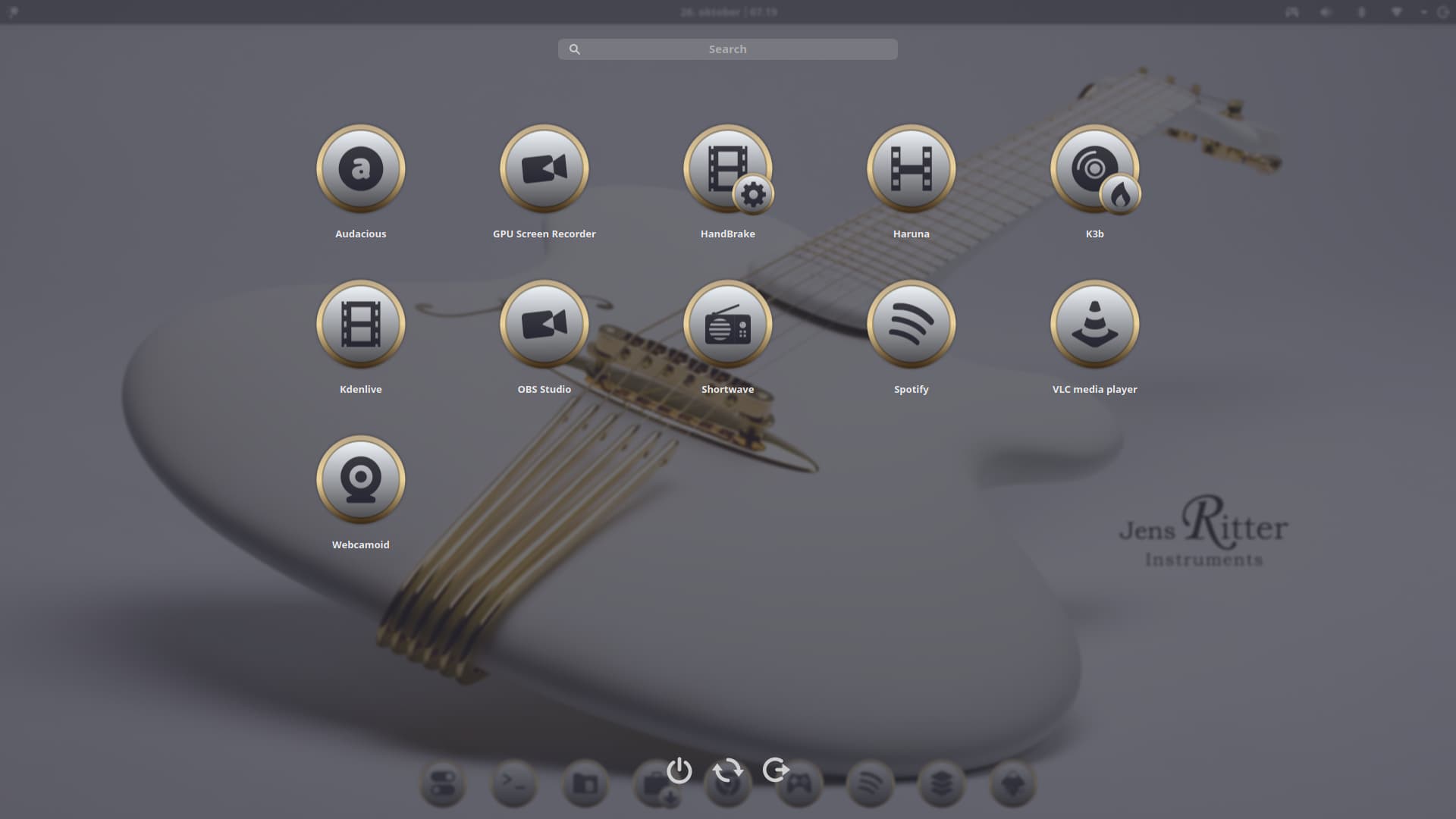
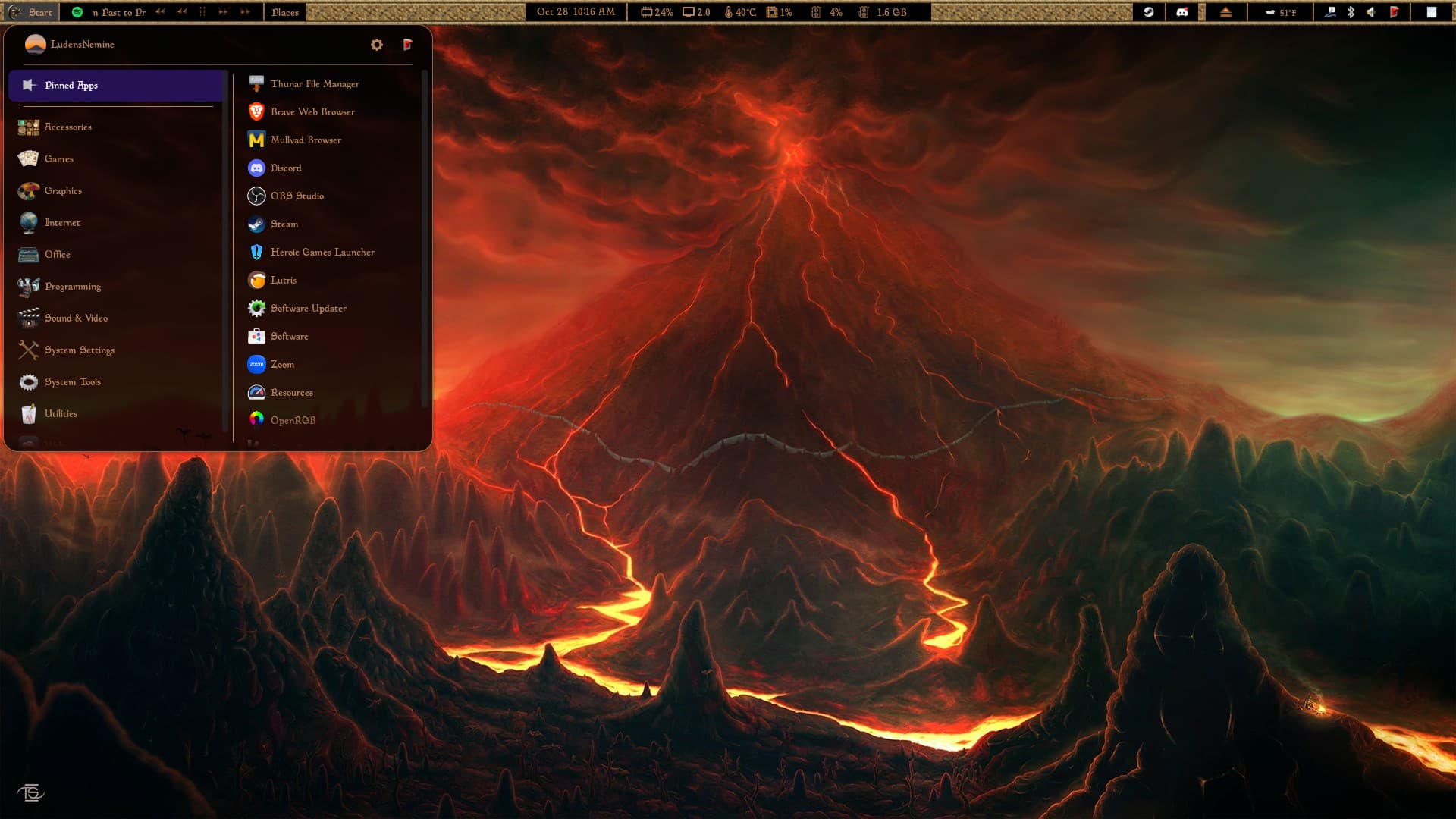
After a lot of tweaking, figuring out Gnome extensions and getting inspired to work on my own desktop theme, I put together a Morrowind-styled desktop!
8 Likes
This is giving me very strong 90's RPG vibes... I love it!
3 Likes
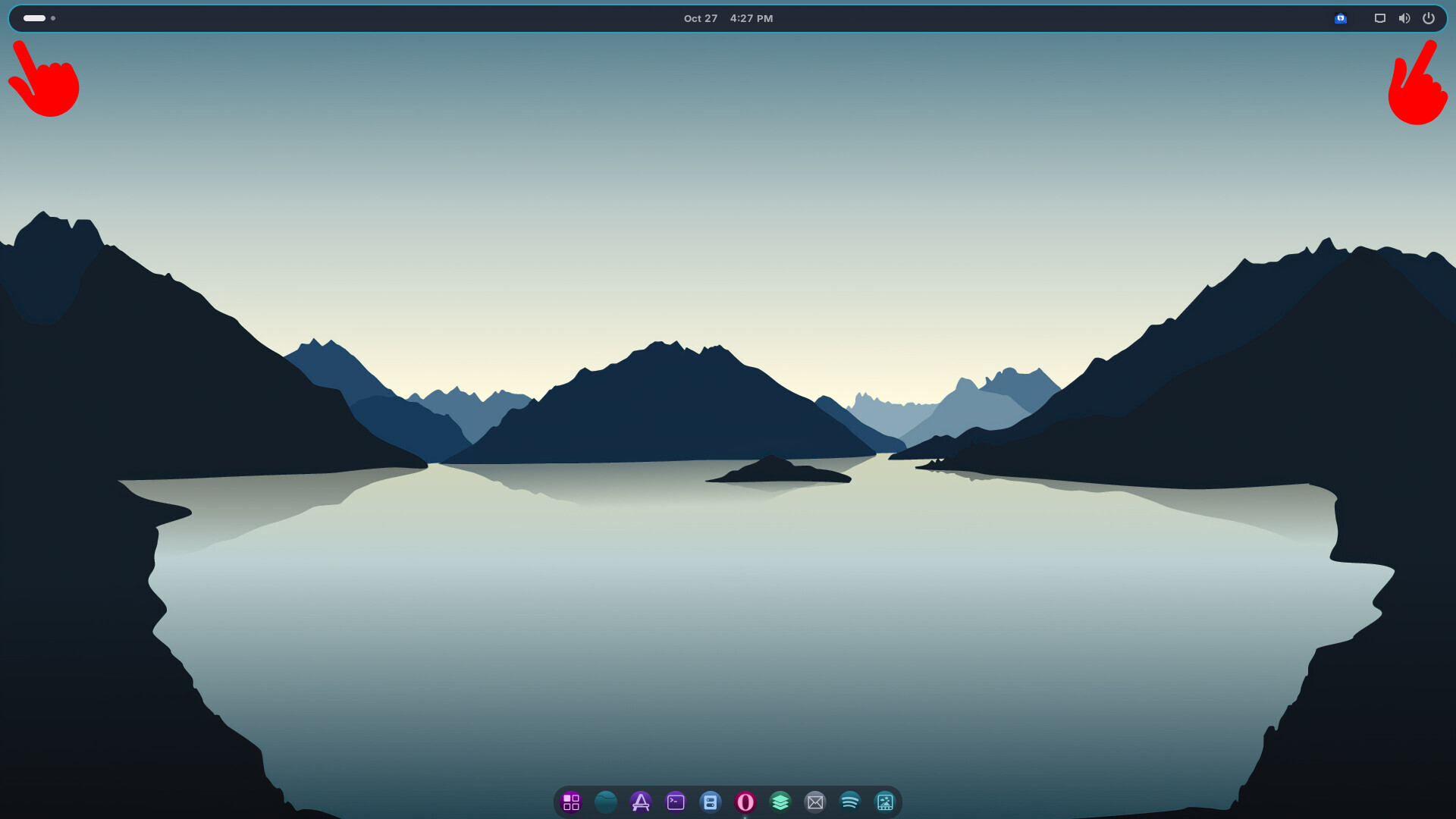
Just wanted to share my desktop setup after getting inspired by all these amazing ones I've seen. It's been a fun little project, and I'd love to hear your thoughts !
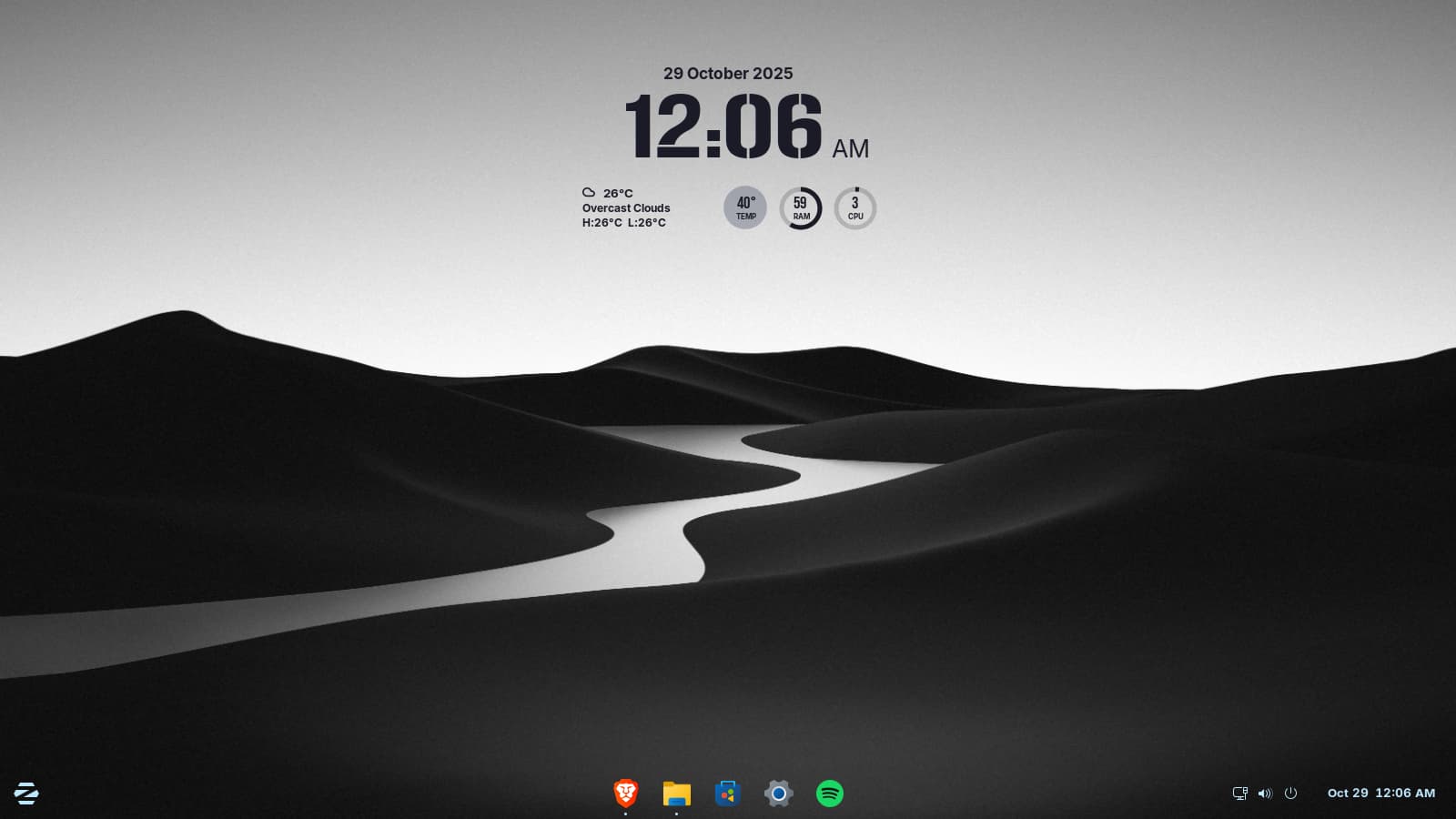
Definitely minimalist 
11 Likes
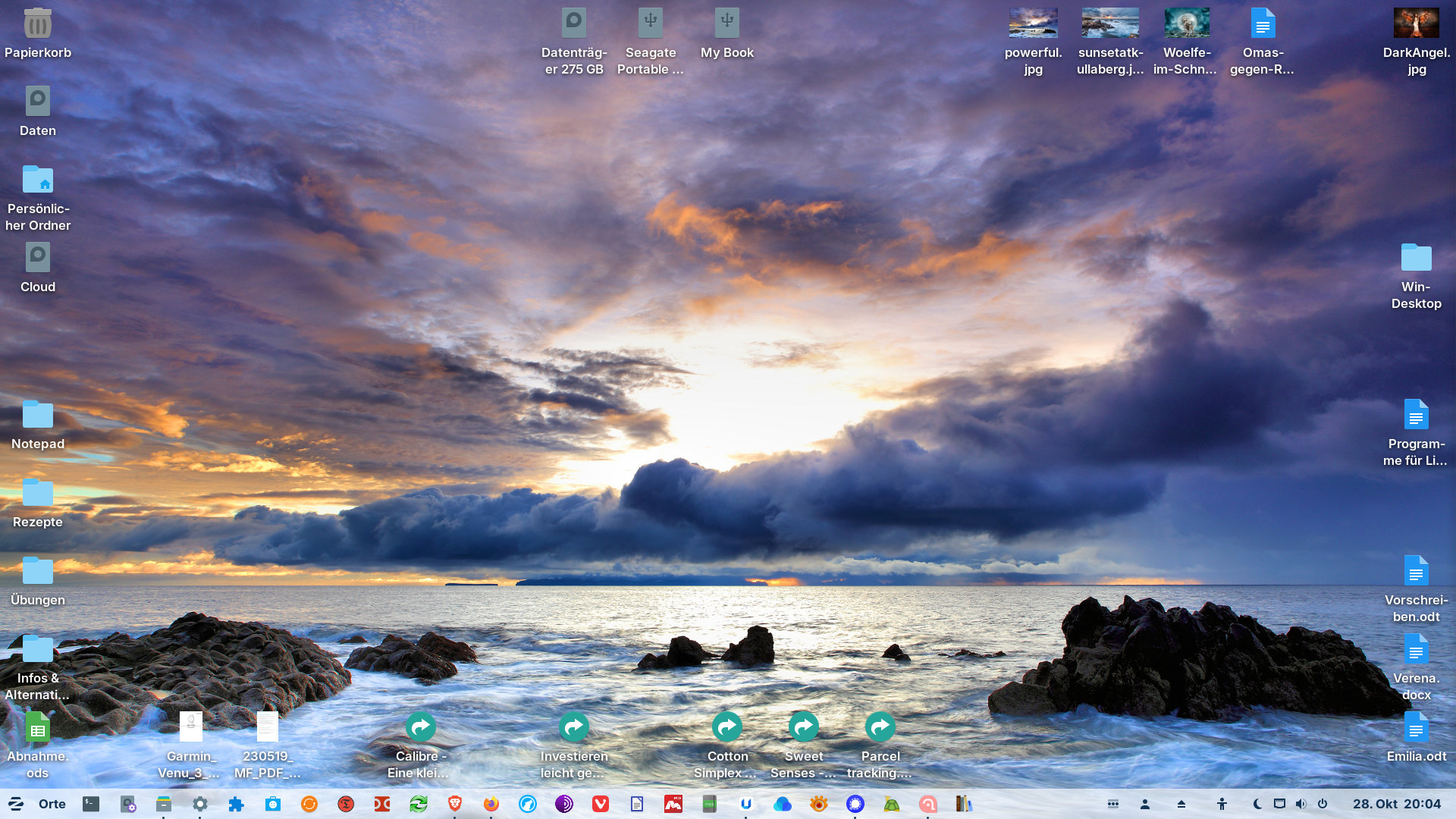
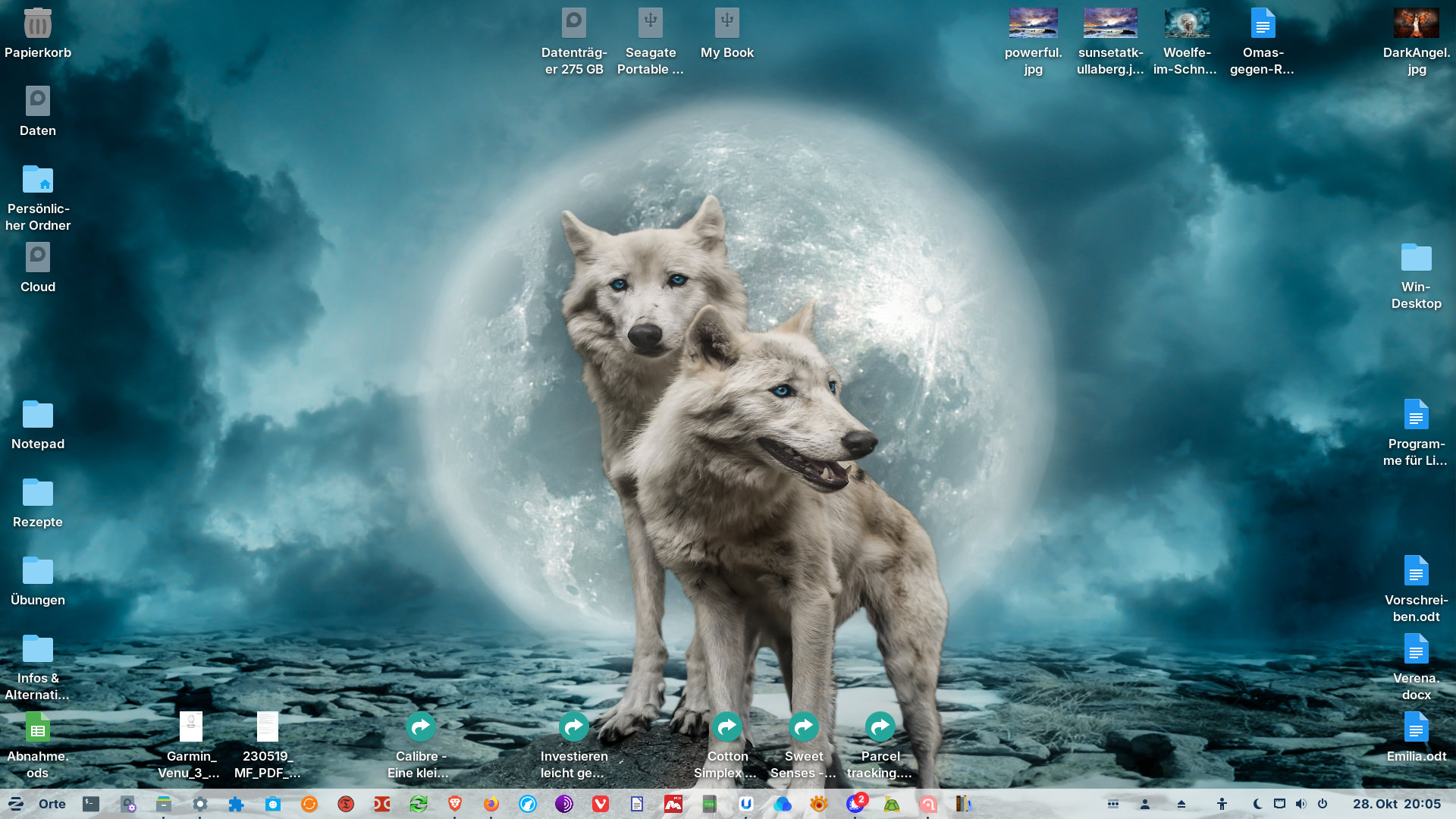
 .
.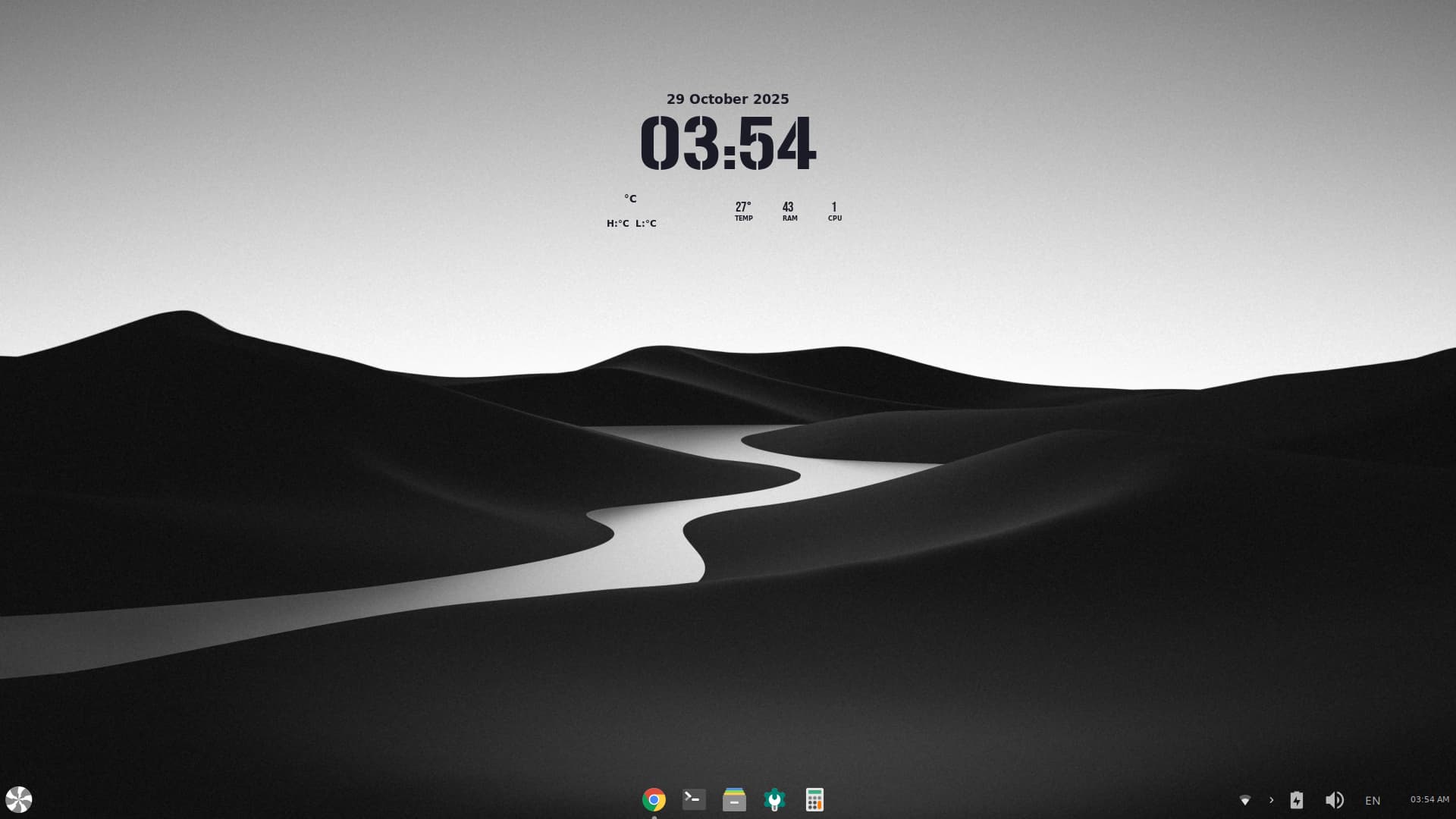
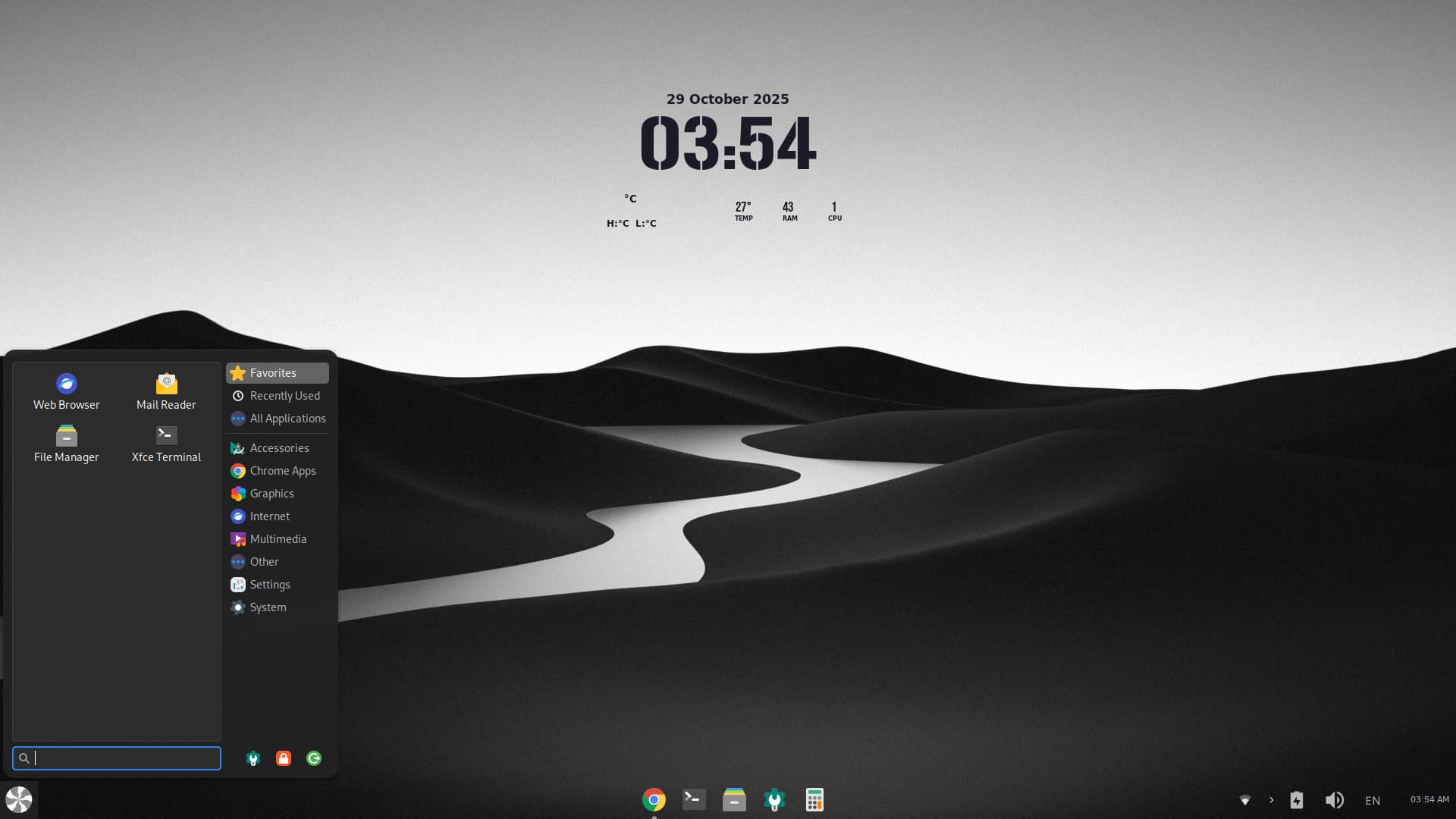
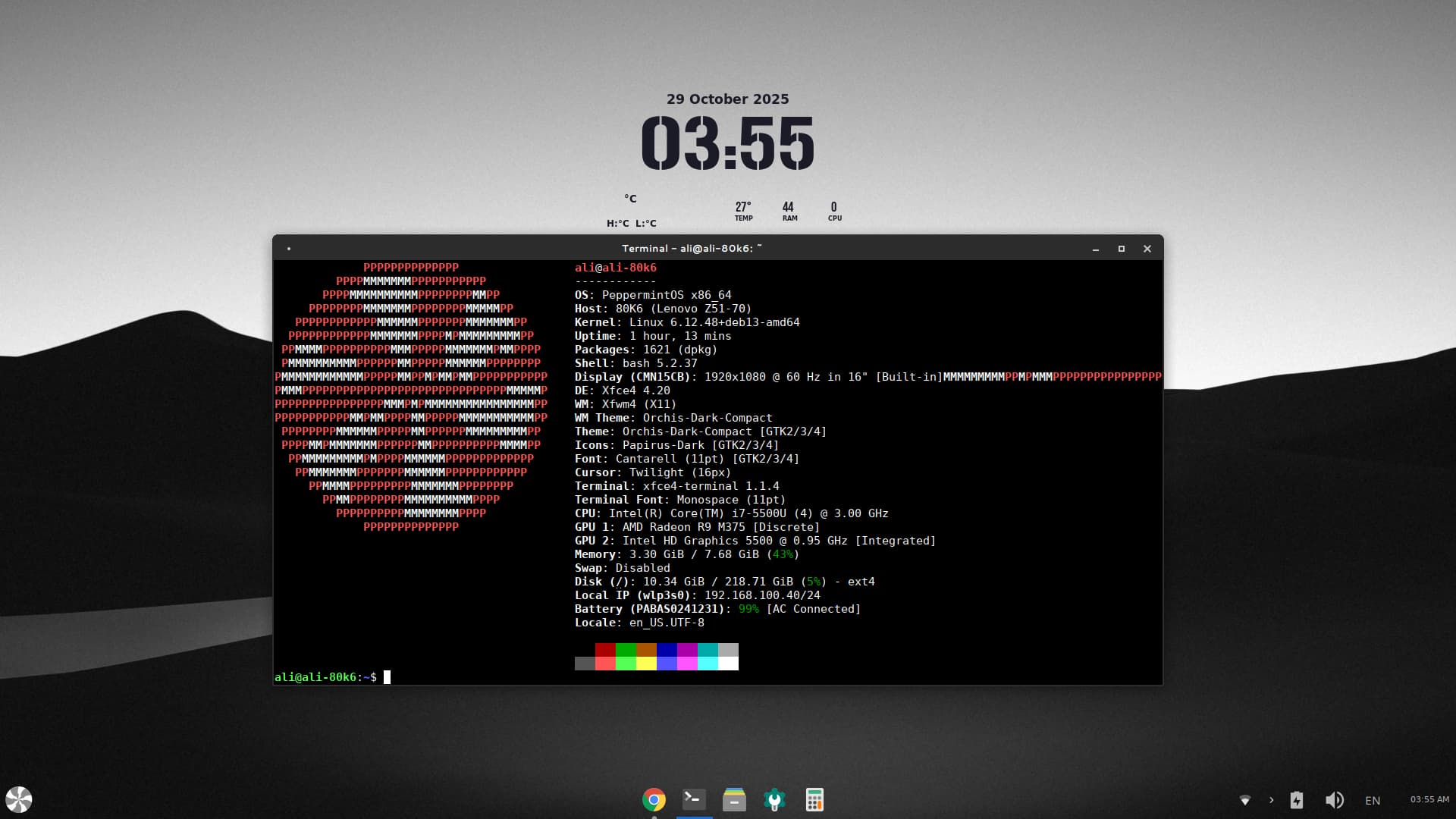

That's awesome! It's really cool to see my design inspired you. Your XFCE version looks fantastic. Great job replicating it! 
Also for that lua rings to work, make sure you have conky-all package instead of conky-std .
But let's be real my icons are way better.  Just kidding...
3 Likes
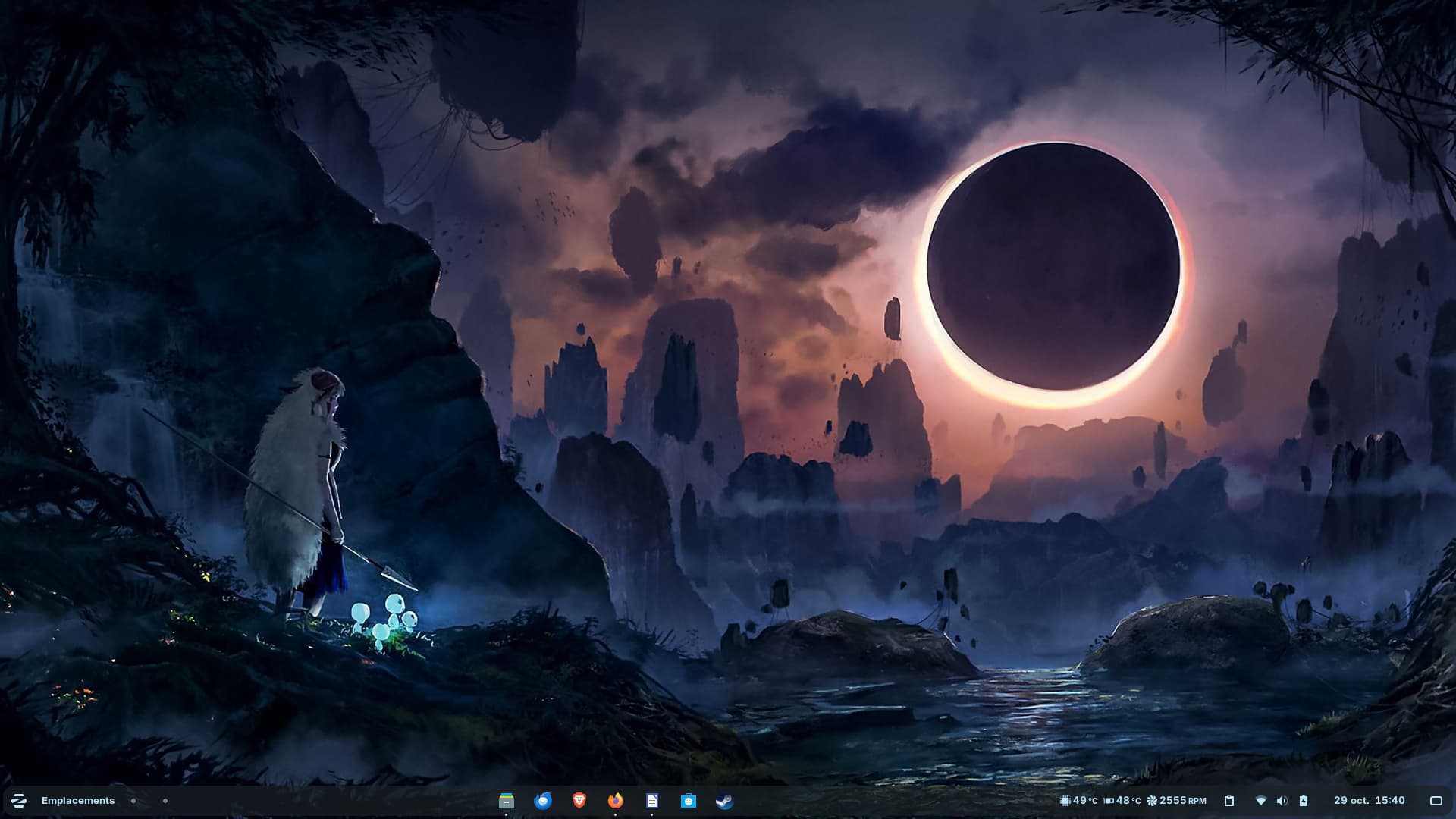
Okay, let's try Zorin installed on my workstation, which also happens to be my personal computer (Lenovo P53 - Intel/Nvidia RTX3000 hybrid / Intel® Core™ i7-9850H / 32 GB RAM).
During my vacation, while I still have work to do, it's a good opportunity to use Zorin on a daily basis and test its performance. .
Is Zorin as good as Kubuntu 24.04? We'll see! 
I'll share my impressions as soon as i can. This is actually my second test of Zorin 18 on this computer, and this latest installation seems to be performing better...
4 Likes
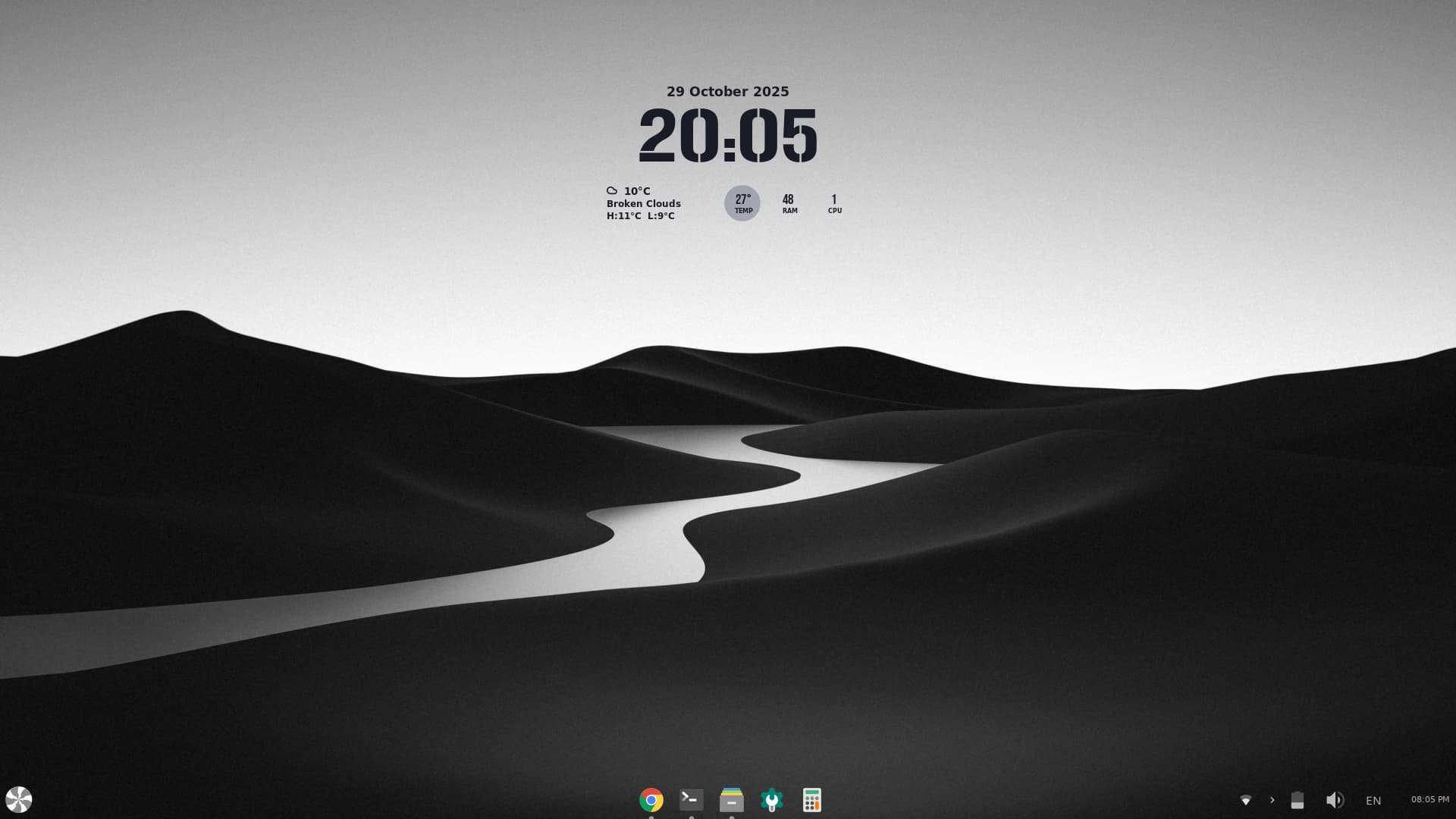
Pretty nice. Maybe You finde some Monochrome Icons. the colored One's ... look a bit too happy in this Design, hahaha!
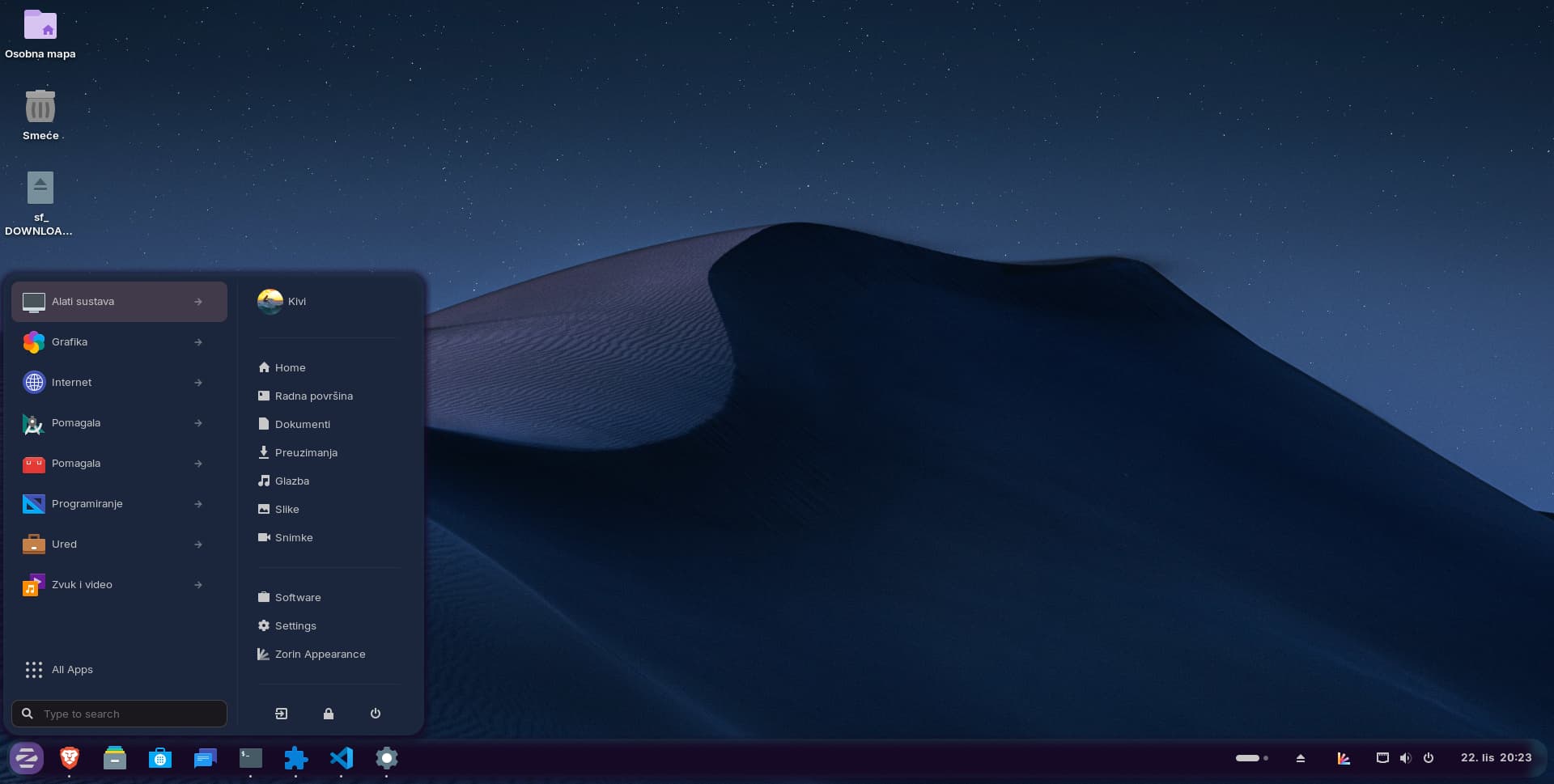
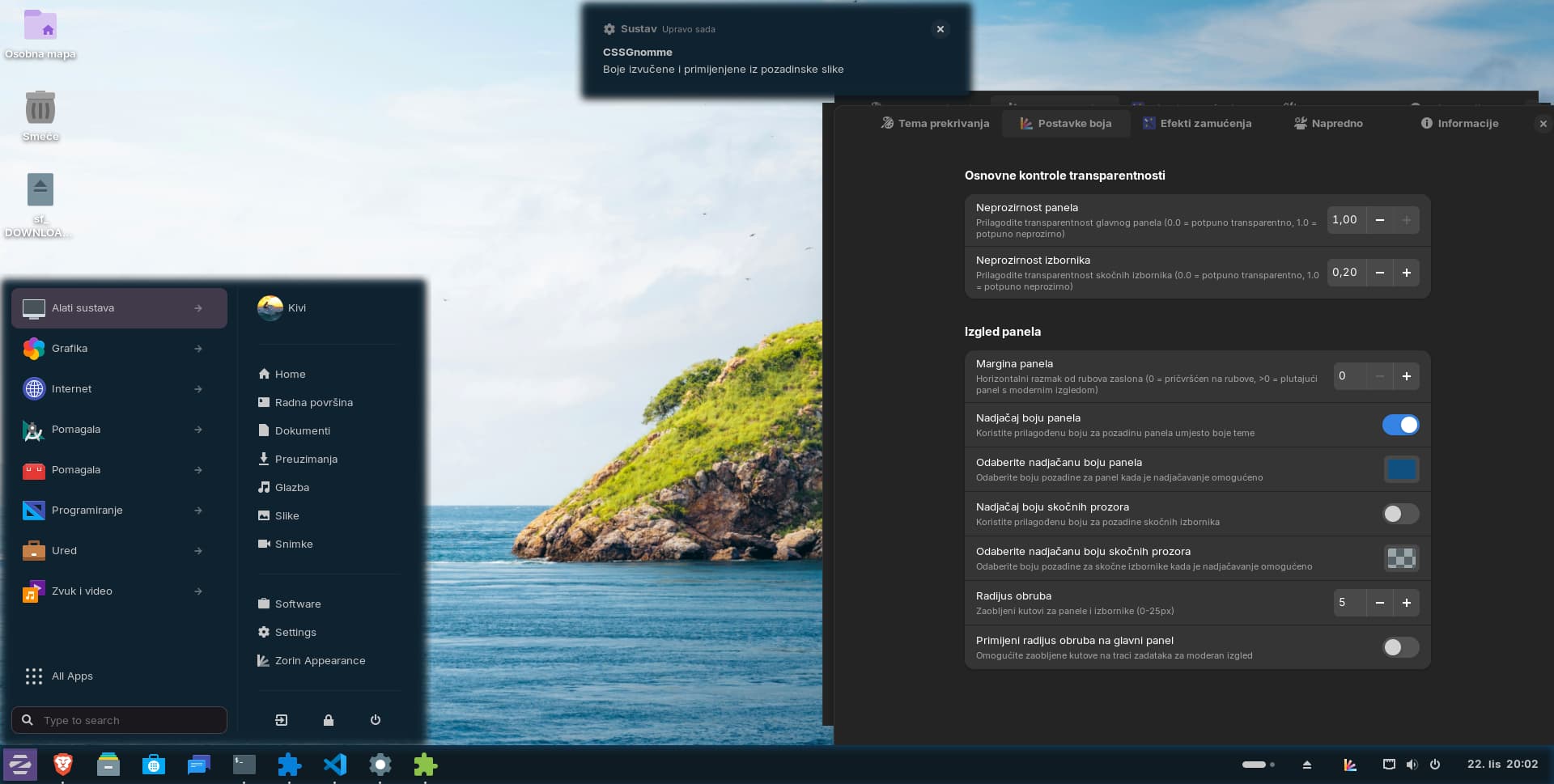
8 Likes

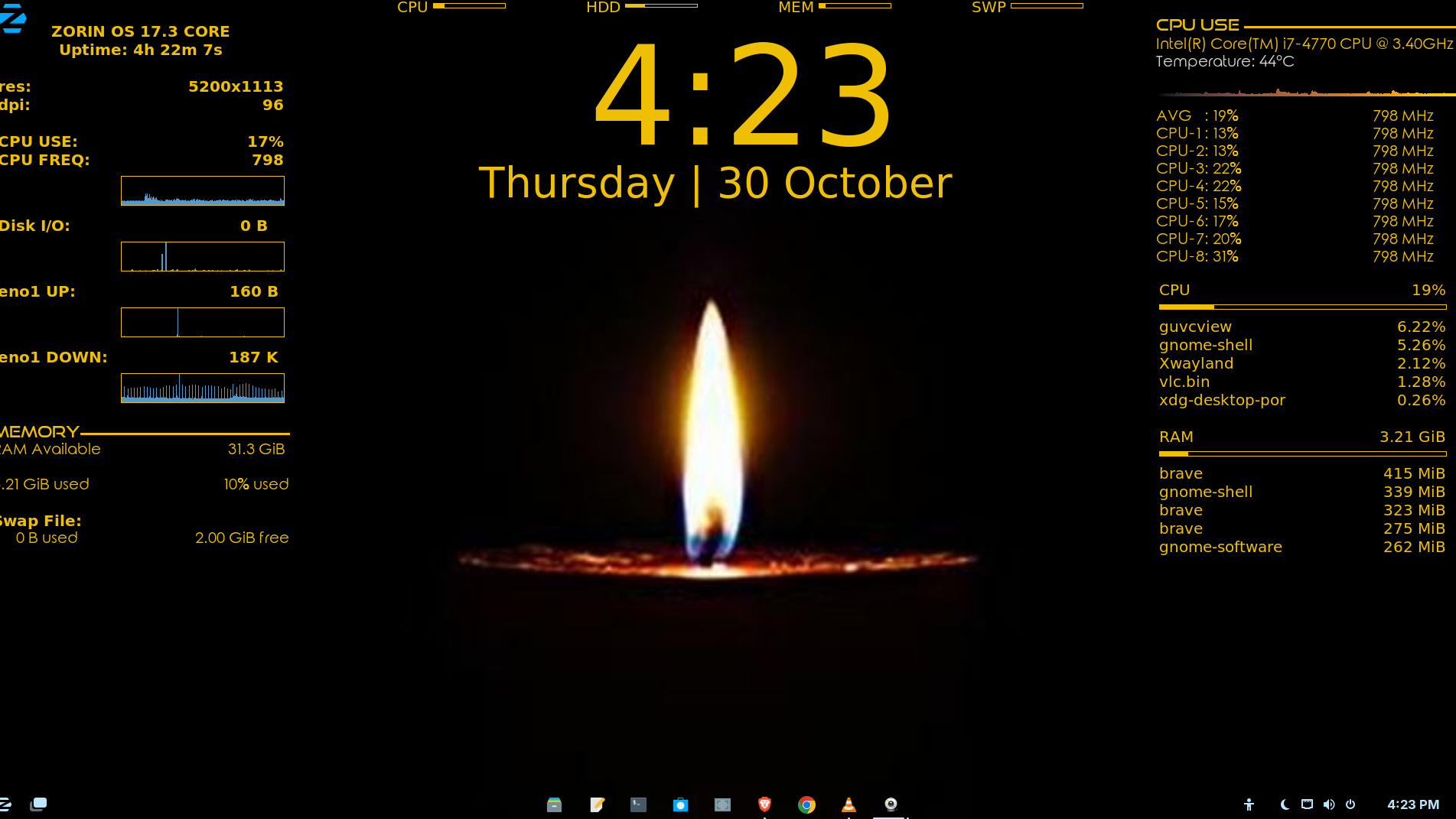
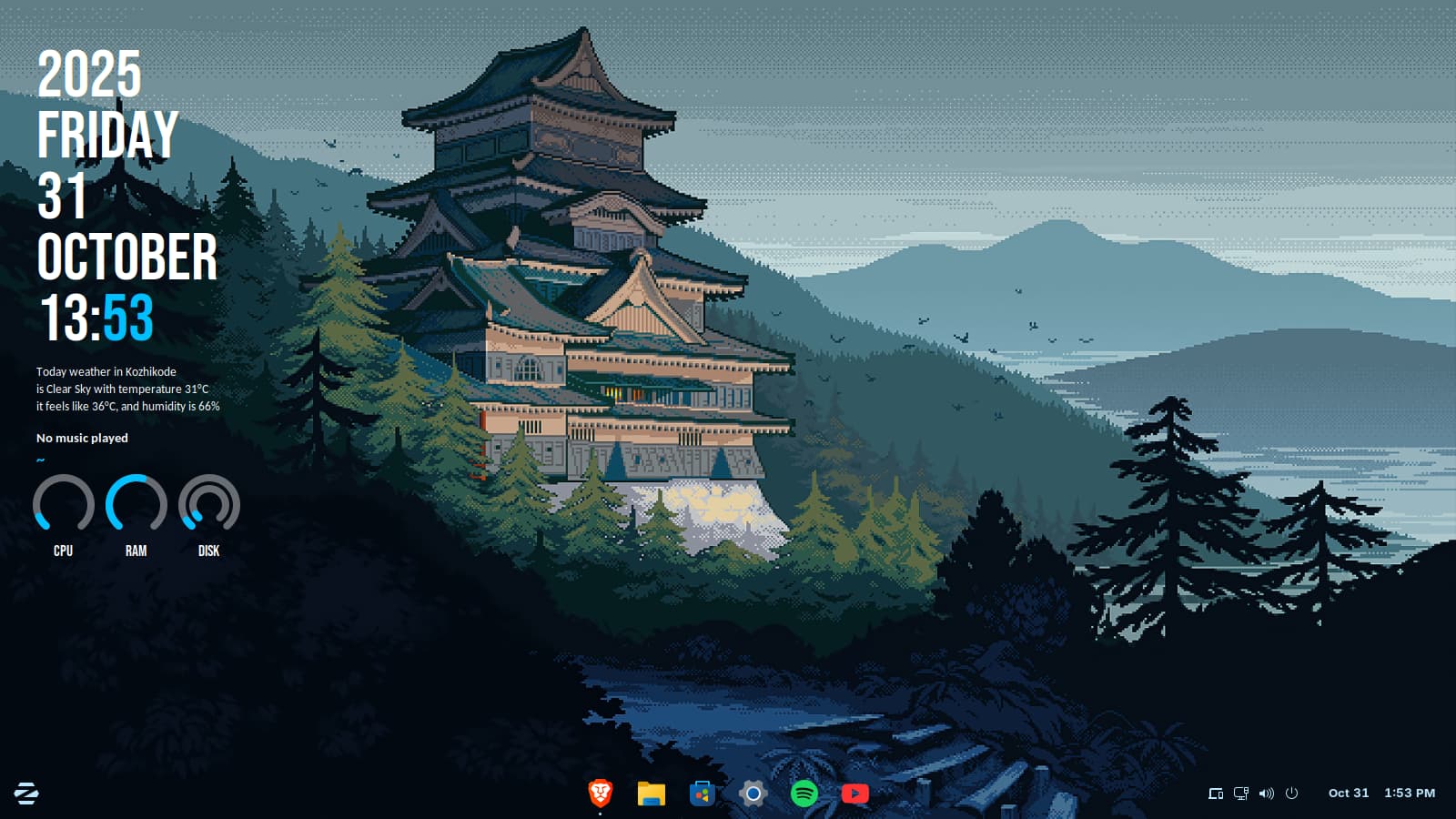
Not sure why, but default Zorin menu does not have layout options exposed (core version), here is shown CSS Gnommé ZOS18 with "Mint" layout activated..
Mint lovers should enjoy! 
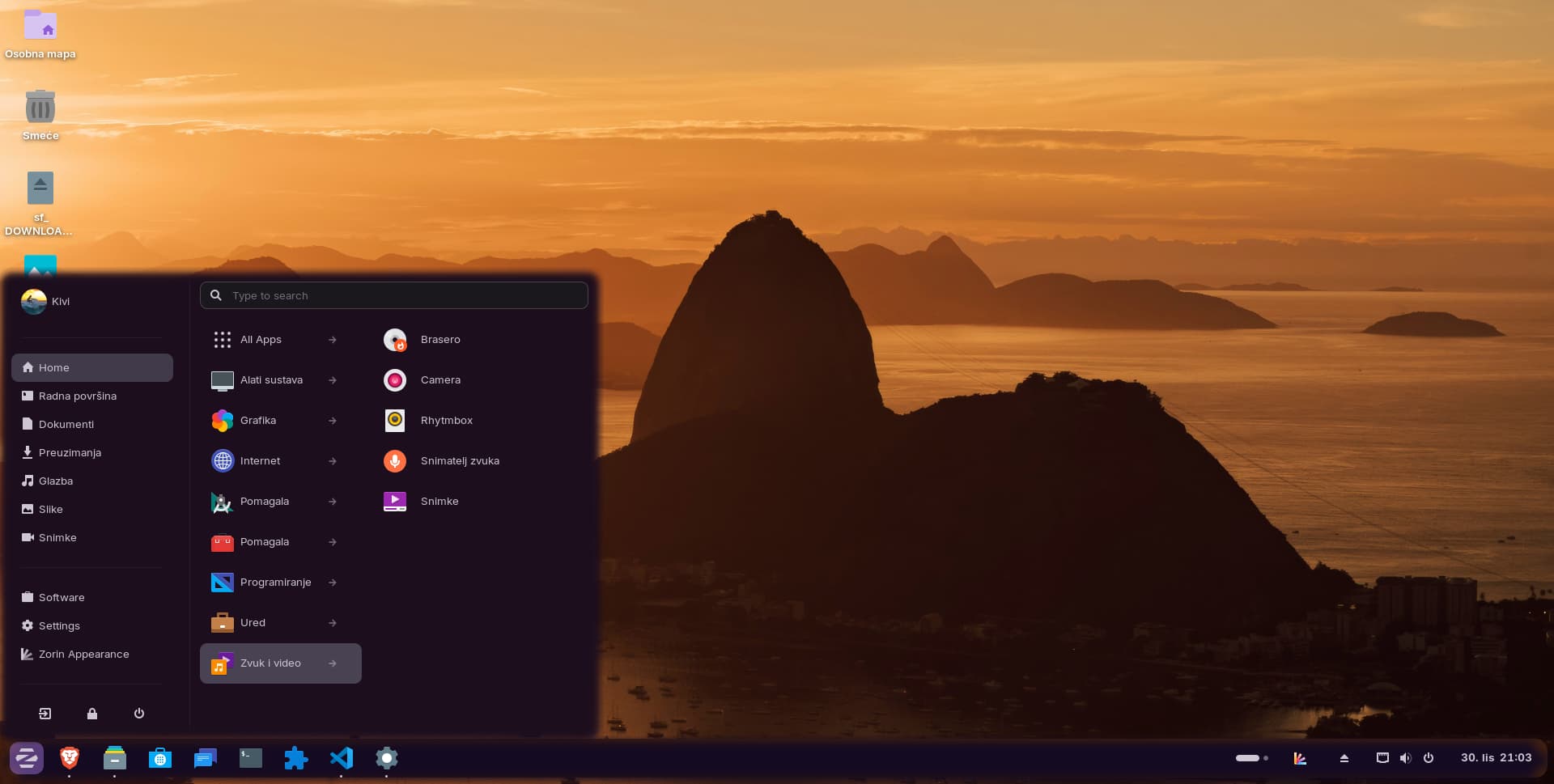
Cheers!
4 Likes
4 posts were split to a new topic: Conky Transparency issue