Zorin OS 18 session crashes when trying to login again after resuming from automatic lock. There is 2 posts about this issue in December 2025 I wanted to know if Zorin OS developers have acknowledged this is a bug and is there any ETA on a fix?
I think the developers are informed about this problem but there is no ETA for a fix. It still happens - but not on all systems, it depends on the hardware.
Did You tried it with switching to Xorg if Your System should run in Wayland?
I tried Xorg for a day and it still crashed but xorg gave me an error message where wayland just crashed without an error message.
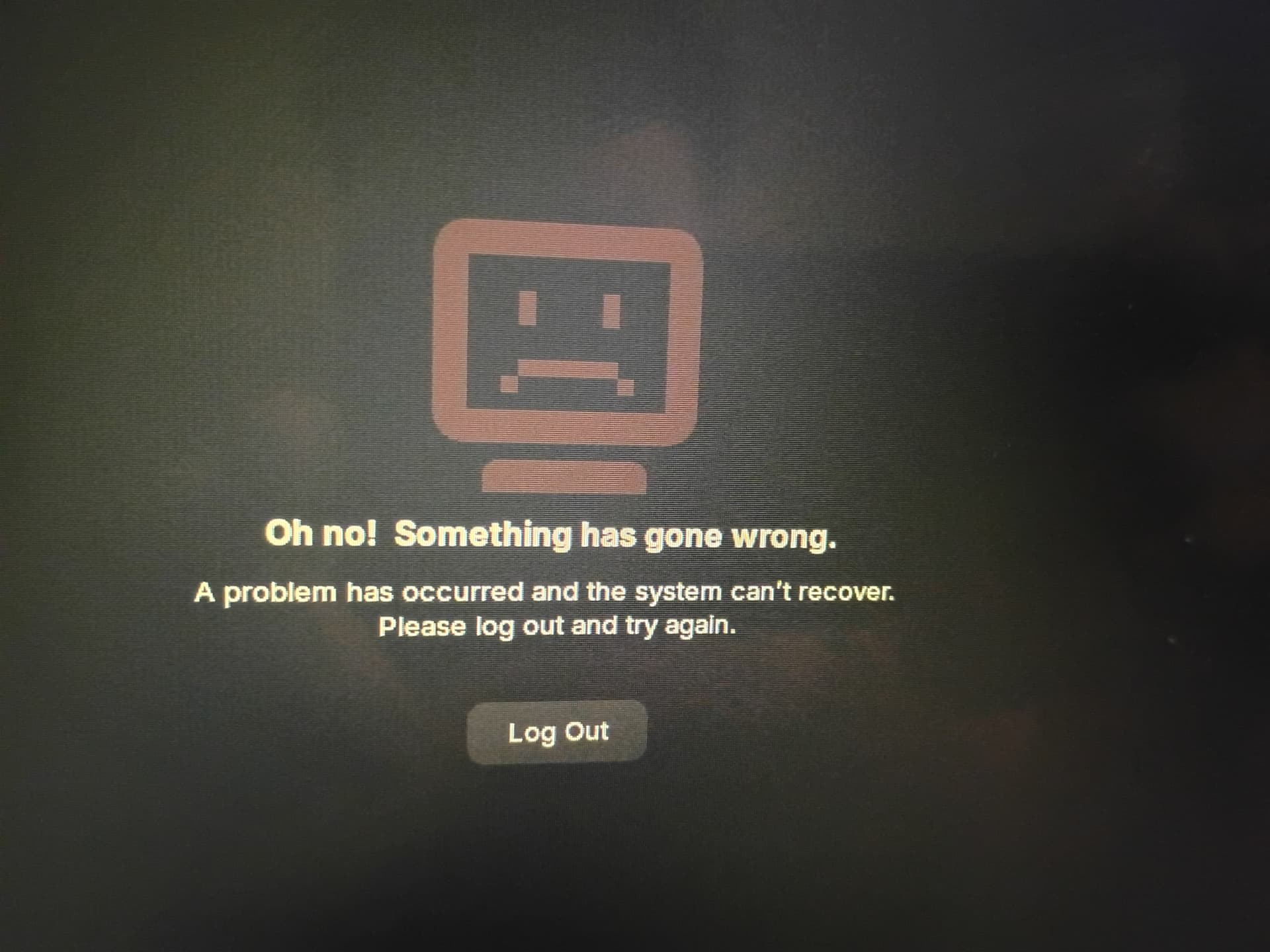
I don't know if this is applicable in your case : "Oh No! Something has gone wrong" white screen of death after upgrade to Zorin 18
I'm having the same issue of my session crashing. My installation is a fresh install of Zorin OS 18 Core and I'm using Wayland as well and I've got the latest updates installed from Zorin.
PC Specs Intel i5 13600K, 32GB DDR4, AMD 9060XT 16GB GPU
What's interesting is I have an older Intel i5 6400 system with 8GB of RAM and I don't think I had the issue on there and that was an upgrade from 17.3 Core to 18.0 Core, and I've got a laptop with a 4th Gen i7 in it which is a fresh install and I don't think I had any issues there. The only other thing I can think of for my installations is that my main PC OS drive is NVMe while my other older systems for testing use SATA SSD. Those also each of those systems are using a different GPU. i5 6400 is using Intel Integrated, while the laptop is using Nvidia drivers for 860M / Intel Integrated and my Main PC is AMD.
Welcome to the Forum!
Because Your System runs in wayland, You could switch to Xorg and see if it behaves the same.
Maybe a newer Kernel could offer better Hardware Support.
I switched to Xorg and still experience the same issue just not as frequently as in Wayland. My computer has similar specs but mine has an Intel i3 24GB and intel integrated graphics card. Switching to Xorg does not get rid of the problem and Zorin OS developers need to fix there broken implementation of Wayland and Xorg since this issue only seems to be effecting Zorin OS.
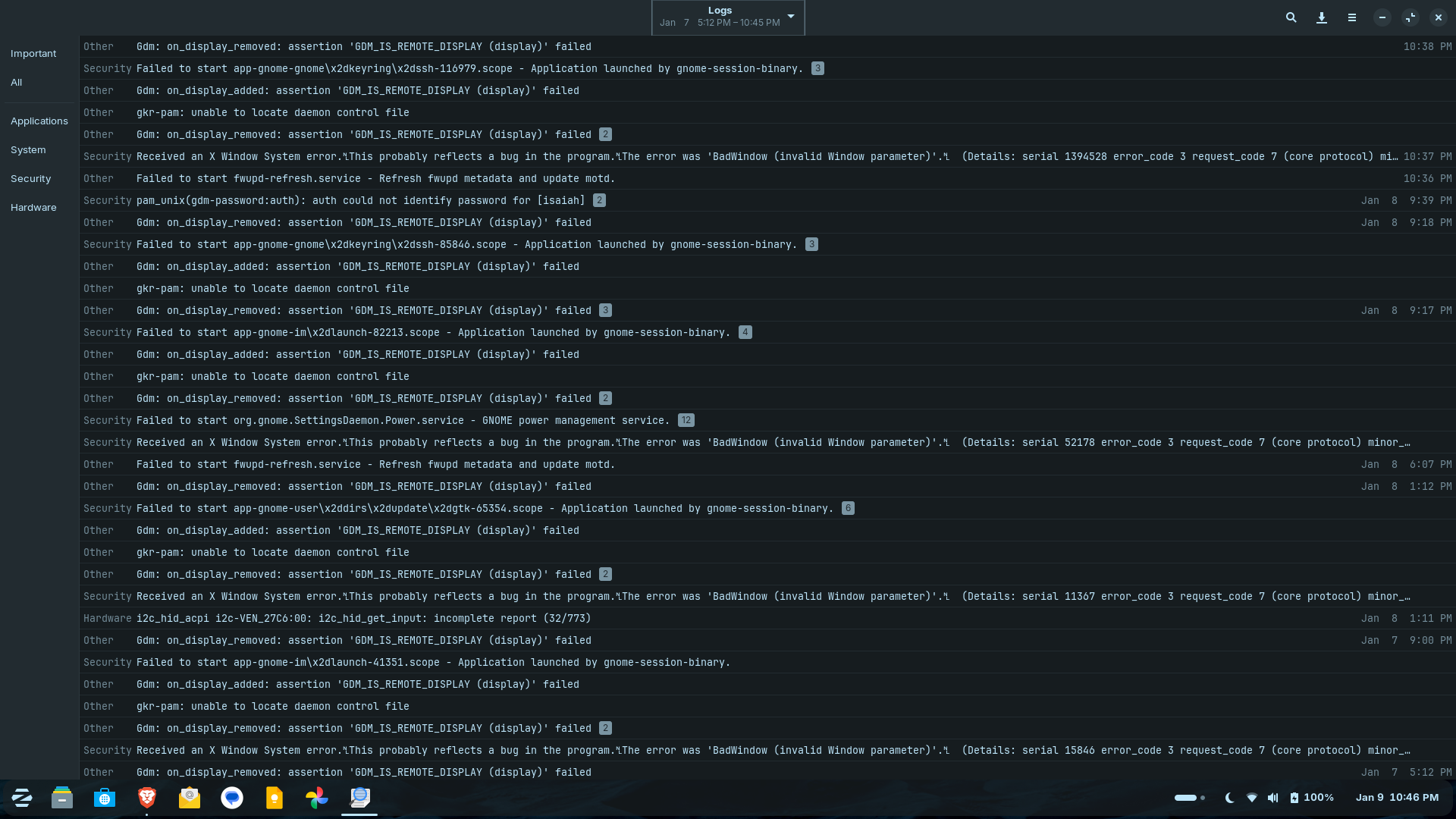
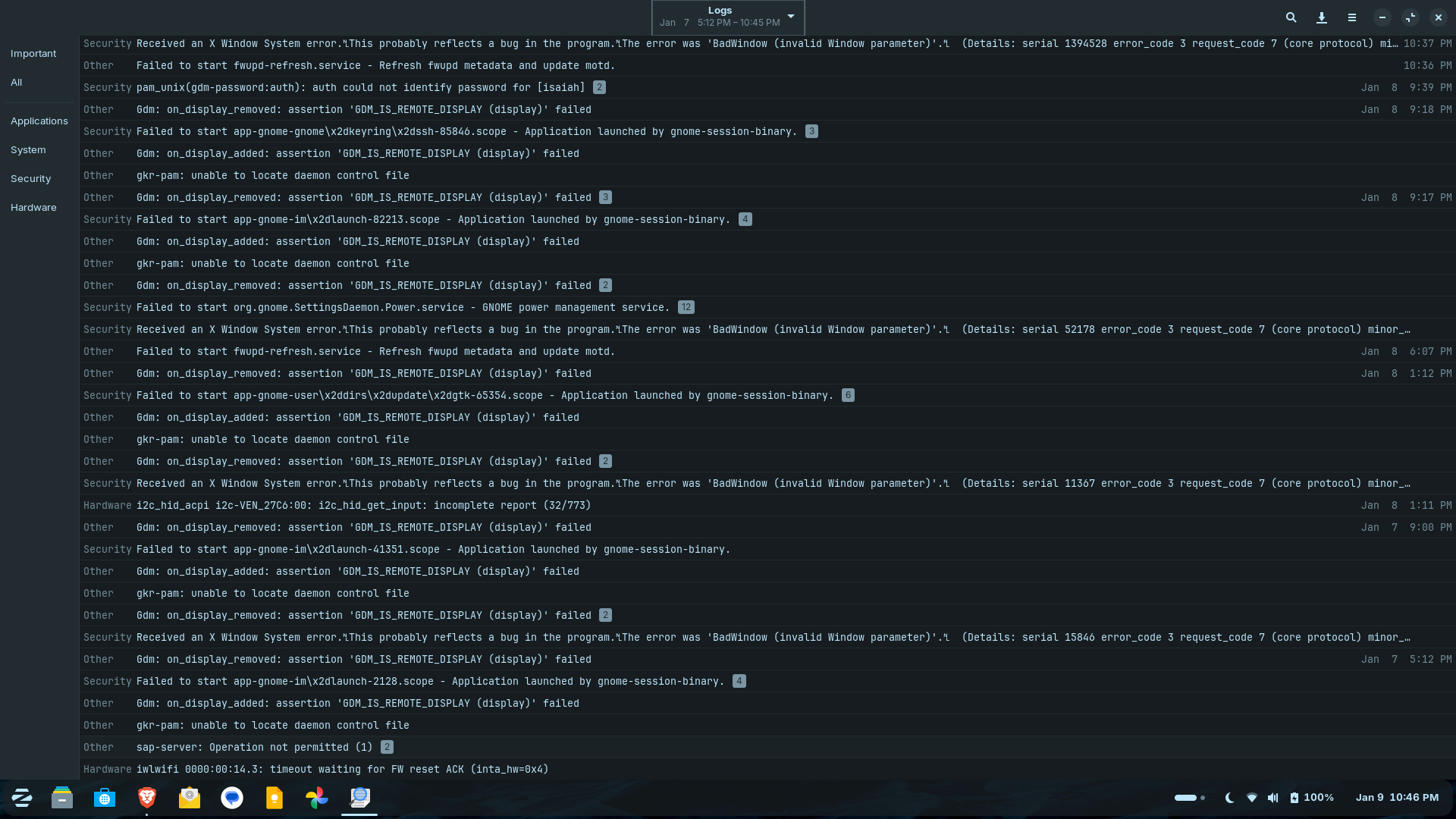
I just had my session crash and I opened up the logs to see if it reported anything and for the only to confirm for the time stamp was this "Gdm: on_display_removed: assertion 'GDM_IS_REMOTE_DISPLAY (display)' failed" That was under the Important Tab. Under System For that same time stamp I have "Lockdown: systemd-logind: hibernation is restricted; see man kernal_lockdown.7" repeated 6 times. Because I have a UPS on my system I thought I had disable some power saving options because it seemed to think my system was a laptop because of my UPS.
I don't have any remote desktop setup on my PC and one of my two monitors is using Display Port while the other is using HDMI.
After doing some searching on the hibernation message, I changed one of the Hibernation options to ignore. This is the site I found about disabling Hibernation
Just a side comment. Gnome Devs don't like users using extensions. You will notice if you look deeper into the OS Zorin uses its own extensions to create a lot of how the OS looks and feels. I feel that Zorin should seriously ditch Gnome altogether and go with a different DE. Perhaps they might get a better experience of MATE as that is basically what Gnome 2 used to be like. Or better yet, move to Plasma and Debian.
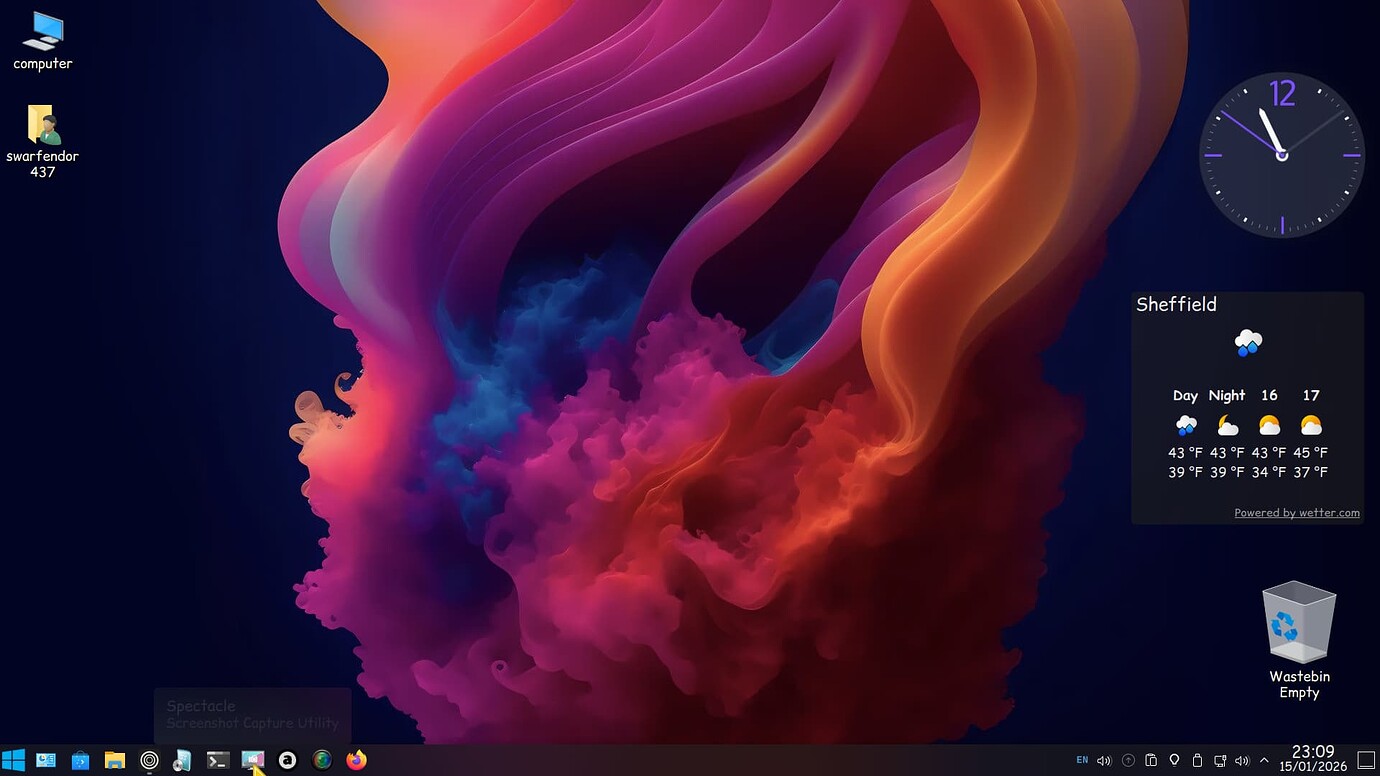
Z18 Core with Plasma 5.27:
If Zorin OS is using GNOME 46 or later it looks like GNOME made some changes that broke some extensions which would require Zorin OS developer team to figure out which extensions are the culprit and issue an update to correct those issues. There is an online article full of troubleshooting steps for Wayland crashes for GNOME 46. https://www.virtvps.com/gnome-46-resolve-gnome-46-wayland-crash-fix/
1 Like
I just checked and my installation of ZorinOS 18 is using GNOME Shell 46.0
Looks like there's some updates to GDM hopefully one of them will fix the session crashing issue. I read through most of the patch notes but I didn't see anything indicating but there are other updates as well, so maybe one of them will fix it. I did have some sessions crash over the weekend. Going to install all the updates to see if it fixes it.
Those updates didn't fix the GDM crashes for me, I'm still randomly getting them.
Maybe a Reinstall could help. Type in the Terminal:
sudo apt reinstall gdm3 zorin-os-desktop